Learn how to unlock and use the Roto-Glide in Pokémon Legends: Z-A to soar across Lumiose City’s rooftops.
What to know
- You unlock the glide (Roto-Glide) during the main story, around Mission 15–16.
- The glide lets you soar over gaps, reach rooftops, and explore hidden zones.
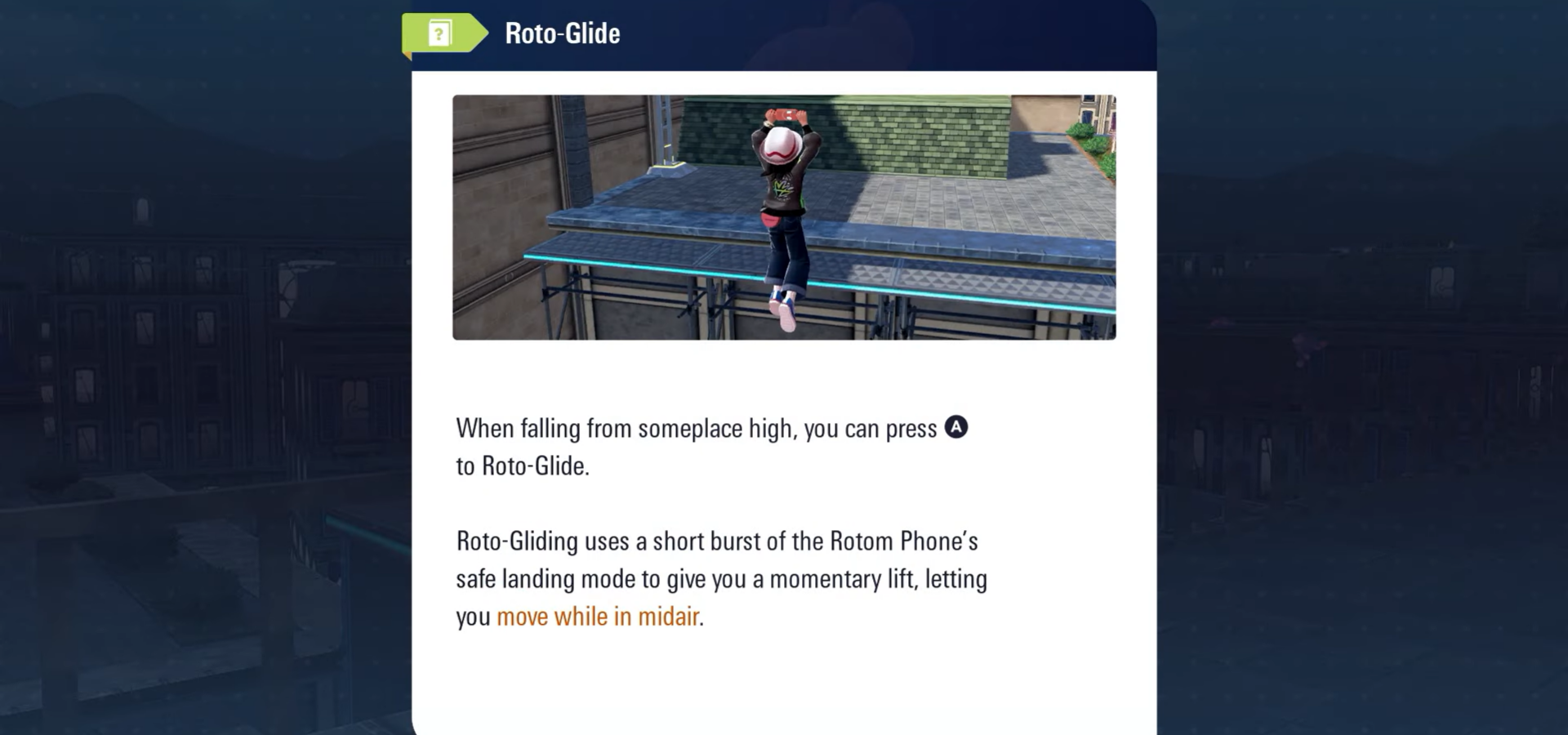
- Press A while jumping or falling to trigger the glide mid-air.
- Mastering timing and direction makes traversal faster and exploration more rewarding.
In Pokémon Legends: Z-A, exploration is more dynamic than ever. The Roto-Glide is one of the most useful traversal abilities, letting you move both vertically and horizontally across Lumiose City. Whether you’re jumping between rooftops or gliding toward a secret alley, this ability changes how you approach every corner of the city.
How to unlock the glide ability in Pokémon Legends: ZA
You’ll gain access to the Roto-Glide roughly midway through the story, around Main Mission 15 or 16. It’s introduced as part of your main objectives, often during or right after a sequence involving your partner or a Mega Pokémon event. Once unlocked, you can immediately use it in open areas to glide over obstacles or reach elevated locations.
If you haven’t received the glide yet, progress through these missions and talk to the required NPCs — the upgrade usually comes automatically during story advancement.

How to use the glide ability properly in Pokémon Legends: ZA
Reach a high ledge or open drop point
Start by finding a spot where you can safely jump or fall. Higher points give you more glide distance and control, so rooftops and scaffolds are ideal.

Jump or drop off the edge
Run toward the edge and jump. You can perform a regular jump or a sprint jump for extra distance. The glide works best when you already have some forward momentum.

Press A to initiate glide
While mid-air, press the A button. This triggers the Roto-Glide boost, extending your airtime and propelling you forward. You’ll notice your character leaning slightly forward while gliding.

Steer and control your landing
Use the left stick to direct your glide path. Aim toward rooftops, platforms, or ledges. Gentle adjustments work best — oversteering can cause you to lose alignment or speed.

Land safely and recover control
As you approach your landing zone, release directional input to stabilize. Your character will automatically land and recover, ready to keep moving or jump again if needed.

Combine glide with your jump upgrades
After unlocking higher jump or wall-climb abilities, you can chain them with gliding. For example, double jump off a wall, then activate glide to reach extreme heights or cross longer distances.
Why is the glide essential in Lumiose City
The Roto-Glide is a major turning point in how you explore the city. Before unlocking it, you’ll often see unreachable platforms and glowing rooftops — clear hints of what’s to come. Once active, it changes how you think about traversal:
- Access hidden zones, rooftops, and elevated pathways.
- Find rare Pokémon, items, and side missions only reachable by gliding.
- Move between areas more fluidly, avoiding unnecessary backtracking.
- Some quests directly require using the glide to chase or track targets.
What to do if you don’t have the glide yet
If you’ve advanced past Mission 15 and still can’t glide:
- Check that you’ve completed the mission where the upgrade is introduced.
- Talk to all major NPCs in the Research Lab and your partner trainer’s base.
- Save, reload, or fast-travel — sometimes story triggers require a scene reload.
- Continue the next mission; the Roto-Glide will appear automatically after certain cutscenes.
Getting comfortable with gliding
The Roto-Glide becomes second nature once you’ve used it a few times. Every glide helps you learn the city’s layout and movement physics a little better. Over time, you’ll glide effortlessly between rooftops, discover shortcuts, and access secret areas you once walked past. The key is confidence — once you trust the timing, the city opens up completely.