


What to know
- The Storehouse is separate from your active inventory
- It is only accessible outside active missions
- Items can be moved in and out freely when conditions are met
- The system exists to prevent inventory caps from blocking loot
After a few hours in Nioh 3, your inventory starts filling up fast. Weapons, armor, consumables, and materials pile up quickly, and once you hit the carry limit, the game simply stops letting you pick up new items. The Storehouse exists specifically to prevent this problem and to give you a safe, organized place to hold items you are not actively using.
While the system is inherited from earlier Nioh titles, Nioh 3 refines it slightly, making it more seamless—but also easier to overlook if you don’t know where to look.
What the Storehouse system actually is
| Aspect | Details |
|---|---|
| Purpose | Extra item storage outside missions |
| Access location | Shrines or overworld menus only |
| Inventory impact | Frees up active inventory space |
| Item movement | Manual deposit and withdrawal |
| Availability | Unavailable during missions |
The Storehouse is best thought of as a long-term storage box, completely separate from your character’s active inventory. Items placed here do not count toward your carry limit and cannot be used, equipped, sold, or dismantled until withdrawn.
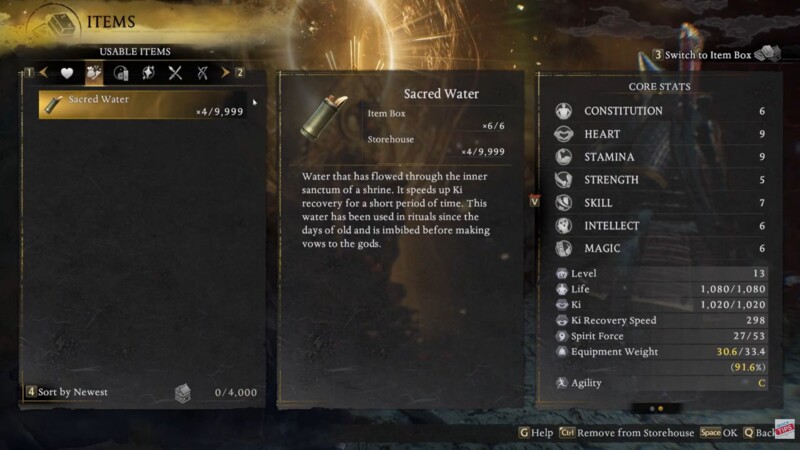
This makes it ideal for:
- Gear you want to keep for later builds
- Excess weapons meant for Soul Match or dismantling later
- Consumables you don’t currently need
- Overflow items automatically sent there when inventory is full
The Storehouse does not expire items and has a very high capacity, making it safe to use as a long-term vault.
How to access the Storehouse in Nioh 3
You cannot access the Storehouse mid-mission. The game restricts it to safe zones to prevent abuse.
To access it properly, you must be outside combat, either at a Shrine or via the overworld interface.
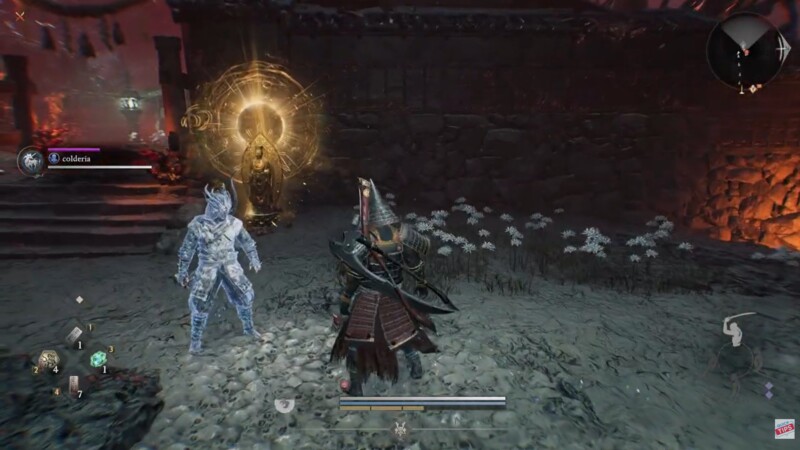
Step 1: Go to a Shrine
Approach a Shrine and hold the interaction button to pray. This ensures you are in a safe, non-combat state.
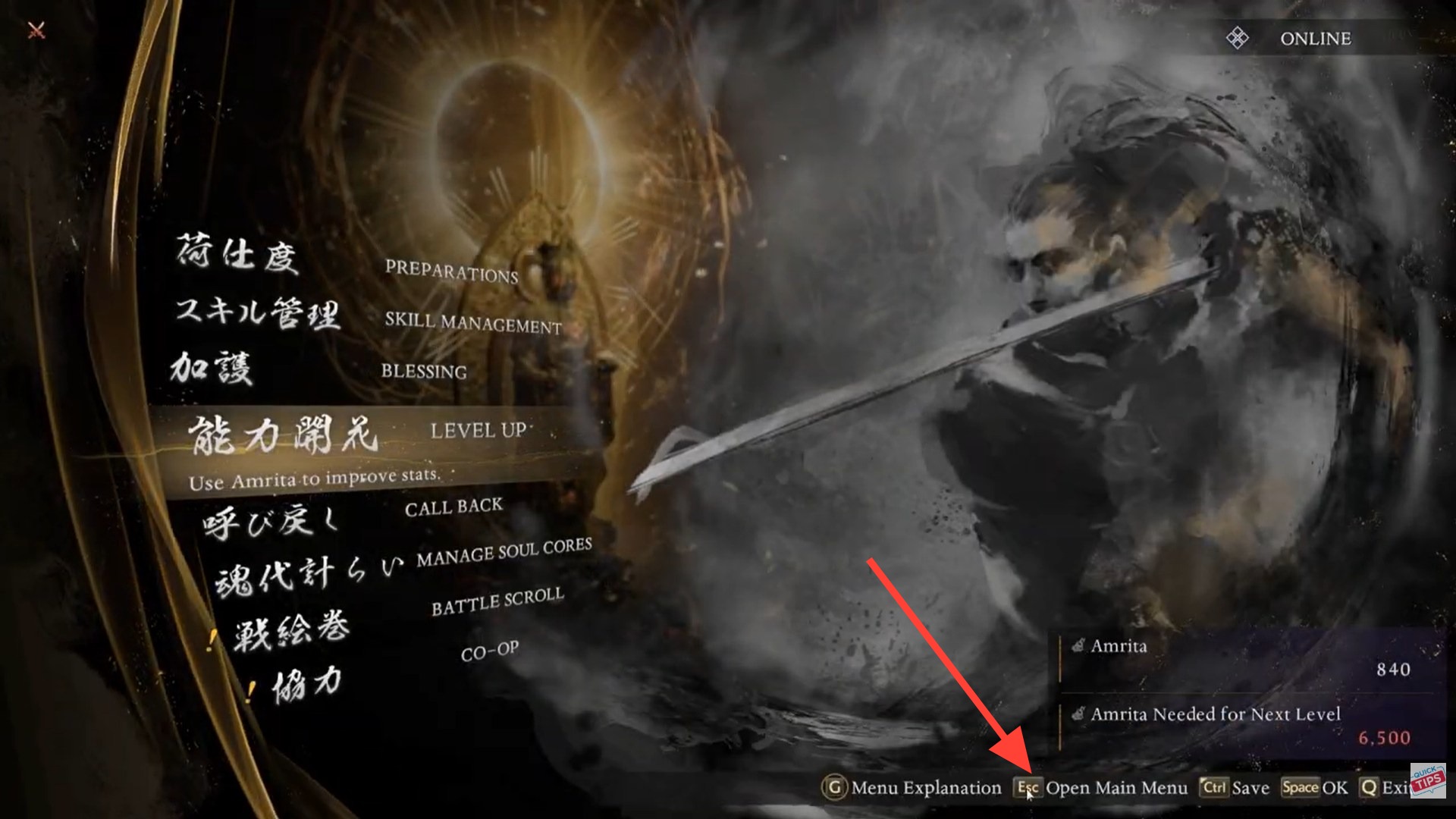
Step 2: Open the main menu
Once at the Shrine, open the main menu and navigate to your Items or Inventory screen.
Step 3: Switch to the Storehouse view
Inside the inventory screen, you will see an option to toggle to the Storehouse. On keyboard, this appears as a clearly labeled switch; on controller, it is mapped to a stick press or button prompt shown on-screen.
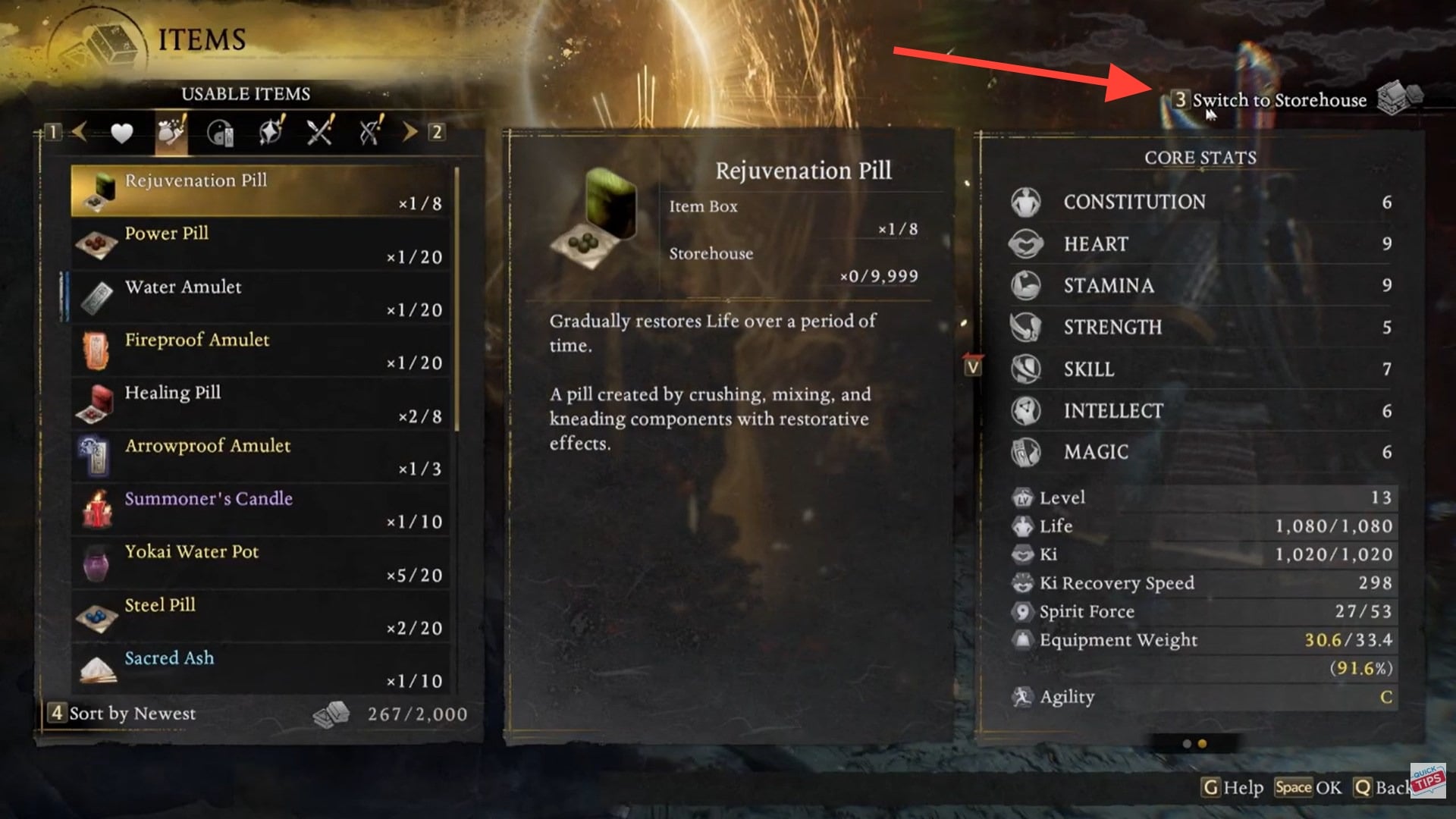
When toggled, the interface changes to display items stored in the Storehouse instead of your active inventory.
How moving items in and out works in Nioh 3
Item management in the Storehouse is entirely manual, which gives you full control over what stays accessible and what gets archived.
| Action | Result |
|---|---|
| Deposit item | Moves it from inventory to Storehouse |
| Withdraw item | Returns it to active inventory |
| Item equipped | Cannot be stored until unequipped |
| Mid-mission | Storehouse inaccessible |
To deposit or withdraw an item, simply highlight it and confirm the transfer. The same interaction button is used in both directions, depending on which view you are currently in.
What items can and cannot be stored
Most weapons, armor, and consumables can be stored without restriction. However, some core materials or progression-critical items may be locked to your inventory by design. This behavior mirrors earlier Nioh titles and is intended to prevent accidental soft-locks.
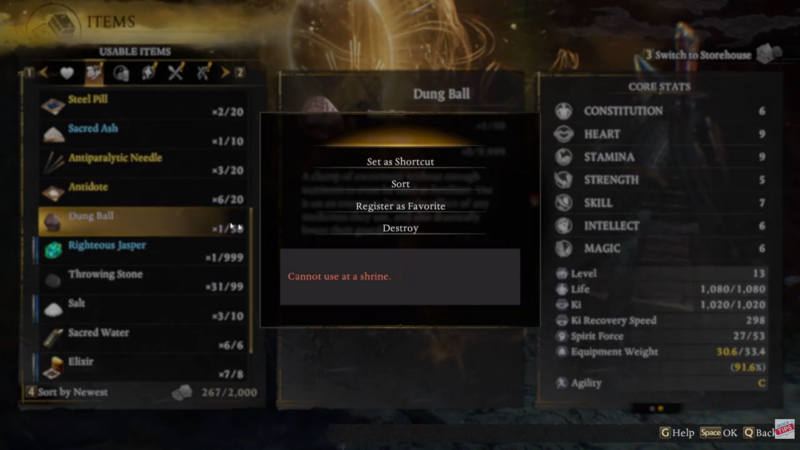
If an item cannot be stored, the game will block the action outright—there is no penalty or loss involved.
Why the Storehouse matters for clearing in-hand inventory
Inventory limits in Nioh 3 are strict by design. Once your active inventory fills up, new loot is lost entirely, not mailed or delayed. This makes regular Storehouse management essential, especially in loot-dense missions.
Using the Storehouse effectively allows you to:
- Keep farming without interruptions
- Save gear for future Soul Match upgrades
- Avoid panic-selling valuable items
- Maintain a clean, usable active inventory
This becomes even more important once higher rarity gear starts dropping frequently.
Storehouse vs selling or dismantling
The Storehouse is a quiet but essential system in Nioh 3. It exists to support the game’s aggressive loot flow and to give players control over long-term planning. By regularly depositing unused gear and managing your inventory outside missions, you avoid wasted drops and keep your progression smooth. Once you make Storehouse visits a habit, inventory limits stop being a problem entirely.
| Option | Best use case |
|---|---|
| Storehouse | Unsure items, future builds, overflow |
| Sell | Low-value gear you don’t need |
| Dismantle | Materials for forging and upgrades |
A common strategy is to store first, decide later. The Storehouse gives you breathing room so you can make smarter decisions at the Blacksmith instead of rushing due to inventory pressure.




