

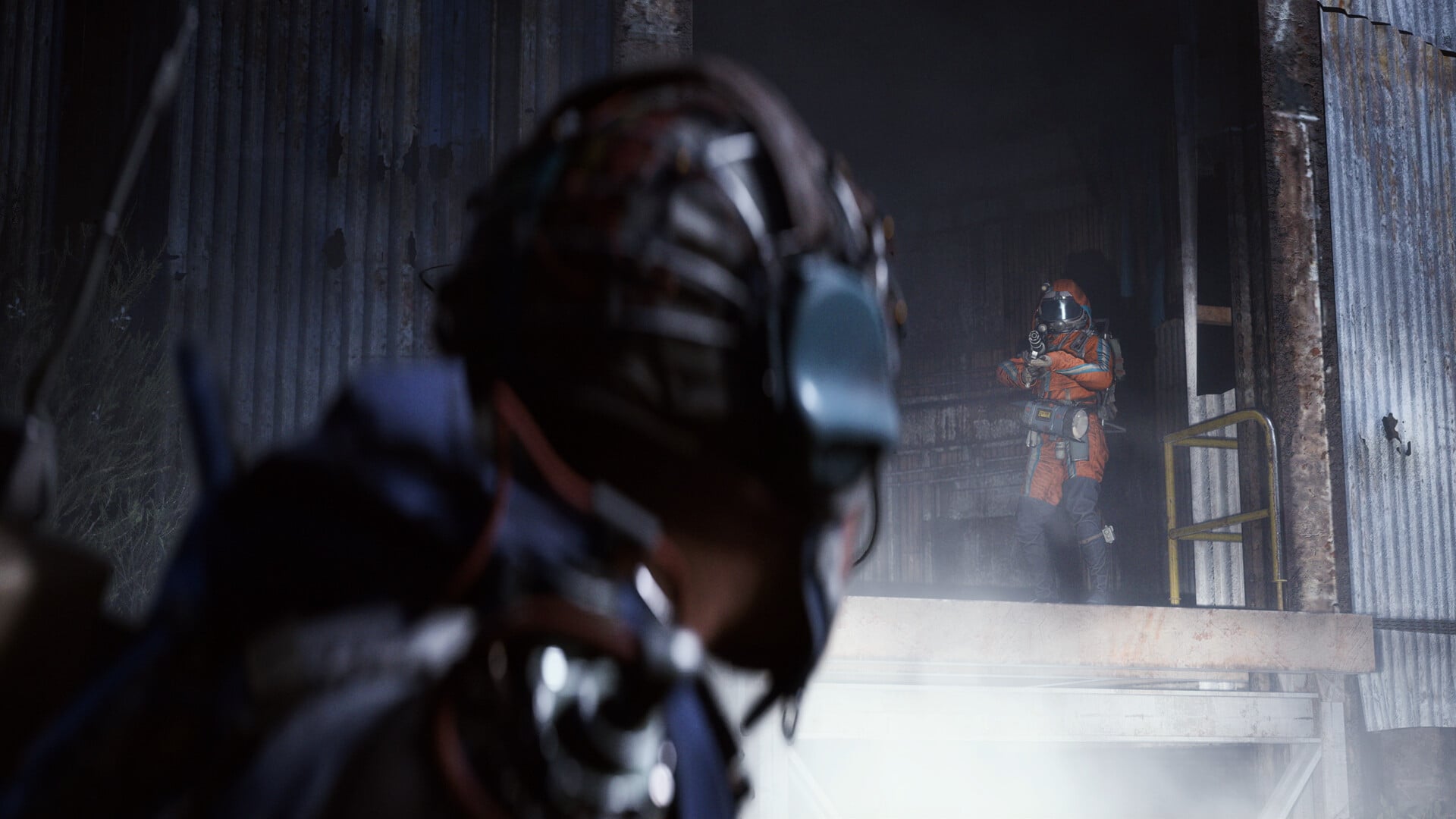
What to know
- Triggered by precise timing after knockdown, using internet disconnect to force reconnect screen.
- Works regardless of platform, but depends on your Down But Determined skill points for exact wait time.
- Allows respawning at original spot to loot your downed body, potentially duplicating items if extracted twice.
- Use responsibly as devs may patch it soon after recent updates.
You might find yourself downed in ARC Raiders with valuable loot on the line, but this new respawn glitch offers a way back into the match. It exploits the reconnect mechanic post-knockdown, letting you reclaim your gear before it’s lost forever. Perfect for high-stakes raids where every piece of goop counts.
| Aspect | Details |
|---|---|
| Platforms | PS5, Xbox, PC |
| Requirements | Timer app; Down But Determined skill level known |
| Base Timing | 1:38 downed (0 skill points); 2:14 downed (max skill) |
| Outcome | Respawn same location; loot body |
| Limitations | One-time per death; map disorients post-respawn |
Start this right after getting downed in a raid to maximize your chances of success. You’ll need a stopwatch or timer on your phone since precision matters.
Step 1: Get knocked down
Enter a raid.
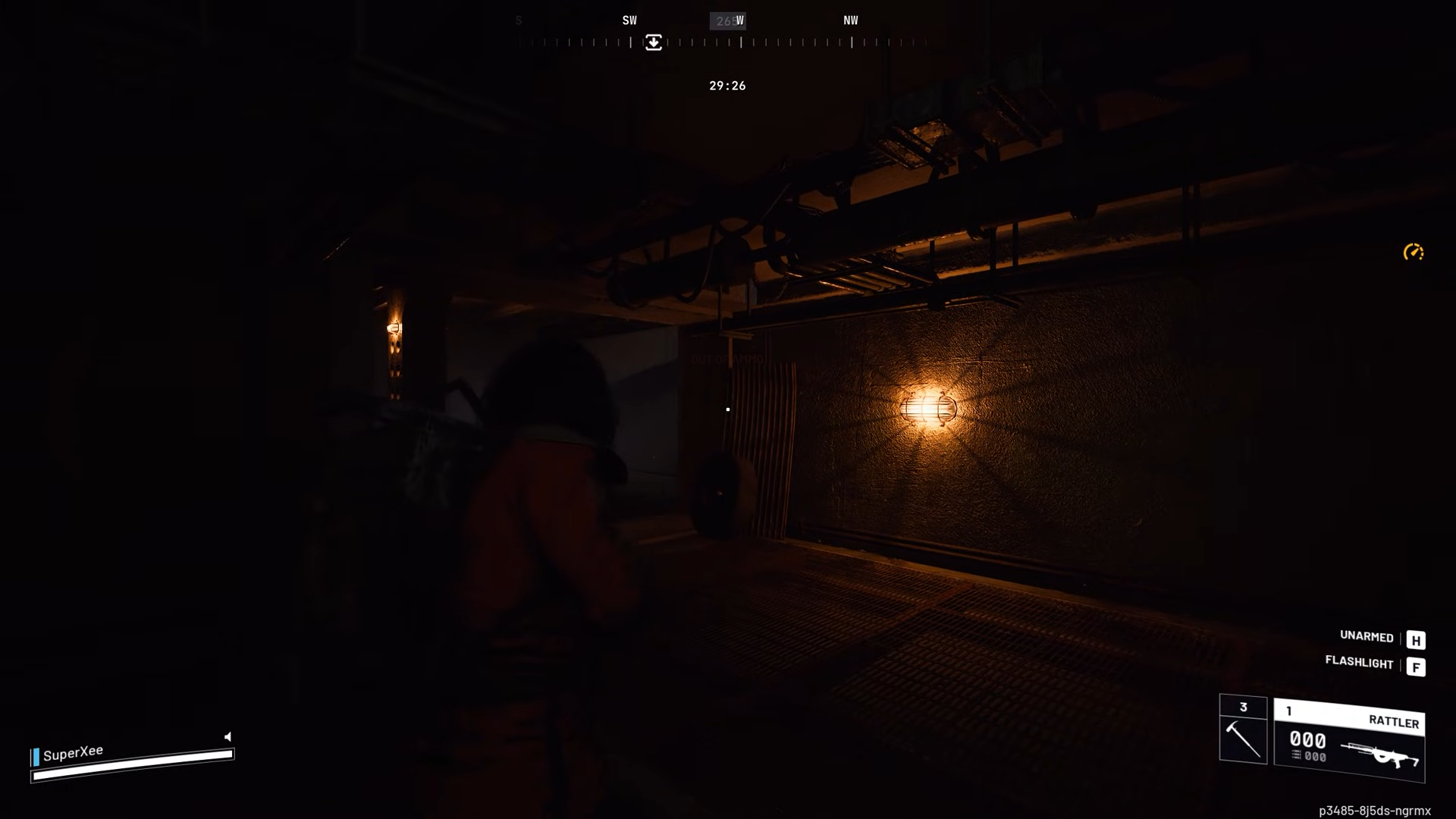
Allow yourself to be downed by enemies or players. Note your spawn area for reference later.
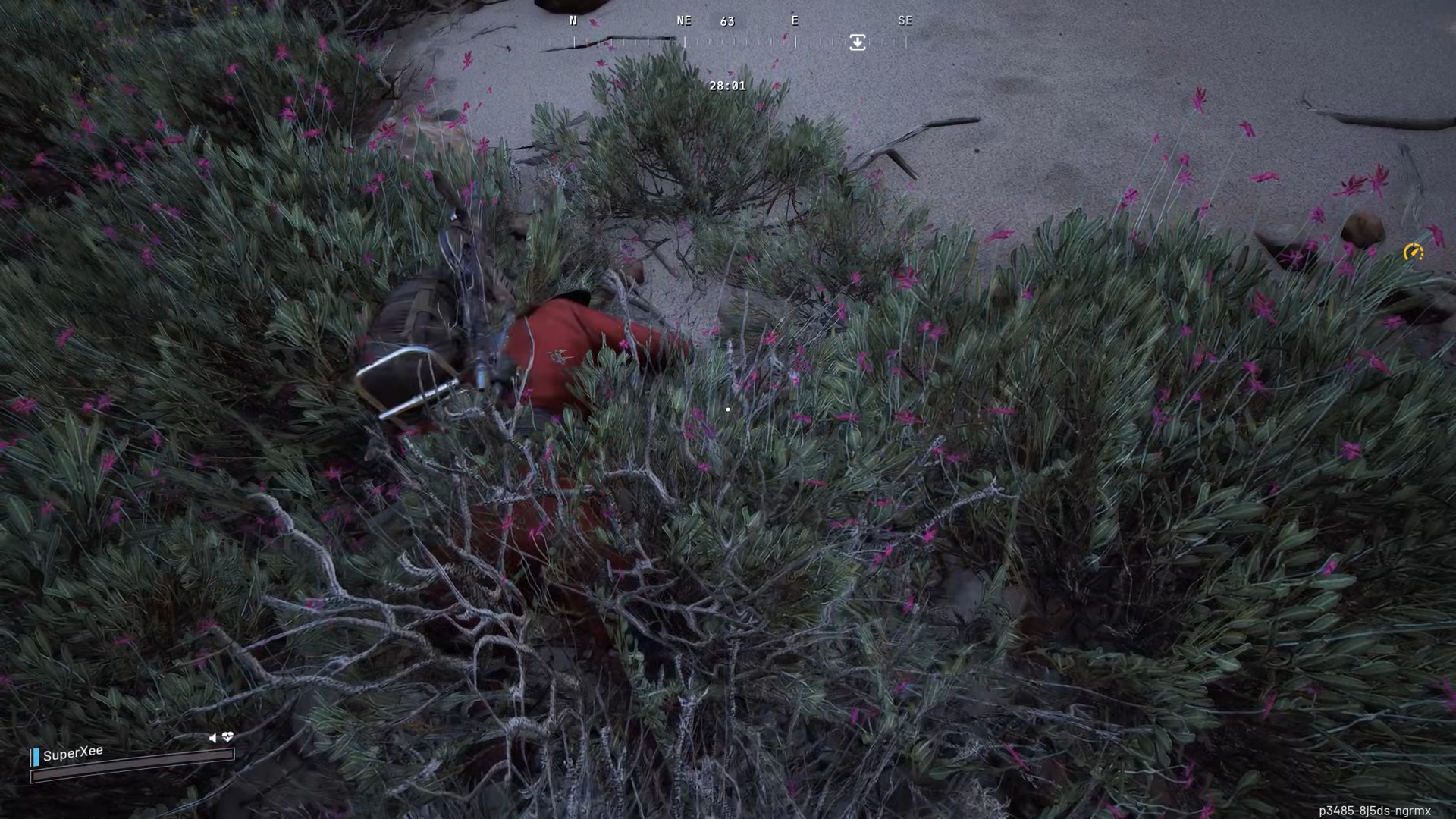
Step 2: Start the timer immediately
As soon as the down screen appears, launch a timer on your phone. This tracks the exact window for reconnect.
Step 3: Force the reconnect screen
Disconnect your internet quickly—on PC via Windows settings, on console through network options—then reconnect it.
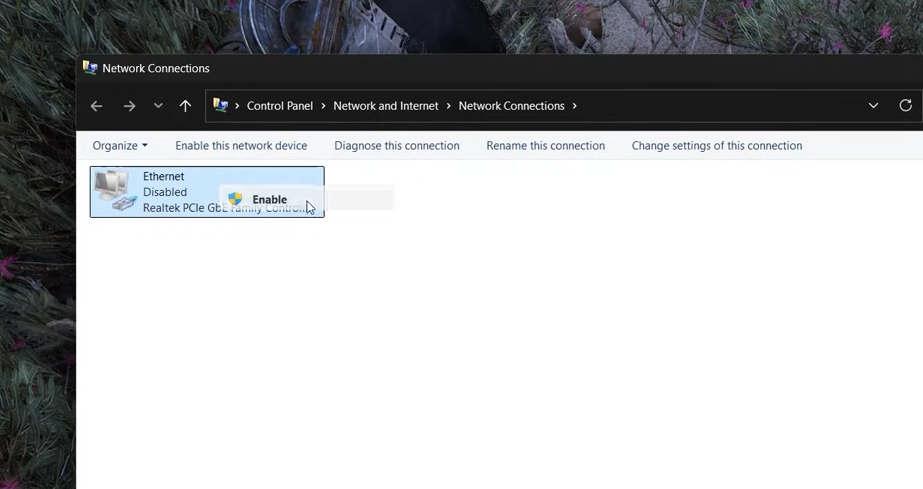
On the Arc Raiders online correction error screen, click Retry.
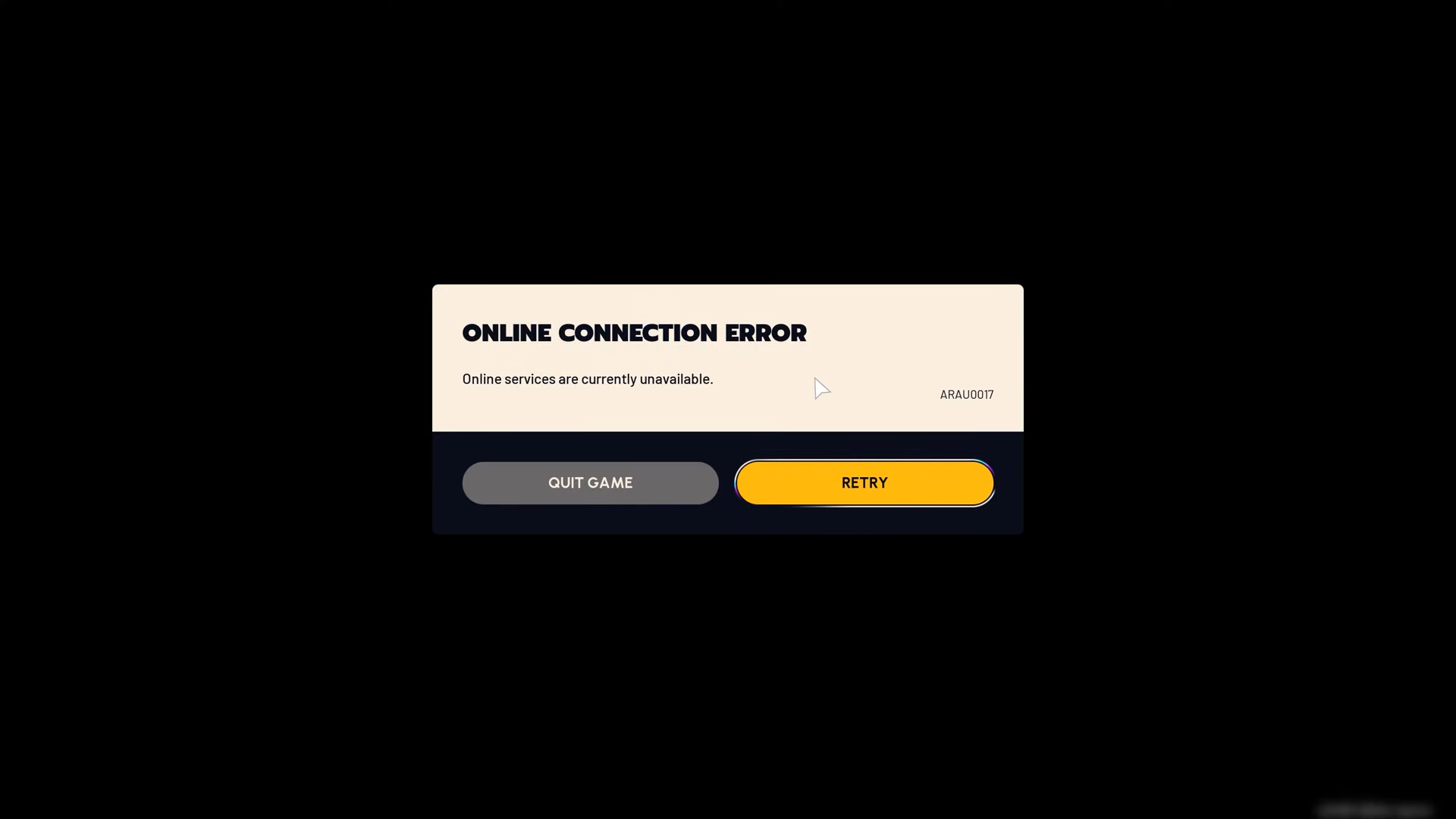
But don’t click on reconnect just yet.
Step 4: Wait for your timing
Stay on the reconnect available screen.
Time it from down moment: 1 minute 38 seconds if you have not maxed out your skill tree points (or zero Down But Determined points). Or 2 minutes 14 seconds if maxed. Adjust proportionally for partial points.
Step 5: Hit reconnect precisely
Click Reconnect at your exact timer mark.
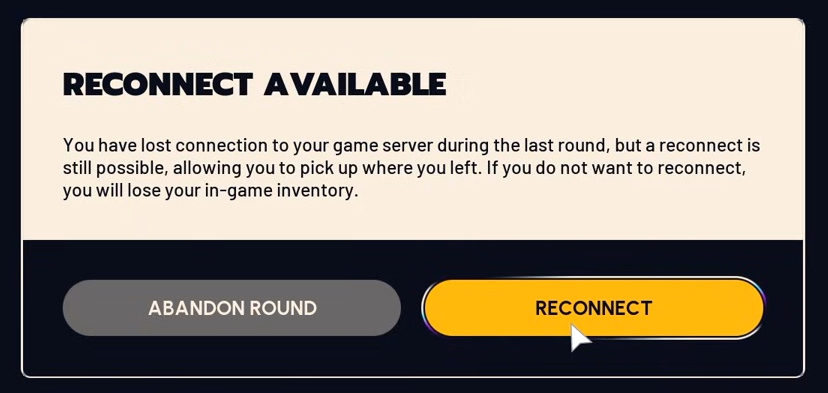
The game loads you back into the same raid at your original spawn.

Step 6: Locate and loot your body
Head to where you downed. You will literally see your own downed body there because the game thinks you’re dead.
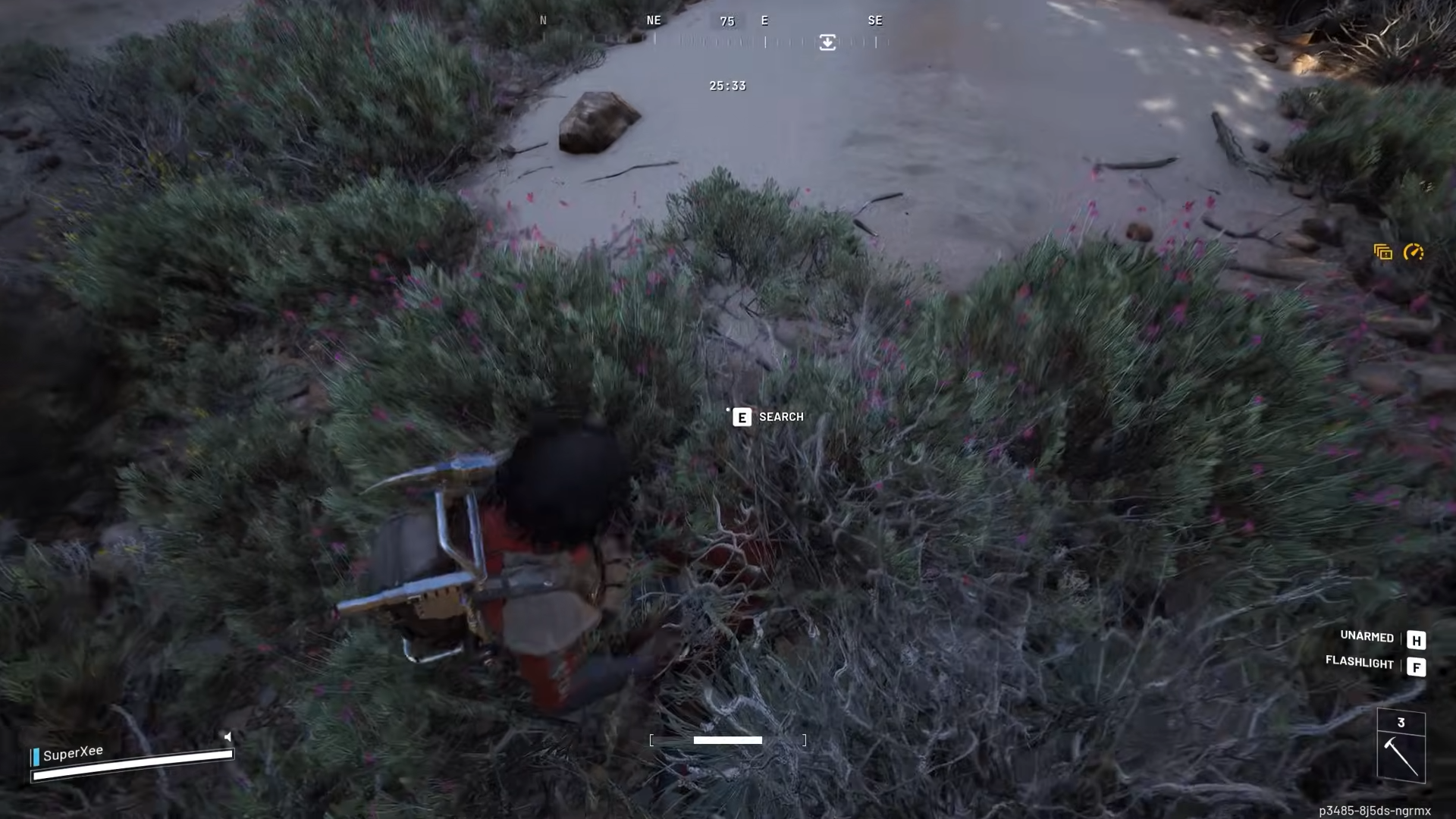
Grab loot from your body, including gear and goop.
Skill tree impact on timing
Down But Determined directly alters wait times. Zero points means shorter 1:38 window; full investment stretches to 2:14 for resilience perks. Test your build beforehand or calculate linearly between extremes. Other augments might tweak slightly, so practice in low-risk raids.
Rewards from successful respawn
| Reward Type | Potential Gains |
|---|---|
| Loot Recovery | Full inventory from downed body (weapons, ammo, goop) |
| Dupe Potential | Extract twice if timed right before permadeath |
| Tactical Edge | Revenge on killers or continue raid uninterrupted |
| Risk | Map blindness; one-use per death; possible ban if abused |
This respawn method revives tough raids, but expect a patch as Embark monitors exploits closely. Experiment in solos first to master your timings.




