

What to know
- Server administrators can manage multiple worlds using
/worldchat commands. - Use the command
/world add [name]to generate a new world with default settings on your server. - You can teleport yourself or other players to a different world using the
/tp world [name]command. - Successfully switching worlds triggers a brief loading screen before spawning you into the new environment.
Managing a Hytale server often requires more than just a single world to accommodate different gameplay modes, such as a main survival area and a separate creative or arena space. Fortunately, the game includes built-in commands that allow server owners to create and navigate between multiple “sub-worlds” without needing to restart the entire server.
How to make multiple Worlds on a Hytale Server
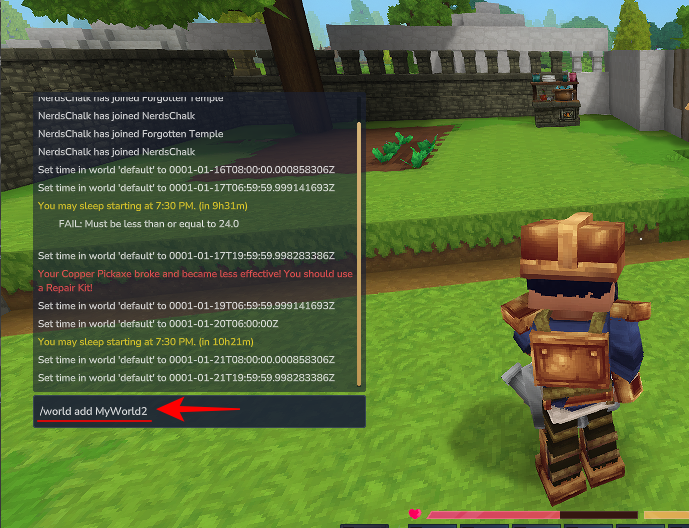
Open the chat and type /world add followed by the name you want for your new world.
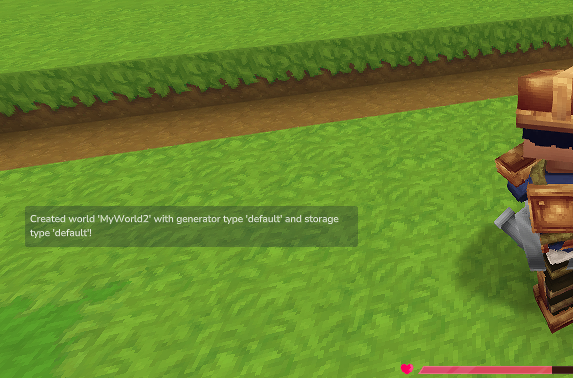
You will receive a confirmation message once the world is created with the default generator and storage types.
How to view loaded Worlds
You can check which worlds are currently active by typing /world list.
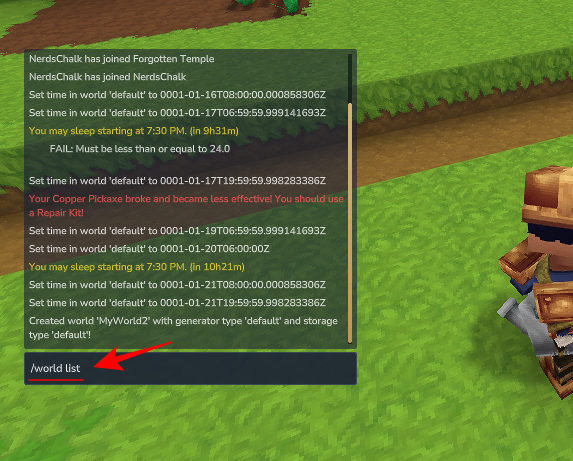
The worlds will be listed in a message.
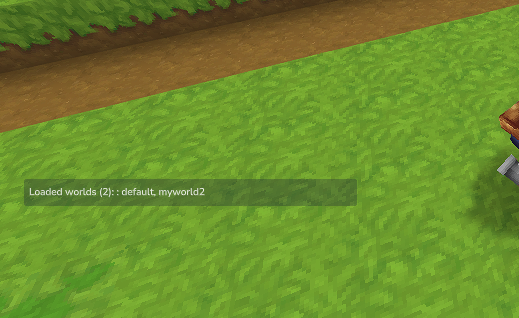
How to switch between Worlds
To travel to a different world, use the teleport command: /tp world [name]
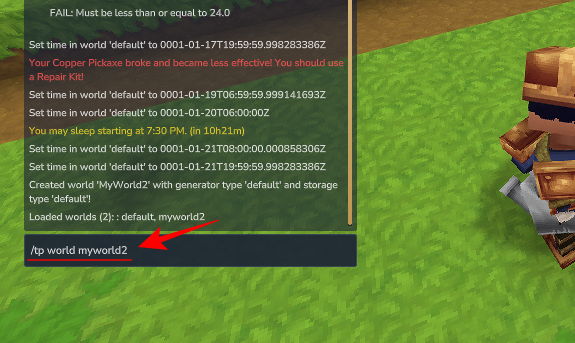
After entering the command, the game will briefly show a loading screen as it prepares the new environment.
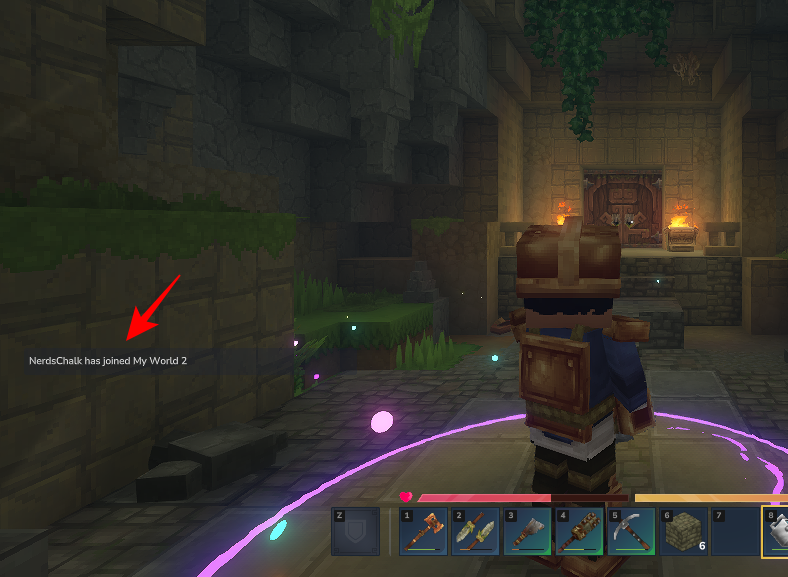
By using the /world add and /tp world commands, Hytale server administrators can easily create and switch between multiple game worlds to enhance their server’s variety.



