


What to know
- Kliff can only sleep when fatigue builds up, but the system is hidden
- Certain quests (like Reed Devil) can completely block sleeping
- Patch 1.00.03 did not fully fix the issue
- Workarounds exist, but some cases still require a future patch
If you’ve been trying to rest in Crimson Desert and keep seeing “not tired,” you’re not alone. The sleep system in the game is more restrictive than it appears, and combined with bugs and quest locks, it can feel completely broken. The good news is that in many cases, you can still fix it—or at least work around it.
| Aspect | Details |
|---|---|
| Main problem | Cannot sleep or skip time |
| Common message | “Not tired” |
| Hidden system | Fatigue-based sleep |
| Major trigger | Reed Devil quest |
| Patch status | Not fully resolved |
Why Kliff cannot sleep in Crimson Desert
Understanding the cause is the first step toward fixing it. There isn’t just one reason behind this issue, and your situation will depend on what you’re doing in-game.
The hidden fatigue system is limiting your rest
Kliff can only sleep when he is tired, but the game never shows you a fatigue bar or indicator. This means you might try to sleep repeatedly without realizing that your character hasn’t reached the required fatigue threshold yet.
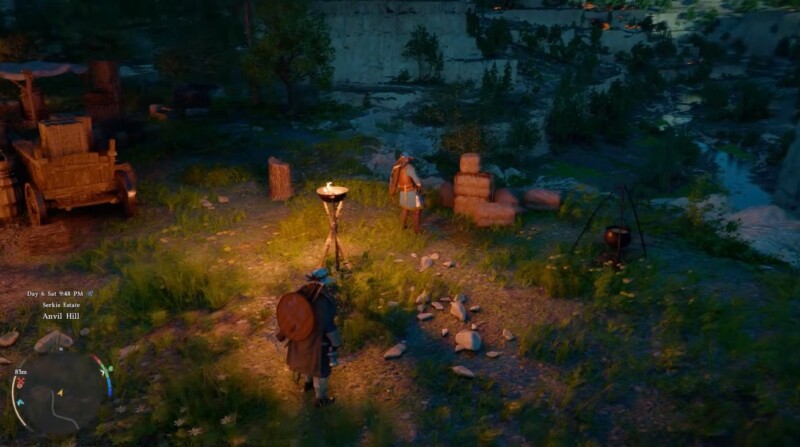
If you recently rested or skipped time, the game silently prevents you from doing it again too soon, which can easily be mistaken for a bug.
Story quests can override the sleep mechanic
Some parts of the game are designed to feel urgent. During these moments, sleeping is intentionally disabled, even if you try multiple locations.
While progressing through it, you may be locked out of sleeping entirely until you advance the objective. This is not a bug, but it behaves exactly like one.
A real bug may be preventing fatigue entirely
In more serious cases, fatigue simply never increases, which means Kliff will never be able to sleep. This issue has been widely reported even after Patch 1.00.03.
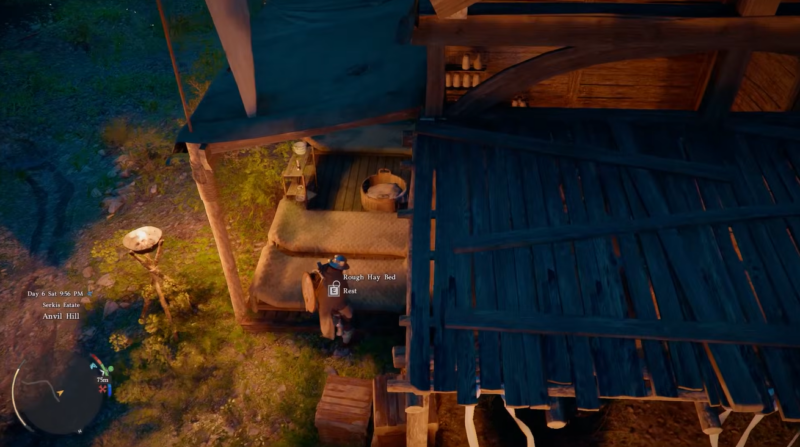
If you’ve played for a long time, completed quests, and still cannot rest, you are likely dealing with a genuine bug rather than a mechanic.
How to fix the “Kliff can’t sleep” issue in Crimson Desert
If you’re stuck, try these methods in order. Some fixes work instantly, while others depend on your current progress.
Fix 1
Restart the game completely. This helps reset hidden systems like fatigue tracking that may have become stuck.
Fix 2
Reload an earlier save where sleeping worked normally. If the issue disappears, it was likely triggered by a quest or bug state.
Fix 3
Switch your active quest or temporarily abandon it. This is especially important if you’re in the Reed Devil storyline, which often blocks sleep.
Fix 4
Progress the main story further. In many cases, sleeping is restored automatically once you complete a specific objective.
Fix 5
Force fatigue by actively playing instead of waiting. Engage in combat, sprint across long distances, and climb frequently. These actions increase fatigue faster than passive gameplay.
Fix 6
Let time pass naturally in the world. Avoid trying to rest repeatedly and instead continue exploring until the system allows it again.
Fix 7
Use quests that automatically skip time. Some missions advance the in-game clock, which can indirectly reset your ability to sleep.
How to tell if your issue is a bug or intended
You can usually identify the cause by observing your gameplay.
| Situation | Likely cause |
|---|---|
| In a major quest | Intended restriction |
| Recently slept | Fatigue not built |
| Cannot sleep for days | Likely bug |
| Works after quest progress | Quest lock |
If nothing changes after trying multiple fixes, you are most likely encountering the bug version of the issue.
How to reliably skip time without sleeping
Even if sleeping isn’t working, you still have ways to progress time in the game.
You can rely on quests that fast-forward time, continue exploring the world naturally, or engage in activities that push the in-game clock forward. This isn’t a perfect replacement, but it can help you move forward when stuck.
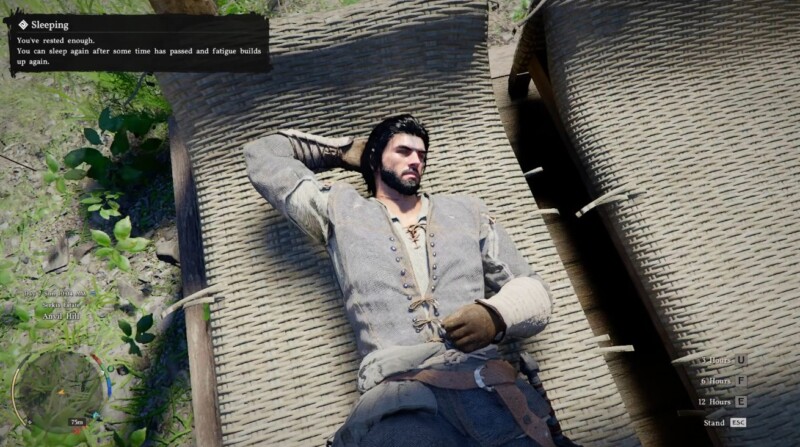
Although Patch 1.00.03 improved stability, it did not include a confirmed fix for the sleep or fatigue system. As a result, players are still encountering the same issues, especially in edge cases involving quests or corrupted fatigue states.
| Patch detail | Status |
|---|---|
| Sleep bug fix | Not confirmed |
| Player reports | Still active |
| Quest lock system | Unchanged |
| Workarounds | Still required |
What you should do if nothing works
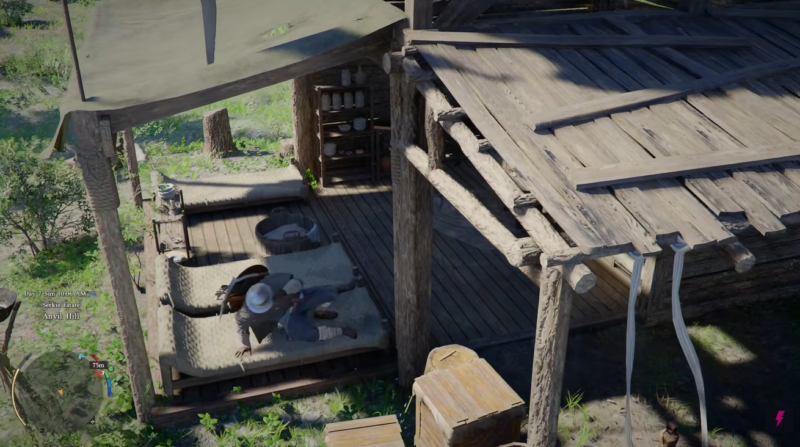
If you’ve tried everything and Kliff still refuses to sleep, your best option is to continue progressing cautiously or revert to an earlier save. Unfortunately, some cases cannot be fixed manually right now.
This is one of those situations where waiting for a future patch may be the only permanent solution.




