- What to know
- Quick reference for “wait for further notice”
- Where this fits in the Insider Threat quest
- How to progress past the wait state
- Troubleshooting when it feels stuck
- What to do if progress still won’t update
- Rewards from Insider Threat quest in Arknights: Endfield
- Next steps after the objective clears
What to know
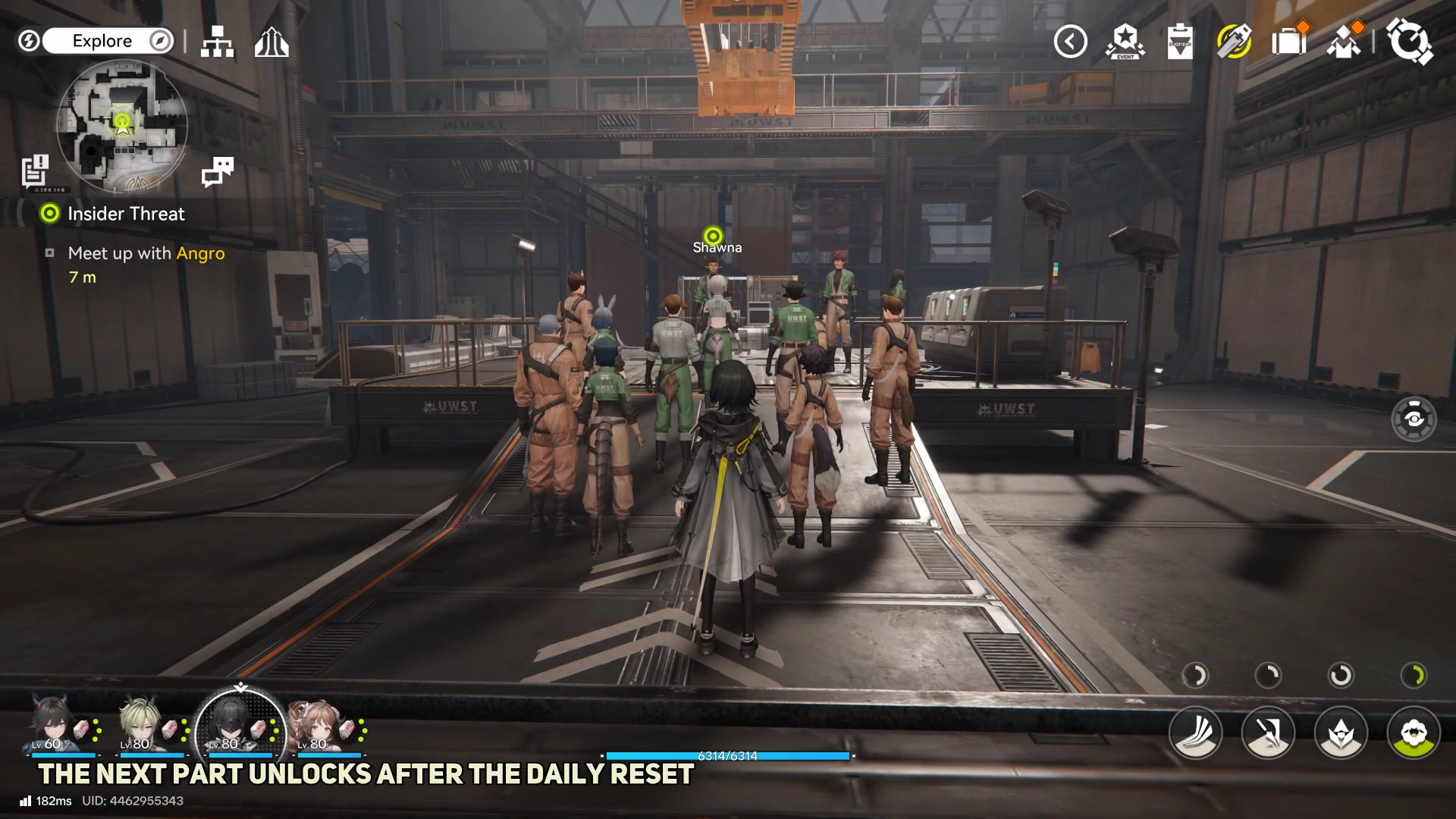
- This objective appears as part of “Insider Threat,” where the investigation segment ends and progression pauses.
- The next progression is triggered by waiting some time, then resuming the quest when the follow-up becomes available.
- A common sequence is to begin Insider Threat, complete the early investigation portion, then return later to continue.
- If the objective seems stuck, it may simply be in the intended “wait” state until the next step unlocks.
In Arknights: Endfield, the objective name reads like a hard stop, but it functions as a pacing gate in the same quest chain. The practical approach is to treat it as “pause here, then come back when the game updates the quest,” rather than searching for a hidden switch or NPC dialogue immediately.
Quick reference for “wait for further notice”
| Item | Details |
|---|---|
| Objective text | “Investigation phase complete, wait for further notice.” |
| Quest context | Linked to Insider Threat. |
| What typically advances it | Waiting some time, then continuing the quest. |
| Useful checkpoints | Starting the quest, then returning later when the continuation becomes available. |
Where this fits in the Insider Threat quest
This step typically appears after completing the initial investigation beats for Insider Threat. At that point, the quest log intentionally stops giving active tasks and instructs to wait, which usually means the next segment is scheduled to unlock after some in-game time, story progress, or a short real-time interval depending on how the quest is implemented.
In practical terms, it’s less of a “find the next interaction” objective and more of a “the next scene isn’t available yet” objective. Once the follow-up becomes available, the quest tracker should update automatically or show a new marker.
How to progress past the wait state
Step 1
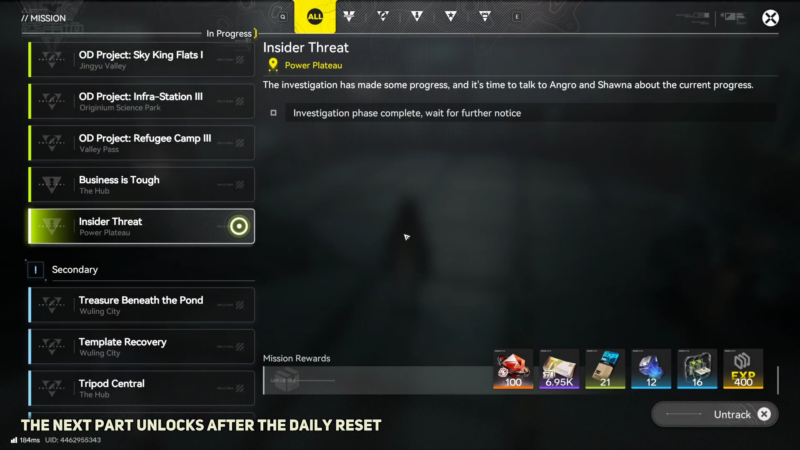
Open the mission list and select Insider Threat (Power Plateau). Set the mission to tracked so the current objective is active.
Step 2
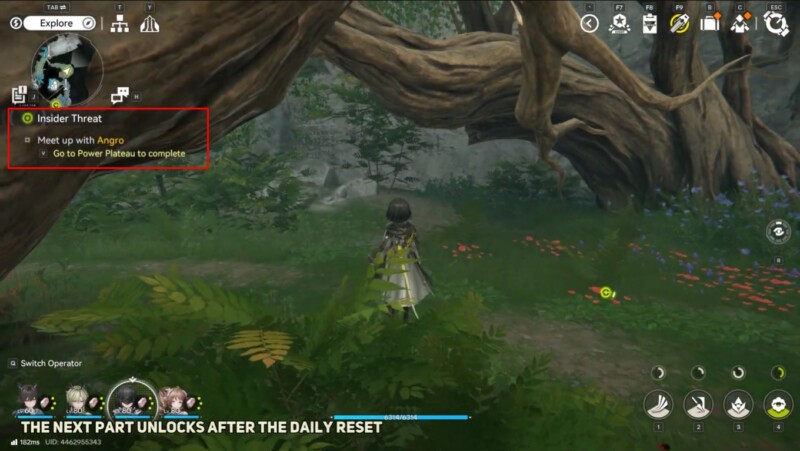
Confirm the objective reads “Investigation phase complete, wait for further notice.”
Step 3
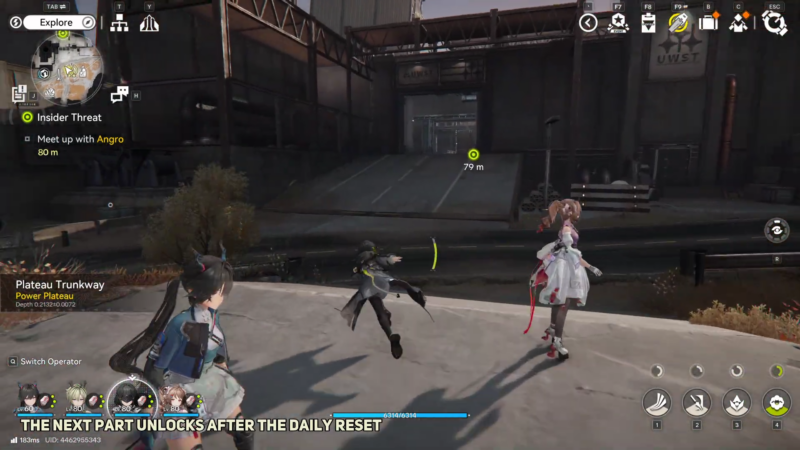
Wait until the next daily reset for the next part to unlock.
Step 4
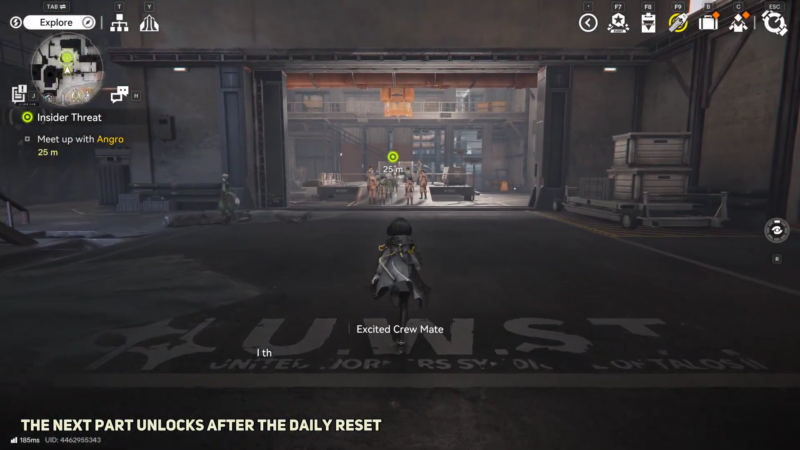
After the reset, open the mission list again and continue Insider Threat from the newly unlocked objective.
Troubleshooting when it feels stuck
If the quest tracker continues to show “wait for further notice,” it can still be working as intended. Common things to verify:
- Quest is still tracked/active: Sometimes the UI won’t refresh if the quest is not selected.
- Allow enough time: The objective wording implies a deliberate delay.
- Refresh the state: Move between zones, interact with another objective, or briefly progress something else and re-check the quest log.
- Look for a new prompt: When the continuation unlocks, the objective line typically changes rather than completing the “wait” line directly.
If the questline later provides a new task, follow the updated objective marker rather than trying to “complete” the waiting line manually.
What to do if progress still won’t update
If the objective remains unchanged after a reasonable wait and basic refresh attempts, it may indicate a bug or unmet prerequisite elsewhere in the chain. In that case, it can help to double-check whether any earlier Insider Threat requirements were fully completed (for example, a prior interaction not confirmed, or leaving the area mid-step) and then return to the quest hub to see if the objective re-anchors.
Rewards from Insider Threat quest in Arknights: Endfield
| Rewards | Quantity |
|---|---|
| Oroberyl | 100 |
| T-Creds | 6,950 |
| Intermediate Combat Record | 21 |
| Protoprism | 12 |
| Arms INSP Kit | 16 |
| EXP | 400 |
Next steps after the objective clears
Once the waiting period ends, the questline should continue from a new objective under Insider Threat. Follow the newly updated quest text and any map marker that appears, as that is usually the real “next step” trigger.