

What to know
-
Emotes arrive in Update 4’s second pre-release, playable by switching in the launcher.
-
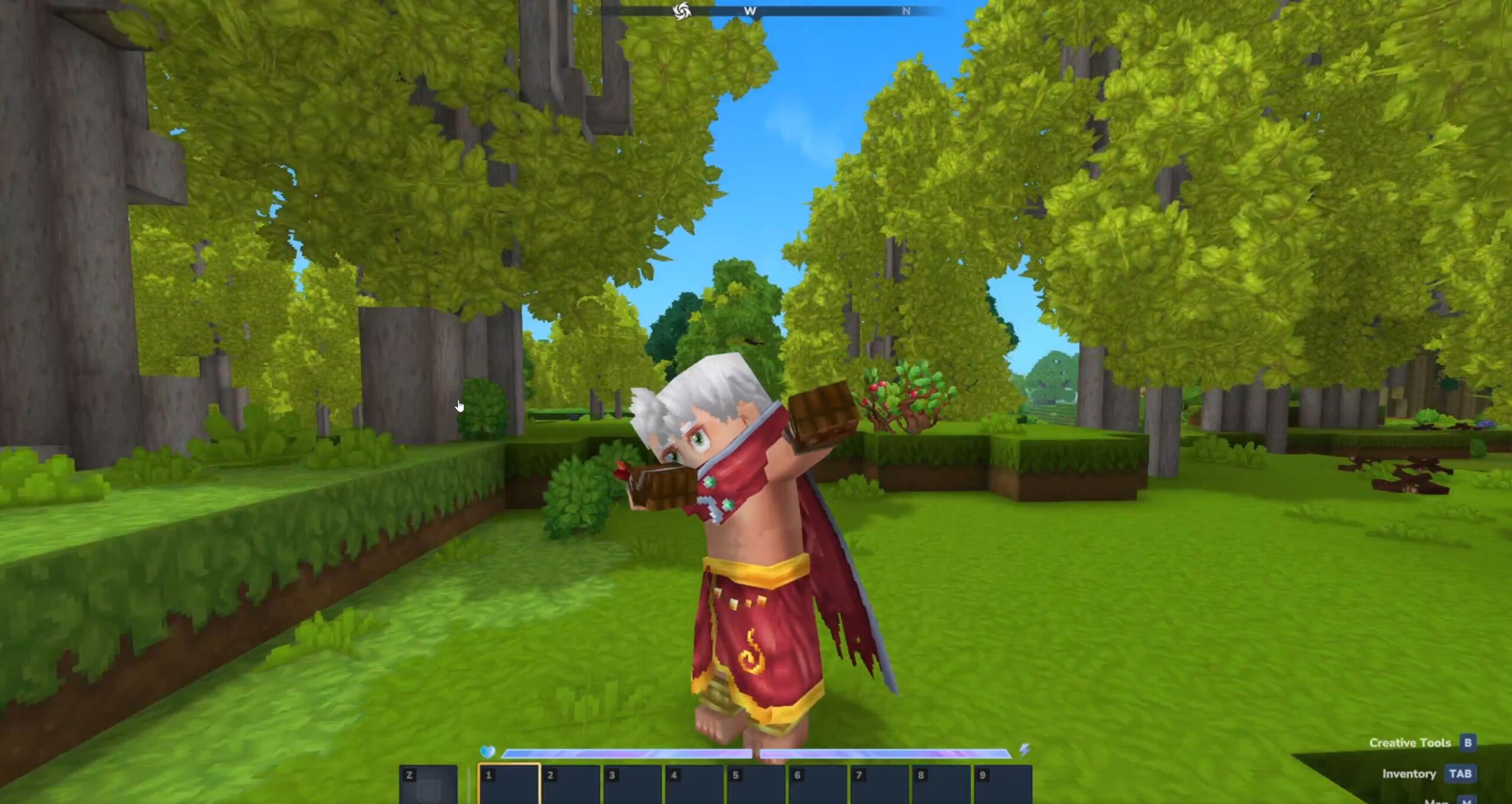
Vanilla emotes include wave, double wave, chicken dance, kill, and dab.
-
Modders add custom emotes via simple file placements for animations, icons, and configs.
-
Future enhancements will let you customize the emote wheel.
In Hytale‘s evolving world, player expression takes center stage with the new emote system. This feature enhances social interactions on servers and in solo play, making your adventures more lively and personal.
| Feature | Details |
|---|---|
| Update Stage | Pre-release (Update 4 Part 2), full release in about 2 weeks |
| Access Method | Switch to pre-release in launcher |
| Vanilla Emotes | Wave, double wave, chicken dance, kill, dab |
| Mod Support | Animations (.blockyanim), icons (.png), JSON configs |
| Controls | Emote wheel; select and release to play; stops on movement |
| Release Timing | Expected February 26-27, 2026 (weekly pre-releases) |
Emotes are coming!
-
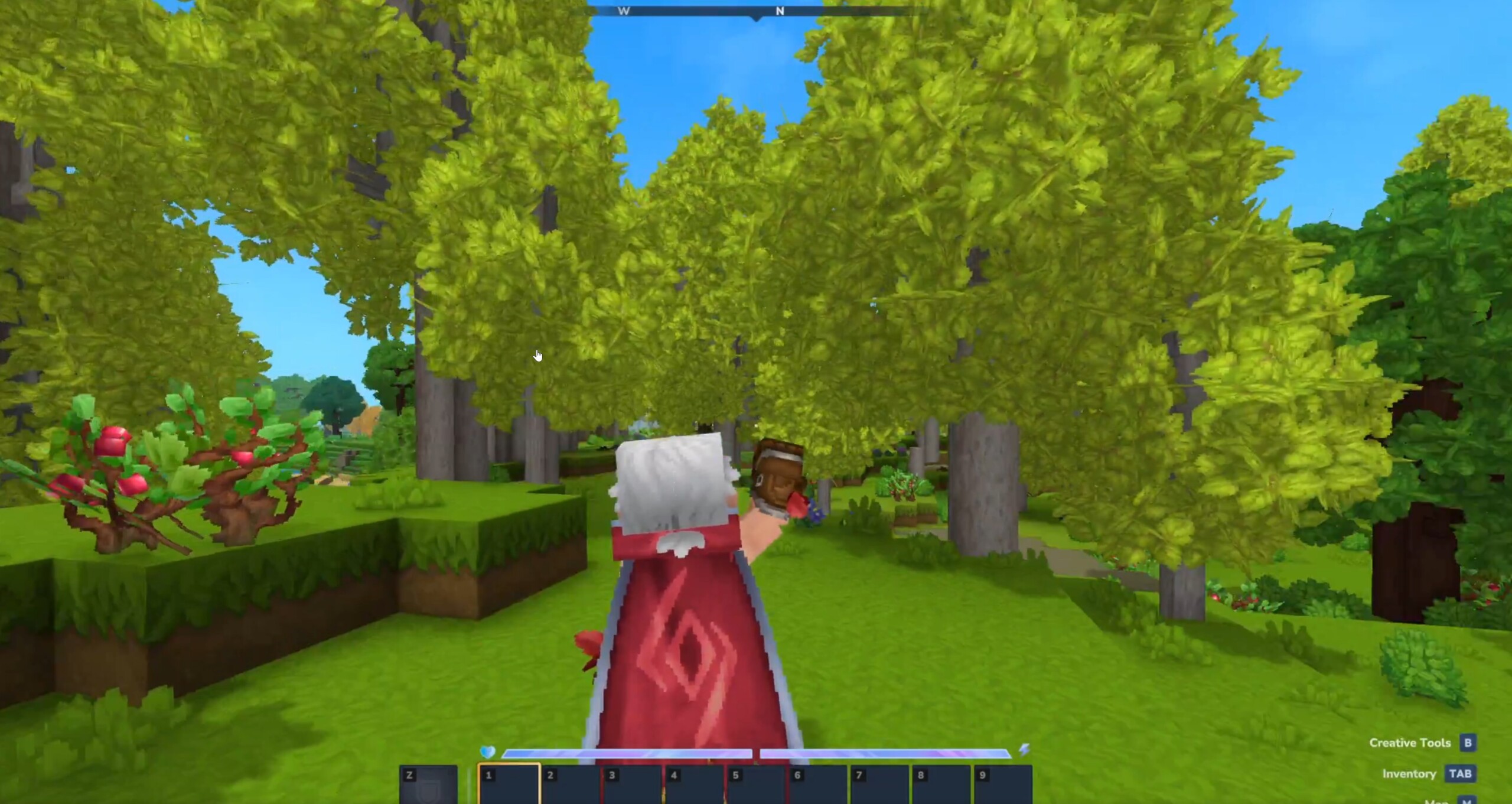
Image Credits: Hypixel Studios
You get a solid set of vanilla emotes right away to start interacting. Wave greets friends with a friendly hand motion, while the double wave amps it up for bigger crowds.
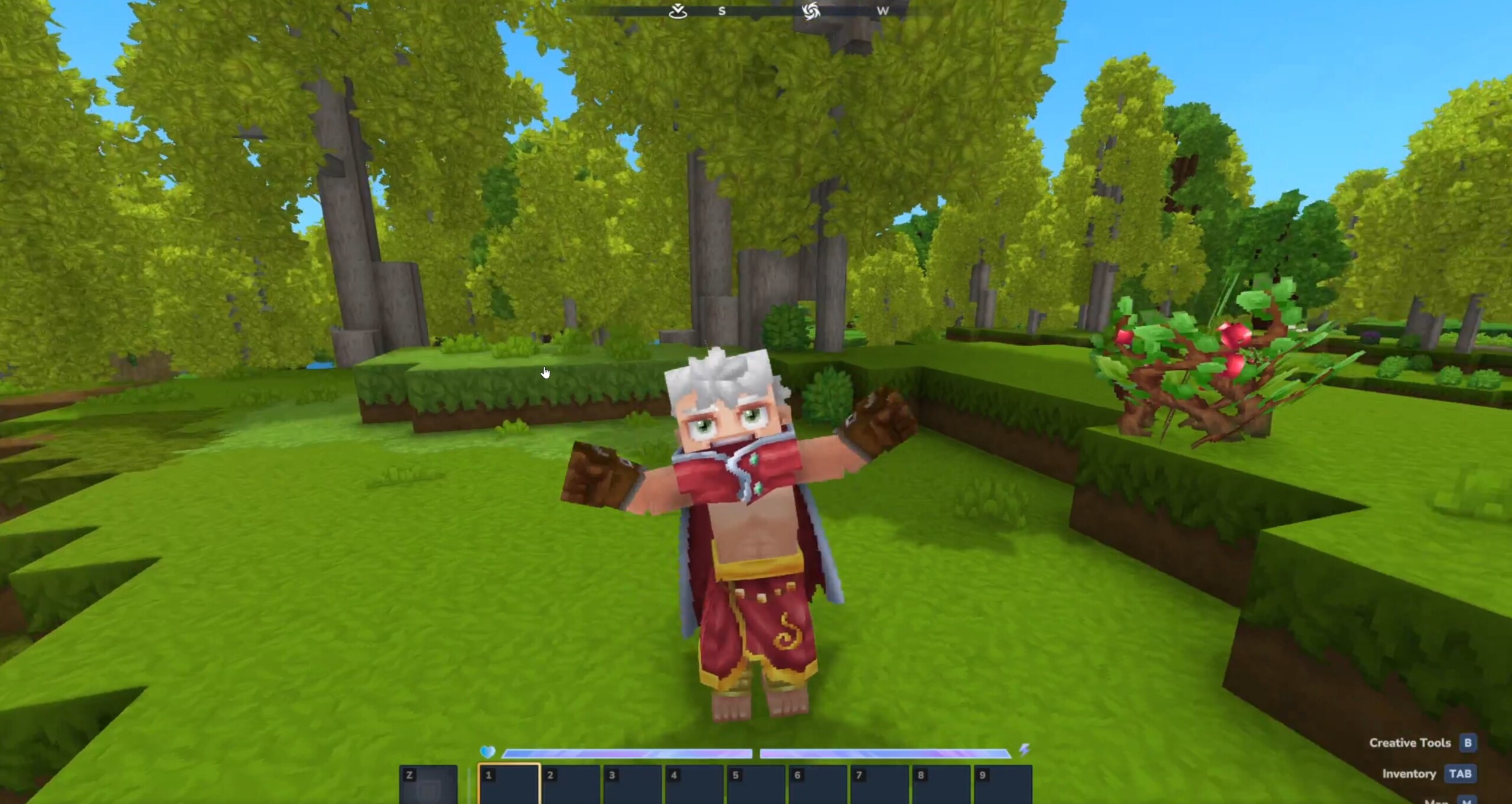
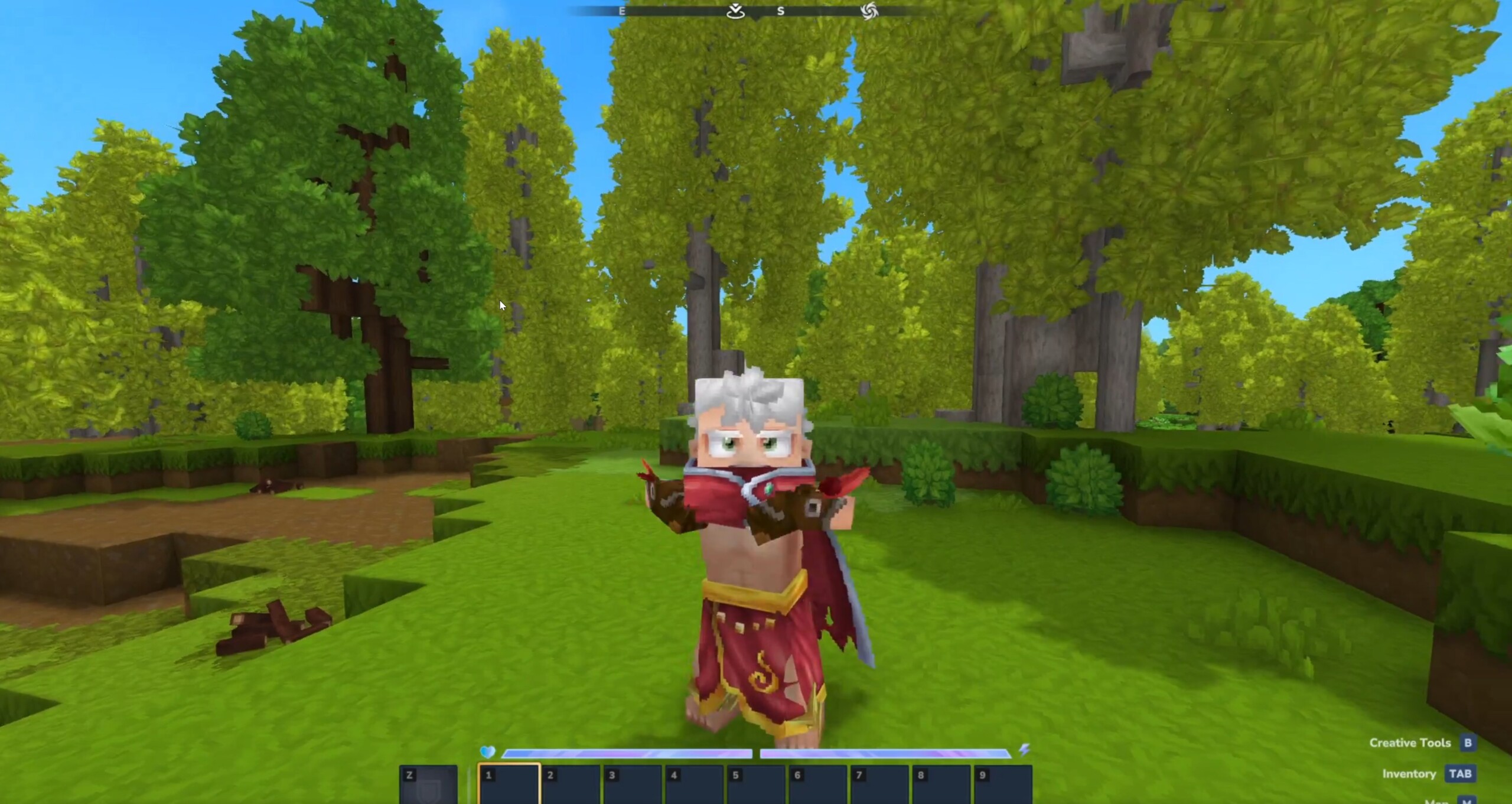
The chicken dance brings fun energy to celebrations, the kill emote celebrates victories dramatically, and the dab adds a classic flair to your moves. These animations feature smooth motions and even facial changes for more personality.
How to access and use emotes
Open the emote wheel in-game to pick your animation.
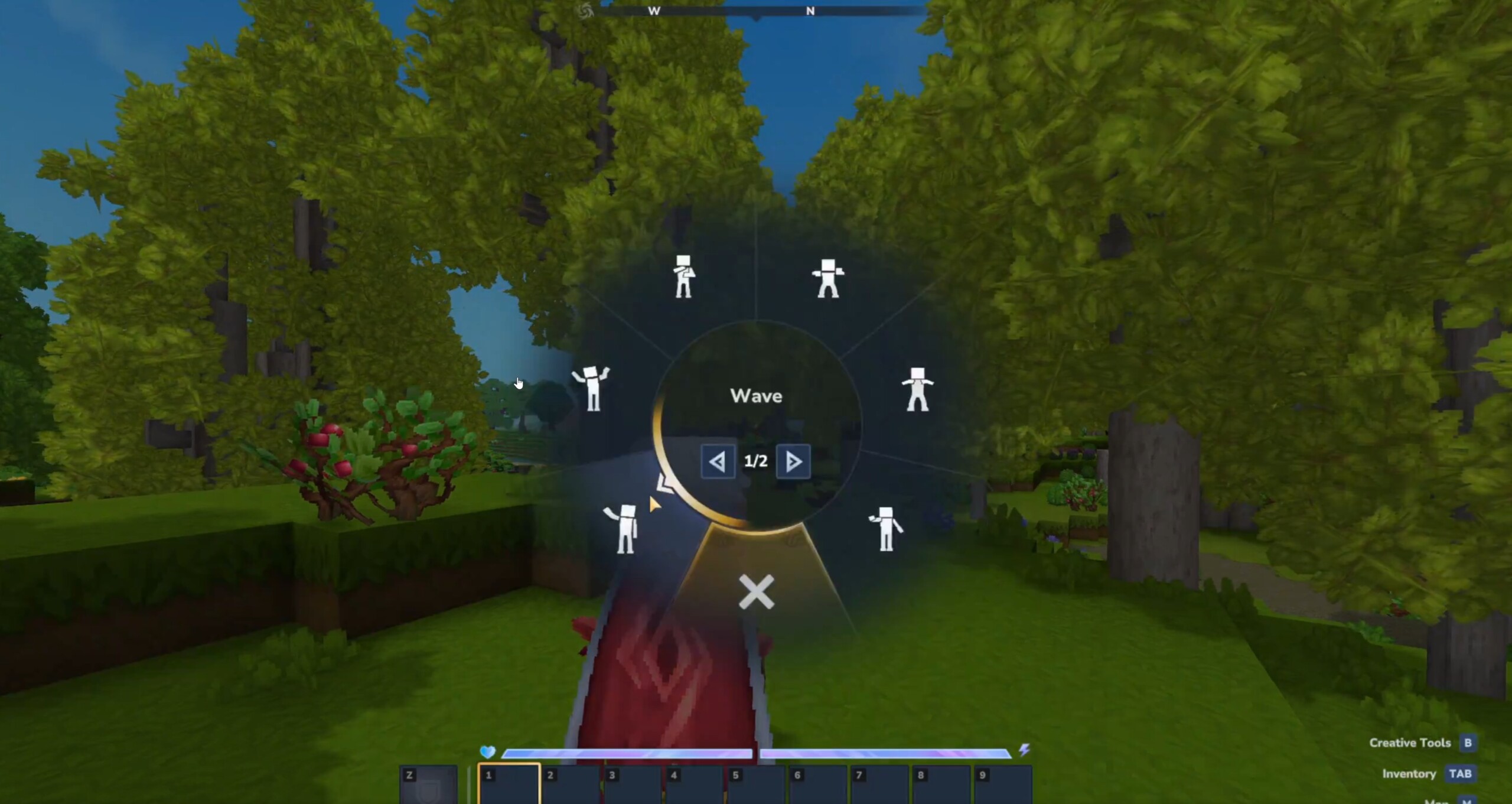
Slot your chosen emote, then release the button to trigger it—your character performs while you look around freely. Start moving, and the emote stops instantly, keeping action fluid. You stay in control during play on servers or worlds.
How to mod your own emotes
Create custom emotes easily for unique flair.
Step 1: Prepare animation file
Place your .blockyanim emote animation in Common\Characters\Animations\Emote.
Step 2: Add icon
Put the .png icon in Common\Icons\Emotes.
Step 3: Create config
Make a .json file in Server\Emote\ with this structure, replacing MyEmoteName:
{
"Animation": "Characters/Animations/Emote/MyEmoteName.blockyanim",
"Name": "My Emote Name",
"Icon": "Icons/Emotes/MyEmoteName.png",
"IsLooping": true
}
Step 4: Load in game
Restart or reload; your emote appears in the wheel ready to use.
Emotes in your gameplay
These additions boost social fun on multiplayer servers, letting you celebrate, greet, or taunt seamlessly. Creators gain tools to share wild ideas, expanding community content fast. As pre-releases roll weekly, you get fresh features early, shaping how Hytale feels in your hands.
Dive into the pre-release today and test these emotes yourself—your Hytale sessions just got way more interactive.



