

What to know
-
Type /unstuck in chat to teleport to the top of the world at your current spot.
-
Works in single-player or on servers where you have permission, often requiring OP status.
-
Ideal for deep mining mishaps without tools to climb out.
-
Confirmed in latest Hytale updates as a core command macro.
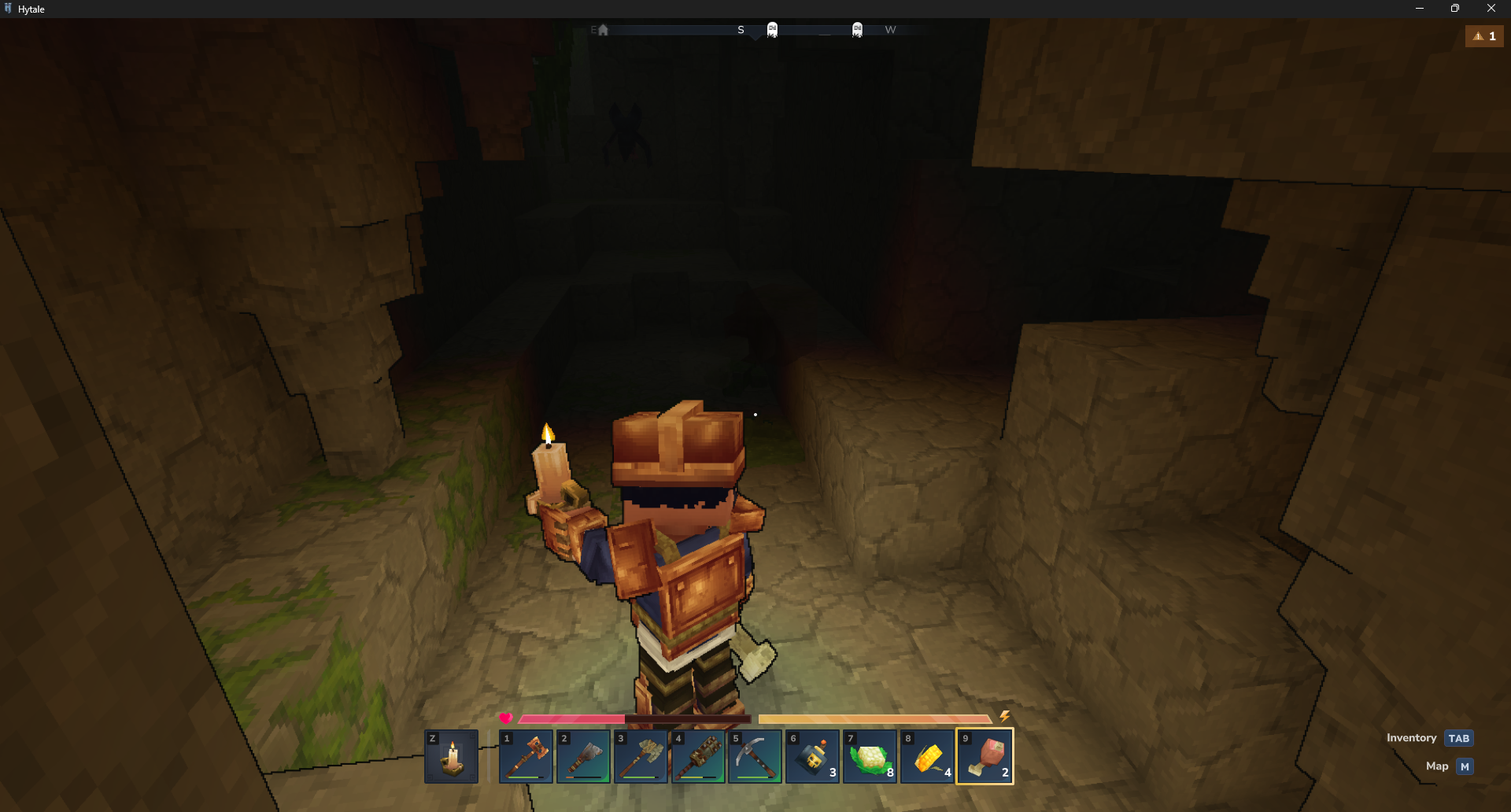
You may sometimes find yourself deep underground in Hytale‘s expansive caves and mines, unable to return to the surface due to broken tools or tricky terrain. The /unstuck command offers a quick escape, teleporting you up and out so you can journey on.
| Aspect | Details |
|---|---|
| Command | /unstuck |
| Effect | Teleports to world top at current X/Z |
| Source | Command Macro module |
| Permission | Basic access; OP on some servers |
| Use Case | Stuck in mines, portals, caves |
When you sometimes get stuck
It’s not uncommon for adventurers to dig themselves into a corner or fall into a deep cavern without enough resources to climb back out. To prevent these situations from becoming game-ending traps, Hytale provides a straightforward utility command that allows you to safely return to the surface.
How to use the Unstuck command to get out of tight spots
Step 1: Open chat
Press the Enter key to bring up the chat box at the bottom of your screen.
Step 2: Grant permissions if needed
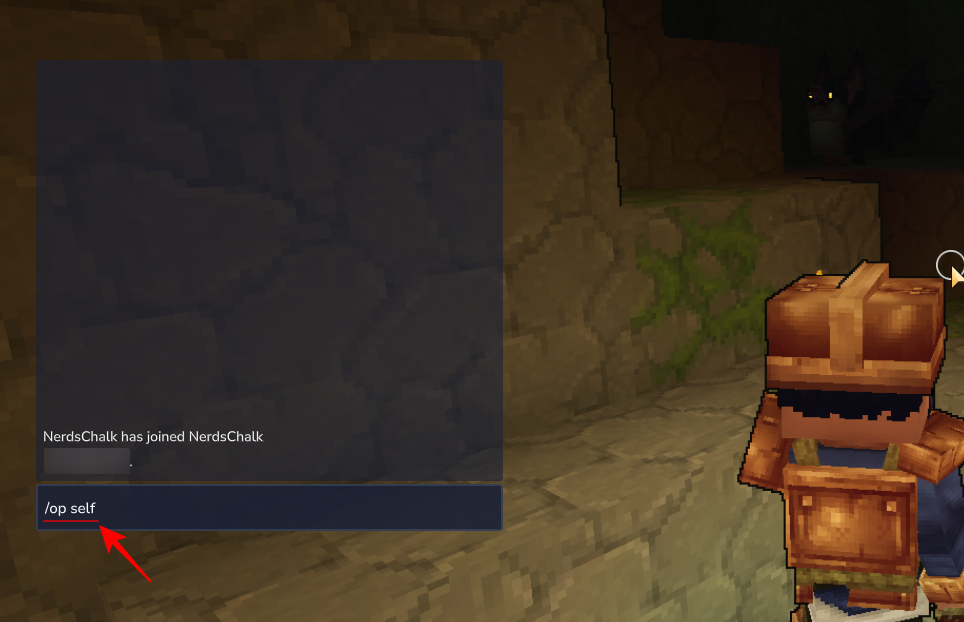
In single-player or your server, type /op self first to gain operator status, then confirm.
Step 3: Enter the command
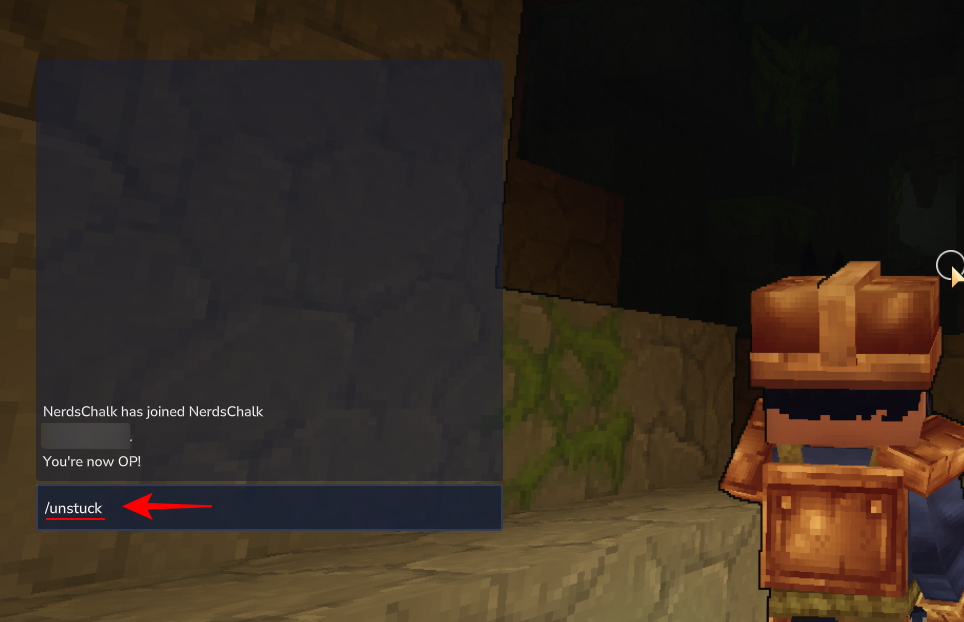
Type /unstuck exactly—no spaces or extras—and hit Enter.
Step 4: Confirm teleport
You’ll instantly appear at the surface above your previous location.
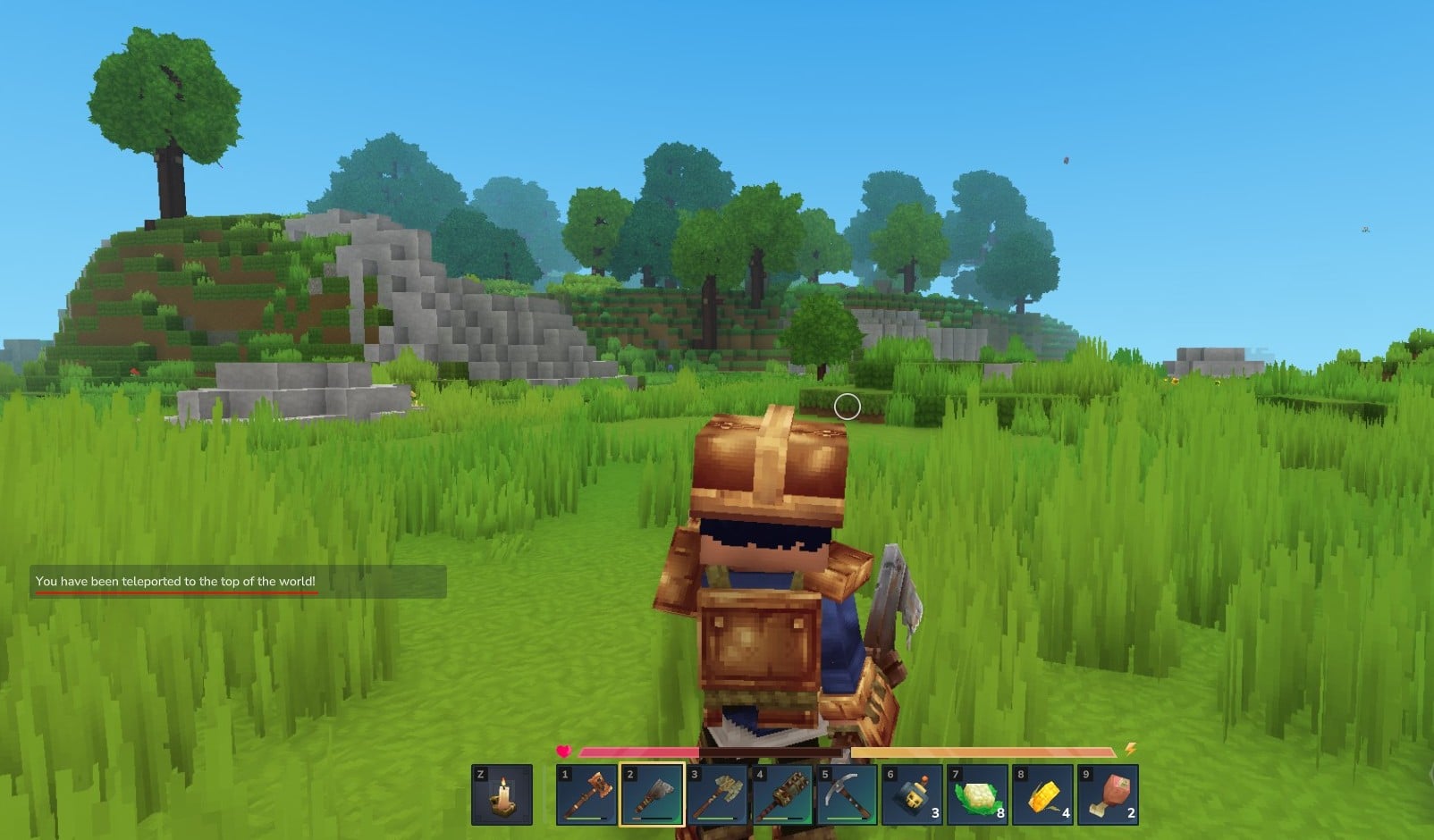
By simply typing /unstuck in the chat, you can quickly escape from deep caverns and avoid being permanently trapped in Hytale’s complex world.



