What to know
- The map opens instantly with a single key
- Explored areas are revealed generously around you
- You can place custom markers for navigation
- Zoom and player list controls are built into the map
Navigating the world in Hytale becomes much easier once you understand how the map works. It’s not just a static overview—it actively helps you explore, plan routes, and coordinate with other players.
Quick overview of map controls in Hytale
| Action | Key / Input |
|---|---|
| Open map | M |
| Place marker | Right-click |
| Zoom in / out | Mouse wheel |
| View player list | P |
| Area reveal | Automatic while exploring |
How to use your map in Hytale
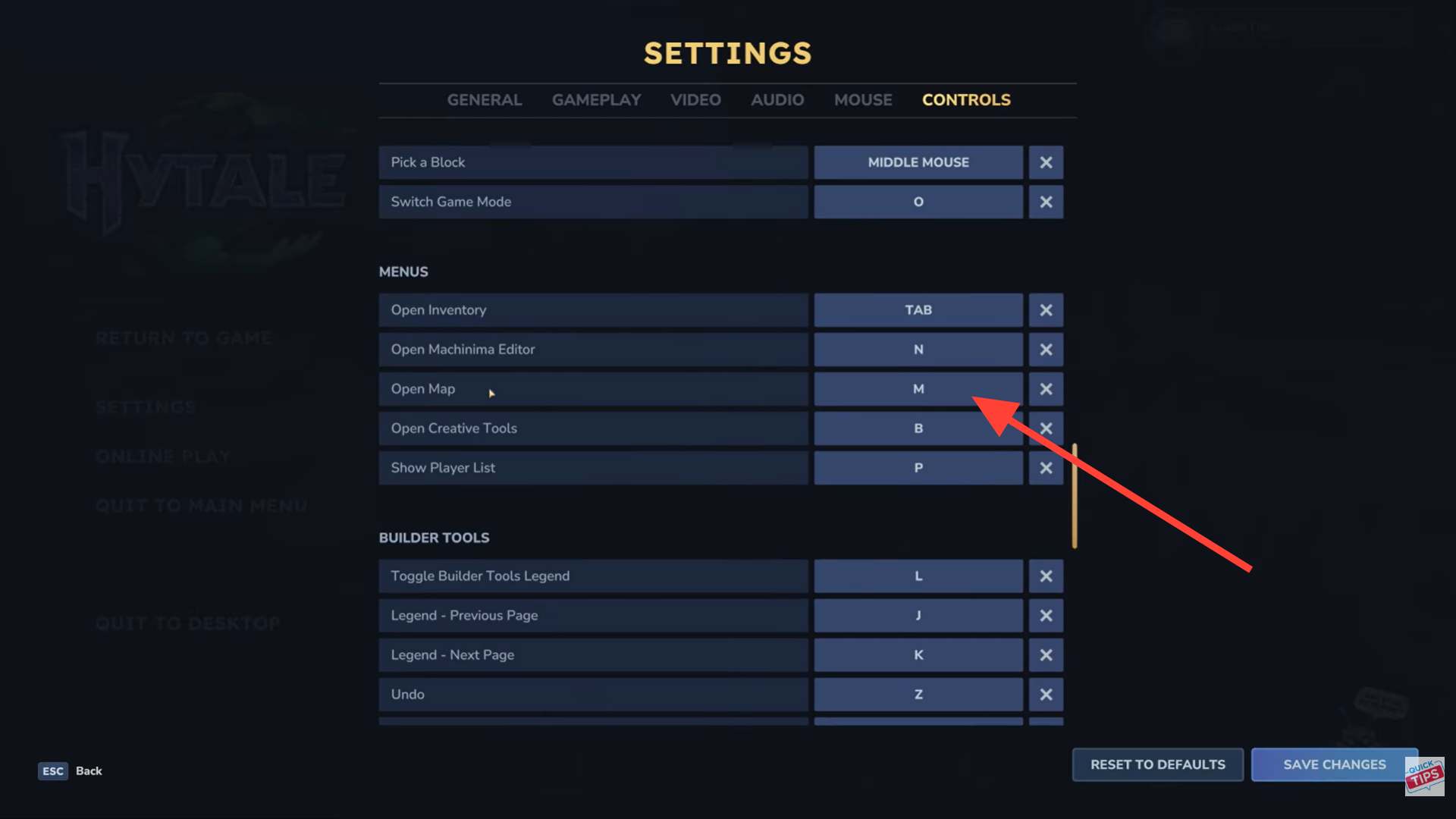
Step 1: Open the map
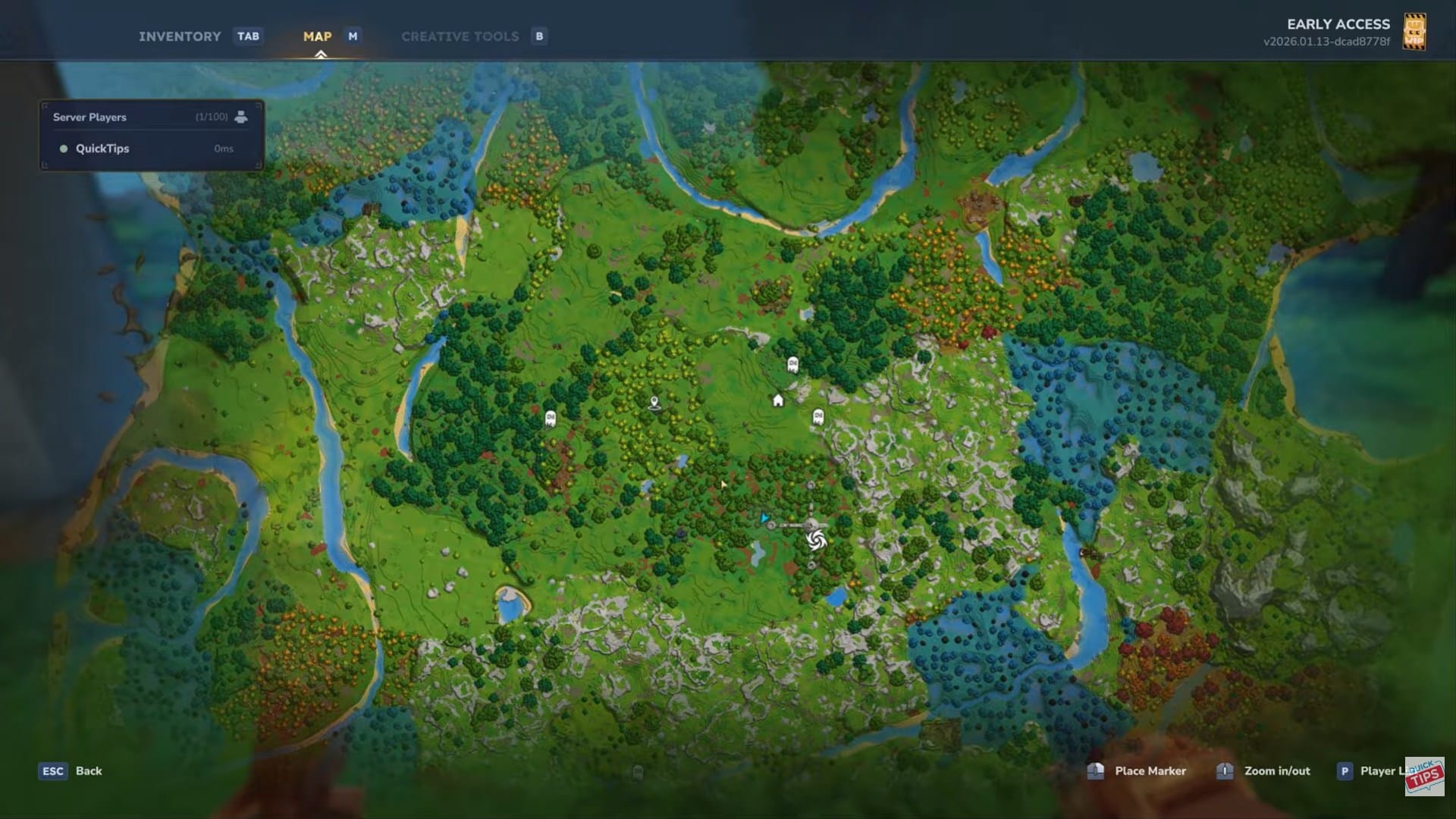
Press the M key to bring up the world map. This can be done at almost any time during normal gameplay.
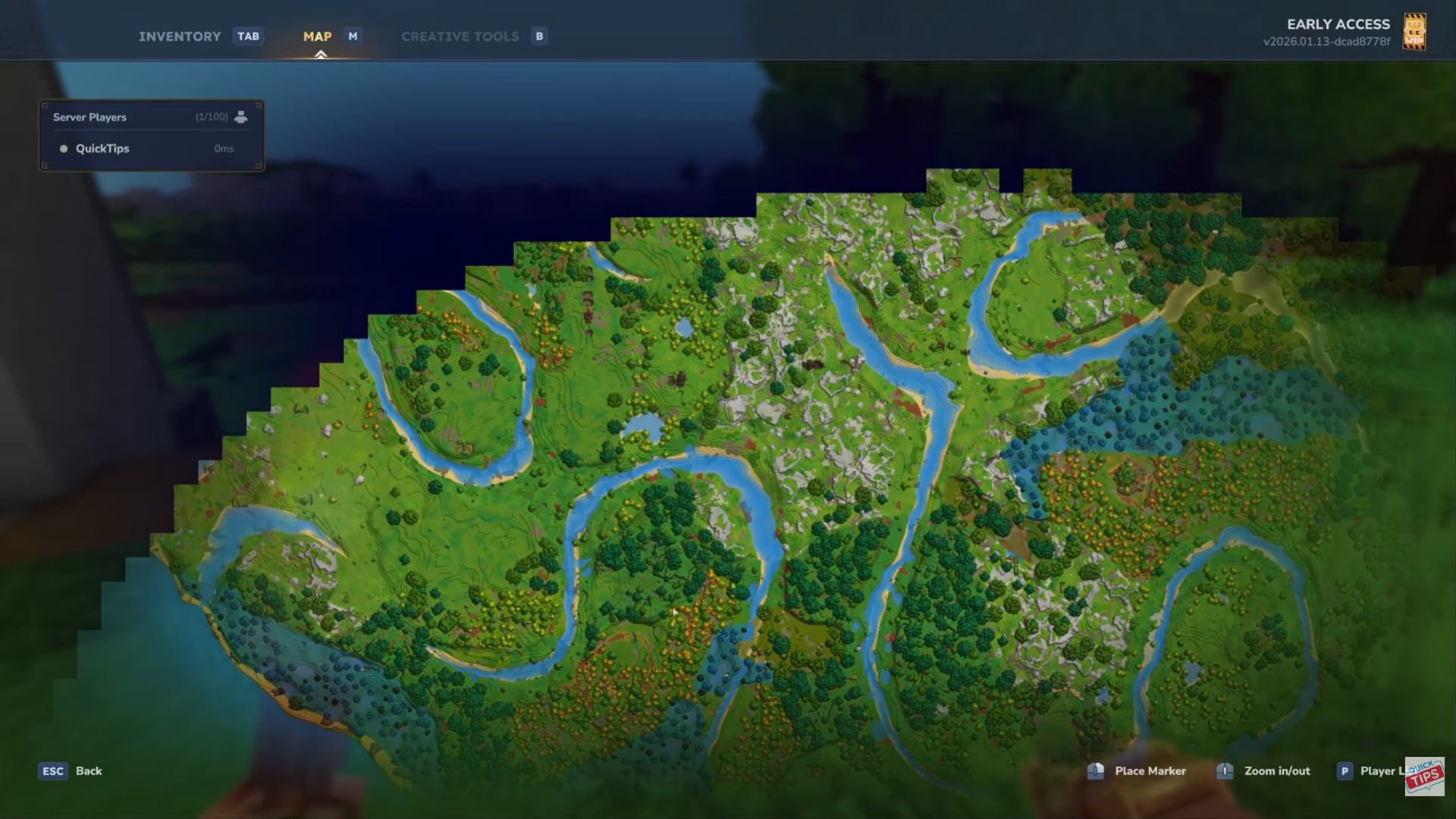
Step 2: Understand how the map reveals terrain
As you explore, the map automatically reveals a large area around your character, not just the exact tiles you walk over. This makes scouting and general navigation much easier than uncovering terrain one block at a time.
Step 3: Place map markers
While the map is open, right-click anywhere to place a marker. These markers are useful for:
- Bases and farms
- Resource locations
- Boss areas or points of interest
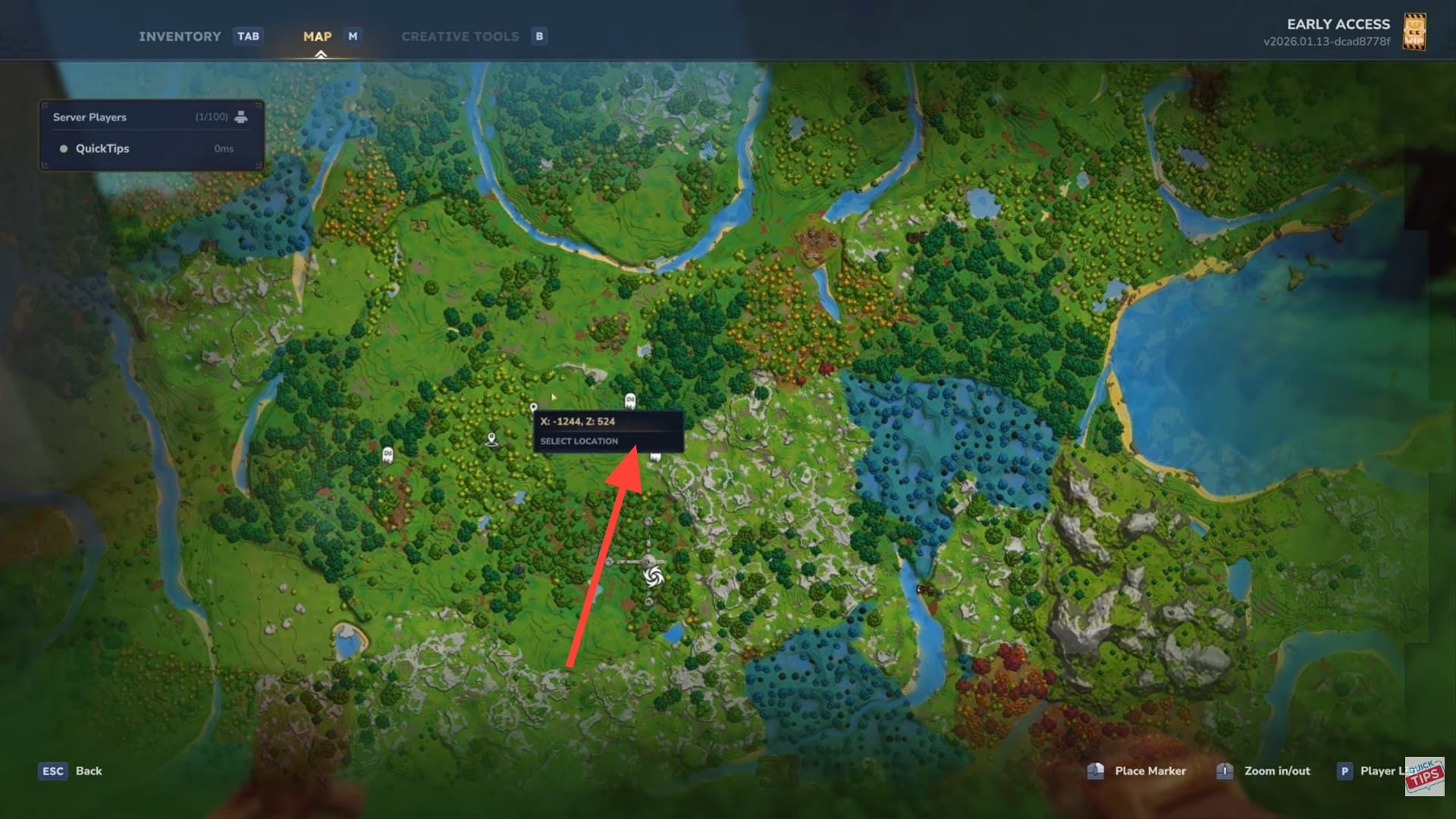
Step 4: Zoom the map in and out
Use your mouse wheel to zoom in for detail or zoom out for a wider overview. This helps when planning long-distance travel or pinpointing exact locations.
Step 5: Check the player list
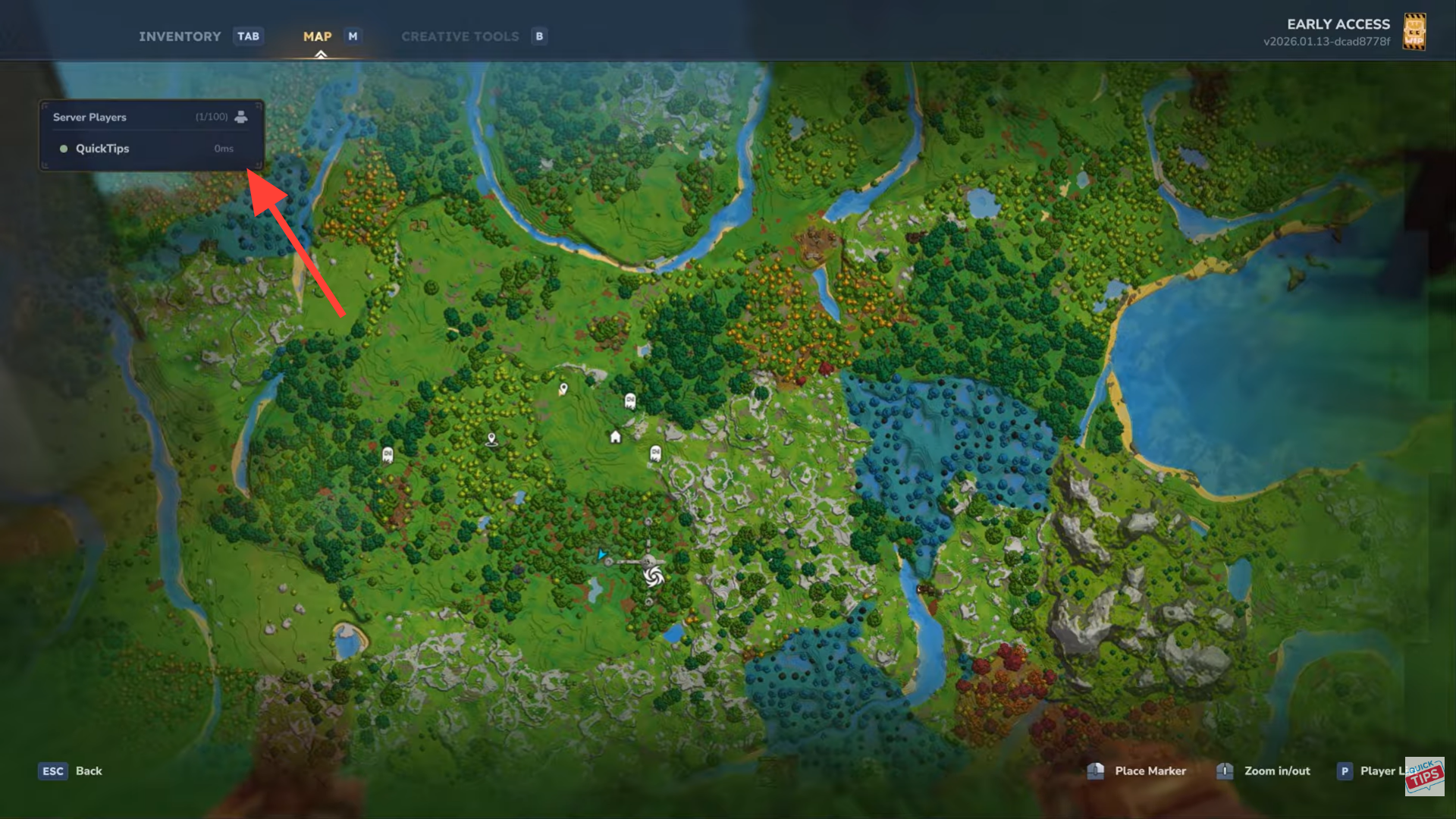
Press P to view the player list. This is especially useful in multiplayer sessions to see who’s currently in the world.
Why the map is more useful than it looks
Because the map reveals a generous radius around you, it’s great for early scouting and route planning. You can often identify biomes, coastlines, or island shapes without fully exploring them on foot.
Tips for efficient map use
Placing markers as soon as you find something important saves time later. Combined with zoom controls, the map becomes a reliable planning tool rather than just a reference screen.
Thanks for taking the time to go through this how to view map guide for Hytale. If it helped you understand things better, do share your thoughts, impressions, or doubts in the comments section. We keep a close watch and try to respond promptly to ensure you always get the support you need.