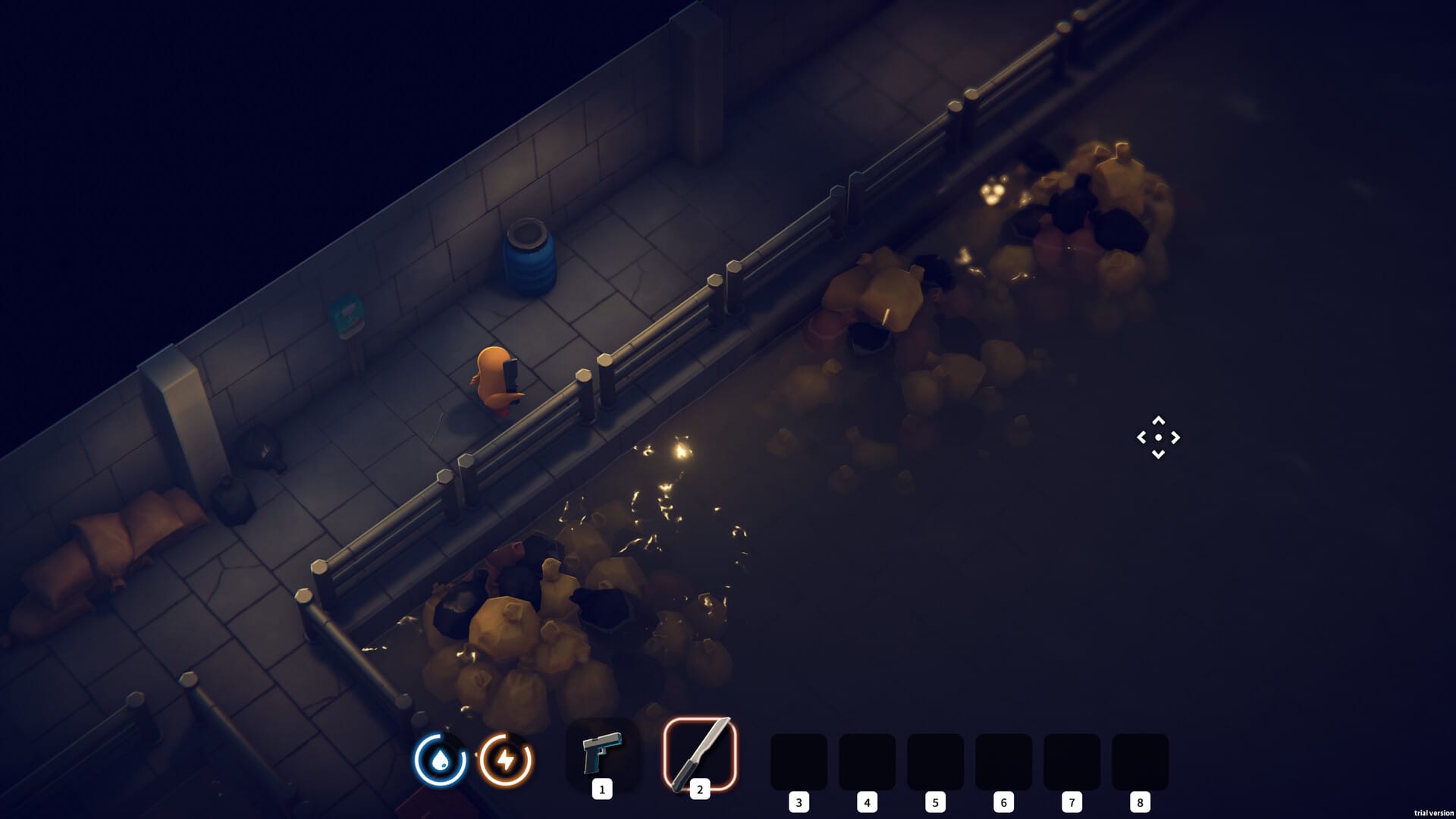
A workbench is one of the most crucial tools you’ll need to progress in Escape from Duckov, as it allows you to craft weapons, tools, and key survival items.
What to know
- You unlock the workbench through early base construction quests.
- It requires at least 2 units of wood to build.
- Upgrading it opens new crafting tiers like Advanced Progression I and II.
- Materials can be found in raids, traded, or looted from the world.
Building a workbench is part of the tutorial questline, but its advanced upgrades need effort and scavenging. Here’s a detailed guide on how to unlock and use it.
How to unlock and build your first workbench
You’ll first encounter the workbench option once you unlock Base Construction during your first few Ground Zero raids. This becomes available after extracting safely and meeting trader “Jeff”.
Step 1: Unlock Base Construction
Complete the early quest “Basic Construction,” which requires you to gather 2x Wood. This wood is found in scav zones like the small sheds around Residential Blocks or can be purchased from traders.

Step 2: Build the Workbench
Once Base Construction is accessible, head to your shelter menu and select Workbench. Crafting the basic workbench consumes:
- 2x Wood
- 1x Scrap Metal (optional depending on difficulty mode)
After crafting, place it anywhere in your base. This will unlock access to basic blueprints like scrap tools, water filters, and simple ammo.

Step 3: Gather materials for upgrades
Acecpt the quest to progress beyond the basic tier and start collecting:
- Circuit Boards
- Bolts and Metal Plates
- Light Bulbs and Plastic (crafted from dismantling water bottles)
These are used to unlock blueprints or advance the workbench to the next level.

Step 4: Unlock Advanced Progression
When you open the Workbench menu, go to Upgrades, then Advanced Progression II. Unlocking this upgrade requires:
- 4x Wood
- 2x Steel
- 1x Circuit Board
Doing so allows you to craft advanced items like the Fishing Rod and modify weapons.
Step 5: Keep upgrading your warehouse
Your warehouse acts as extra storage for materials tied to the workbench. As you craft and upgrade, make sure to expand warehouse capacity for better resource management since materials stack quickly with higher-level crafting.
How to use the workbench effectively
Once unlocked, use the workbench for:
| Workbench Function | Required Materials | Primary Use | Best Efficiency Tips | Unlockable Upgrades |
|---|---|---|---|---|
| Crafting Station | 2x Wood | Create base tools, weapons, ammo, and consumables | Always craft ammo and repair kits before expeditions | Advanced Workbench (adds weapon mods, gadgets) |
| Repair Station | Scrap Metal, Bolts | Fix damaged weapons and armor to maintain full condition | Repair gear instead of discarding to save rare parts | Enhanced Repair Kit (reduces material use by 25%) |
| Disassemble Station | None (uses old gear) | Break down old or duplicate items into crafting components | Dismantle instead of selling junk to stock up on Bolts and Plates | Auto-Dismantle Blueprint (unlocks on tier 2) |
| Research Terminal | Circuit Boards, Plastic | Unlock new blueprints for weapons, traps, and consumables | Focus on power weapons early to increase survival odds | Blueprint Tier II Expansion |
| Weapon Upgrade Bench | Steel, Bolts, Circuits | Add attachments and modify stats for higher performance | Upgrade only frequently used weapons to conserve parts | Advanced Mod Table (adds stability modifiers) |
| Warehouse Integration | None (linked system) | Stores all crafting materials and blueprints | Regularly expand warehouse for more slots and faster crafting sync | Warehouse Tier III (auto-sort and material stacking) |
Staying efficient with crafting
To optimize your progression:
- Loot every raid for components like Light Bulbs and Plastic.
- Visit the Duckling’s House often for large loot chests.
- Sell extras to traders and buy missing crafting parts.
- Regularly check vending machines for items like bottles, which can be dismantled for plastic.
Mastering the workshop in Duckov
Unlocking and maintaining the workbench early makes survival smoother, enabling you to craft, repair, and upgrade efficiently. Focus on upgrading your workbench and warehouse in tandem, and always keep essential materials on hand for quick restoration after tough raids.