

Simulation Data is a premium currency in Blox Fruits used for dungeon access, Trinket upgrades, and Control Fruit awaken progress. You can unlock it either by grinding dungeons (free) or buying packs with Robux (paid).
Simulation Data is one of the most important currencies in Blox Fruits right now, especially if you’re working on Control Fruit upgrades or want to run harder dungeons. It’s not something you earn from normal grinding or codes; instead, you have to either farm Trinkets in dungeons or spend Robux.
What Simulation Data is used for
Before explaining how to get it, let’s first look at where Simulation Data is used in the game:
- Dungeon entry – Hard and Challenge dungeons cost Simulation Data to unlock and enter.
- Trinket reforge – Upgrading Trinkets at the Trinket Refiner requires Simulation Data.
- Fuse Trinkets – Combining Trinkets into stronger ones uses Simulation Data.
- Buy new Trinkets – You can purchase Trinkets directly from the Trinket Refiner using Simulation Data.
- Control Fruit awaken – Progressing through the Control Fruit awaken system needs a steady supply of Simulation Data.
If you’re planning to max out Control or run high‑tier dungeons regularly, farming Simulation Data becomes a must.
How to unlock Simulation Data
Below are the two ways to unlock Simulation Data:
Free method
Run dungeons to earn Trinkets, then head to the Dungeon hub, talk to the Trinket Refiner NPC, and scrape unwanted Trinkets to convert them into Simulation Data (Hard and Challenge dungeons give better returns).


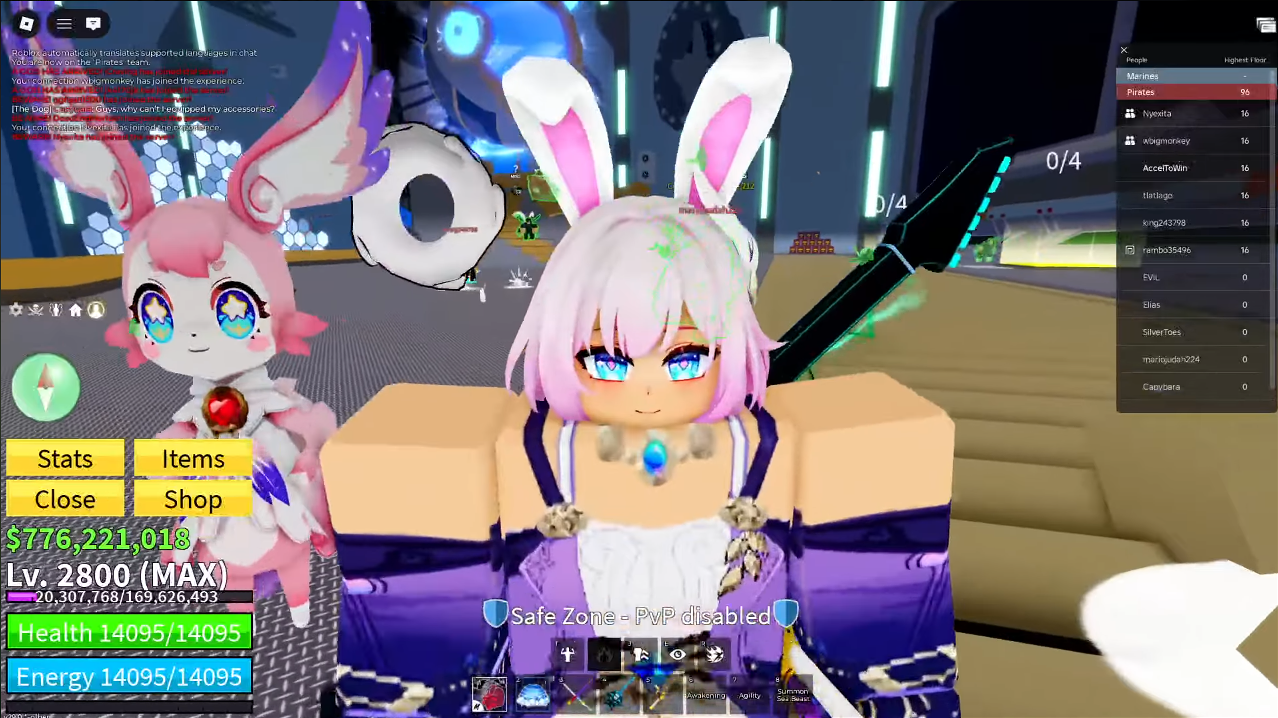
Using the Trinket Refiner NPC to get Simulation Data (Image credit: Gamer Robot Inc. | Via: YouTube – AccelToWin)
Paid option
Open the Blox Fruits Shop from the main menu, find the Simulation Data packs, choose the amount you want, and buy it with Robux, the Simulation Data is added to your account instantly.

Tips for better farming
- Save Legendary and rare Trinkets for scraping; they give significantly more Simulation Data than common ones.
- Avoid reforging low‑value Trinkets unless absolutely necessary, since that also costs Simulation Data.
- Run dungeons with friends to clear them faster and earn more Trinkets per hour.
- Check the shop occasionally for discounted Simulation Data packs or special events that might give extra Data.
Thanks for reading through! If this Simulation Data guide helped you, share your thoughts or doubts in the comments section. We reply regularly and would love to help if you’re stuck anywhere.




