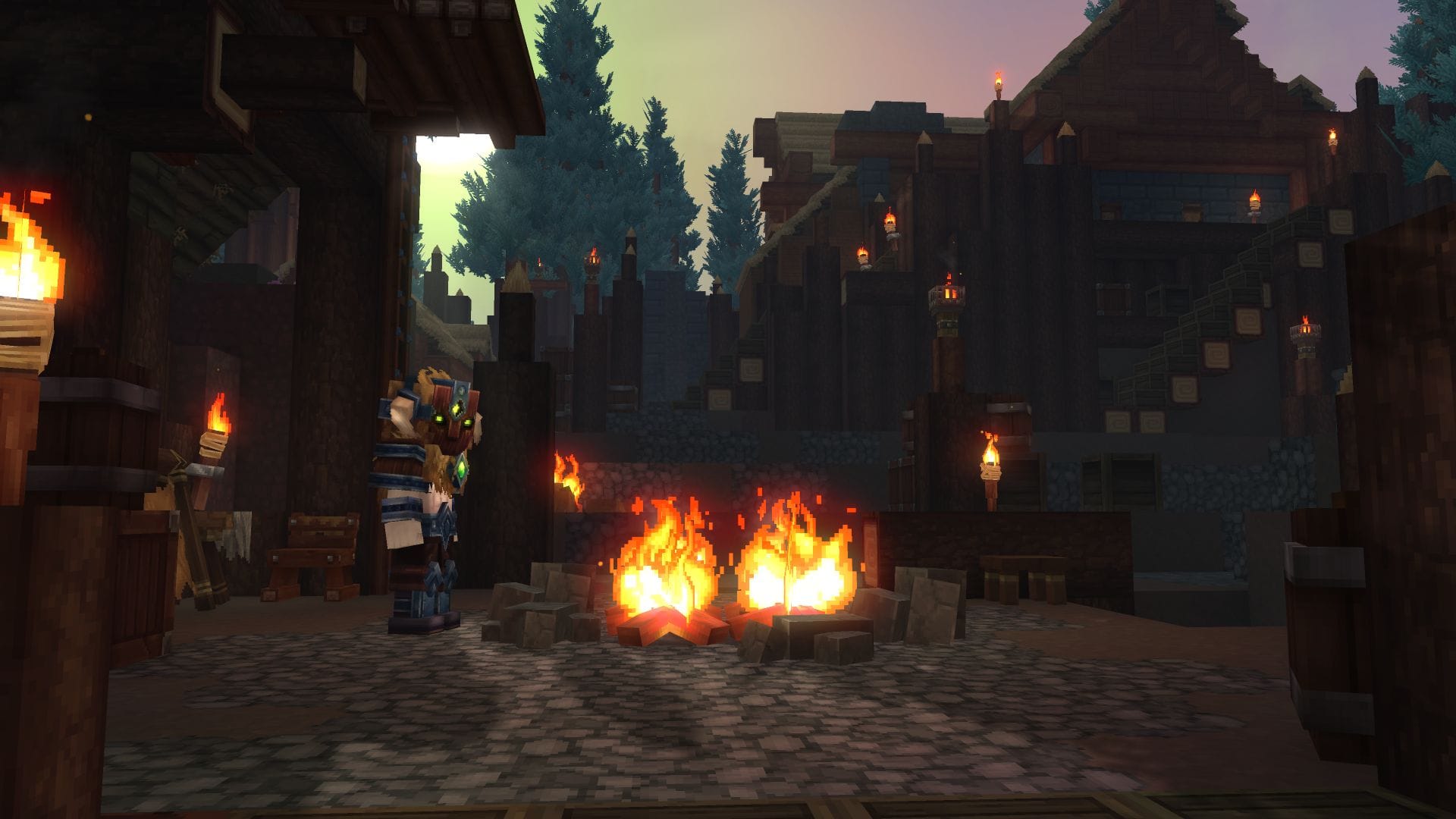
Whether you want to admire your character’s gear or get a better view of your surroundings, switching to third-person view is a handy feature in Hytale. Here’s how to do it:
How to switch your perspective
Simply press the V key on your keyboard to toggle between first-person and third-person view.
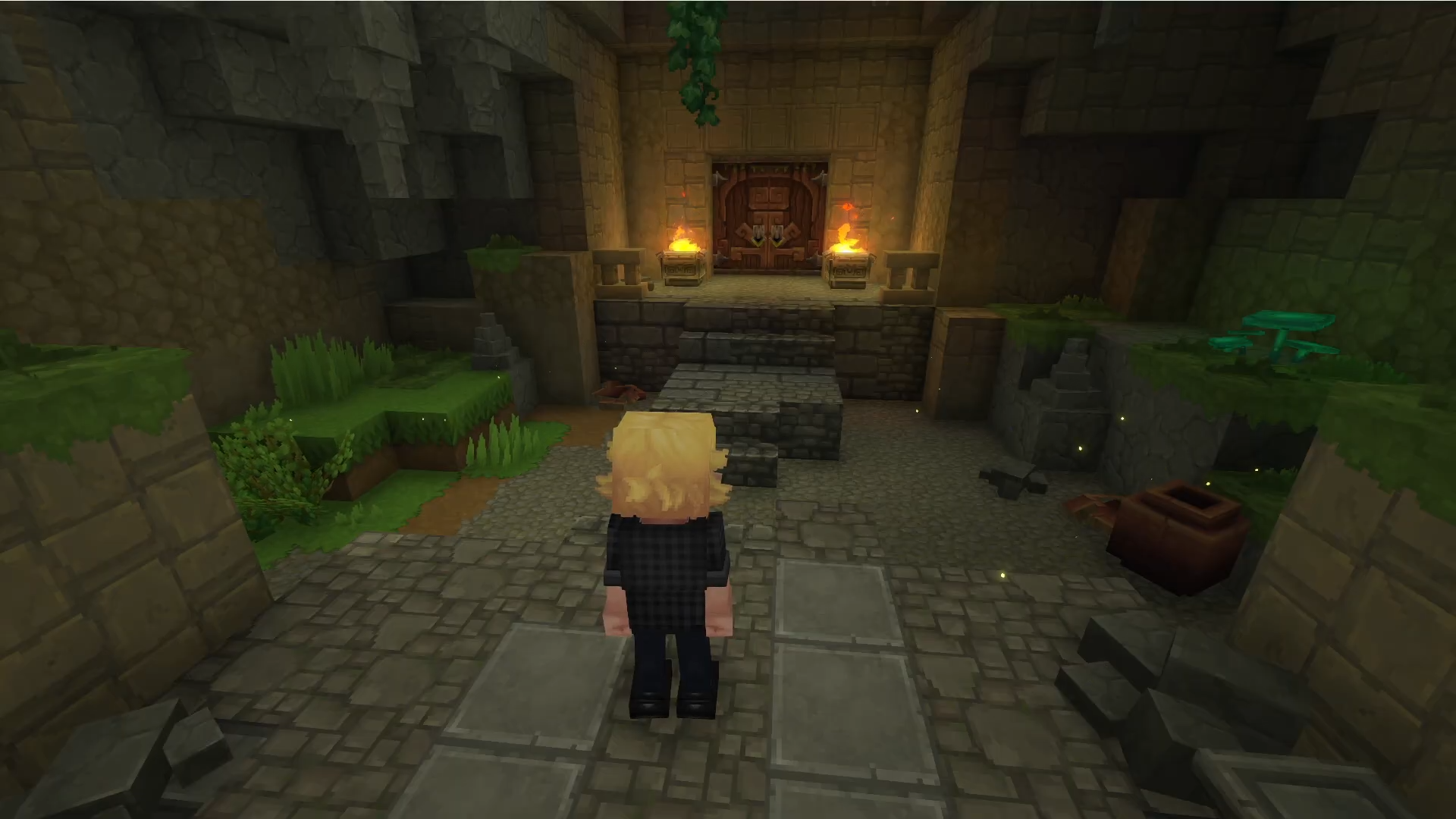
Why Switch to Third-Person?
There are several reasons why you might want to play in third-person view:
- Better Situational Awareness: Third-person view provides a wider field of vision, making it easier to spot enemies or interesting landmarks.
- Character Customization: Admire your character’s unique appearance and the gear you’ve worked hard to obtain.
- Enhanced Exploration: Experience the beautiful world of Hytale from a different perspective.
With this simple control, you can easily switch between perspectives and enjoy Hytale to the fullest. Happy adventuring!