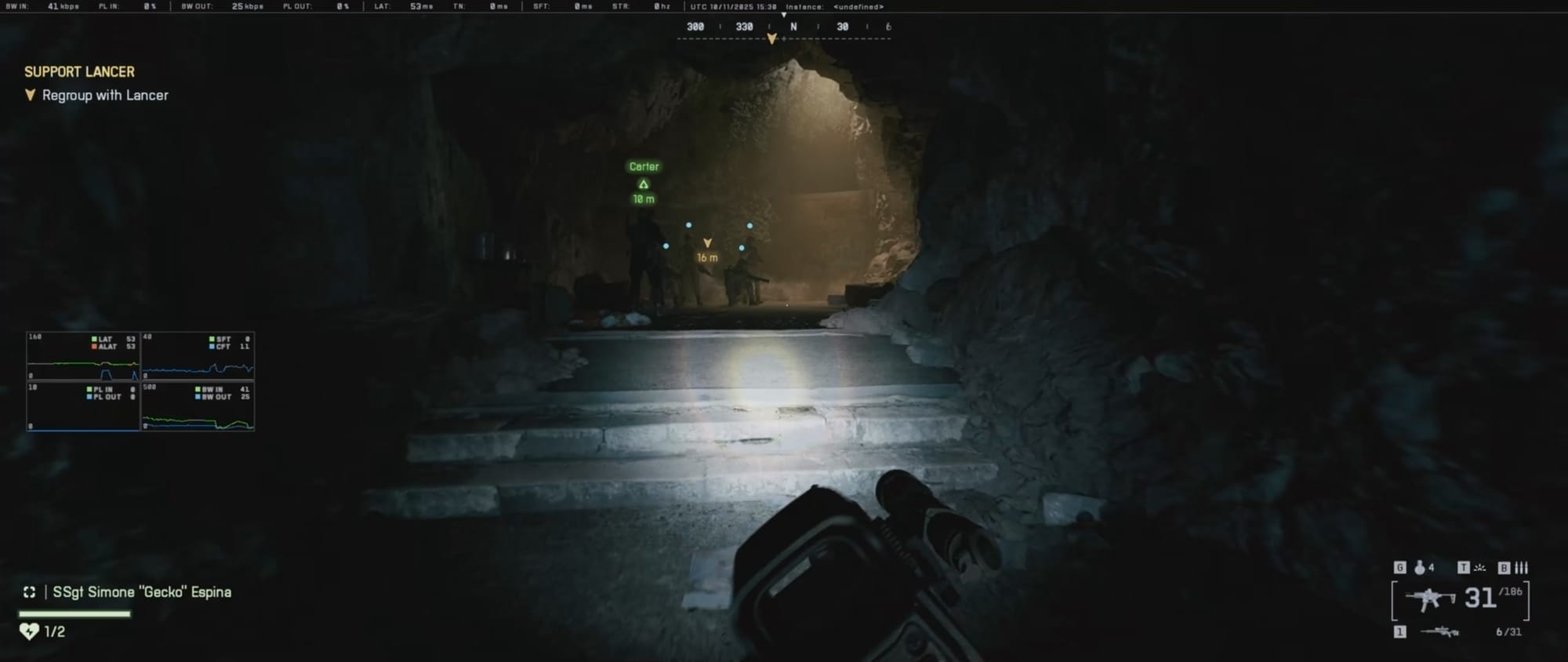
A slide in Battlefield 6 is performed by double-tapping the crouch button while sprinting, allowing fast movement and hip-fire capability.
What to know
- To slide, sprint first, then double-tap the crouch button quickly.
- Sliding allows you to move low and fast while still being able to hip-fire.
- Settings can be adjusted for sliding behavior, including toggling double-tap crouch to slide.
- On controllers, disabling double-tap crouch for slide lets you use a single tap for sliding.
Sliding in Battlefield 6 is a tactical movement mechanic useful for quickly closing distance, dodging enemy fire, or taking cover with momentum. Unlike traditional crouching that simply lowers your stance, sliding grants speed and mobility while maintaining offensive capabilities through hip-fire.
How to perform a slide in Battlefield 6
Step 1
Begin sprinting by pressing your movement key or stick fully forward. It’s Shift key for keyboard.
Step 2
While sprinting, quickly press the crouch button twice in succession.
This double-tap action initiates a slide where your character glides forward at speed close to the ground. Be careful not to hold the crouch button down while sprinting, as that causes a dive prone instead.
How to customize sliding controls for ease
In the settings menu under Infantry Control Settings:

- For Mouse & Keyboard users:
- Locate the “Slide” option to bind a dedicated key for sliding.

- You can enable or disable “Double Tap Crouch for Sprint Slide” depending on preference. Turning it off changes slide initiation to a single tap.

- For Controller users:
- It is recommended to turn off “Double Tap Crouch for Sprint Slide.”
- This allows pressing crouch once to slide or holding it to dive forward.
When to use sliding effectively
Sliding is particularly useful when using close-range weapons like SMGs or shotguns, allowing you to move quickly while maintaining firing capability. It is effective for aggressive plays in close quarters or moving swiftly into cover.
Mastering sliding gives you an edge in movement flexibility, surprise attacks, and evasion in the fast-paced battles of Battlefield 6.
This technique is simple to perform but very impactful when combined with situational awareness and weapon choice. Adjust your settings to find the most comfortable sliding control option for your playstyle and device.