A guide to saving space when installing Battlefield 6 on PC or consoles by selecting only the desired game components like campaign, multiplayer, or high-res textures
What to know
- Battlefield 6 install size can be customized by selecting components like campaign, multiplayer, and high-res textures.
- Base game install is about 49-55 GB, with campaign and multiplayer adding more space as optional downloads.
- On consoles, you can choose which parts to install during setup; on PC (Steam), you can uncheck DLC components before installation.
- After installing, you can manage installed content via the in-game settings menu to uninstall or reinstall parts.
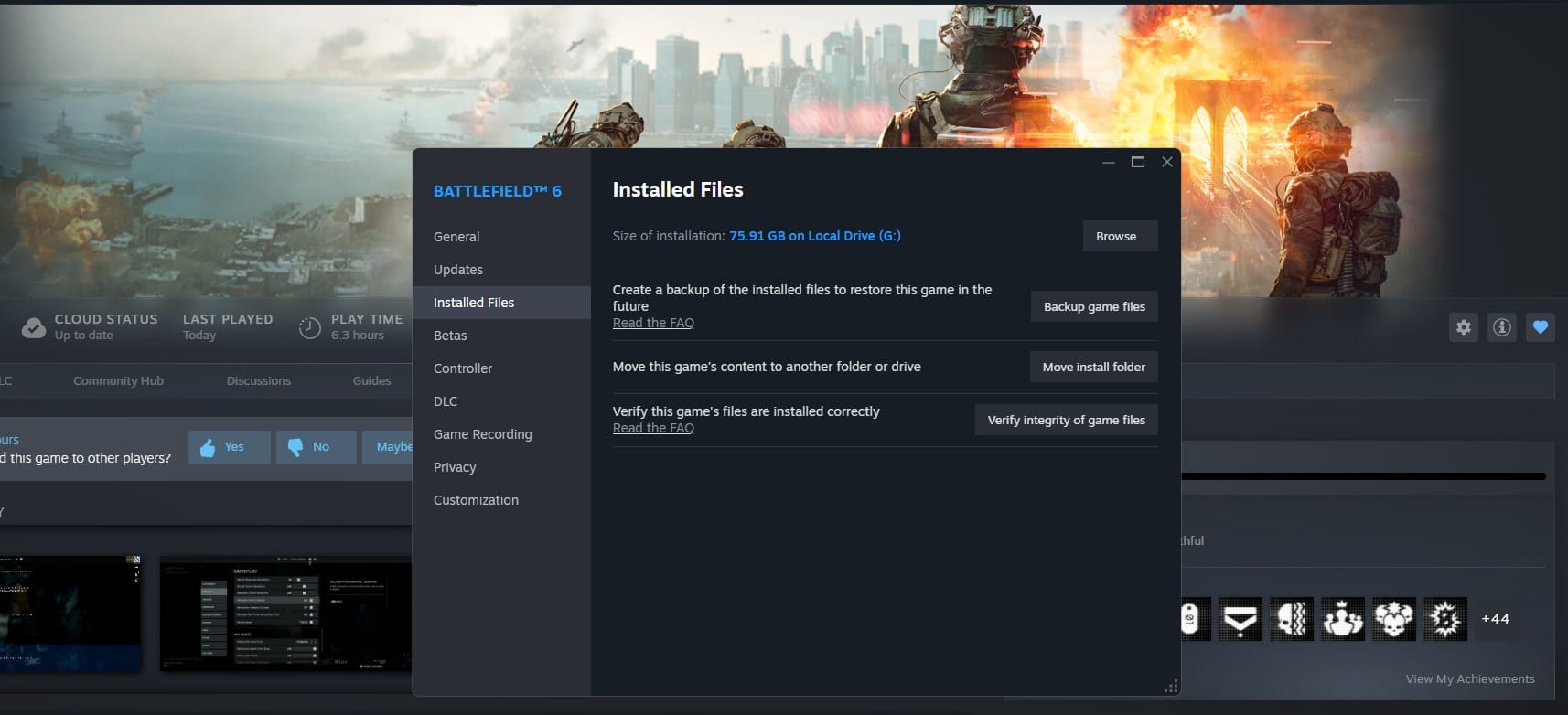
Battlefield 6 offers a fragmented installation system that allows you to save storage space by installing only the parts of the game you want to play. Instead of downloading the full 80 GB package, you can pick and choose components such as the single-player campaign, multiplayer mode, and high-resolution textures separately.
How to save space when installing battlefield 6 on PC
You can manage which parts of Battlefield 6 are installed directly from within the game on your console or PC. Just follow these steps:
- Open the Settings icon from the top menu.
- Navigate to the System tab.
- At the top under Setup, select Install / Uninstall, then click Edit.
How to save space after installing Battlefield 6 via Steam
You can manage your downloaded content in this way.
- In your Steam library, right-click on Battlefield 6 and select “Properties.”

- Navigate to the “DLC” tab where all game components are listed.
- Uncheck the boxes next to parts you do not want to install (like single-player or multiplayer).

- Proceed with the installation to save space by downloading only selected content.
Estimated storage sizes by content
| Component | Approximate Size |
|---|---|
| Base game (core) | 49–55 GB |
| Multiplayer | +5 GB |
| Multiplayer HD textures | +0.4 GB |
| Single-player campaign | +15 GB |
| Single-player HD textures | +7 GB |
Choosing to install only the multiplayer or campaign parts, or skipping high-res textures, can significantly reduce the storage needed, making it easier for those with limited disk space. Additionally, players can install the campaign first, play it, then uninstall it to install the multiplayer as a space-saving strategy.
This fragmented installation approach is available on PC and consoles (Xbox Series X|S and PS5) though the method of selecting components differs slightly for each platform. On consoles, you are prompted at install time to select which parts to download, whereas on PC, configuration is done via Steam properties or in-game settings.
Overall, this flexibility allows Battlefield 6 players to better manage their storage without sacrificing access to content they want to experience.