

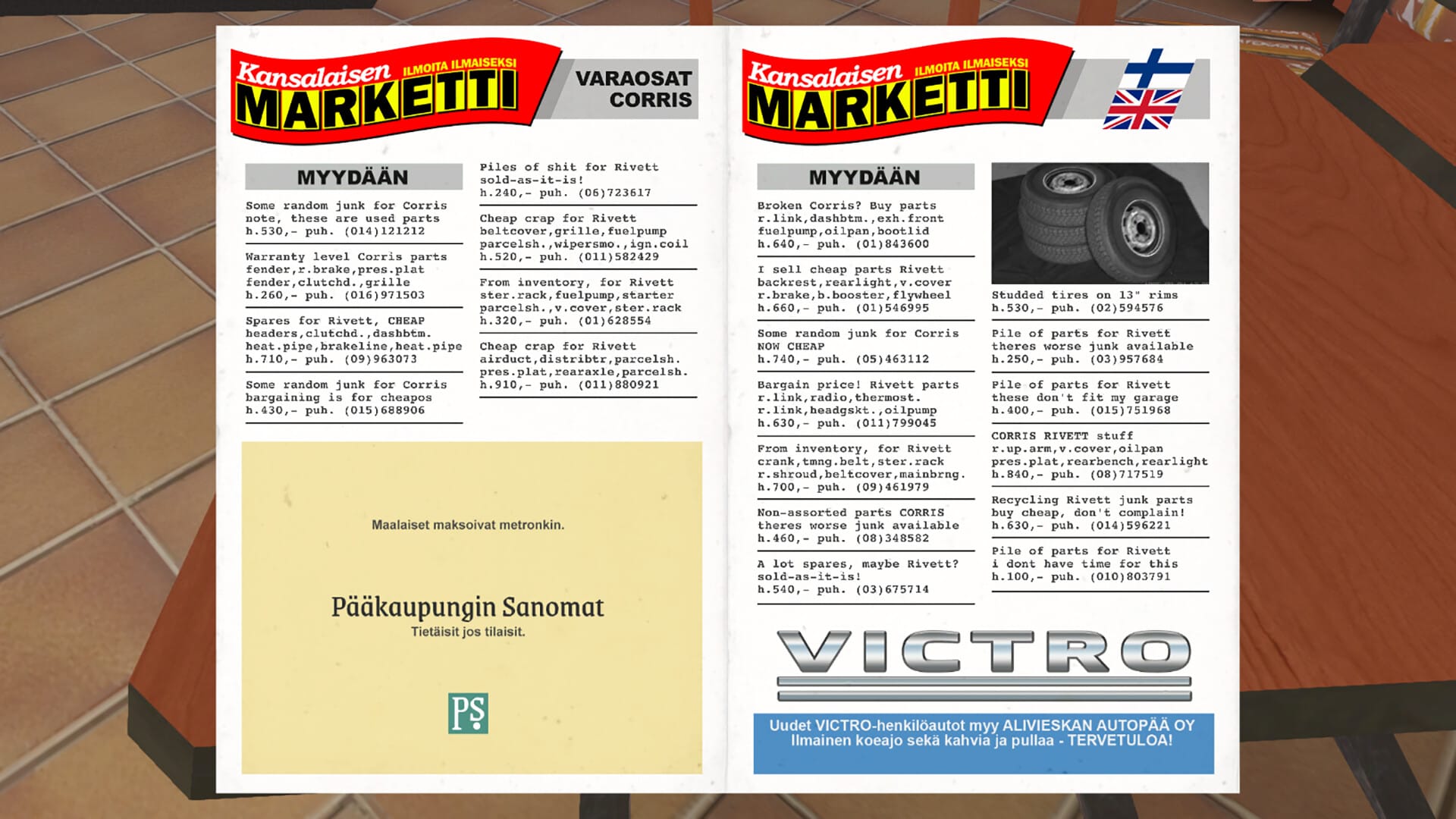
Learn how to instantly translate your Corris Rivett’s VIN into real parts and specs using a simple GitHub-hosted VIN decoding page.
What to know
- My Winter Car assigns a unique VIN to each vehicle that encodes its factory specifications.
- A community member created a GitHub-hosted web page to decode VINs quickly.
- You can enter your VIN manually or choose preset options to build one interactively.
- Decoding VINs lets you see exactly what your car came with from the factory (helpful for restoration or sharing builds).
In My Winter Car, each Corris Rivett and potentially other vehicles have a Vehicle Identification Number (VIN) — just like real cars. Although the game doesn’t show detailed specs based on that number, decoding it with an external tool can reveal exactly what configuration your car came with when manufactured. This includes engine, body options, drivetrain, and other build choices that aren’t visible in-game.
Knowing this lets you restore a vehicle exactly to its original factory spec or simply share your build with friends.
How GitHub tool helps you decode VIN quickly
A Steam community member (epa720) built a small GitHub-hosted web app that lets you decode VINs without installing anything:
- It works directly in your browser.
- You can paste your VIN from the game or select options from the bottom of the page to automatically construct a VIN.
- Decoded outputs show what each character in the VIN means — like engine size, year, trim level, and more.
This tool is much faster than manually referencing tables or charts because it automates the entire VIN breakdown for you.
What a VIN encodes in My Winter Car
VINs in My Winter Car follow structured fields similar to real-world VIN systems — but tailored to the game’s vehicles:
- Model and year codes – tell you what version of the Rivett you have.
- Paint and trim – codes indicate what colour and interior the car shipped with.
- Engine and drivetrain – e.g., 2.0L standard vs. performance, and RWD.
- Options like wheels, brakes, suspension, radio, roof type – all baked into the VIN characters.
Using the GitHub VIN decoder step-by-step
Here’s how to use the quick VIN decoder web page:
In-game, walk to your Corris Rivett’s front chassis (above the right headlight) and note the full 32-character VIN.

Visit the GitHub-hosted URL the community shared (the published GitHub Pages site).

You can either type it yourself or copy & paste the VIN directly into the input field.
Click the decode/submit button — the page will break down each segment into human-friendly specs (engine, year, colour etc.).

Review the decoded fields to see what your car was originally built with — use it to guide restoration, parts replacement, or to compare with other players.
Tips for getting the most out of VIN decoding
- If your VIN produces surprising results (like unexpected options), double-check you entered it exactly as shown in-game — even small character differences change the output.
- You can share decoded VIN results with others to compare builds or get help from the My Winter Car community.
- The GitHub tool doesn’t change your game data — it only interprets the VIN — so there’s no risk in using it.
VIN decoding in My Winter Car gives you a deeper look under the hood of your Corris Rivett. With the quick GitHub-hosted tool, you don’t need to manually consult spreadsheet tables — a few clicks translate complex codes into meaningful specs.




