

- What to know
- What preloading means for Arknights: Endfield
- Preload and release timeline at a glance
- How to preload Arknights: Endfield on PC
- How to preload Arknights: Endfield on mobile devices
- How to preload Arknights: Endfield on PlayStation 5
- Arknights: Endfield storage requirements and system prep
- Why preloading is especially important for Arknights: Endfield
- What happens after launch day
- Arknights: Endfield launch prep
- About Arknights: Endfield
- Active Arknights: Endfield redeem codes for January 2026
What to know
- Preloading lets you download most game files before launch, saving time on day one
- Arknights: Endfield supports preload on PC, mobile, and PlayStation 5
- Preload opened two days before global release, depending on platform and region
- Storage space and account pre-registration matter for smooth access
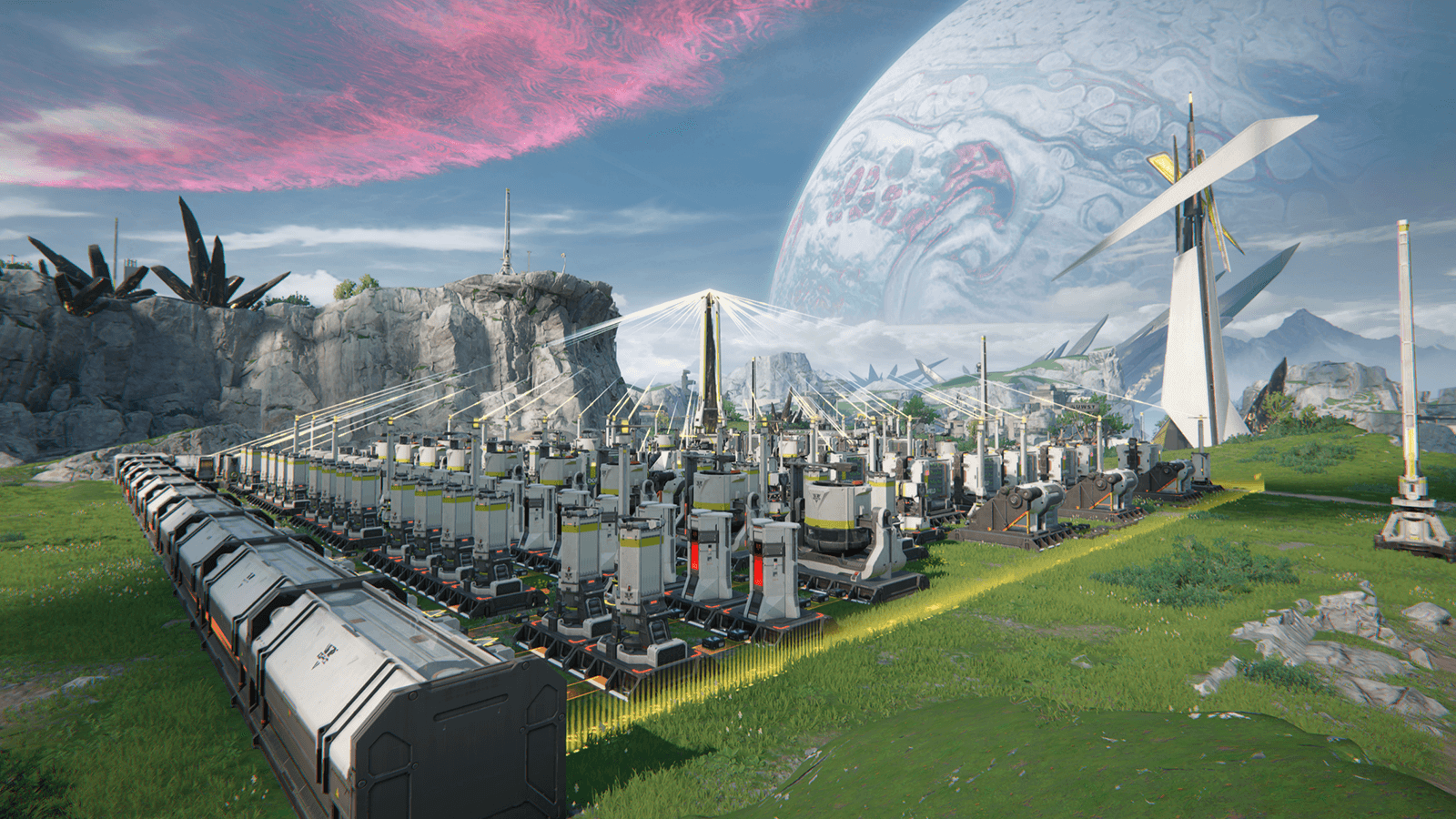
Arknights: Endfield is one of the most anticipated strategy RPGs in recent years, expanding the Arknights universe into a large-scale 3D real-time experience. If you want to start playing the second the servers go live, preloading is essential. Below is everything you need to know, explained clearly and practically, so you don’t miss a step.
What preloading means for Arknights: Endfield
Preloading allows you to download the majority of the game’s data ahead of launch. When the release time arrives, only a small unlock or verification update is required. Instead of waiting hours on launch day, you can enter the game almost immediately.
For a content-heavy title like Arknights: Endfield, this makes a noticeable difference, especially if servers are busy or your internet speed fluctuates.
Preload and release timeline at a glance
| Item | Date |
|---|---|
| Preload availability | January 20, 2026 (UTC+8) |
| Global release | January 22, 2026 |
| Supported platforms | PC, Android, iOS, PlayStation 5 |
Exact unlock times may vary slightly by region, but preload access opens earlier than launch on all major platforms.
How to preload Arknights: Endfield on PC
PC players have two supported methods. Both work equally well, so choose the one that fits your setup.
How to preload Arknights: Endfield using the official launcher
- Visit the official Arknights: Endfield website and download the dedicated PC launcher.
- Install the launcher and sign in using your registered account.
- Once preload is live, select Arknights: Endfield and start the download.
- Allow the launcher to complete verification. Keep it installed until launch day.
This option is recommended if you prefer a standalone launcher and direct updates from the developer.
How to preload Arknights: Endfield via Epic Games Store
- Open the Epic Games Store client on your PC.
- Search for Arknights: Endfield and add it to your library.
- Click Install once preload becomes available.
- Ensure the Epic client remains updated so the launch-day unlock applies automatically.
Epic’s preload system is convenient if you already manage multiple games there.
How to preload Arknights: Endfield on mobile devices
Mobile preloading is simpler but still benefits from preparation.
Arknights: Endfield on Android (Google Play)
- Open Google Play and search for Arknights: Endfield.
- Tap Install once preload is enabled.
- Open the app at least once to allow background asset downloads.
Some additional files may download after first launch, so a Wi-Fi connection is strongly recommended.
Arknights: Endfield on iOS (App Store)
- Open the App Store and locate Arknights: Endfield.
- Tap Get to begin downloading the base files.
- Keep automatic downloads enabled for additional assets.
On iOS, the game may complete asset downloads closer to launch, depending on system restrictions.
How to preload Arknights: Endfield on PlayStation 5
Console players benefit from automated downloads if settings are configured properly.
- Open the PlayStation Store on your PS5.
- Find Arknights: Endfield and pre-order or add it to your library.
- Enable auto-downloads and rest mode downloads in system settings.
- Once preload opens, the game will download automatically.
If your console stays in rest mode, the process usually completes without manual input.
Arknights: Endfield storage requirements and system prep
Before starting any preload, make sure your device is ready.
| Platform | Estimated storage needed |
|---|---|
| PC | 60–78 GB |
| Android | ~28 GB or more |
| iOS | ~28 GB or more |
| PS5 | Similar to PC version |
You should also:
- Clear extra space beyond the minimum requirement
- Update your operating system and graphics drivers
- Use a stable internet connection to avoid corrupted files
Why preloading is especially important for Arknights: Endfield
Arknights: Endfield is not a lightweight mobile title. Its mix of real-time combat, large environments, base-building systems, and high-resolution assets means launch-day downloads can be lengthy.
Preloading helps you:
- Enter the game immediately at launch
- Avoid congested servers and slow speeds
- Spend launch day playing instead of waiting
What happens after launch day
Once the servers open, the game client will unlock automatically. You may see:
- A short patch download
- A server verification step
- Initial in-game data sync
These usually take minutes rather than hours if preload was completed correctly.
Arknights: Endfield launch prep
Preloading Arknights: Endfield is the easiest way to ensure a smooth start, regardless of platform. By setting aside storage, choosing your preload method, and downloading early, you put yourself in the best position to explore Endfield the moment it opens.
About Arknights: Endfield
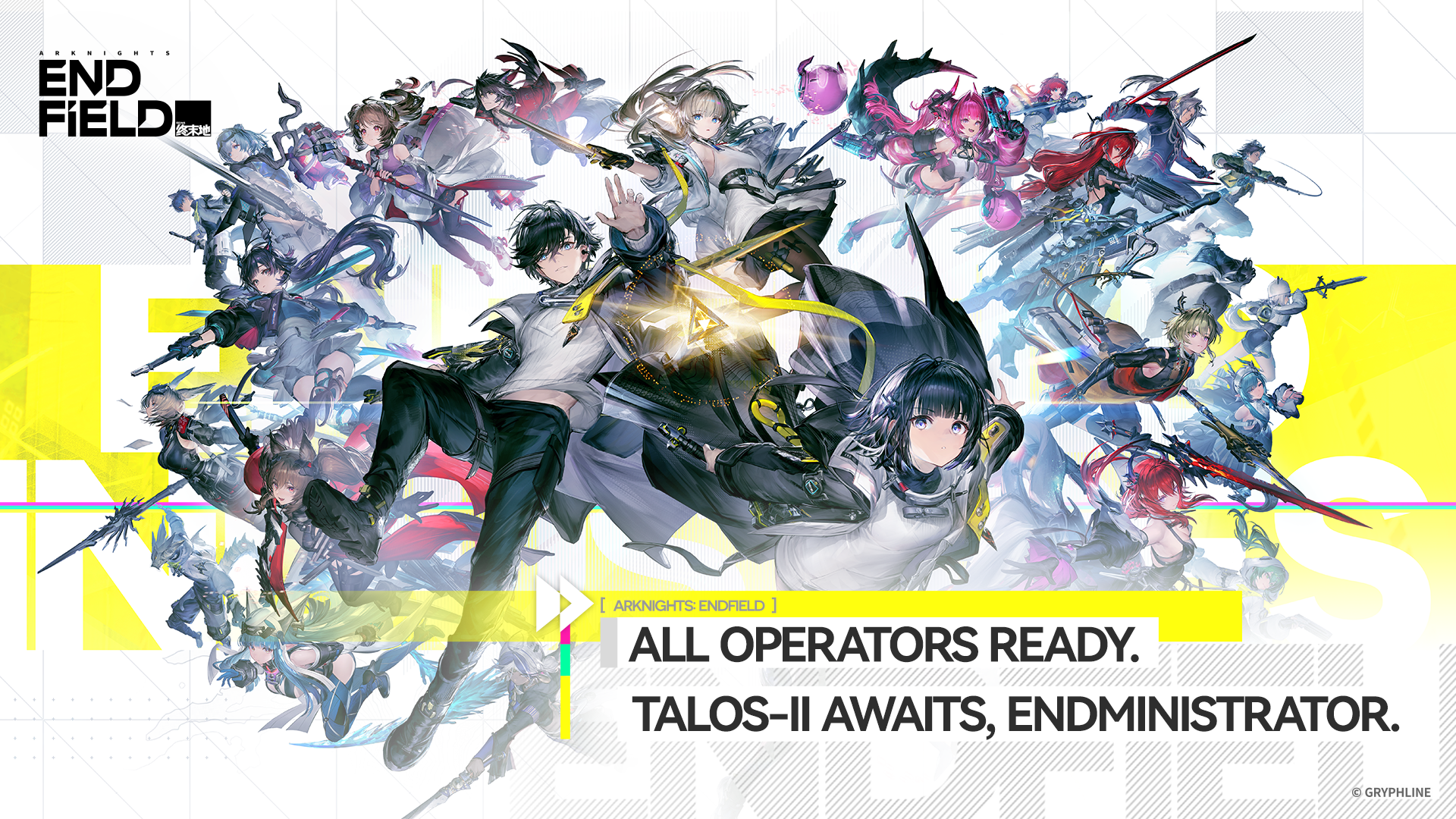
Arknights: Endfield is one of the most anticipated strategy RPGs of 2026, bringing the beloved Arknights franchise into a completely new genre and gameplay style. Developed by Hypergryph, the game expands on the dark sci-fi world of Arknights while shifting from tower-defense mechanics to real-time exploration, combat, and base management. For both long-time fans and newcomers, Endfield offers a fresh yet familiar experience filled with tactical depth and immersive storytelling.
| Category | Details |
|---|---|
| Title | Arknights: Endfield |
| Genre | Action Role-Playing Game with strategy and simulation elements |
| Developer | Hypergryph / Mountain Contour |
| Publisher | GRYPHLINE (Global), Hypergryph (China) |
| Release Date | January 22, 2026 |
| Platforms | PC (Windows), PlayStation 5, Android, iOS |
| Game Mode | Single-player with online features |
| Setting | Planet Talos-II |
| Main Role | Player acts as the “Endministrator” leading Endfield Industries |
| Combat Style | Real-time 3D party-based combat |
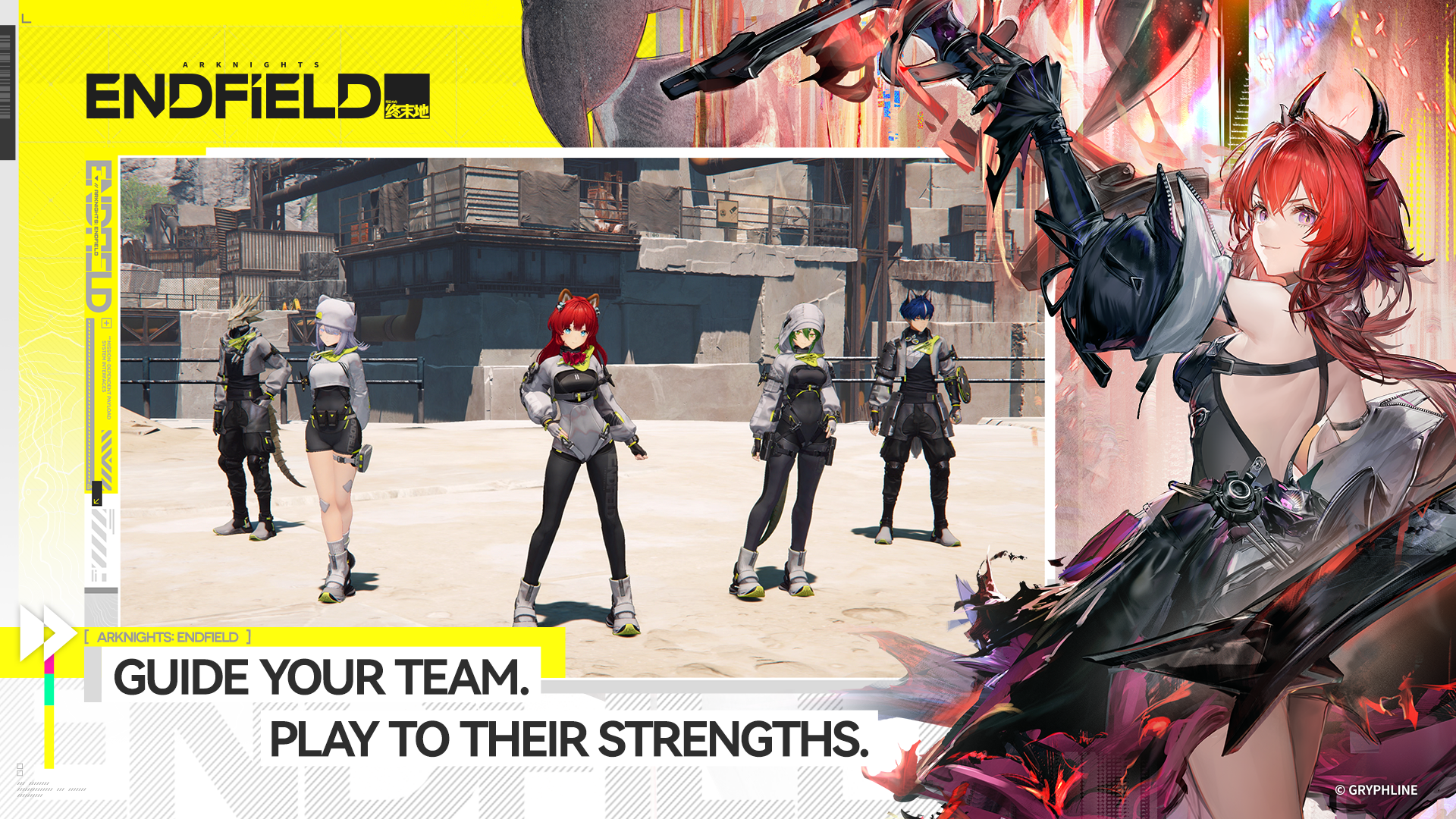
| Team System | Control up to four Operators at once |
| Key Features | Exploration, tactical battles, base building, factory management |
| Progression | Character upgrades, resource gathering, equipment crafting |
| Monetization | Free-to-play with optional in-game purchases |
Set on the mysterious planet of Talos-II, the game follows the Endfield Industries organization as it attempts to establish colonies in hostile territory. Players take on the role of an administrator tasked with building infrastructure, managing resources, and leading a squad of unique operators into dangerous missions. The world is full of threats, ancient ruins, and powerful enemies, creating a mix of exploration and strategy that feels very different from the original Arknights.
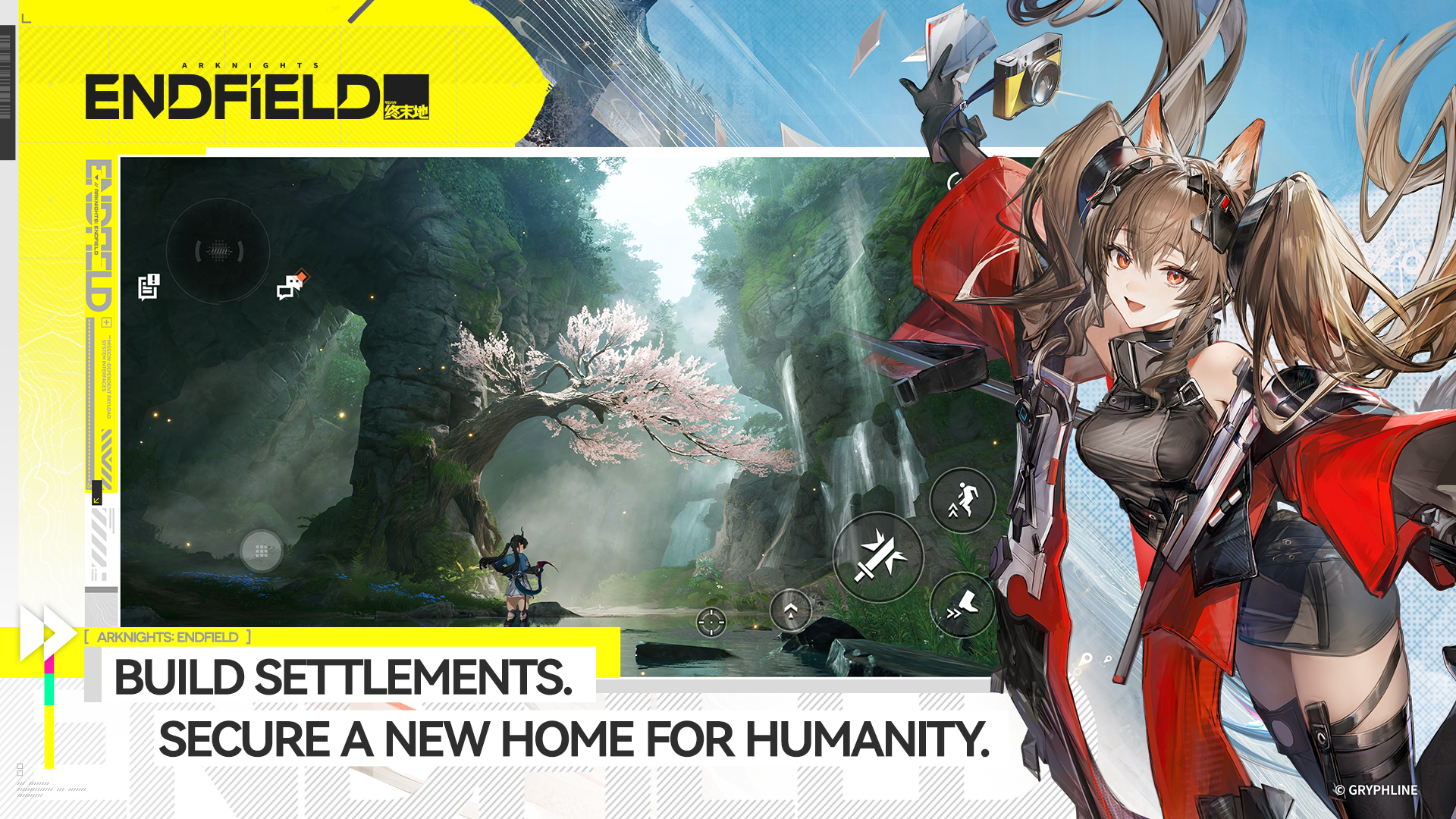
Unlike the original mobile title, Arknights: Endfield features 3D real-time combat with a party-based system. Players control a team of characters, each with specialized abilities, and must coordinate attacks, defenses, and skills to overcome challenging encounters. Combat blends action RPG elements with tactical planning, rewarding smart positioning and team synergy.
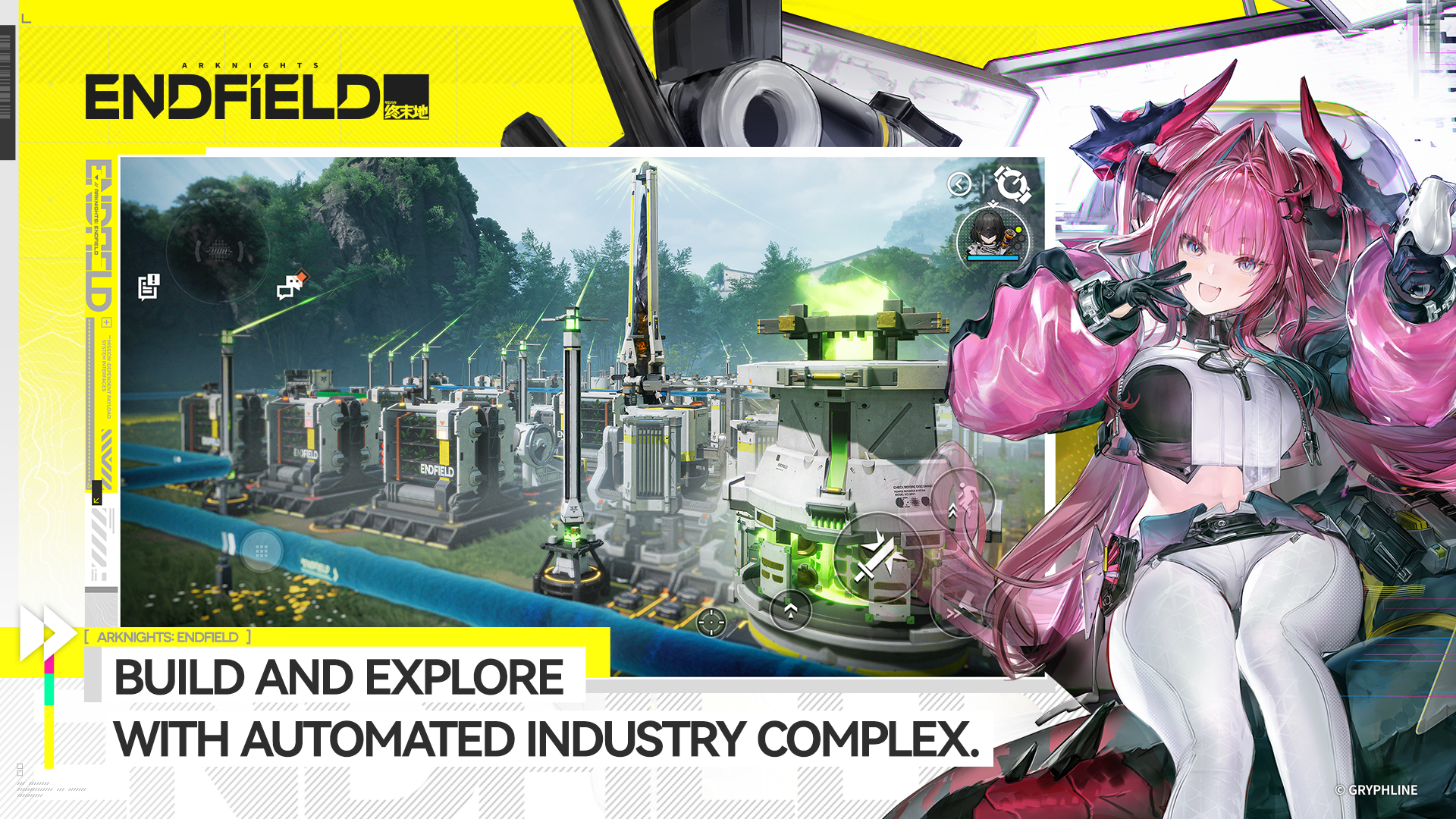
Base building is another major part of the game. As you progress, you expand your outposts, construct facilities, and automate production lines. This management layer adds long-term strategy, giving players meaningful choices about how to develop their operations on Talos-II.
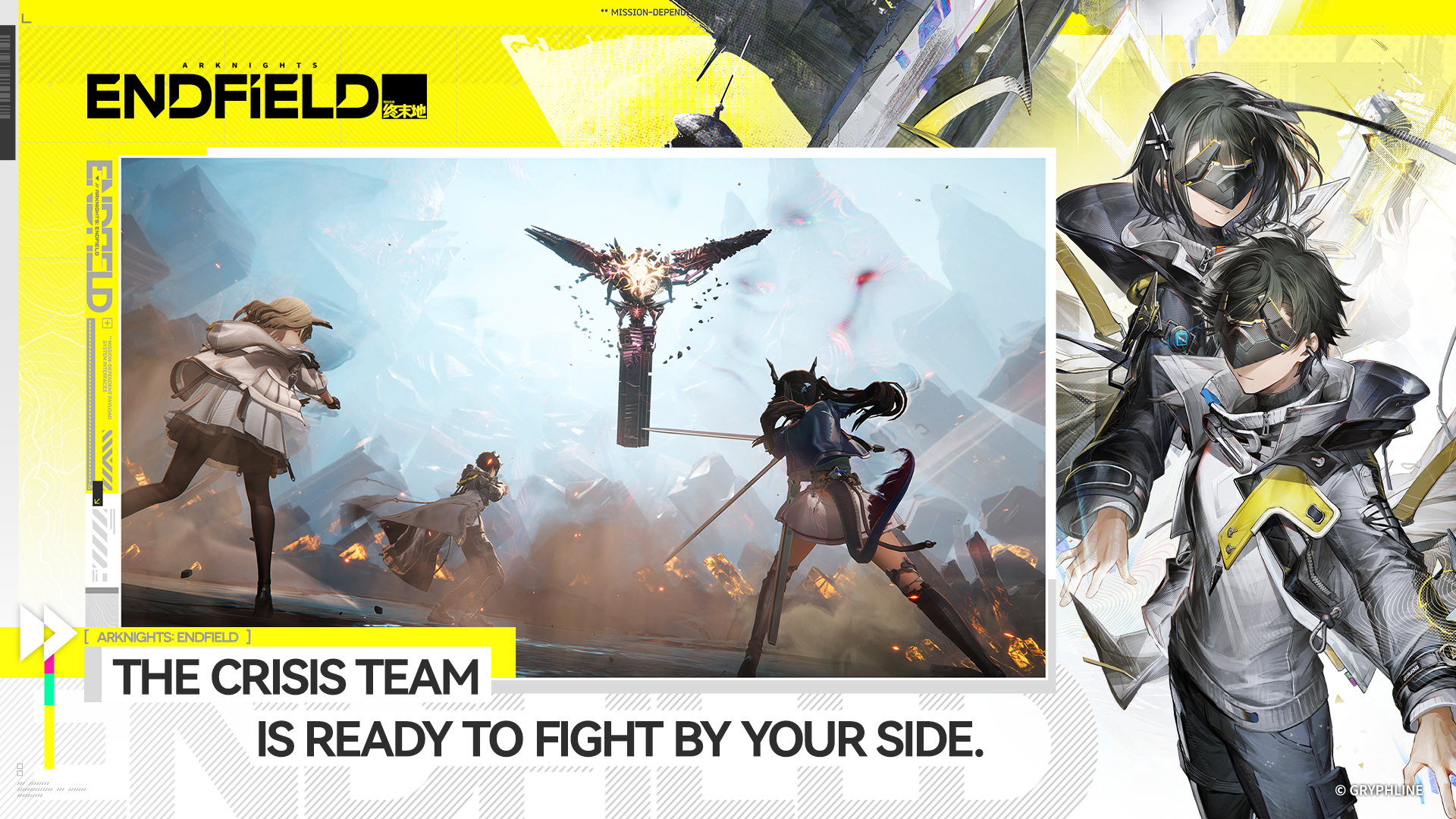
Endfield is designed for multiple platforms, including PC and mobile devices, and supports cross-progression. With high-quality visuals, cinematic storytelling, and deep gameplay systems, the game aims to stand as a major evolution of the Arknights brand rather than just a spin-off.
To celebrate the global launch in January 2026, the developers released special redeem codes that give players a helpful boost. These rewards provide in-game currency, upgrade materials, and valuable items to help new administrators get started.
Active Arknights: Endfield redeem codes for January 2026
The following codes are confirmed active as of now and were released during the launch special program.
| Code | Main rewards | Expiry |
|---|---|---|
| ALLFIELD | Oroberyl, T-Creds, combat records, crafting items, Mask of Perseverance | Jan 29, 2026 (UTC +8) |
| RETURNOFALL | Oroberyl, T-Creds, combat records, crafting items | Jan 29, 2026 (UTC +8) |
Thanks for taking the time to go through this preloading guide for Arknights: Endfield. If it helped you understand things better, do share your thoughts, impressions, or doubts in the comments section. We keep a close watch and try to respond promptly to ensure you always get the support you need.




