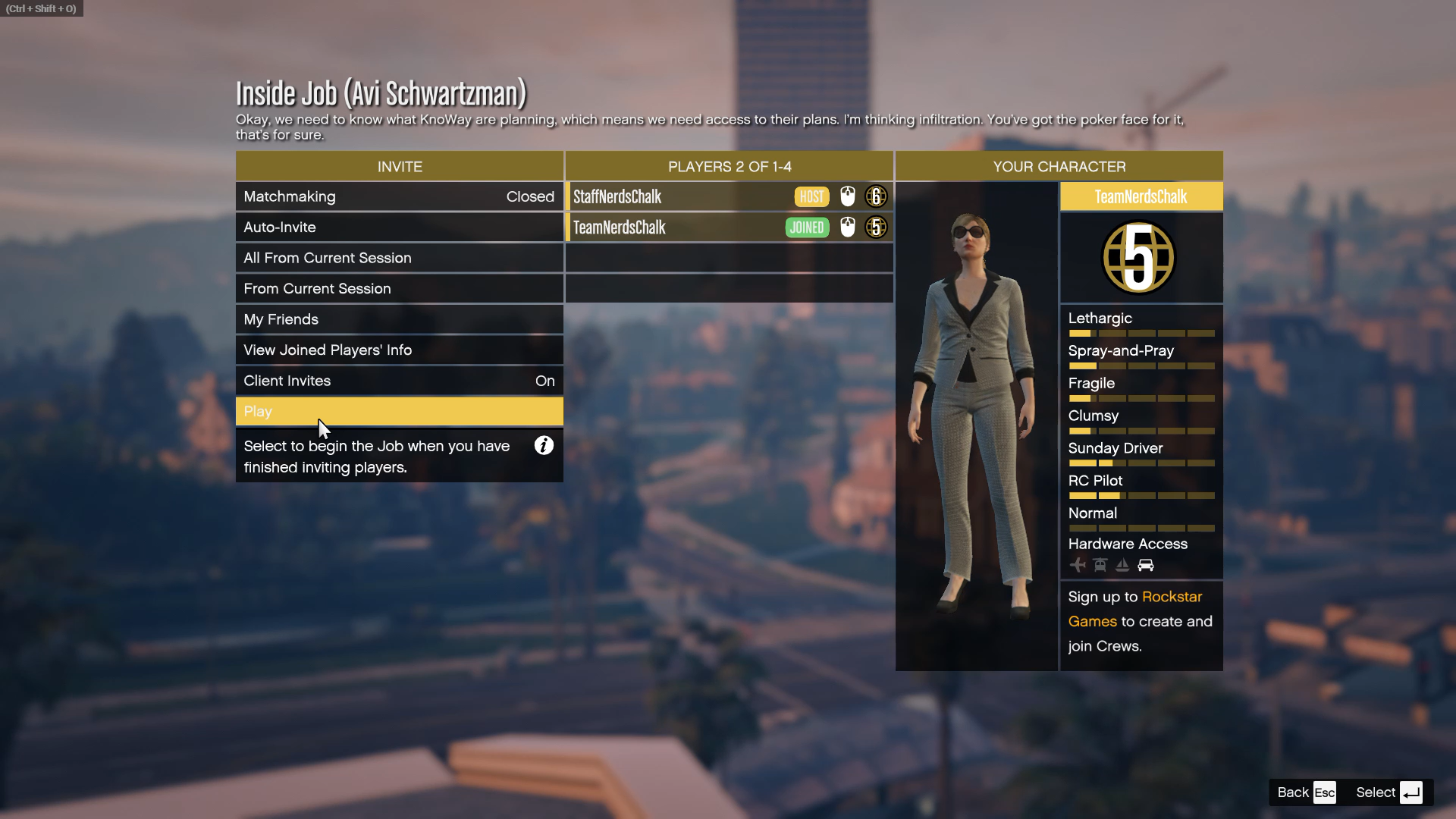
Play co-op in GTA Online’s “A Safehouse in the Hills” with friends and take on new missions together in the luxury mansions.
In GTA Online, co-op play isn’t a separate “mode” like in some games — it’s how the game is meant to be played. GTA Online’s world is always online with other players, and the A Safehouse in the Hills update adds new opportunities to play with friends through shared sessions, missions, and activities.
How to play Co-Op in GTA Online
Firstly, log in to GTA Online and update the game
Make sure your game has downloaded and installed the “A Safehouse in the Hills” update (released December 10, 2025). Updates occur automatically on consoles/PC, but you must restart the game to apply them.
From the GTA Online menu, invite friends to your current session by clicking on the “My Friends” button.

If you do not have any friends online. Add a friend.

To add a friend, click Enter. On clicking, a dialog box appears, search for their name in the Find Player tab.

Send a friend request by clicking on the top-right button on their Player Card.

Once they accept your request, you can see their full player card, including their Crews, Friends, and Accounts.

And now you can invite them to join your session. Once friends are in your session, you’re all sharing the same online world — that’s co-op play. GTA Online’s core design lets players freely team up anywhere.
GTA Online’s co-op experience is built into its shared online sessions, letting you and friends join, customize, and tackle new missions together in the A Safehouse in the Hills update. Owning a mansion doesn’t automatically create co-op gameplay — instead it provides space to invite friends, hang out, plan sessions, and start missions from inside or nearby. Some interior features allow multiple players to be present at once.