

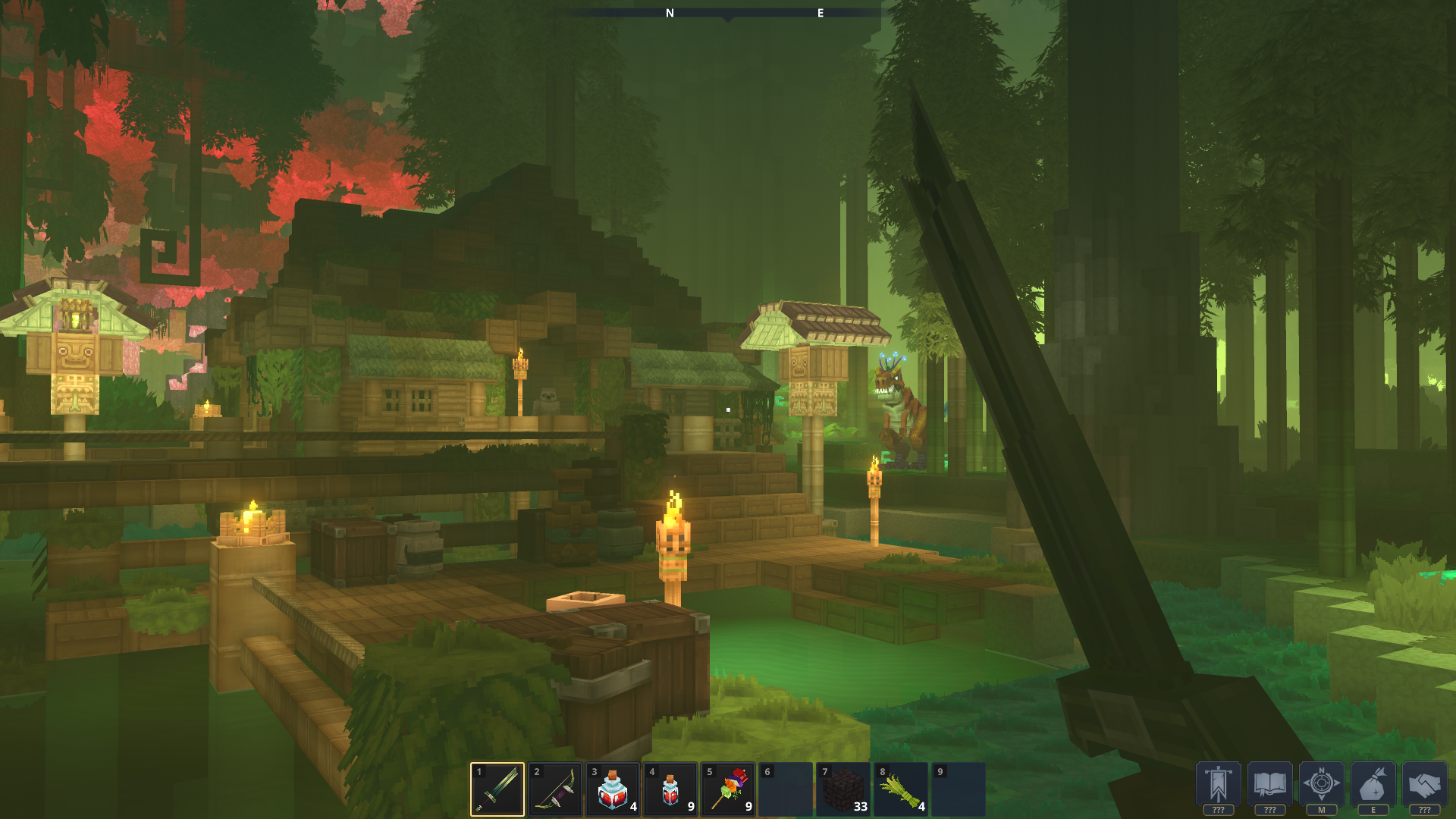
Navigating the vast world of Hytale is much easier when you know how to use your map effectively. Here’s a quick guide to help you get started:
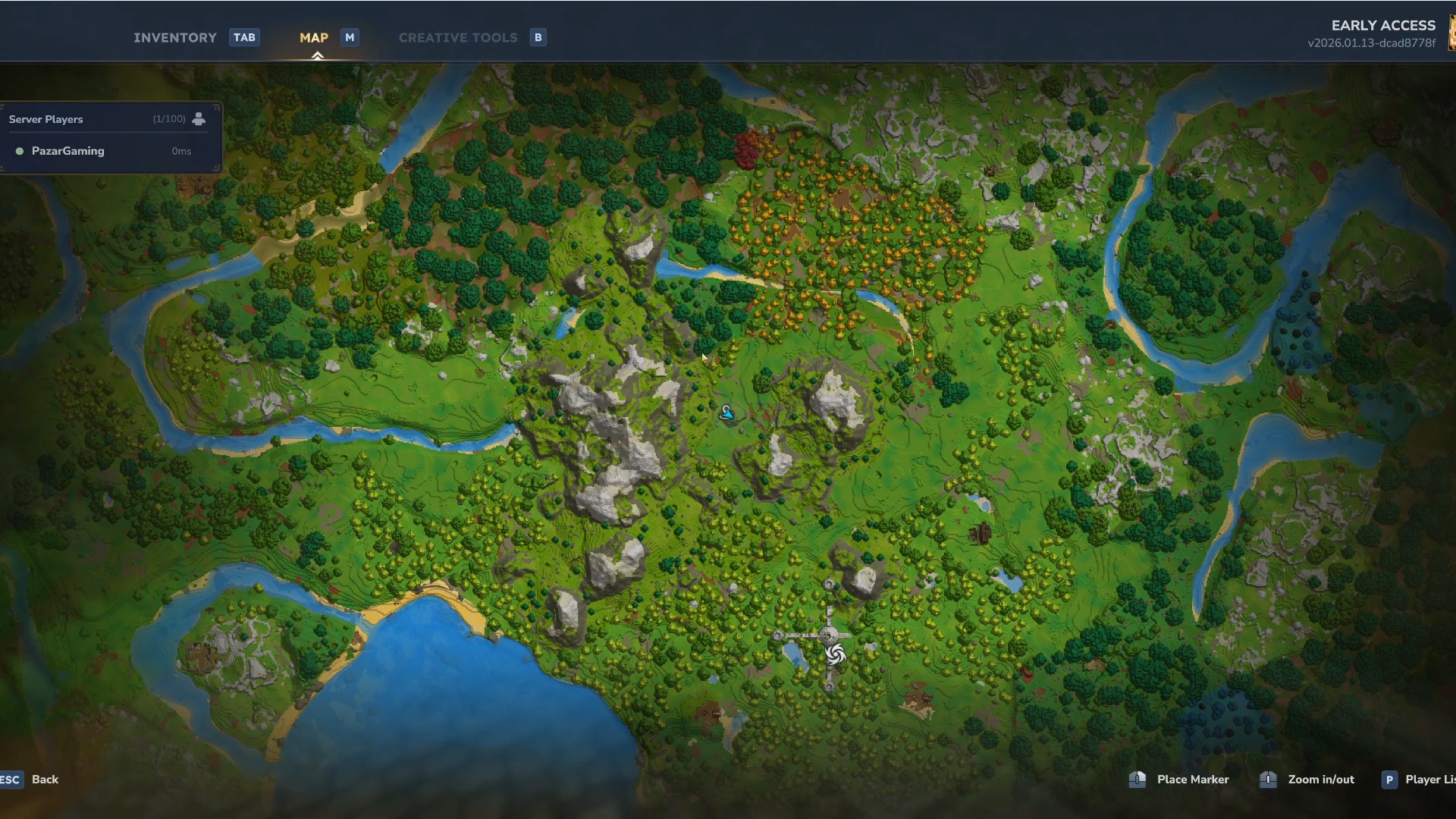
How to open the map
To view your map in Hytale, simply press the M key. This will bring up your current map, showing you your surroundings and any areas you’ve already explored.
How to place markers on the map
Markers are a great way to keep track of important locations, such as your base, a hidden cave, or a resource-rich area. To place a marker:
Step 1
Press M to bring up the map.
Step 2
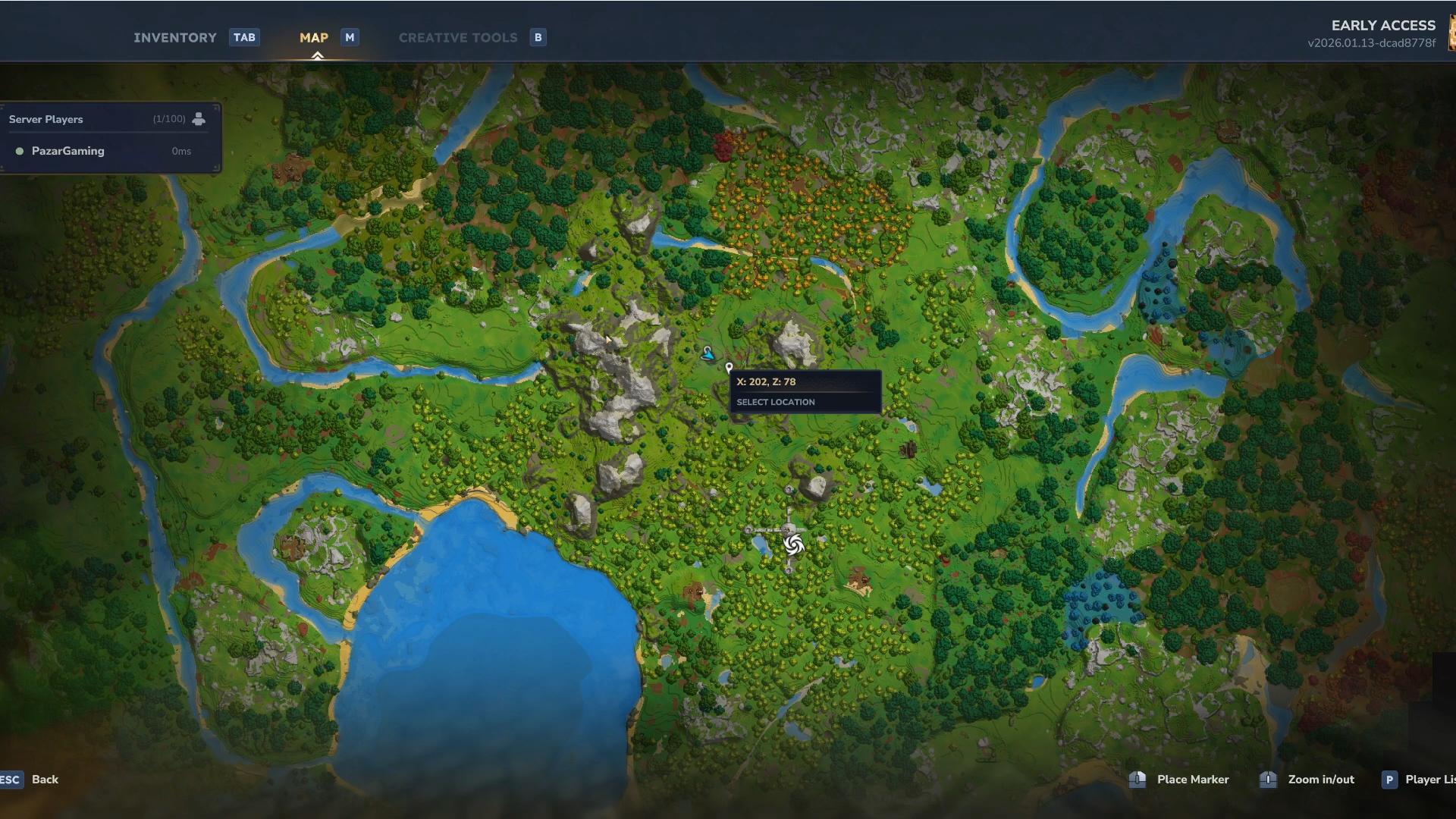
Right-click on the location where you want to place a marker.
Step 3
While you may not see the marker directly in the game world, it will be visible on your map.
Other Map Features
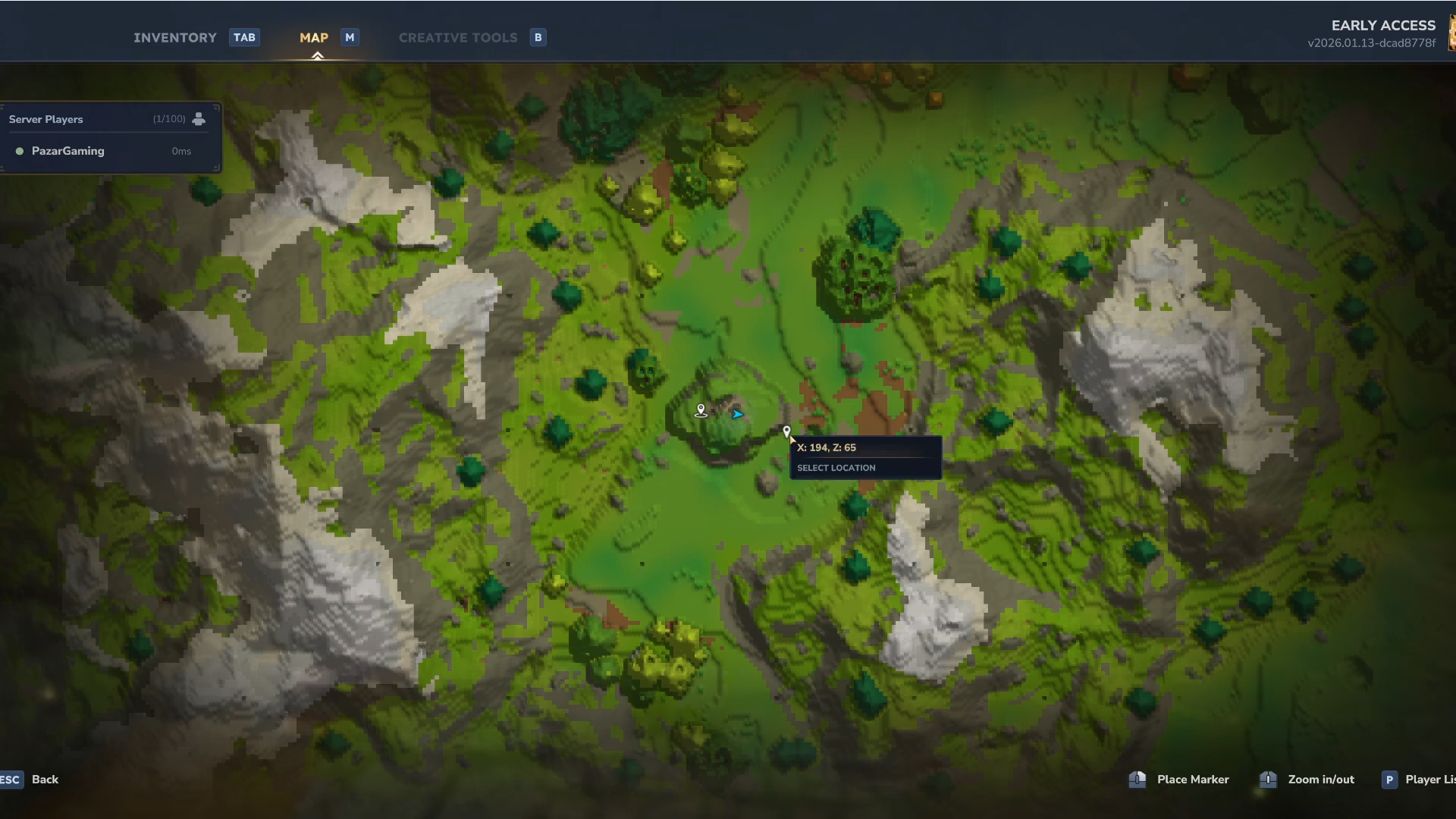
As you explore more of the world, your map will likely expand to reveal new areas .
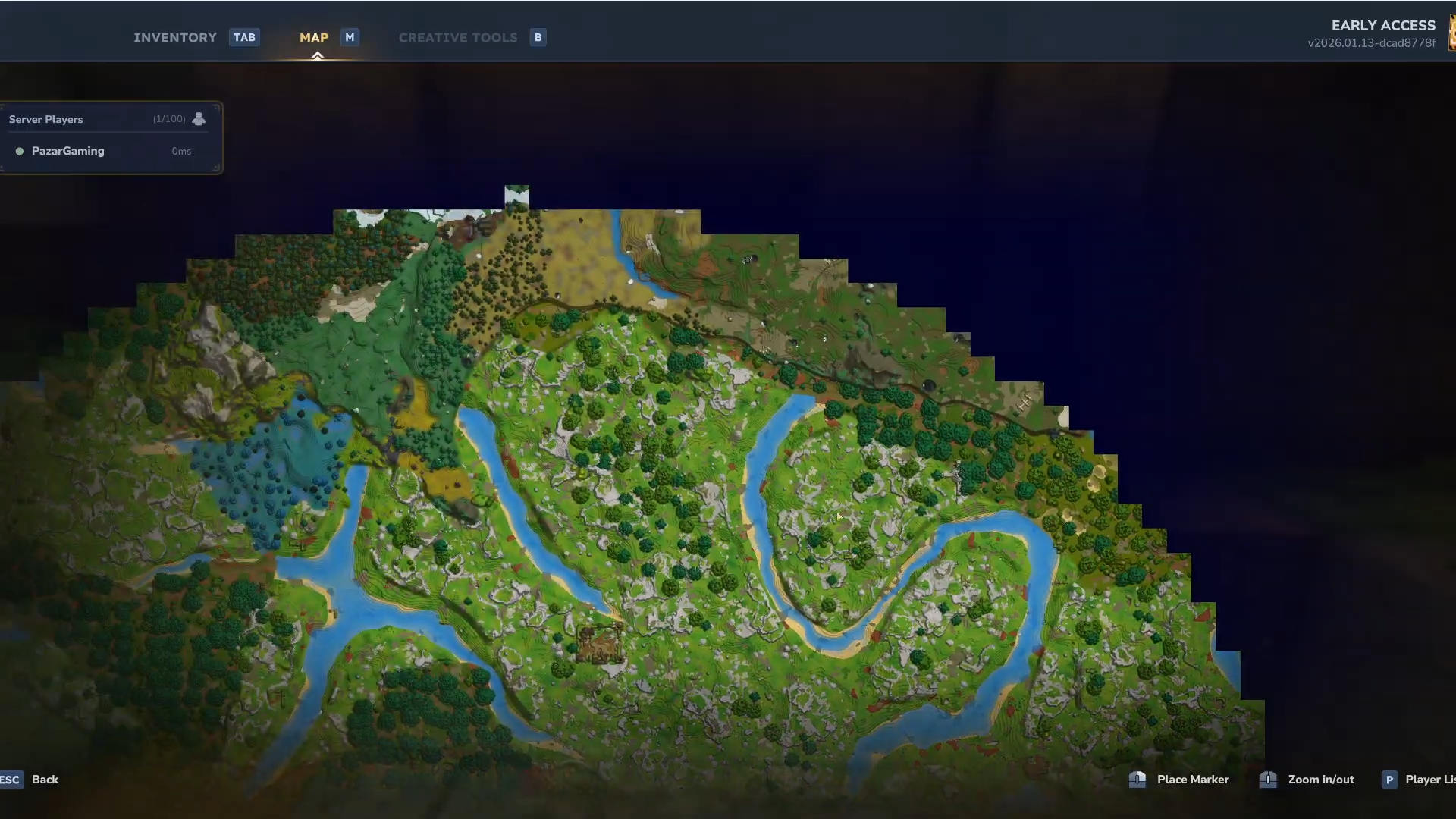
The map also shows a list of players in your lobby, making it easy to see where your friends are.




