

What to know
- You craft the builder’s workbench using tree trunks and stone in your pocket crafting menu.
- Place it by right‑clicking or pressing F to interact with it.
- Once placed, it lets you craft items like ladders, trapdoors, gates, wardrobes, and ornate wood planks.
- It’s a simple 1:1 craft (one material in, one item out) and is meant for structural building.
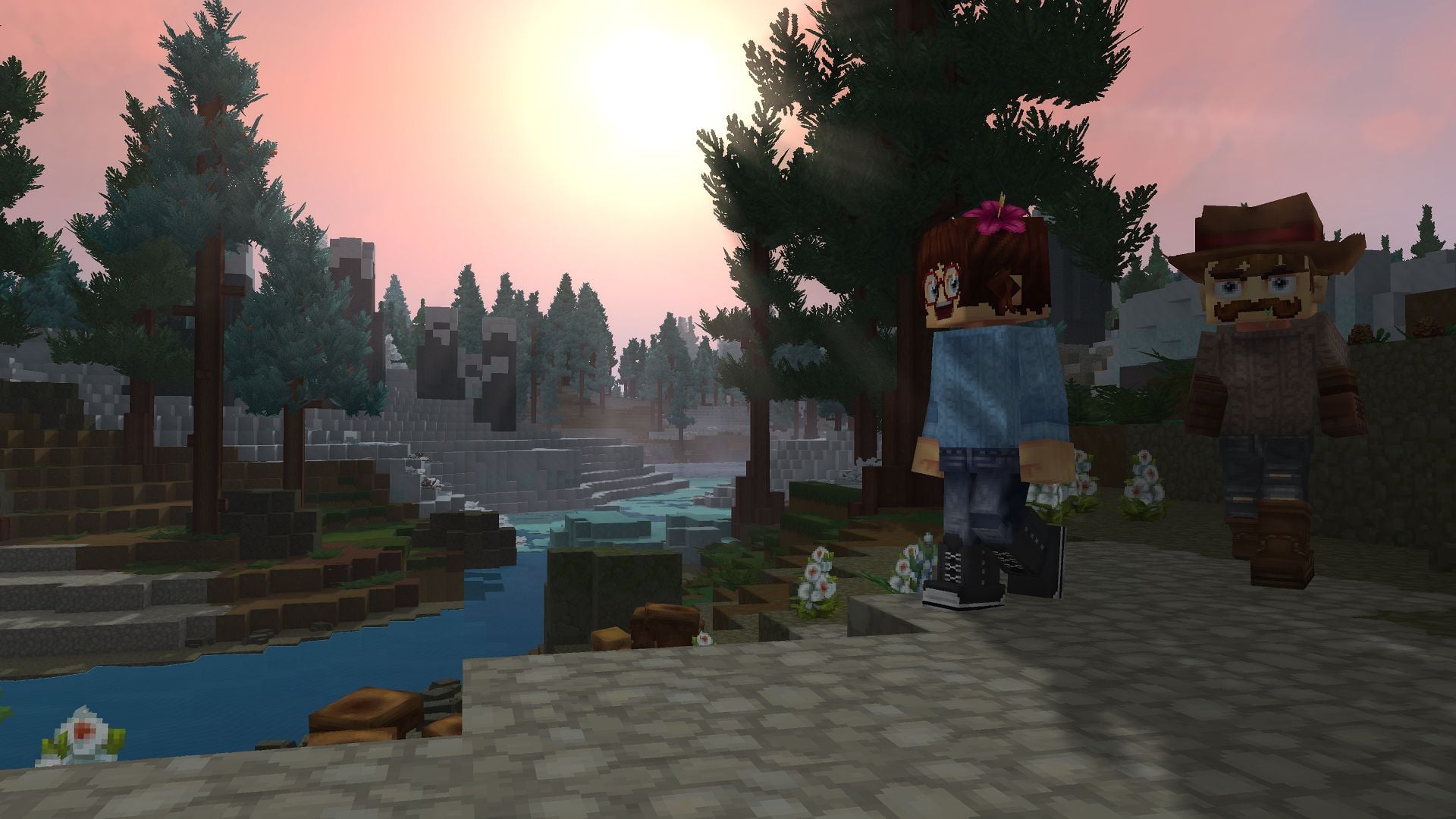
The Builder’s Workbench is one of the first essential crafting stations in Hytale, letting you turn basic materials like wood and stone into a variety of structural and decorative items. With just a few simple steps, you can craft, place, and use it to create ladders, gates, trapdoors, wardrobes, and more, making it a key tool for building houses, bases, and custom structures early in the game.
Materials required
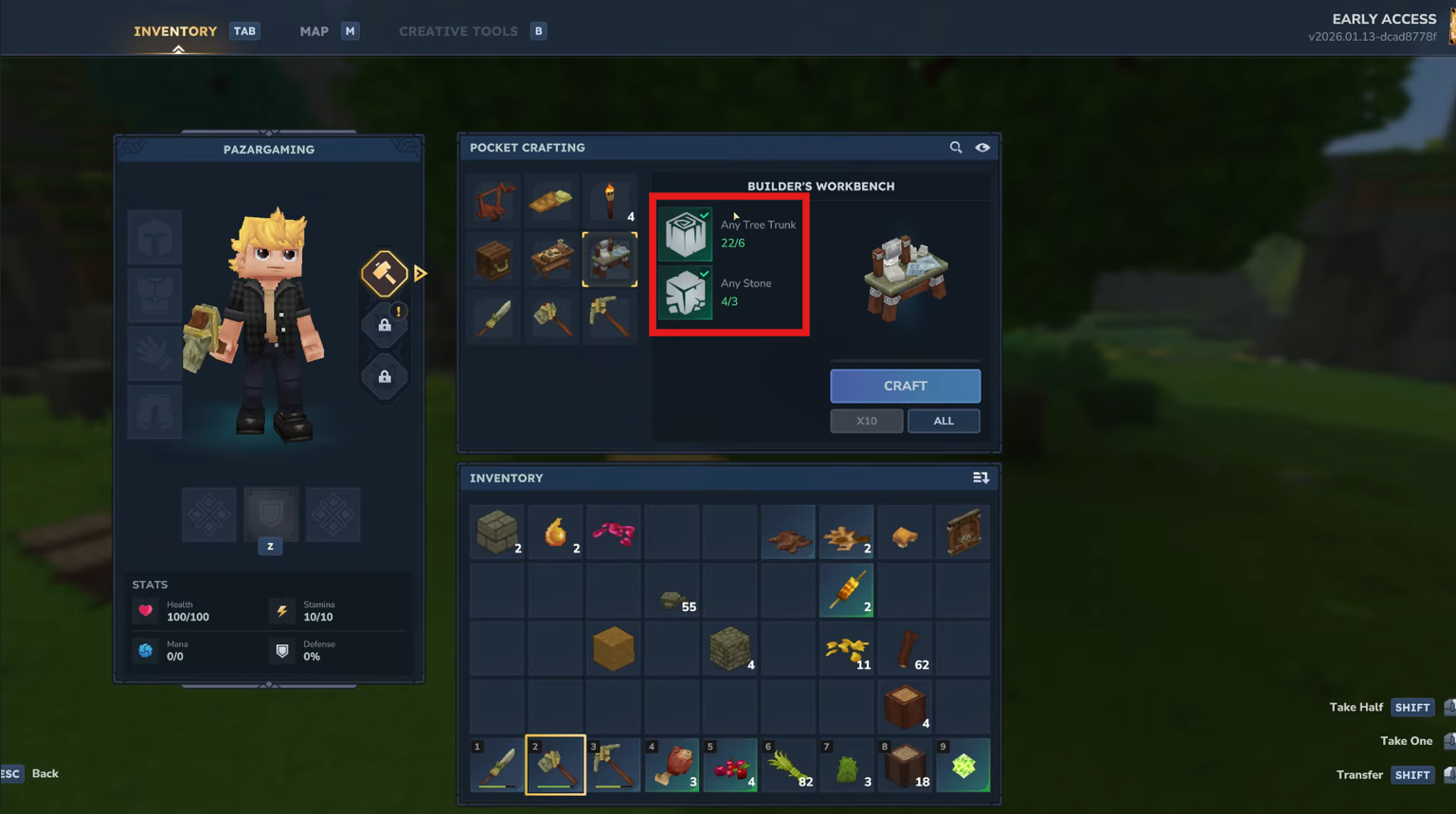
To make the Builder’s Workbench, you need:
- x6 Tree trunks (any wood type).
- x3 Stone (cobblestone or similar).
These are some of the most basic materials you gather early in the game by chopping trees and mining stone.
How to craft the Builder’s Workbench
Follow the steps below to craft a Builder’s Workbench and use it in Hytale:
Step 1: Gather materials
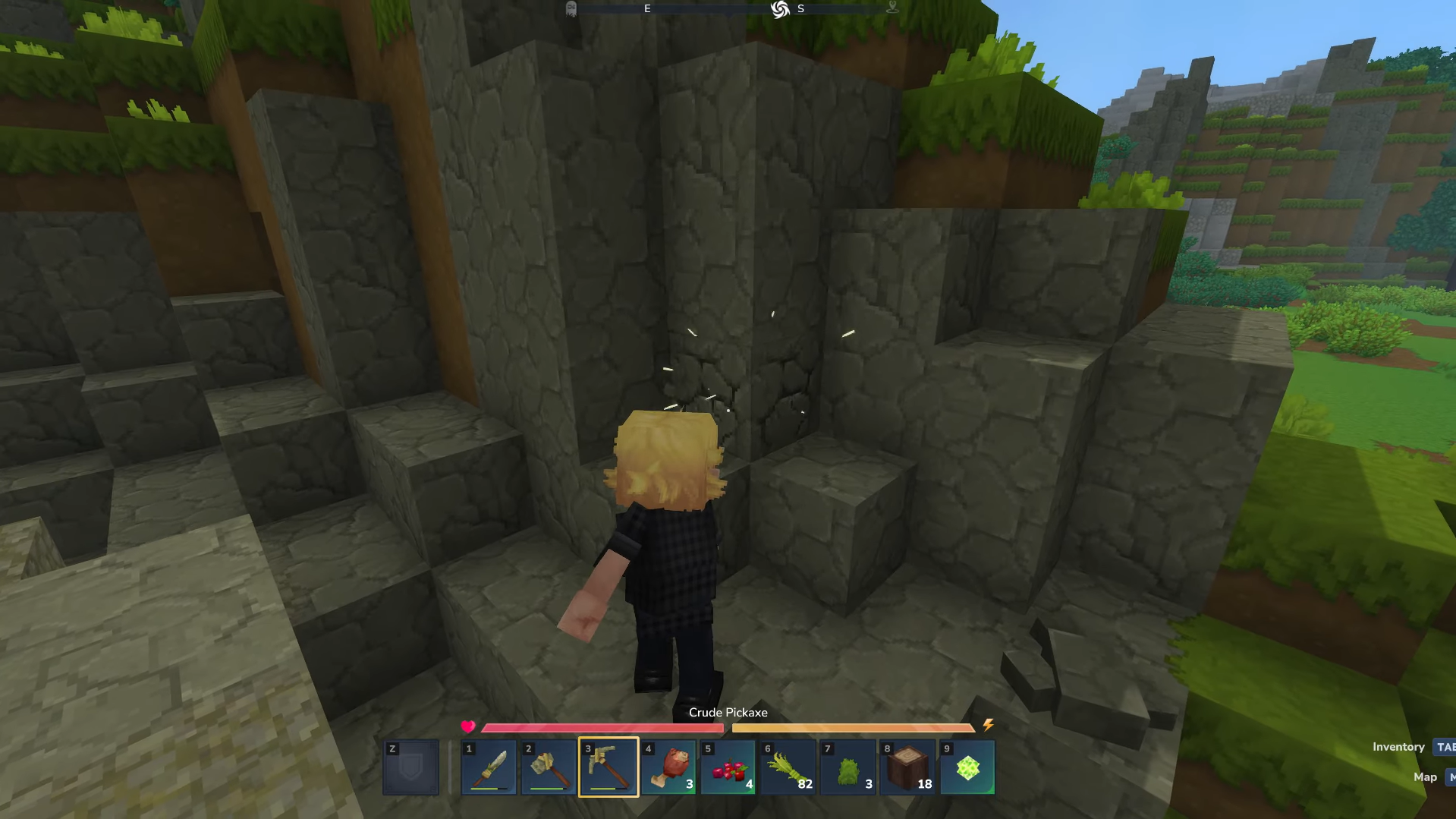
Collect some tree trunks by chopping down any tree, and mine stone (cobblestone) from rocks or caves.
Step 2: Craft the workbench
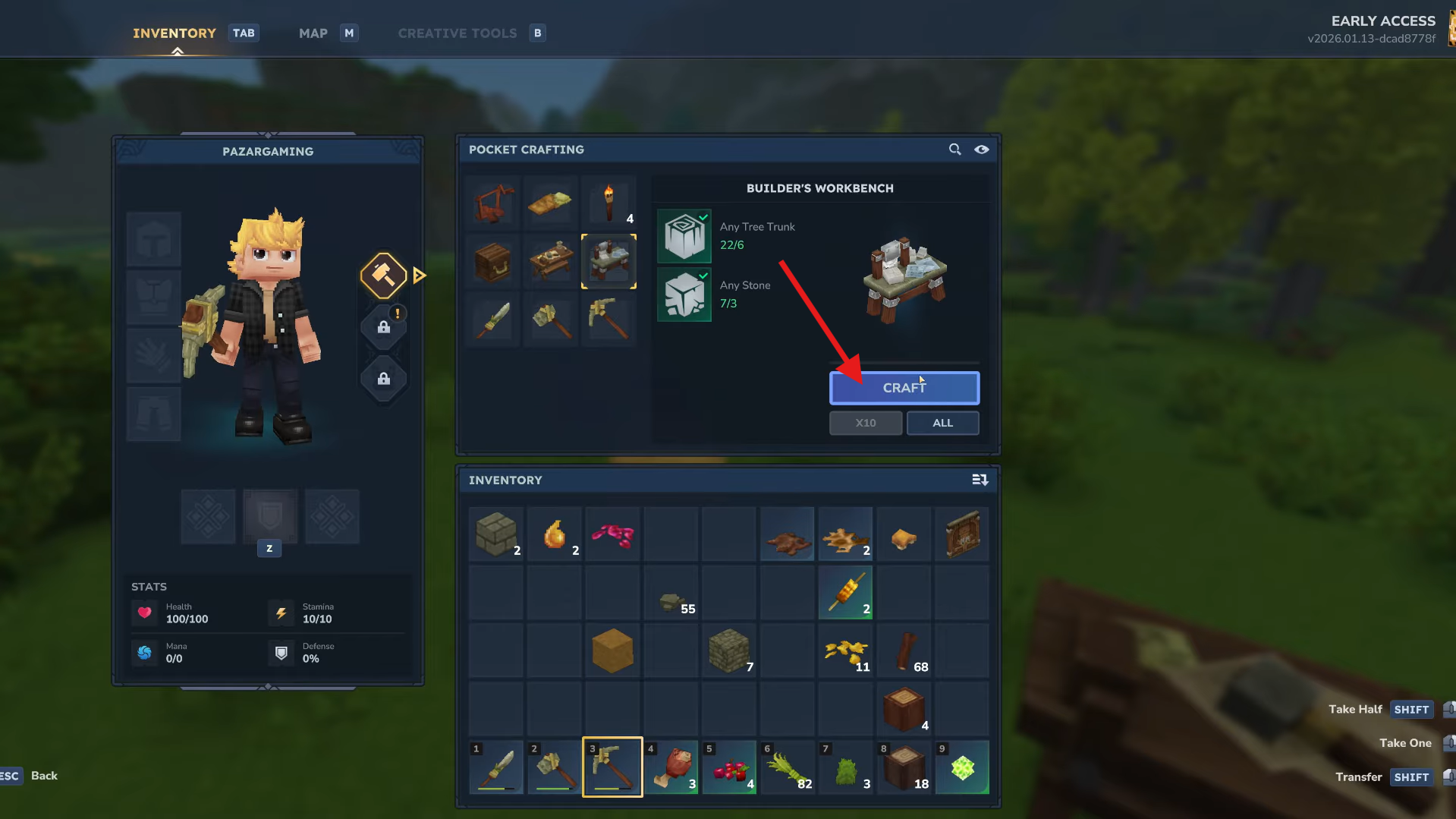
Open your crafting menu (the “work” or “pocket crafting” tab), find the Builder’s Workbench recipe, and craft it. Once done, it will appear as an item in your inventory.
Step 3: Place the workbench
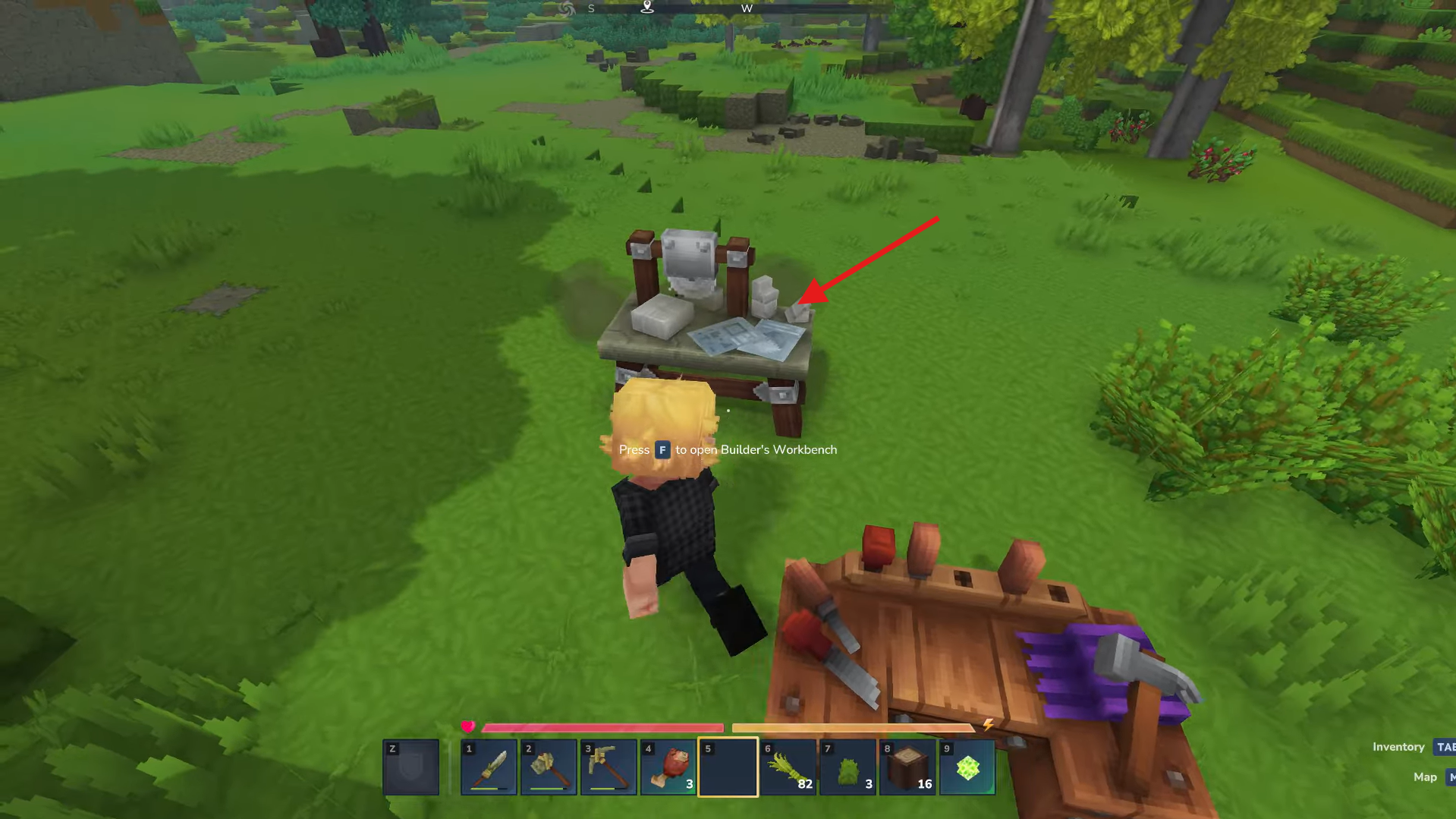
Select the Builder’s Workbench from your inventory, aim at the spot where you want it, and right-click (or press F) to place it.
Step 4: Use the workbench
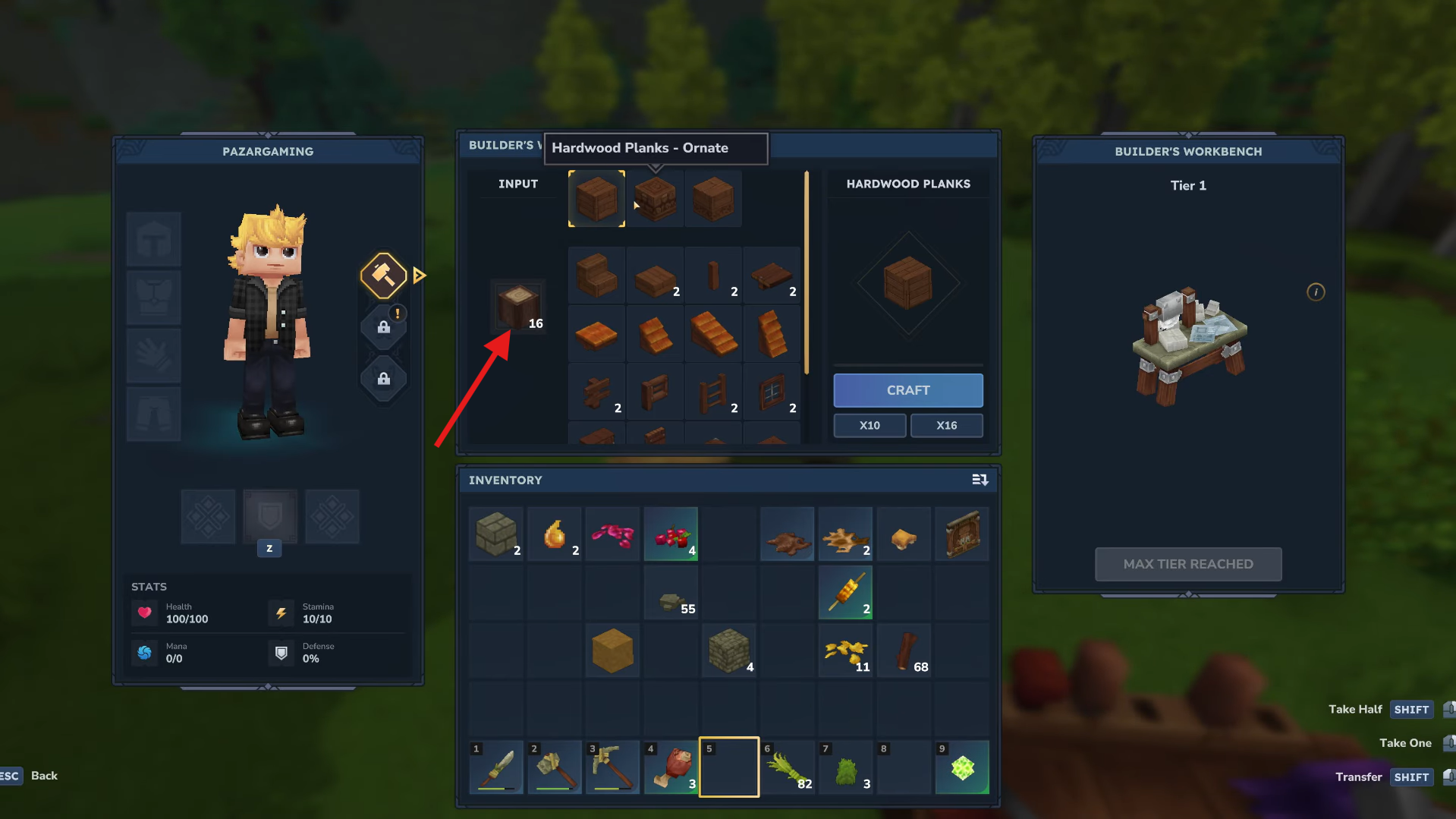
Right-click (or press F) on the placed workbench to open its crafting interface. You can now craft a variety of building items directly from the workbench.
What you can craft on the Builder’s Workbench
Once placed, the builder’s workbench lets you make:
- Ladders.
- Gates.
- Trapdoors.
- Wardrobes.
- Ornate wood planks (from regular planks).
- Other basic structural and decorative items like simple furniture.
Crafting is usually a 1:1 exchange; for example, one plank gives one ladder or trapdoor.
Unlock your building potential
The Builder’s Workbench is an essential early-game station in Hytale, turning basic wood and stone into a variety of building blocks and decorative items. Craft it in your pocket menu, place it with F or right-click, and gain access to all the tools you need to create houses, bases, and custom structures with ease.
Thanks for reaching the end! Share your experience or doubts in the comments below—we read them closely and try to reply as quickly as possible.




