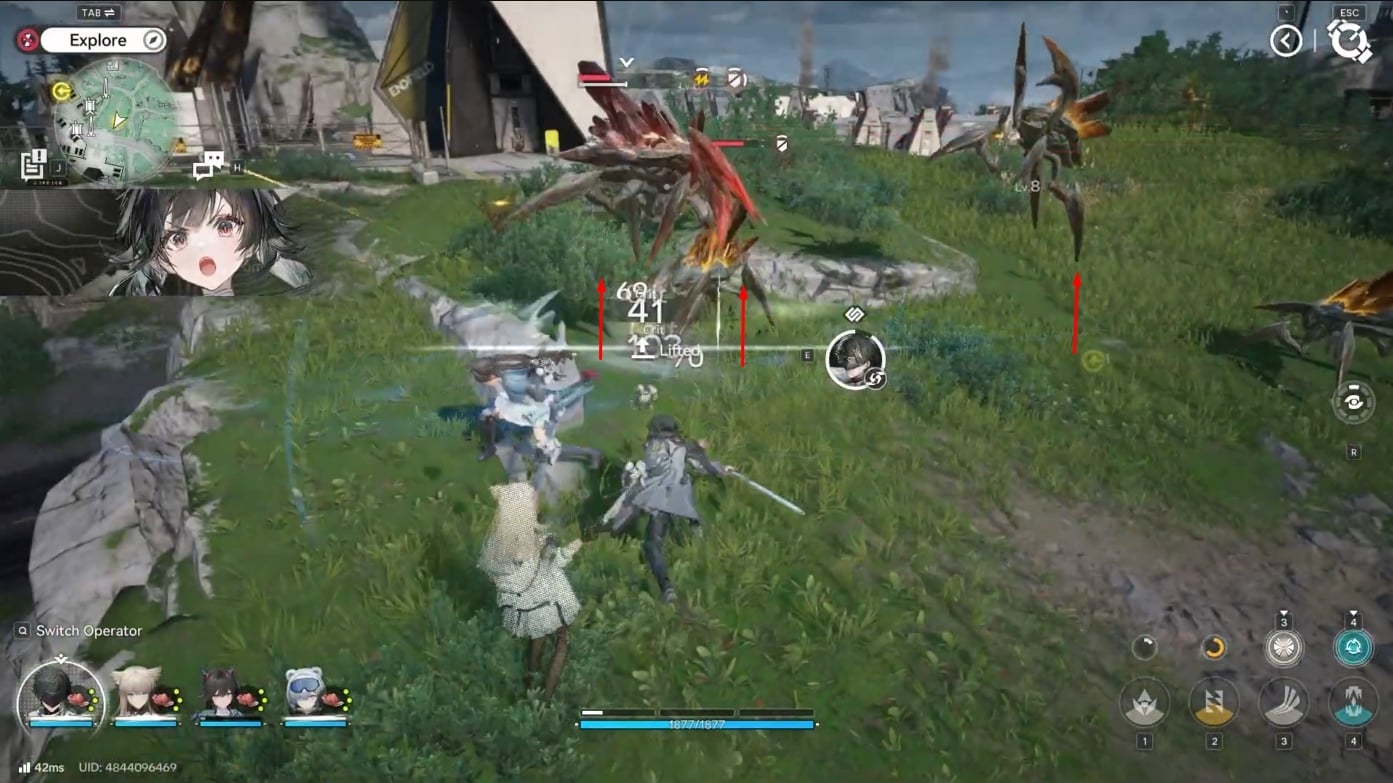
What to know
- Lift is a Physical status that interacts with the Physical Infliction called Vulnerable (which can stack up to 4).
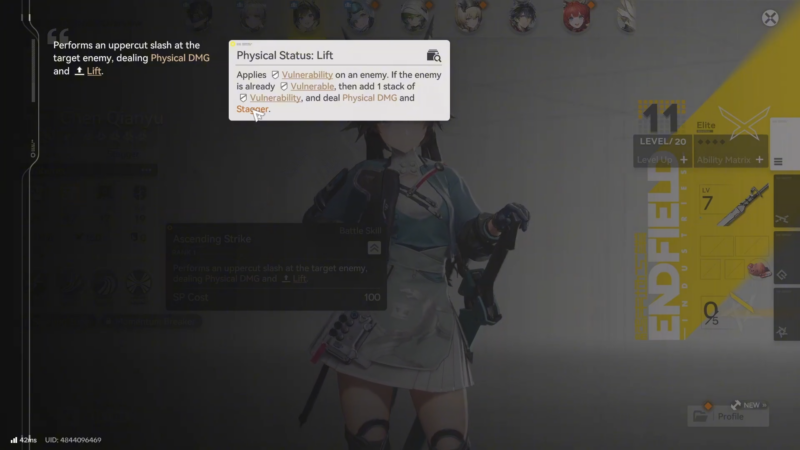
- Using Lift on a target without Vulnerable applies Vulnerable; using it on an already Vulnerable target adds another Vulnerable stack and can lift smaller enemies.
- Lift (and Knockdown) helps build momentum by stacking Vulnerable, while Crush/Breach typically consume Vulnerable stacks for bigger payoffs.
- Skill Points (SP) fuel Battle Skills, and SP is restored through actions like Final Strikes and Perfect Dodges, enabling more frequent Lift attempts.
In Arknights: Endfield, Lift is one of the most reliable ways to control smaller enemies and amplify Physical damage windows by stacking Vulnerable while keeping targets interrupted. It’s best treated as a repeatable “set-up and juggle” tool in rotations, rather than a one-off trick.
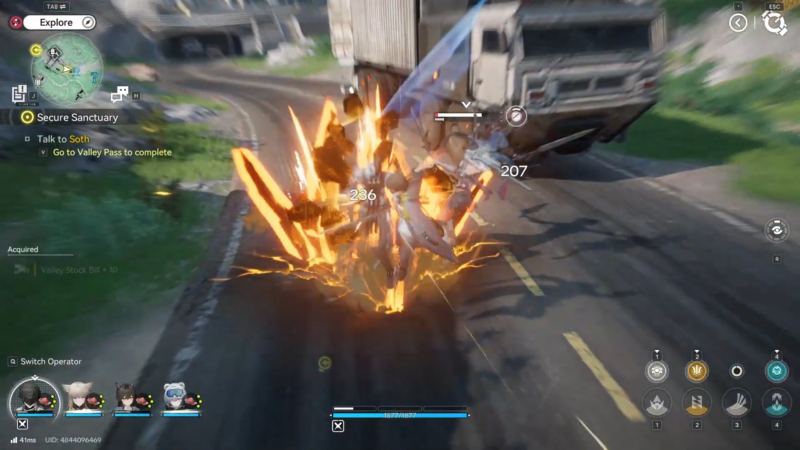
Quick references
| Term | What it does | Why it matters for Lift |
|---|---|---|
| Vulnerable | Physical Infliction that increases incoming damage and stacks up to 4 times. | Lift either applies it (if missing) or adds a stack (if already present). |
| Lifted | Adds another Vulnerable stack, deals Physical damage, and lifts smaller enemies. | Creates control time and boosts follow-up damage via stacking. |
| Stagger | Enemies have a stagger bar; when full, they’re stunned until it drains. | Lift rotations often pair well with stagger windows for safe damage. |
| Skill Points (SP) | Resource used for Battle Skills; replenished by Final Strikes and Perfect Dodges. | More SP means more Lift skill casts and more consistent juggles. |
How Lift works with Vulnerable stacks
Physical statuses (including Lift) are part of a system where applying them to a target without a Physical Infliction gives the target Vulnerable first. If the target already has Vulnerable, Lift adds another stack, deals Physical damage, and lifts smaller enemies into the air. Vulnerable can stack up to 4 times, so repeated Lift use ramps damage and control in short cycles.
How to Lift enemies step by step
Step 1: Confirm the team has a Lift source
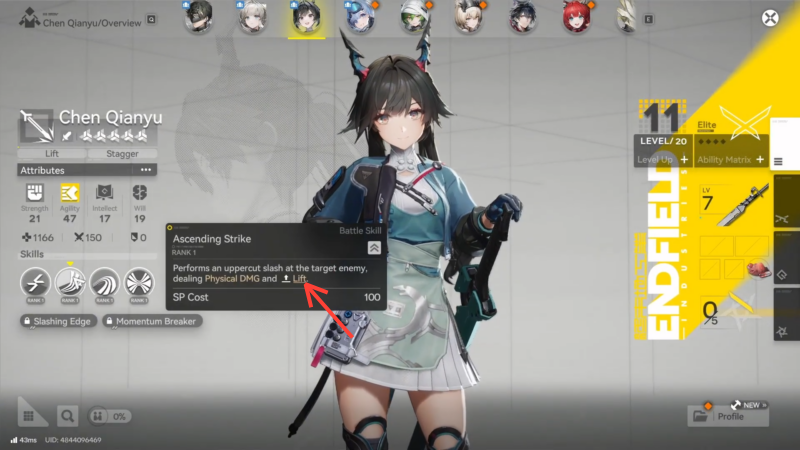
Lift is applied by specific operator skills/kit interactions (Battle Skills, Combo Skills, or Ultimates depending on the operator). Check the skill descriptions in the squad loadout and identify at least one reliable Lift application tool for the rotation.
Step 2: Start the fight by generating SP safely
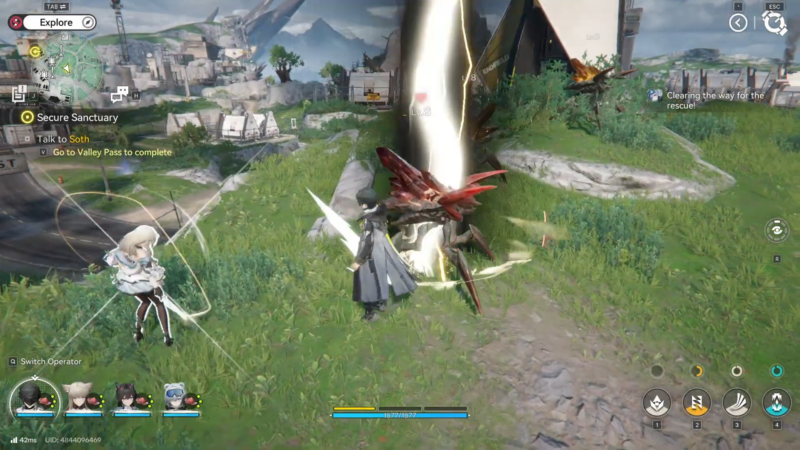
Battle Skills consume SP, and SP is recharged through actions like landing Final Strikes at the end of basic attack combos and executing Perfect Dodges. Open with basic attacks to reach Final Strikes, and dodge telegraphed hits to refill SP faster without losing tempo.
Step 3: Apply Lift once to “prime” the target if it has no Vulnerable
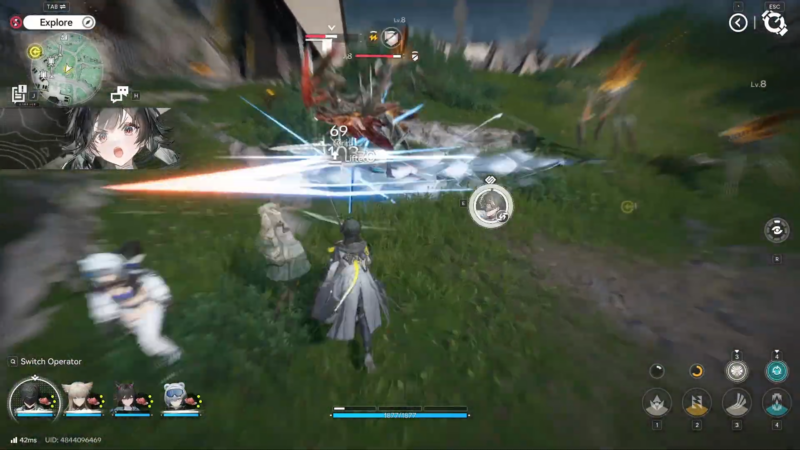
If the enemy has no Physical Infliction, applying Lift will create the Vulnerable infliction instead of immediately producing the full “already Vulnerable” bonus behavior. This is the setup cast that enables the more powerful Lift follow-ups.
Step 4: Apply Lift again once Vulnerable is present to trigger the actual lift
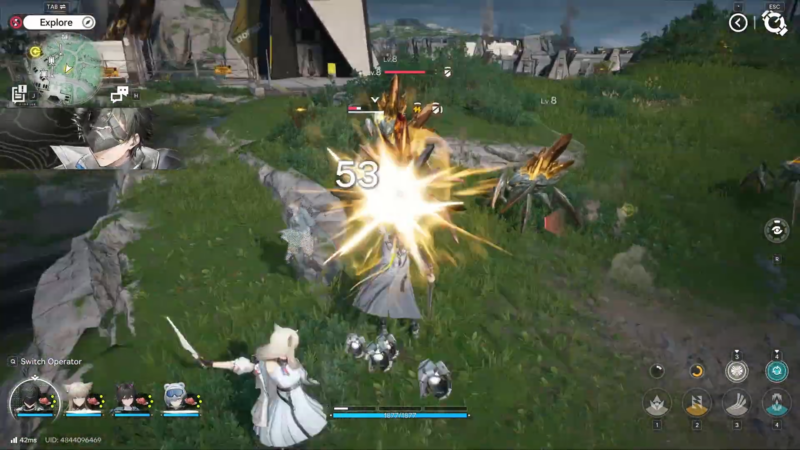
When Vulnerable is already on the enemy, Lift adds another Vulnerable stack, deals Physical damage, and lifts smaller enemies into the air. This is the core “Lift the enemy” moment: use it right after Vulnerable appears so the target doesn’t move out of range.
Step 5: Use the airborne window to chain damage and control
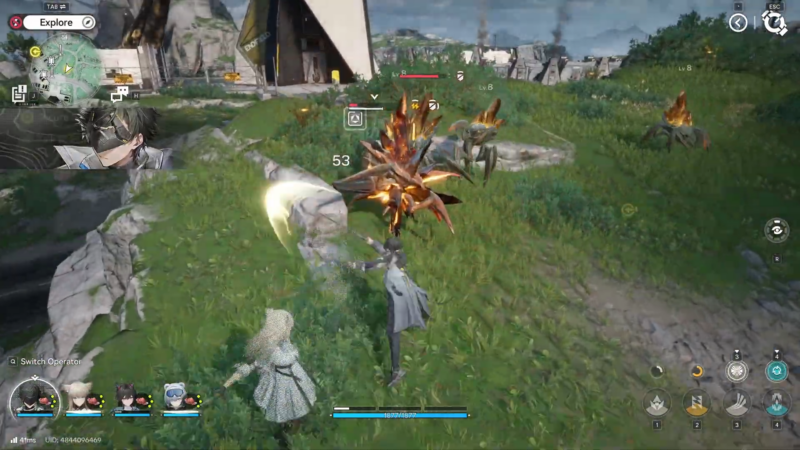
Airborne time functions like a control window: keep pressure with fast combos and end chains on Final Strikes to add stagger buildup and recover more SP. If the enemy’s stagger bar fills, it becomes stunned, opening an even safer window to keep attacking or set up another Lift.
Step 6: Repeat until Vulnerable stacks are near cap, then decide whether to keep juggling
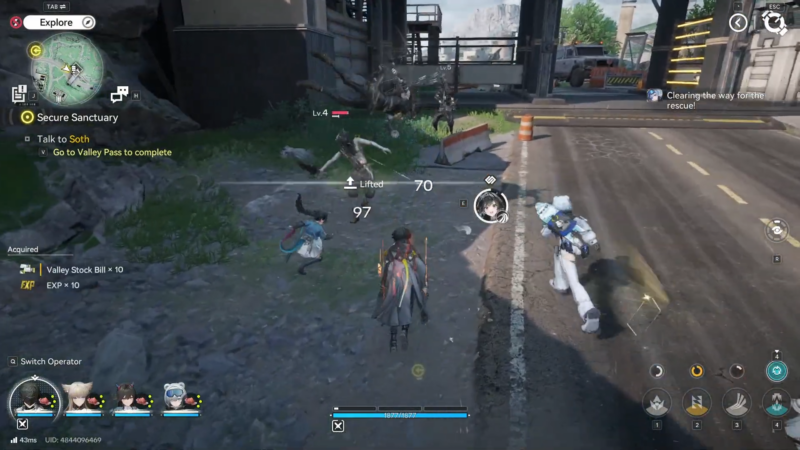
Vulnerable stacks can go up to 4, and Lift contributes by adding stacks when used on already Vulnerable targets. At high stacks, continuing Lift maintains control and damage amplification, while switching to other Physical payoffs can be better depending on kit and enemy behavior (since some Physical statuses consume stacks).
Step 7: Adapt to enemy size and immunity
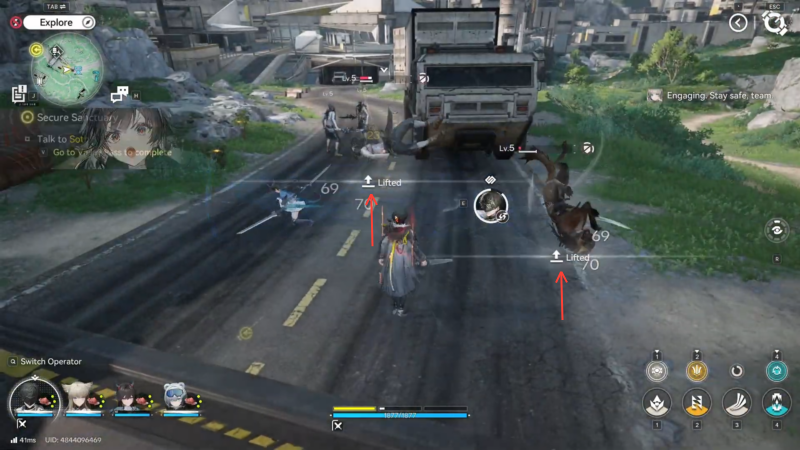
Lift explicitly lifts smaller enemies into the air. Against larger targets that don’t get launched, Lift can still be valuable for stacking Vulnerable and dealing Physical damage even if the “pop-up” effect doesn’t occur.
Practical combat patterns that consistently produce Lift
A dependable loop is: build SP with basic combos and Final Strikes, apply Lift to establish Vulnerable, then apply Lift again to launch smaller enemies and stack further. Perfect Dodges are especially useful because they both reduce stamina strain and restore Skill Points, helping sustain repeated Lift attempts. For maximum stability, aim to trigger Lift when enemies are mid-animation or after they whiff a heavy attack, so repositioning doesn’t break the follow-up.
Common problems and fixes
Lift not launching anything usually means the target is not a “smaller enemy,” since Lift specifically lifts smaller enemies into the air. If Lift feels inconsistent, it’s often because the first application is only applying Vulnerable (when the target had none), so the second application is needed for the “already Vulnerable” behavior. If SP is the bottleneck, rely more on finishing combos for Final Strikes and timing Perfect Dodges to restore SP so Lift skills can be cast more often.
| Issue | Likely cause | Fix |
|---|---|---|
| Enemy doesn’t get airborne | Target isn’t considered “small.” | Use Lift mainly for Vulnerable stacking/damage, and control via stagger instead. |
| Lift “does nothing” on first use | Target had no Physical Infliction, so Lift applied Vulnerable first. | Reapply Lift after Vulnerable appears. |
| Can’t cast Lift often | SP is low; skills cost SP. | End combos for Final Strikes and use Perfect Dodges to restore SP. |
| Damage feels low even with Lift | Not stacking Vulnerable consistently (cap is 4). | Maintain a rotation that repeatedly adds Vulnerable stacks with Lift. |
Rewards and progression notes tied to practicing Lift
Lift practice mainly “pays out” through faster clears and safer fights because stacking Vulnerable increases incoming damage and control opportunities via stagger windows. Since SP economy governs how often Lift can be used, improving consistency with Final Strikes and Perfect Dodges effectively increases uptime on Lift rotations.
| Practice goal | What improves | What it enables |
|---|---|---|
| Cleaner Final Strike timing | SP recovery and stagger buildup. | More frequent Lift casts and longer pressure sequences. |
| Better Perfect Dodge timing | SP recovery and stamina efficiency. | Safer setup for Lift and fewer interrupted rotations. |
| Consistent Vulnerable stacking (to 4) | Damage amplification via Vulnerable stacks. | Faster burst windows after repeated Lift applications. |
Keeping Lift consistent in real fights
Lift becomes consistent when Vulnerable application is treated as a two-step process: first establish Vulnerable, then reapply Lift to stack and launch smaller targets. Sustained Lift rotations depend heavily on SP flow, so combo endings (Final Strikes) and Perfect Dodges are the practical levers to pull for more casts.