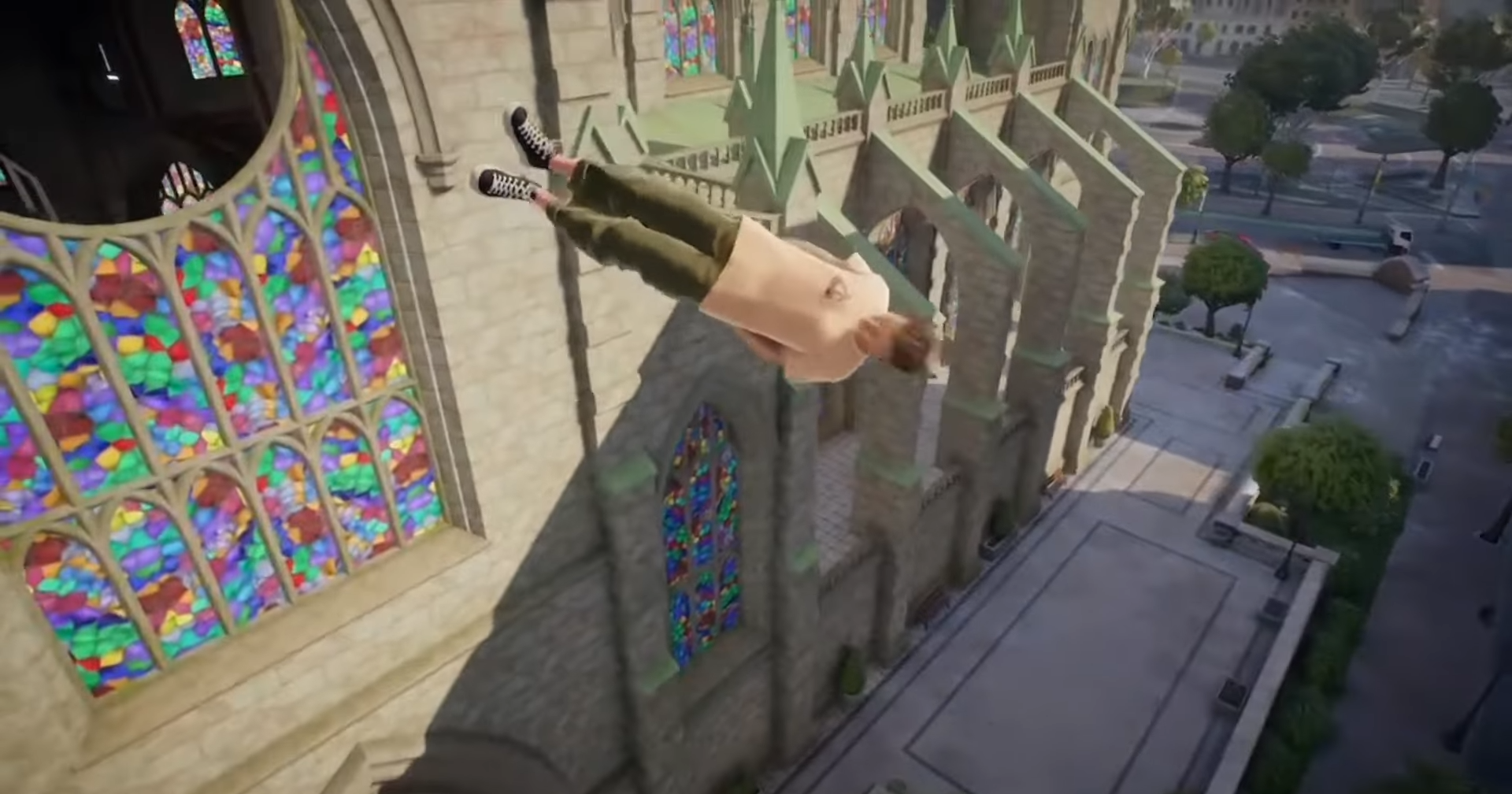
Here’s how to lay or lie down on your board in Skate 4 (often called the “Coffin” trick) — what the inputs are, when to use it, and tips to pull it off smoothly.
What to know
- You need to press LT/L2 + RT/R2 + X/Square + A/X at the same time.
- This trick makes your skater lie down flat on the board (“both sides grabbed”).
- Best used on straight, flat surfaces for control. Steering becomes harder when lying down.
- From lying down, you can sometimes transition into other tricks, especially after getting air. But balance and timing matter.
Fresh off its early access launch just days ago, Skate 4—officially just skate.—brings back the raw, physics-driven joy of the series with San Vansterdam’s bustling streets as your playground. Among the flick-it flips and off-board climbs, one move stands out for its absurd cool: the coffin, where your skater drops flat on the board like they’re napping through traffic.
How the Coffin trick works in Skate 4
Skate 4 keeps the Coffin trick as a legacy move from previous entries. When triggered, your skater grabs both sides of the board, slides their hands into their pockets, and stretches out—head up, legs angled out. It’s as much about having fun as it is about technical mastery. The move is available from the moment you start the game, no unlocking required.
How to lay on board, or do the Coffin Grab, step by step
Here’s a detailed guide to doing the Coffin well:
Step 1
Gain some speed riding on a relatively flat stretch so you have momentum. If you’re going too slow, the animation/trick might not work or look awkward.

Step 2
Make sure you’re not trying this near tight turns, obstacles, or steep slopes (unless you want the wilder effect). Straightaways are safer.
Step 3
Press the four buttons together: LT (or L2) + RT (or R2) + X (Square on PlayStation) + A (X on PlayStation). All at once.
Step 4
While in the “laying down / Coffin” pose, steer gently if the game allows, but expect limited control. Be mindful of your surroundings.

Step 5
To exit or get up again: typically release those buttons. Then you can resume pushing, carve, or do another trick. Timing your exit well helps avoid wipeouts.
Coffin Controls Across Platforms
Skate 4 keeps things intuitive with its thumbstick-driven system, but the coffin demands precise button timing. Here’s how it breaks down—no mods needed, just momentum.

| Platform | Double Grab Hold | Balance Hold | Steer | Notes |
|---|---|---|---|---|
| Xbox Series X/S, Xbox One | LT + RT | X + A | Left Stick | Press all four simultaneously while moving; release to bail. |
| PlayStation 5, PlayStation 4 | L2 + R2 | Square + X | Left Stick | Same combo—ideal for ramp launches; tilt head view for immersion. |
| PC (Keyboard/Mouse) | Shift + Ctrl (remappable) | E + Space | WASD or Mouse | Customize in settings; mouse flick adds spin for combos. |
| Steam Deck (via Proton) | Trackpad L + R triggers | A + B (mapped) | Right Trackpad | Portable play shines here—test in Skatepedia first. |
When to use the trick & what to watch out for
- Good for show-moves or just messing around when you want style. Riding down a ramp and then laying down can look dramatic.
- Not good if you need precise control (e.g. dodging cars, tight obstacles), since control is limited.
- Be aware of upcoming hazards — falling while lying down can lead to big wipe-outs.
- If doing this in multiplayer or streaming, it’s fun for content, but make sure you’re in a safe zone.