


What to know
- Hytale has not launched, so public server joining is not available yet
- Server menus and workflows shown so far come from internal builds
- Joining servers will be built directly into the Hytale client
- Planning ahead helps you jump in quickly at launch
Hytale is a sandbox RPG developed by Hypixel Studios. This guide explains how joining a Hytale server is expected to work, what you’ll realistically need, and what you should not expect until launch.
How joining a Hytale server is expected to work
Step 1: Launch Hytale and sign in
Once released, you’ll start by opening the Hytale launcher and signing in with your account. Multiplayer access is expected to be tied directly to your game profile.
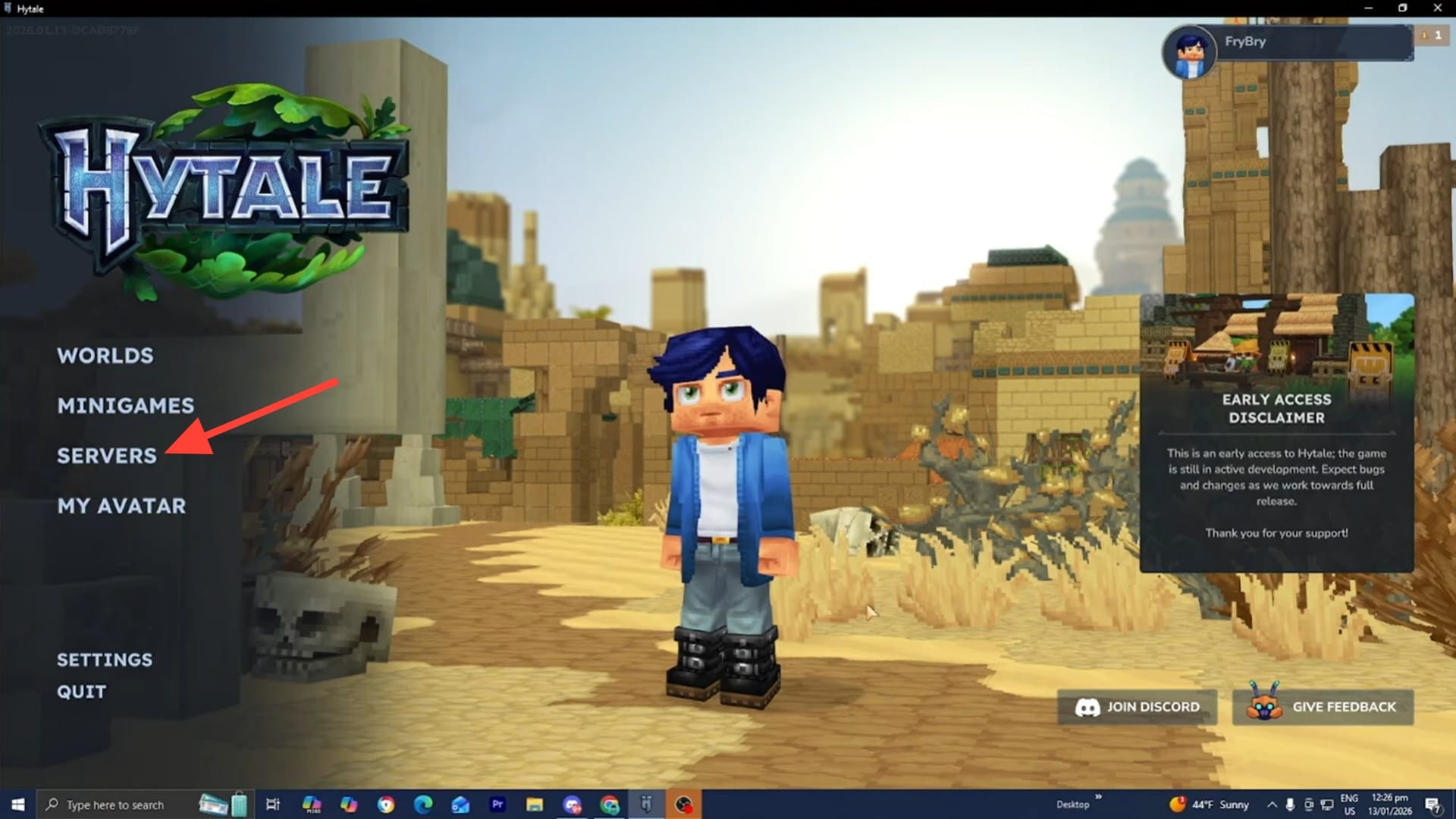
From the main menu, you’ll likely see options similar to:
- Multiplayer
- Servers
- Play Online
This menu will be the central hub for browsing, adding, and joining servers.
Step 3: Choose how you want to join
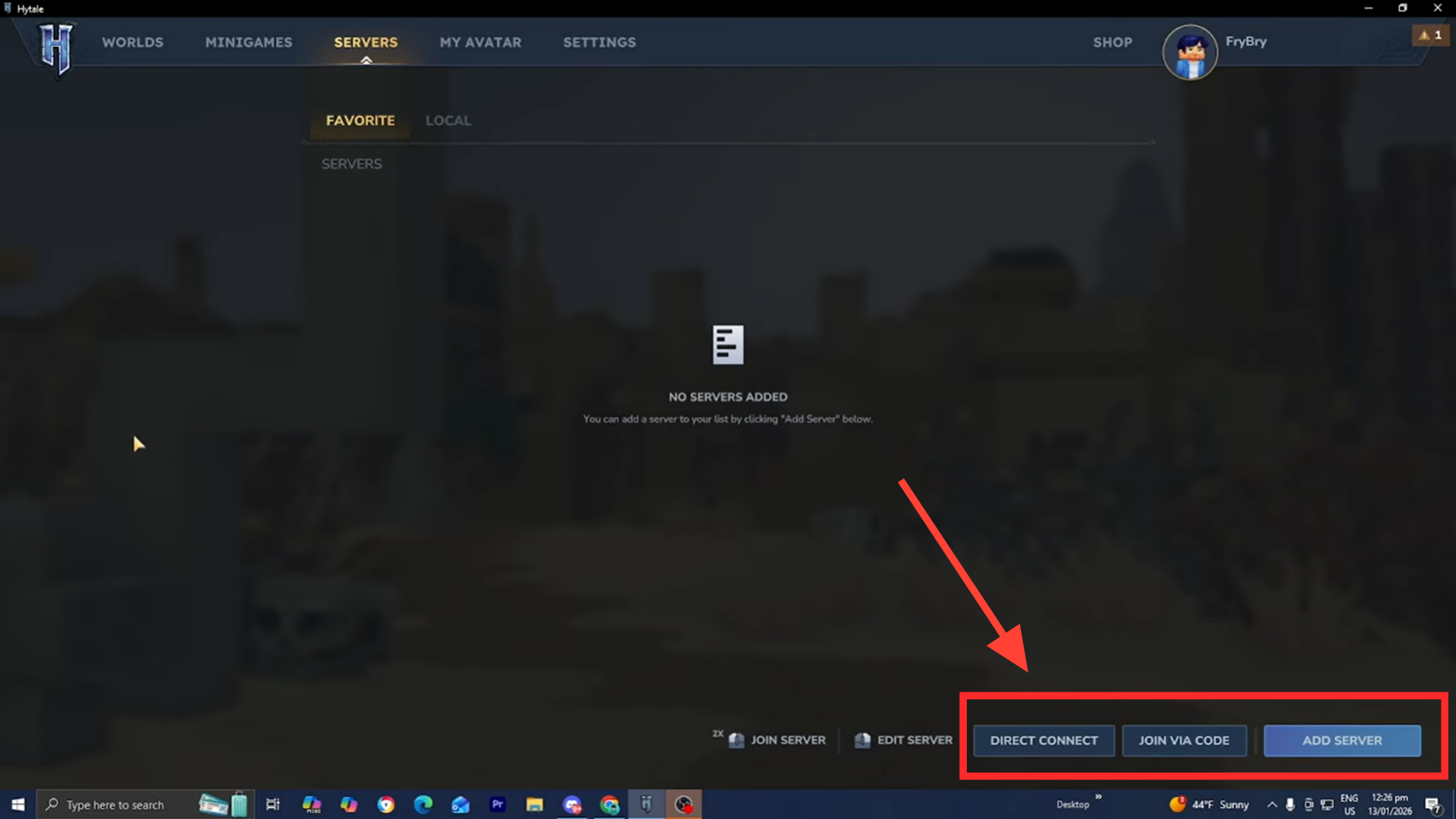
Hytale is expected to support multiple connection methods:
- Browsing featured or community servers
- Directly entering a server address (IP and port)
- Joining via invite, code, or friends list
This flexibility is meant to support both large public communities and small private groups.
Step 4: Connect and sync server content
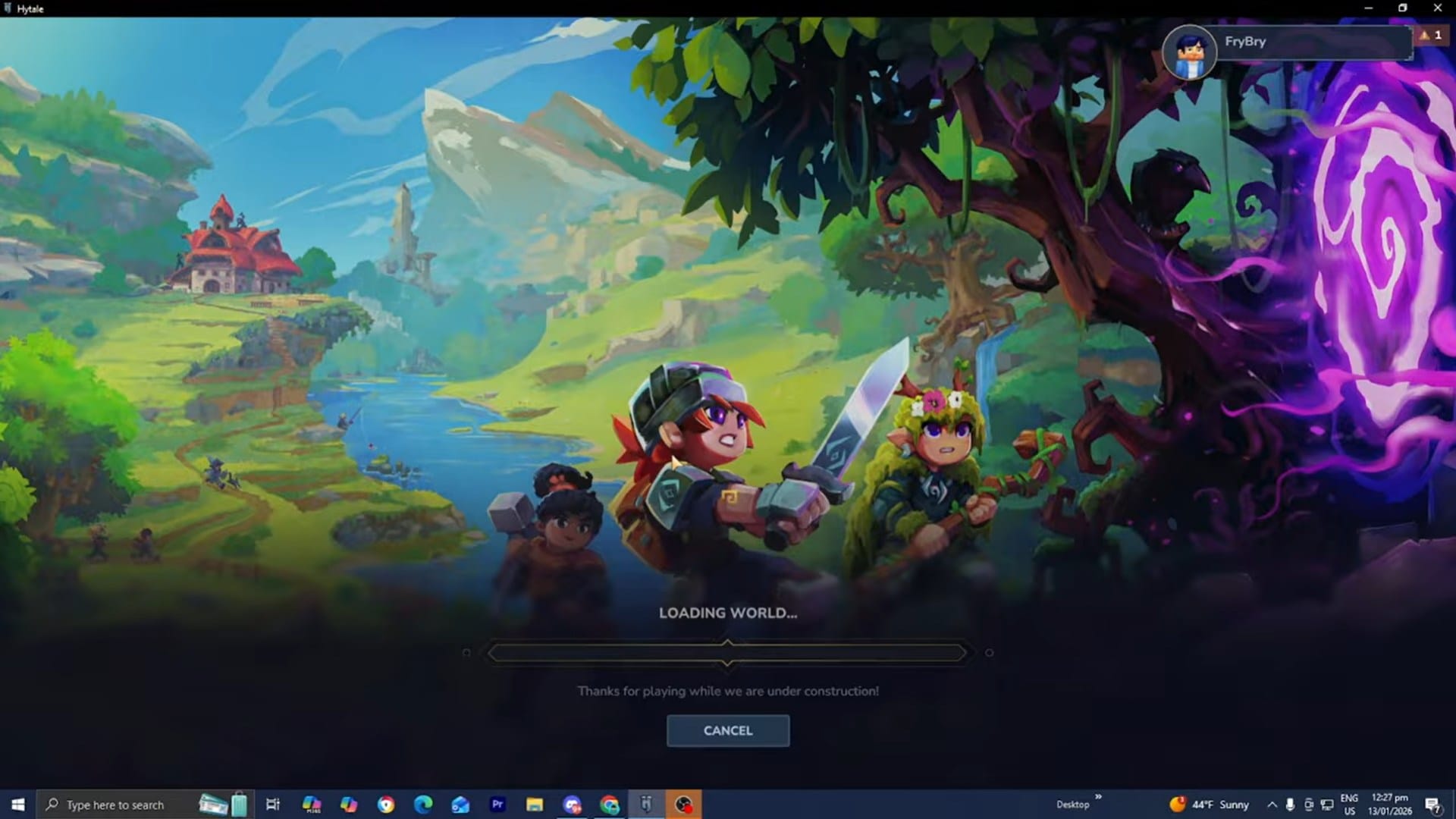
When you join a server:
- The game will establish a connection
- Any required server-side mods or assets will automatically sync
- You’ll enter the server world once loading completes
This automatic syncing is a major design goal of Hytale’s modding system.
Step 5: Spawn into the server world
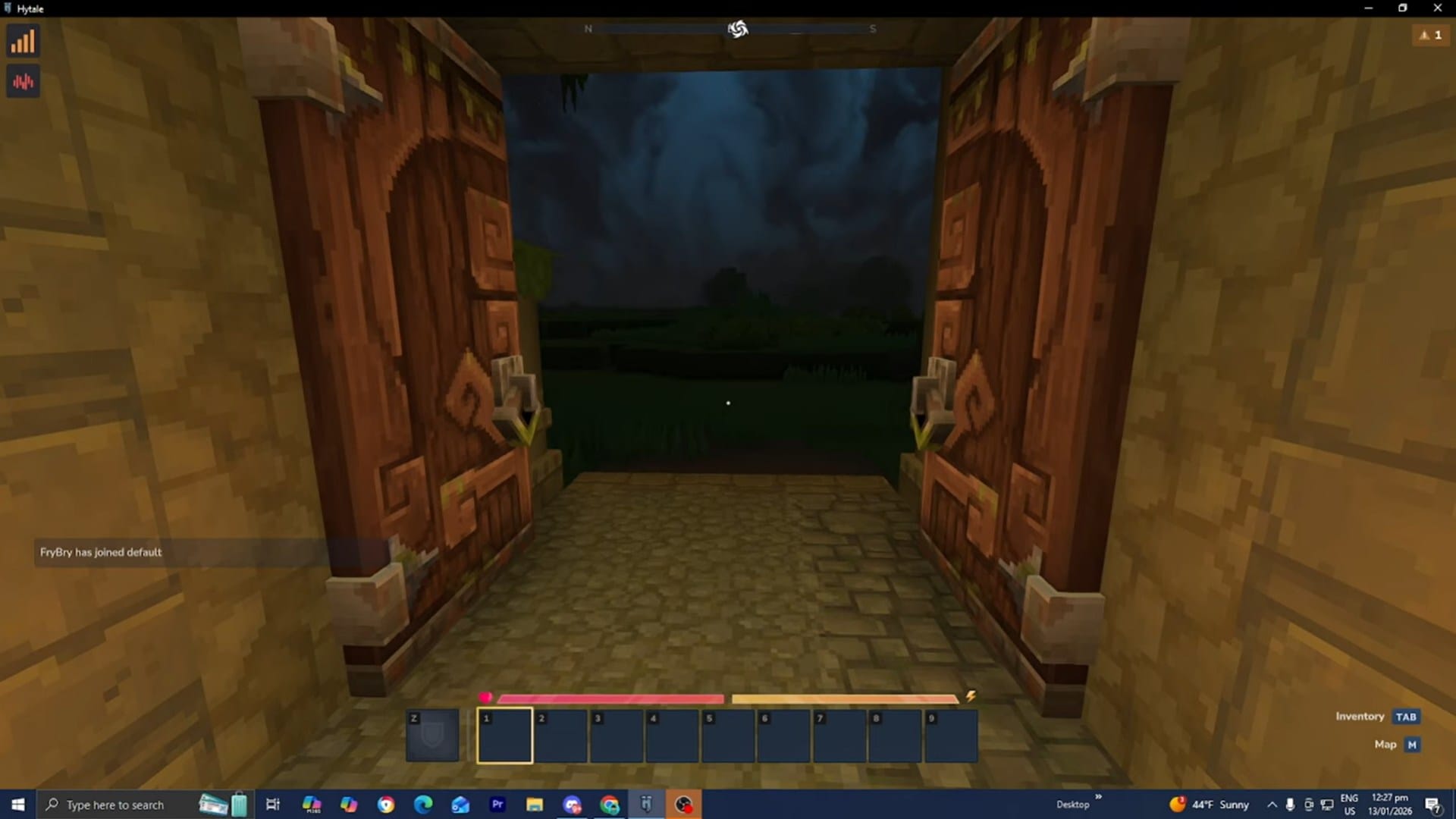
After loading, you’ll appear at the server’s designated spawn point and begin playing under that server’s rules, mods, and progression system.
Joining private worlds and friend sessions
Hytale is also expected to support private multiplayer sessions, allowing players to:
- Invite friends to a personal world
- Control access through permissions or codes
- Play cooperatively without running a full public server
Thanks for taking the time to go through this how to join a server guide for Hytale. If it helped you understand things better, do share your thoughts, impressions, or doubts in the comments section. We keep a close watch and try to respond promptly to ensure you always get the support you need.




