

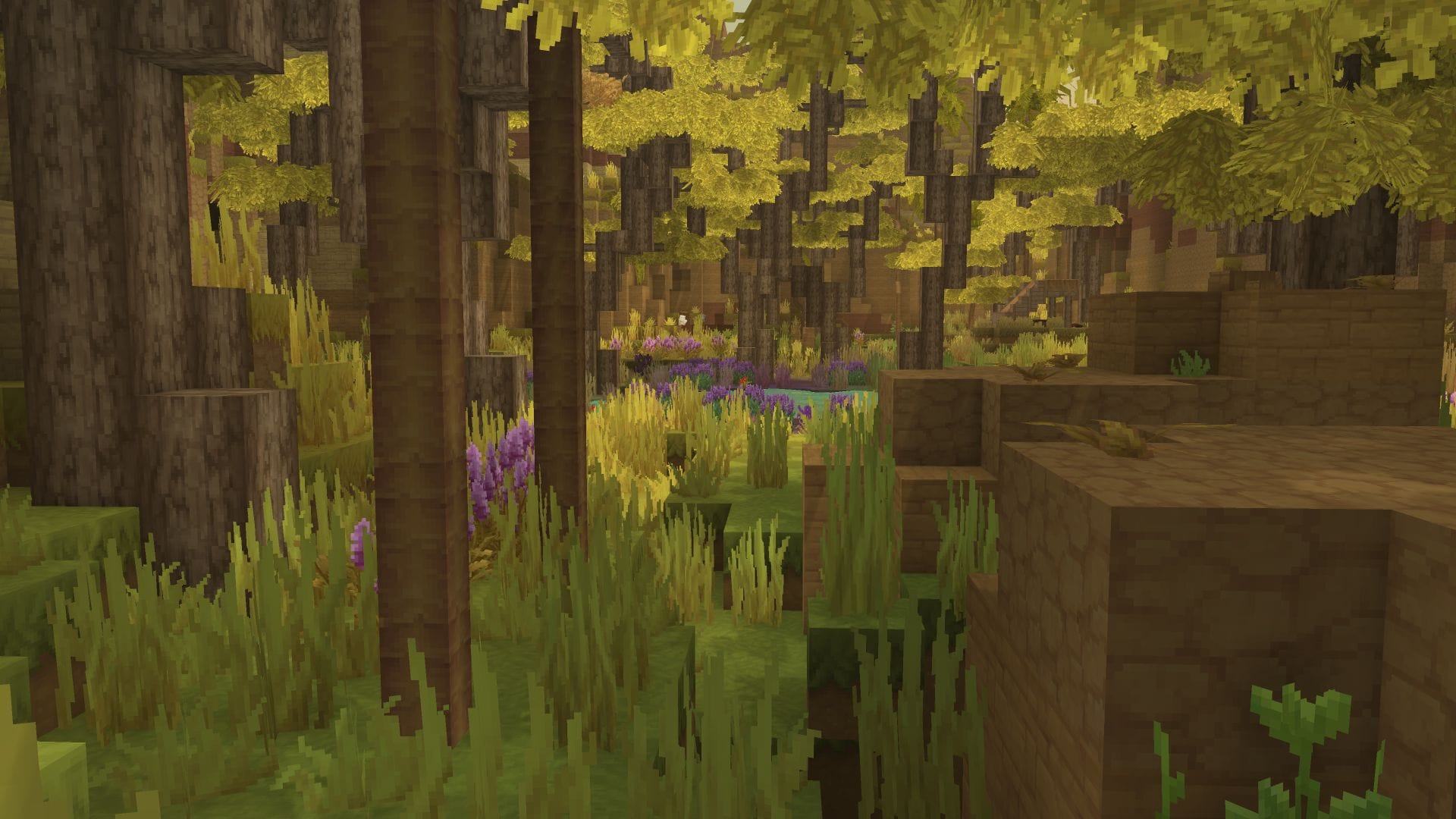
If you’re playing Hytale on a lower-end PC or just want a smoother experience, optimizing your video settings is the first step. Here is a quick guide on how to increase your FPS:
How to adjust Video Settings and boost FPS
To access the performance settings, follow these steps:
Step 1
Press the Esc key while in-game.
Step 2
Click on the Settings button and then select the Video tab.
Step 3
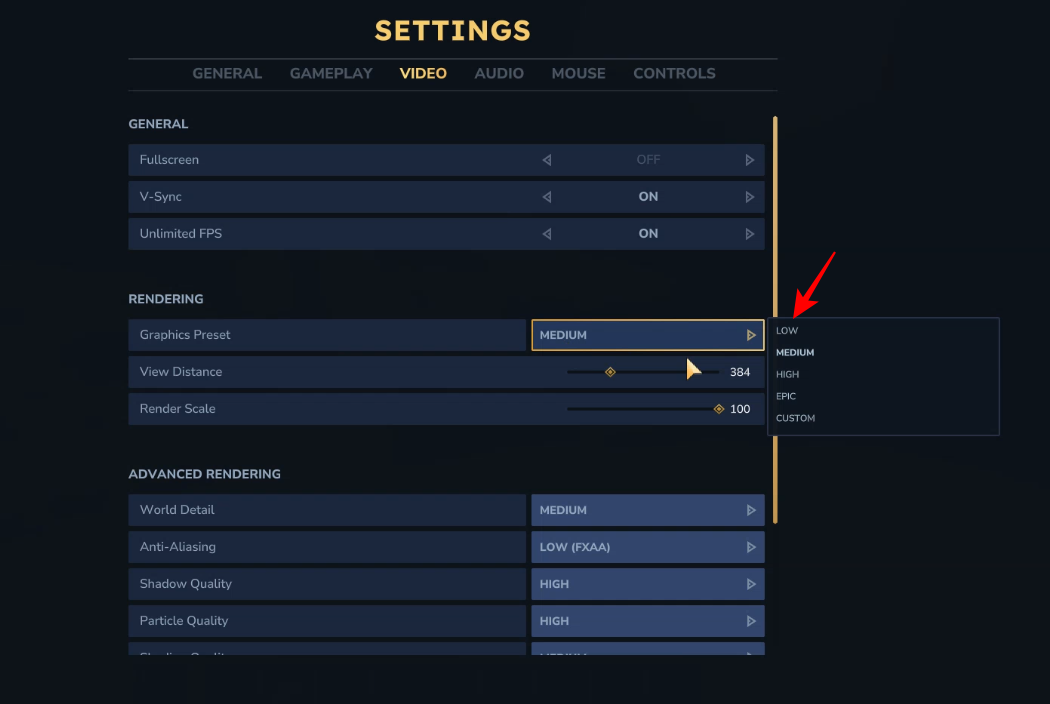
The quickest way to boost performance is to change the overall quality preset to Low. This will automatically adjust various graphical settings to their lowest levels to ensure the game runs more smoothly.
Step 4
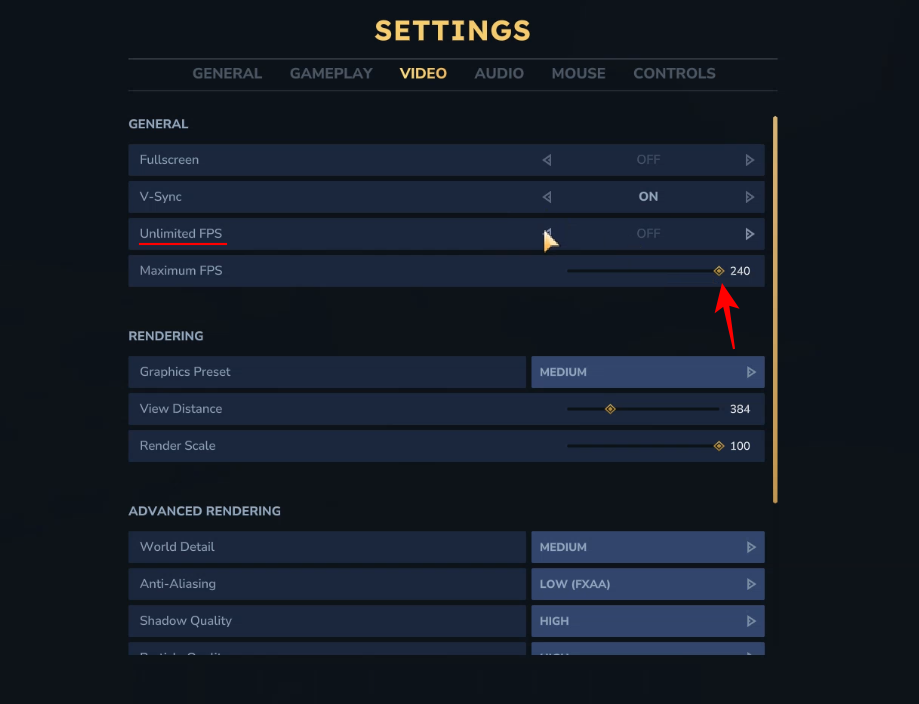
You can also set the Unlimited FPS option to On. Alternatively, if you’re keeping it Off, you should max it out.
Step 4
Once you have made the changes, click Save Changes to apply the new settings.
By lowering these settings, you can enjoy a much more fluid gameplay experience as you explore the world of Hytale! Since Hytale is in its early stages (Alpha), you can expect further optimizations soon.




