

- What to know
- How tree growth works in Hytale
- Crafting the Farmer’s Workbench
- How to get Essence of Life for saplings
- How to craft saplings at the Farmer’s Workbench
- How to plant saplings correctly
- How long trees take to grow
- Plant crops alongside trees
- Tips for efficient tree farming
- Tree regrowth summary and planning advice
What to know
- Trees never regrow automatically after being chopped down
- Saplings must be crafted at the Farmer’s Workbench
- Essence of Life is required for all saplings
- Once planted, trees grow passively over time
Hytale gives you full control over how forests return to your world. Unlike many survival games, wood is a managed resource, and replanting is part of long-term progression. Here’s how the system works right now in Early Access.
How tree growth works in Hytale
After clearing your starting area, growing trees becomes essential for tools, crafting stations, and long-term building. The process is simple once you know the order. Cutting down a tree permanently removes it from the world. There is no hidden respawn timer and no chance for saplings to drop from leaves. If you want more trees, you must actively craft and plant them yourself.
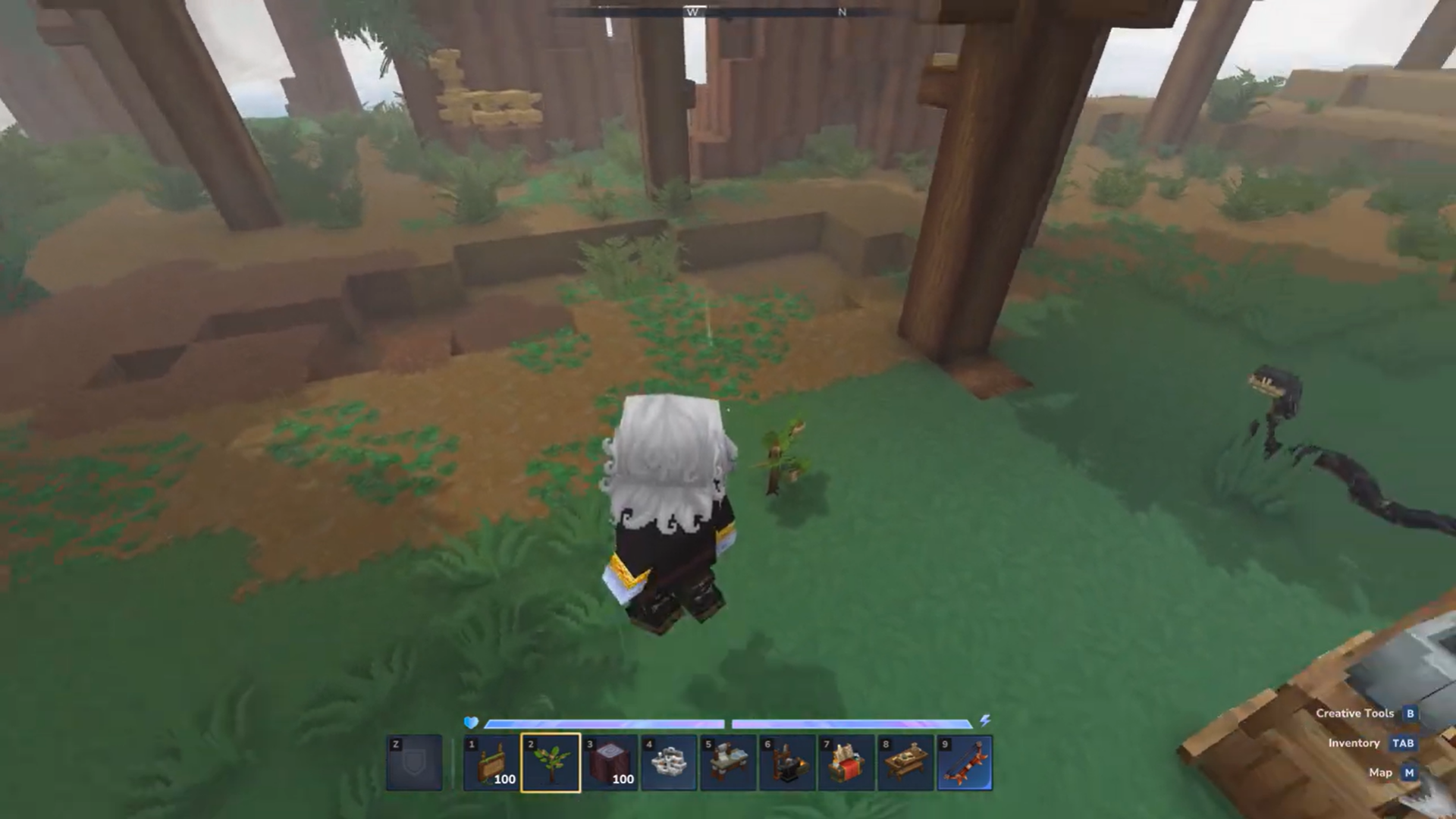
This design pushes you toward farming, crafting stations, and resource planning rather than infinite natural wood.
Crafting the Farmer’s Workbench
Before you can grow trees again, you need access to sapling recipes. At the regular workbench, craft the Farmer’s Workbench using 4 tree trunks and 4 stone arranged in a square pattern. Place it nearby to begin farming-related crafting.
The Farmer’s Workbench is crafted using the basic Workbench and unlocks farming-related recipes, including saplings. Once placed, it becomes your main station for renewable natural resources.
How to get Essence of Life for saplings
Essence of Life is a core farming material used in saplings and other nature-based recipes. You obtain it by harvesting plant resources and crops such as wheat, carrots, and other farmable plants.
If you plan to regrow trees consistently, setting up a small crop farm early will keep your Essence of Life supply stable.
How to craft saplings at the Farmer’s Workbench
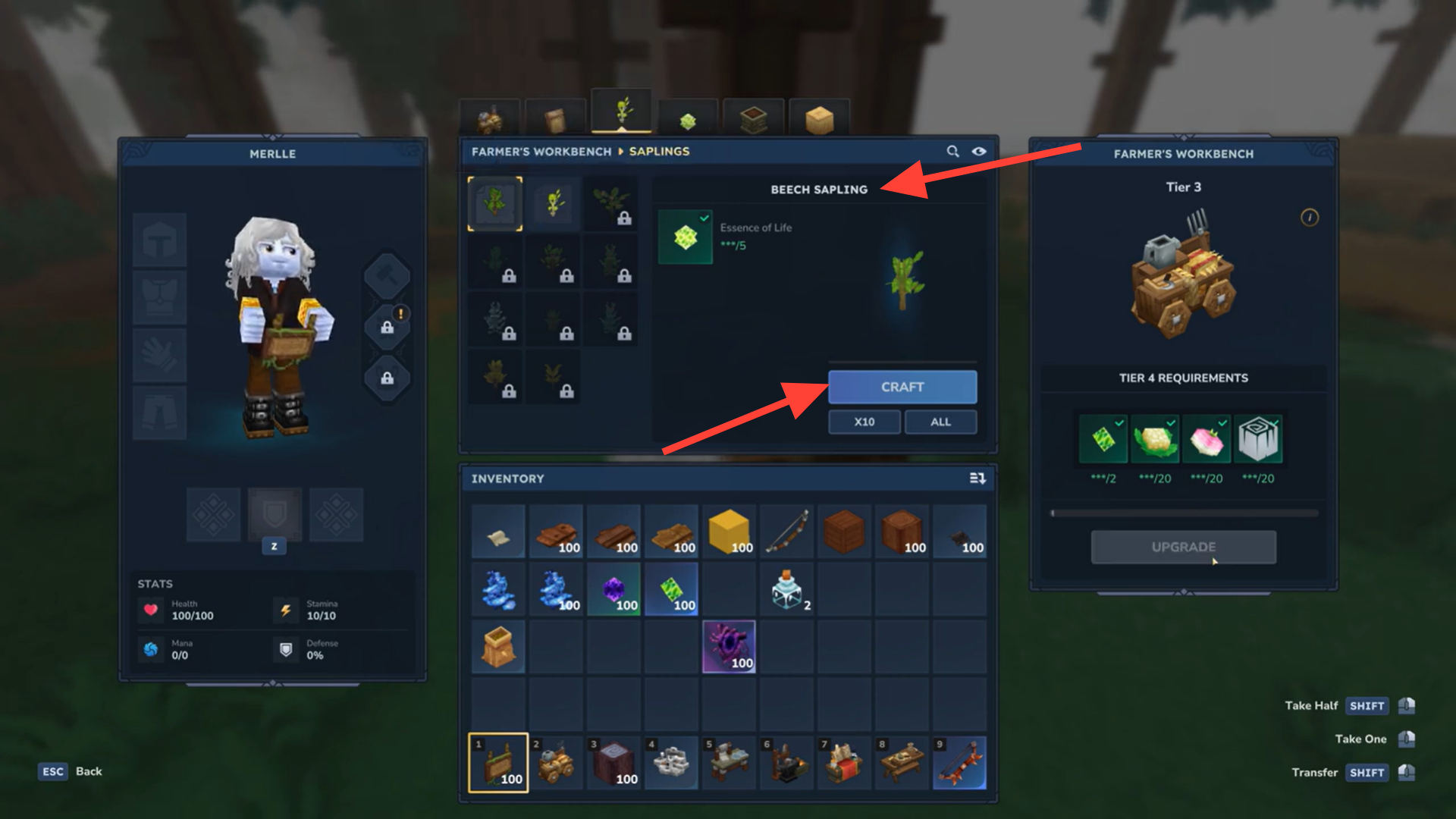
- Interact with the Farmer’s Workbench to access its crafting menu.
- Navigate to the Saplings section, where different tree sapling recipes are listed.
- Select the sapling type you want and craft it using Essence of Life.
- Each sapling corresponds to a specific tree type, letting you control what grows in your area.
How to plant saplings correctly
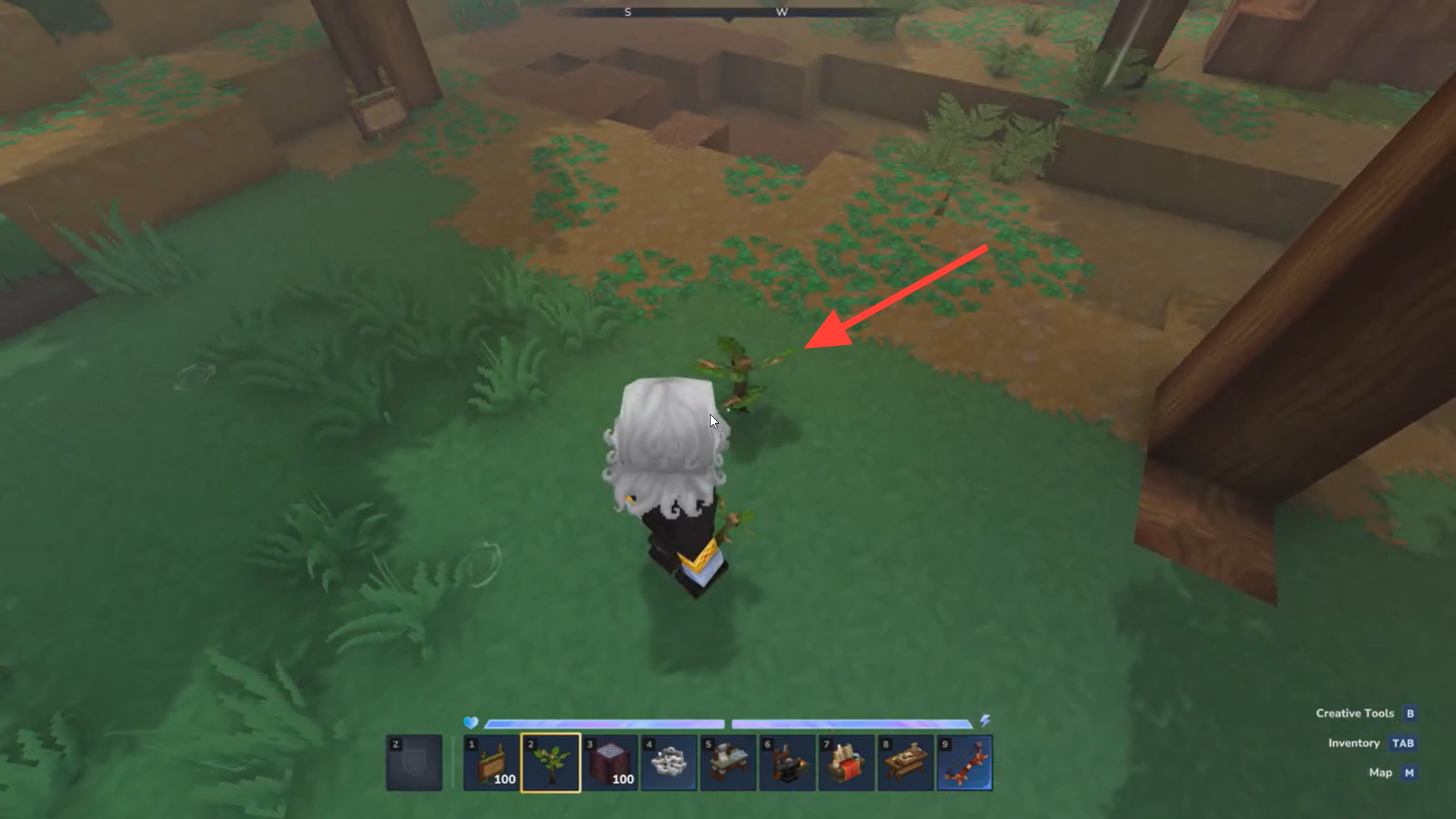
- Place the sapling in your hotbar and select it.
- Right-click on grass or dirt blocks to plant the sapling. Hard surfaces like stone won’t work.
- Plant saplings roughly 8–10 blocks apart. Crowding them can prevent proper growth.
How long trees take to grow
Once planted, saplings grow automatically into full trees over several in-game days. You don’t need to water them, fertilize them, or interact further. Just make sure there is open vertical and horizontal space for the tree model to generate. Usually the stages of growth along with the time are shown with the Saplings in the inventory.
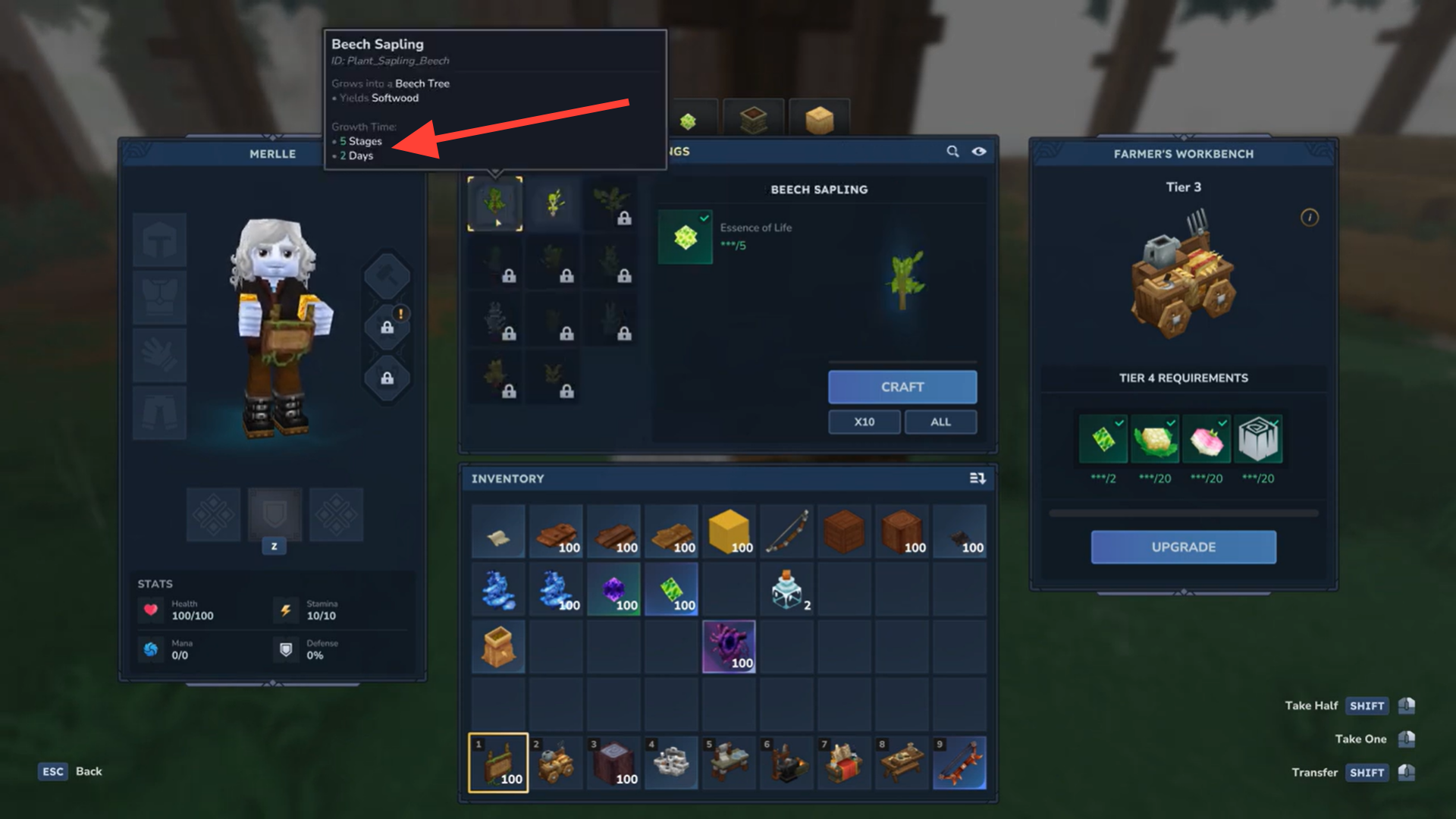
Plant crops alongside trees
Plant seed bags for crops next to your tree farm. Crops provide a steady supply of Essence of Life, creating a renewable loop:
- Crops → Essence of Life
- Essence of Life → Saplings
- Saplings → Trees → Logs
This setup supports infinite wood and farming resources.
Tips for efficient tree farming
- Rotate planting cycles so you always have mature trees ready
- Keep farms near your base to reduce travel time
- Stockpile Essence of Life before large building projects
- Avoid planting under ceilings or near cliffs
Tree regrowth summary and planning advice
Tree regrowth in Hytale is intentionally hands-on. You harvest trees once, then rely on farming systems to replace them. By crafting saplings, managing Essence of Life, and spacing trees correctly, you can create a sustainable wood supply that supports long-term building and crafting.




