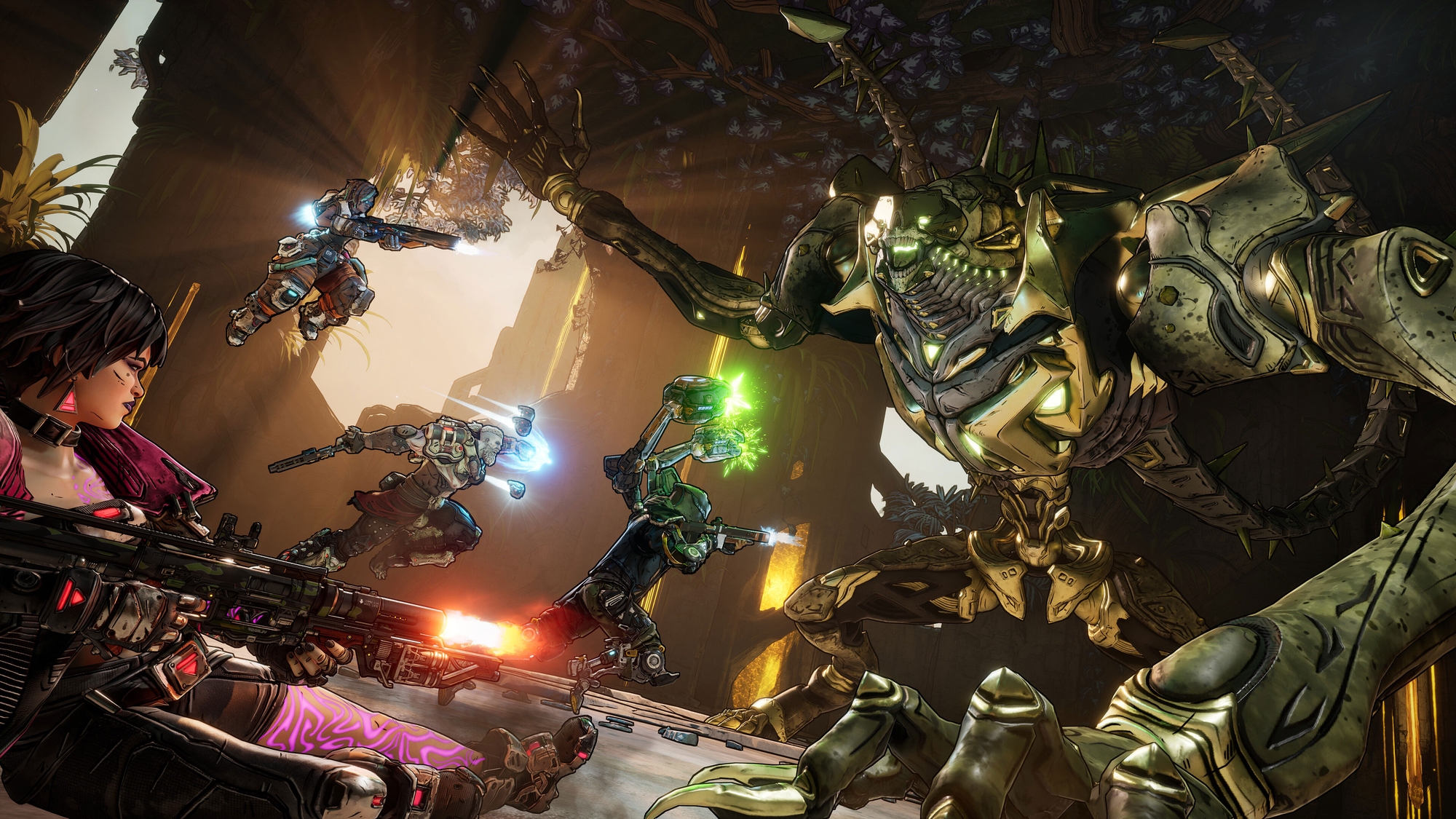
Learn how to pull off the Ground Slam in Borderlands 4 with ease.
What to know
- Ground slams are a go-to melee move for all Vault Hunters, dealing splash damage after a jump or jetpack hover.
- Double-jump or hover, then hold crouch/dash to slam down with force.
- Perfect for crowd control, smashing objects, or boosting action skills like Amon’s fiery Molten Slam.
- Practice timing in open areas to maximize damage and mobility.
Ready to make the ground shake in Borderlands 4? The ground slam is your ticket to crushing enemies and zipping around Kairos with flair. It’s a simple yet powerful move every Vault Hunter can use, amped up by the game’s new jetpack and low-gravity vibes. With fresh updates from September 2025, here’s a snappy guide to nailing ground slams, packed with tips to keep your gameplay explosive and fun.
Why ground slams are a game-changer
Every Vault Hunter can slam, but it’s more than just a heavy landing. It’s your key to smashing enemy groups, breaking crates, or triggering epic action skill combos like Amon’s Molten Slam, which torches foes with fire. Recent patches have made slams smoother, so whether you’re on PC, PlayStation, or Xbox, you’re set to dive in and dominate.
How to pull off a ground slam
Let’s break it down into easy steps. You’ll need to get airborne and time your inputs right. These steps use default controls from the latest September 2025 update—remap them if you like!
Step 1: Leap into the air
Start with a jump: hit Space on PC, X on PS5, or A on Xbox. For extra height, double-tap for a double jump. Got the jetpack from the early mission “A Lot to Process”? Hold the jump button to hover, giving you more control to aim your slam.

Step 2: Slam with style
While airborne, hold the crouch or dash button—CTRL on PC, Circle on PS5, B on Xbox. Keep it held until you hit the ground for a shockwave that damages nearby enemies. Hovering with the jetpack? Hold the dash for a beefier slam with more punch.

Step 3: Land and keep moving
Your slam unleashes a radial burst, dealing about 150-200% of your melee damage early on. Missed the timing? You’ll just drop fast, so hold that button for a half-second. After landing, dash or roll to dodge attacks and set up your next move.
Step 4: Chain slams for chaos
Jump again right after to keep the slams coming. In missions like Whack-A-Thresher, drop from ledges to slam targets like thresher holes. Level up to 5+ to unlock skill boosts that add elemental effects or cut jump cooldowns.
Tips to make the Ground Slams pop
For better Ground Slams, follow these tips.
Glide for reach:
After a double jump, glide forward, then slam to hit distant targets—great for Kairos’ open zones.
Break stuff:
Slam glowing objects like shed roofs in “A Lot to Process” for loot or quest progress.
Team up:
In co-op, slam while pals distract enemies for sneaky crowd control.
Gear up:
Amon’s Molten Slam adds fire damage, while Harlowe’s cryo slams freeze and shatter foes. Check your skill tree!
Tweak controls:
PC players, try binding slam to a mouse button. Console folks, turn on auto-hover in settings for easier jetpack slams.
| Platform | Jump | Slam | Jetpack Hover | Dash for Slam |
|---|---|---|---|---|
| PC | Space | Hold CTRL | Hold Space | Hold Shift |
| PS5 | X | Hold Circle | Hold X | Hold L3 |
| Xbox | A | Hold B | Hold A | Hold LS |
Slam your way to victory
With these steps, you’re ready to slam through Borderlands 4’s wild battles. From smashing baddies to soaring over Kairos, this move keeps things fast, fun, and full of chaos. Now jump in and make some noise!