


- What to know
- Quick overview of assigning Pokémon to houses in Pokopia
- How furnishing determines whether a house is livable
- Bringing a Pokémon into the house before assigning it
- How to assign a Pokémon to a house in Pokopia
- What happens after a Pokémon moves in
- Creating a Pokémon village in Pokopia
- Giving your Pokémon a home in Pokopia
What to know
- Pokémon can be assigned to houses you build in Pokopia.
- The Pokémon must be following you before entering the house.
- A house needs at least three pieces of furniture to become livable.
- After assignment, the house will display the Pokémon’s name.
Pokopia allows you to interact with Pokémon in more personal ways than simply catching or battling them. One of these features is the ability to give Pokémon their own houses. Assigning a Pokémon to a home turns the building into its permanent residence, and the game will label the structure with the Pokémon’s name once the process is complete. If you are building a settlement or decorating your base area, this mechanic lets you create a small village where your Pokémon companions live.
Before assigning a Pokémon to a house, you need to make sure the building is properly prepared. The game checks for certain conditions, including furniture placement and whether the Pokémon is currently following you.
Quick overview of assigning Pokémon to houses in Pokopia
| Feature | Details |
|---|---|
| Requirement | A constructed house |
| Furniture Needed | Minimum of 3 pieces |
| Pokémon Status | Must be following you |
| Interaction Method | Speak to the Pokémon inside the house |
| Result | House becomes the Pokémon’s residence |
| Visual Indicator | House name changes to the Pokémon’s name |
How furnishing determines whether a house is livable
Pokopia requires a house to feel “lived in” before a Pokémon can move inside. This is handled through the furniture system. You must place at least three furniture items inside the building. The specific type of furniture does not matter. Chairs, tables, decorations, and other basic furnishings all count toward the requirement.
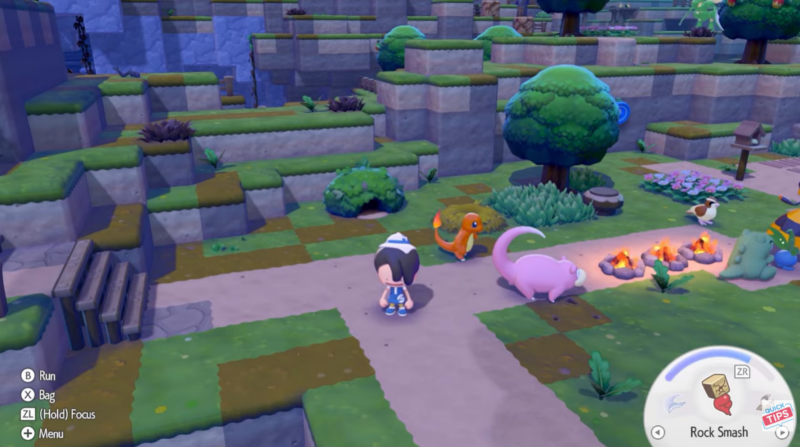
Once three items are placed inside the house, the game considers the building fully furnished. At this point, it becomes eligible for Pokémon housing. If you try to assign a Pokémon before placing furniture, the option to move them in will not appear.
Because the furniture type is flexible, you can decorate the house however you prefer. Some players keep the layout simple with basic chairs and a table, while others fully decorate the interior to create themed homes for different Pokémon.
Bringing a Pokémon into the house before assigning it
Before assigning a Pokémon to a home, you must ensure the Pokémon is currently following your character. Pokémon that are idle, stored, or wandering nearby cannot be assigned unless they are actively following you.
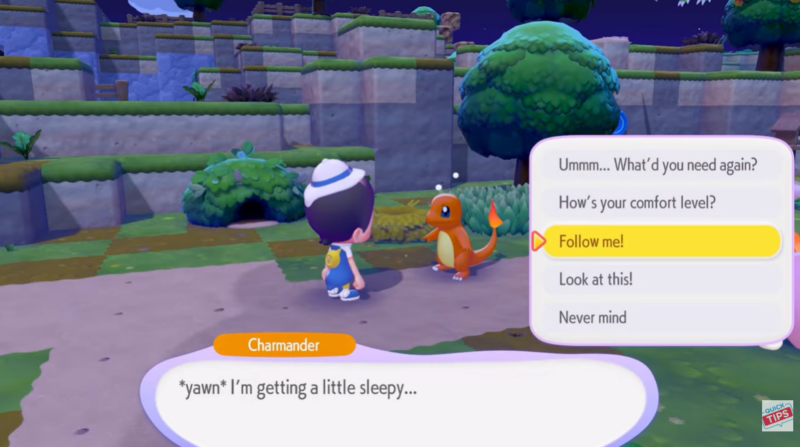
To do this, interact with the Pokémon and select the option that makes it follow you. Once it begins following, walk to the house you want to assign as its home. Enter the building while the Pokémon continues to follow behind you.
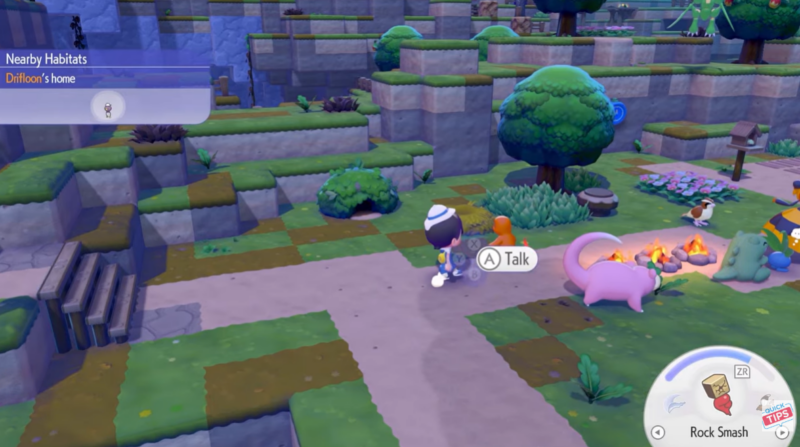
The Pokémon must be physically inside the house when you initiate the assignment dialogue. If it remains outside or gets stuck near the doorway, the option to move it into the house will not appear.
How to assign a Pokémon to a house in Pokopia
Step 1
Tell the Pokémon you want to assign to follow you. This ensures the Pokémon stays close and can enter the house with you.
Step 2
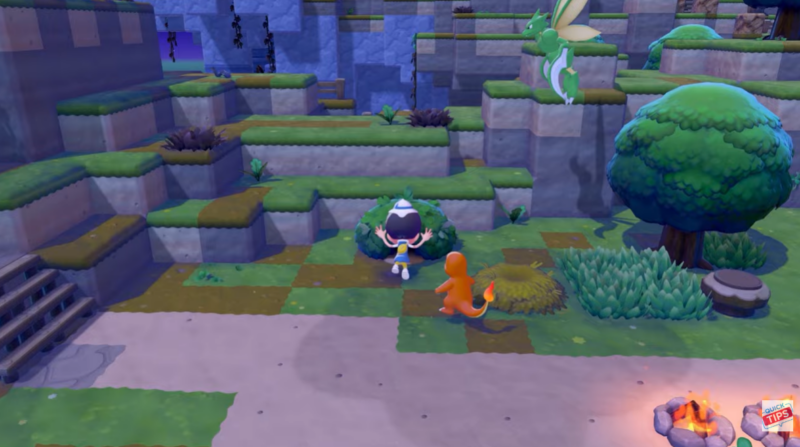
Walk to the house where you want the Pokémon to live. Enter the house while the Pokémon is still following behind you.
Step 3
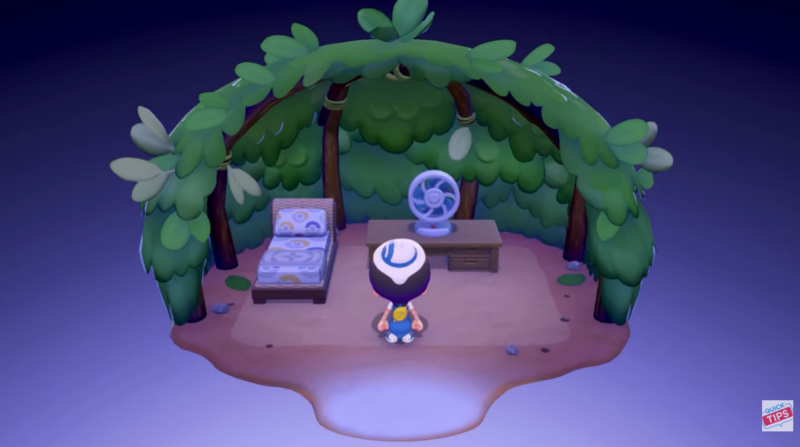
Confirm that the house has at least three pieces of furniture placed inside. Without this requirement, the assignment option will not be available.
Step 4
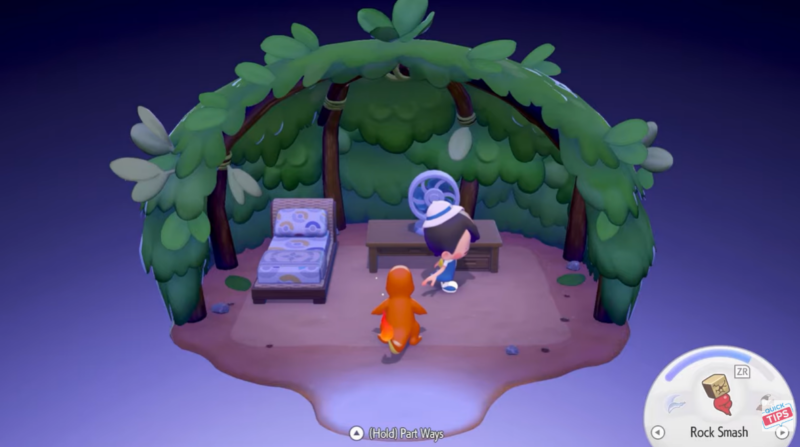
Approach the Pokémon inside the house and interact with it to start a conversation.
Step 5
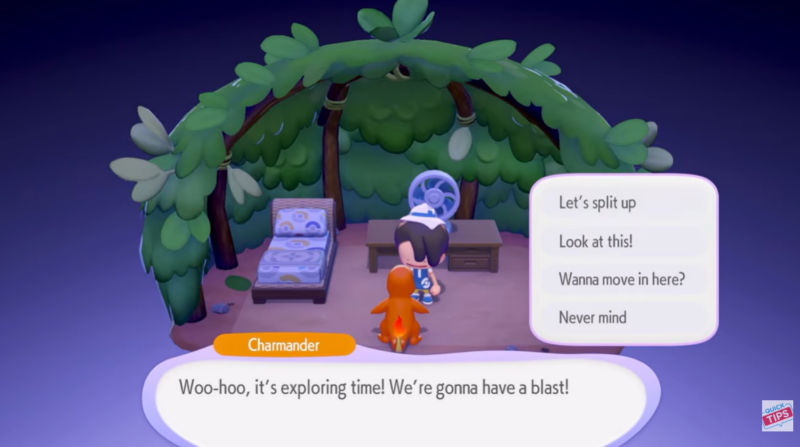
Select the dialogue option asking if the Pokémon wants to move into the house.
Step 6
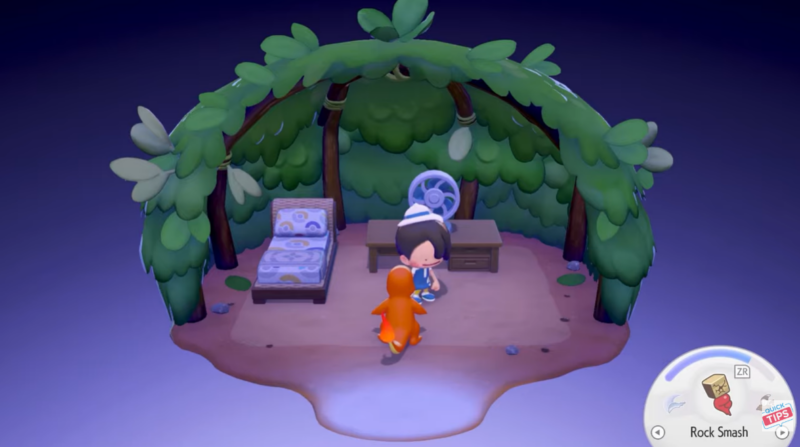
Once confirmed, the Pokémon will officially move into the building and the game will mark the house as its residence.
What happens after a Pokémon moves in
After the assignment is complete, the house becomes permanently associated with that Pokémon. The building will automatically be labeled with the Pokémon’s name. For example, if you assign Charmander to the house, the structure will appear in the game world as “Charmander’s House.”
This labeling helps you quickly identify which Pokémon lives in each building if you create multiple homes. It also adds a small town-like atmosphere to your base area where each Pokémon has its own place to stay.
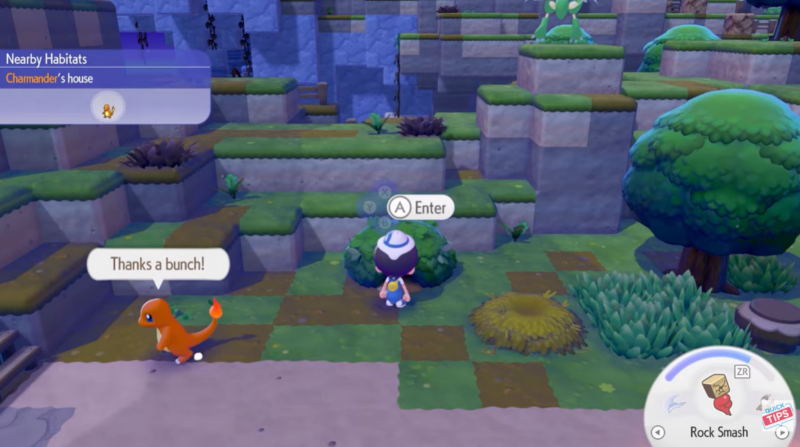
Assigned Pokémon typically remain around their home area, giving your settlement a more lively feel. Many players use this system to organize their favorite Pokémon into different homes or neighborhoods within their base.
Creating a Pokémon village in Pokopia
Once you understand how the housing system works, you can expand your settlement by building multiple houses and assigning different Pokémon to each one. Because the furniture requirement is simple, setting up additional homes becomes quick and easy.
This feature encourages creativity. You might build themed homes that match each Pokémon’s personality or type. Fire-type Pokémon might live in houses decorated with warm colors, while grass-type Pokémon might have homes filled with plants and natural furniture.
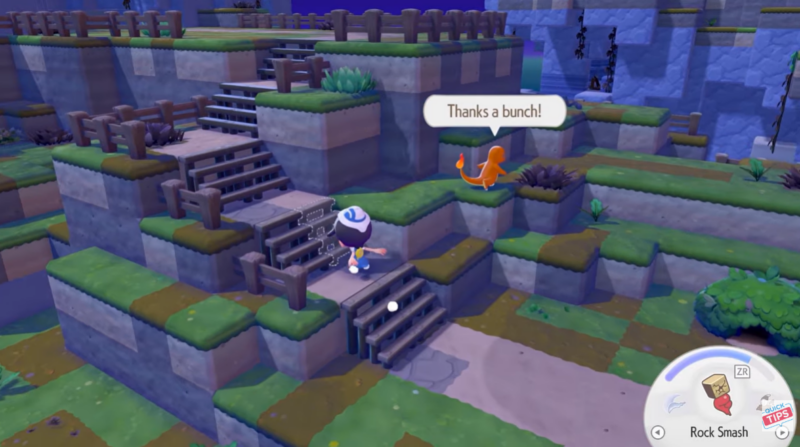
Over time, your base can turn into a small Pokémon village where each house represents a companion you’ve recruited.
Giving your Pokémon a home in Pokopia
Assigning Pokémon to houses in Pokopia is a simple but rewarding feature that adds personality to your base. By furnishing a house, bringing a Pokémon inside, and asking it to move in, you can quickly turn empty buildings into homes for your companions. As you expand your settlement, each assigned Pokémon helps make your village feel more alive and organized.




