

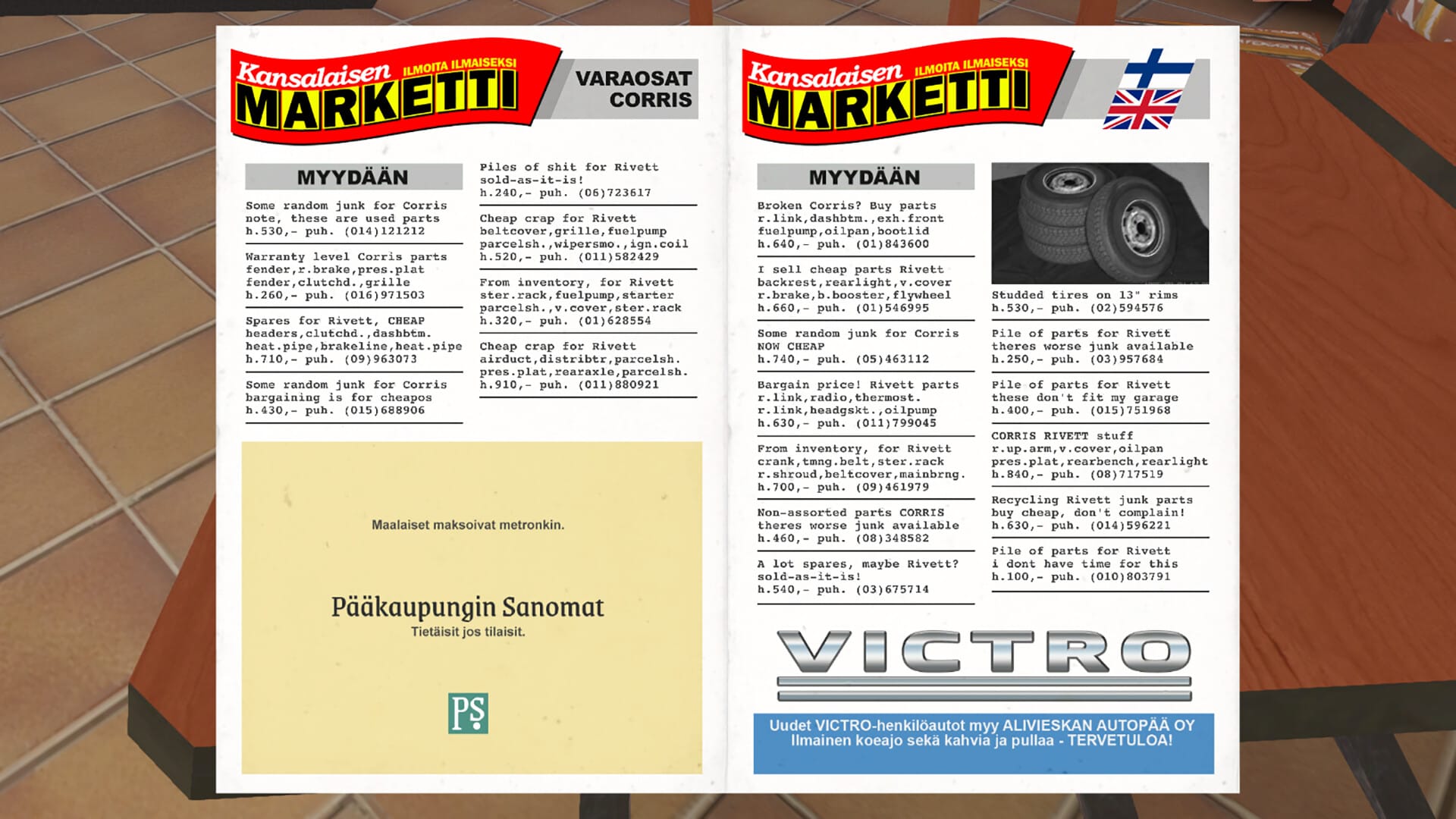
Follow this concise guide to learn everything you need to know about the Taxi Driver job in My Winter Car.
The Taxi Driver job in My Winter Car is one of the best ways to earn steady money once you unlock it and learn the routine. This guide walks through every step: where to find the job poster, how to call and meet the taxi owner, what each taximeter mode does, and exactly how to complete rides so you get paid correctly. With a bit of practice, you’ll be picking up customers, setting the right mode, and building up your income without stress.
How to unlock the taxi driver job
The taxi job isn’t available from the start; you have to unlock it by following a short chain of steps.
Objective 1: Find the job poster
Go to the gas station restaurant and look at the job board on the wall. There’s a poster that says “Taxi driver wanted”. Read it carefully to get the phone number.

Objective 2: Call the taxi number
Use the in‑game phone and dial the number shown on the poster. Let the call ring and finish the short dialogue; you don’t need to do anything special, just wait for it to end.

Objective 3: Wait until the next day at 12:00
After calling, time must pass. Wait until the next in‑game day, and make sure it’s exactly 12:00 (noon). The meeting will only trigger at that time. Spot the red taxi.

Objective 4: Meet the owner at PSK Parking
Drive to PSK Parking (the large parking lot near the highway exit). Park there and wait until the taxi owner arrives. Talk to him when he shows up; he’ll explain the job and give you access to the Rivet taxi.

Once this meeting is done, the taxi job is officially unlocked, and you can start working whenever you want.

Getting the Taxi and Map
After the meeting, the taxi owner gives you a Rivet taxi. Here’s what to do next:
- Enter the driver’s seat and look at the sun visor above the windshield.
- You’ll find a small map listing customer addresses (for example, Loppentie 100, Kylätie 20, etc.).
- Memorize or note these addresses—they’re essential for planning routes and avoiding getting lost.
- The taxi comes fully fueled and ready to drive, but you’ll still need to handle regular maintenance like oil, coolant, and battery upkeep.


Small map under the sun visor (Image credit: Amistech Games | Via: YouTube – Mjakish)
How the taximeter works
The taxi’s taximeter is key to getting paid correctly. If you use it wrong, your salary can be reduced, so pay attention to the modes.

Controls on the meter
The device features a turnable knob for selecting different modes (Mode 1, Mode 2, Mode A, Mode B, and Lotto), along with a smaller button used to start, pause, and stop the meter. Here’s all the Taximeter modes:
| Mode | When to use / Purpose |
|---|---|
| Minus (–) | Set the knob here and press the red button to go on duty (receive calls). Money does not count yet. |
| Mode 1 | Weekdays, between 06:00 and 18:00. Use this for normal daytime fares on weekdays. |
| Mode 2 | Weekdays from 18:00 to 06:00, and all day on weekends. Use this for night/weekend fares. |
| Mode A | Shows the distance driven (odometer-like reading). |
| Mode B | Shows your total income; resets to zero when you get paid. |
| Lotto | Optional lottery mode; not required for the job. |
When to be “on duty”
- Turn the knob to the minus (–) symbol and press the small button to turn the meter on indicated by the small red light on the meter.
- Only when the meter is on will you receive customer calls.
- When you’re off duty, turn the meter off so you don’t get calls.

How to complete a taxi ride
Here’s the step‑by‑step process for each customer call.
Step 1: Answer the call
When your phone rings, answer the call and note the pickup address the caller gives you (for example, “Loppentie 100”), as you’ll need it to locate the customer. Make sure not to hang up early, as cutting the call before the dialogue finishes will prevent the customer from spawning.

Step 2: Drive to the pickup
Drive carefully to the given address, park near the customer, and wait for them to get in; once the passenger is inside and you’re ready to drive, start the meter by pressing the smaller button until the red light turns off.


Once the customer enters, turn off the red light to start the meter (Image credit: Amistech Games | Via: YouTube – Mjakish)
Step 3: Set the correct mode
Before driving away, set the taximeter to the right mode:
- Mode 1: Weekdays, daytime (roughly 06:00–18:00).
- Mode 2: Weekdays after 18:00, all night, and all day on weekends.
If you’re unsure, check the in‑game clock and calendar. Using the wrong mode can cause a penalty on your salary.

Step 4: Stop the meter and pay
When you reach the destination, stop the car and press the small button to turn on the red light to stop the meter, then check the displayed fare. Interact with the receipt machine, transfer, accept the payment, and print the receipt.


Once at the destination, stop the meter, collect payment, and print the receipt. (Image credit: Amistech Games | Via: YouTube – Mjakish)
Tips
- Use the correct meter mode (Mode 1 or Mode 2) based on time and day to avoid reduced pay.
- Keep the taxi well maintained (oil, coolant, battery, tires) and avoid reckless driving to prevent breakdowns and repair downtime.
- Learn main roads and common addresses for efficient routes.
- Work during busy times (evenings, weekends) for more calls.
- Always start the meter and pay the exact fare to ensure proper payment.
Mastering the Taxi Job
The Taxi Driver job in My Winter Car offers a reliable way to earn steady money. By following the routine, answer calls, meet customers, set the correct mode, drive carefully, and pay the exact fare, you can maximize earnings with minimal stress.
We appreciate you taking the time to read this Taxi Driver Job guide. Let us know what you think below, and don’t hesitate to ask for help with anything unclear.




