


Synthetic Silicon plays a key role in pushing your factory and automation setups into the late game in StarRupture. You won’t start with it unlocked, and progression is gated behind exploration, combat readiness, and environmental awareness.
- Synthetic Silicon in StarRupture at a glance
- Where the Synthetic Silicon blueprint is located
- Environmental hazards to expect at the outpost
- How to get the Synthetic Silicon blueprint
- Crafting Synthetic Silicon after unlocking it
- Tips to reach the blueprint faster
- Why Synthetic Silicon matters for progression
Synthetic Silicon in StarRupture at a glance
| Topic | Info |
|---|---|
| What it is | Advanced crafting material |
| Blueprint location | Clever Robotics Research Outpost (GRO “Mythic Cry”) |
| Region | Far north, past Calcium fields |
| Unlock method | Loot blue chest at outpost |
| Purpose | Enables advanced electronics and automation |
Synthetic Silicon is used as a core ingredient in advanced technology recipes. Once unlocked, it becomes part of several higher-tier components that expand automation and production depth.
Common uses include:
- Advanced electronics modules
- High-end sensors and detection systems
- Complex factory and automation parts
- Late-game tech tree components
You’ll typically combine Synthetic Silicon with other refined materials rather than using it alone.
Where the Synthetic Silicon blueprint is located
The blueprint is found at a remote research site in the far north of the map.
You’re looking for the Clever Robotics Research Outpost, commonly called GRO “Mythic Cry.” It sits beyond the Calcium fields, tucked into a mountainous northern region well past early-game zones.
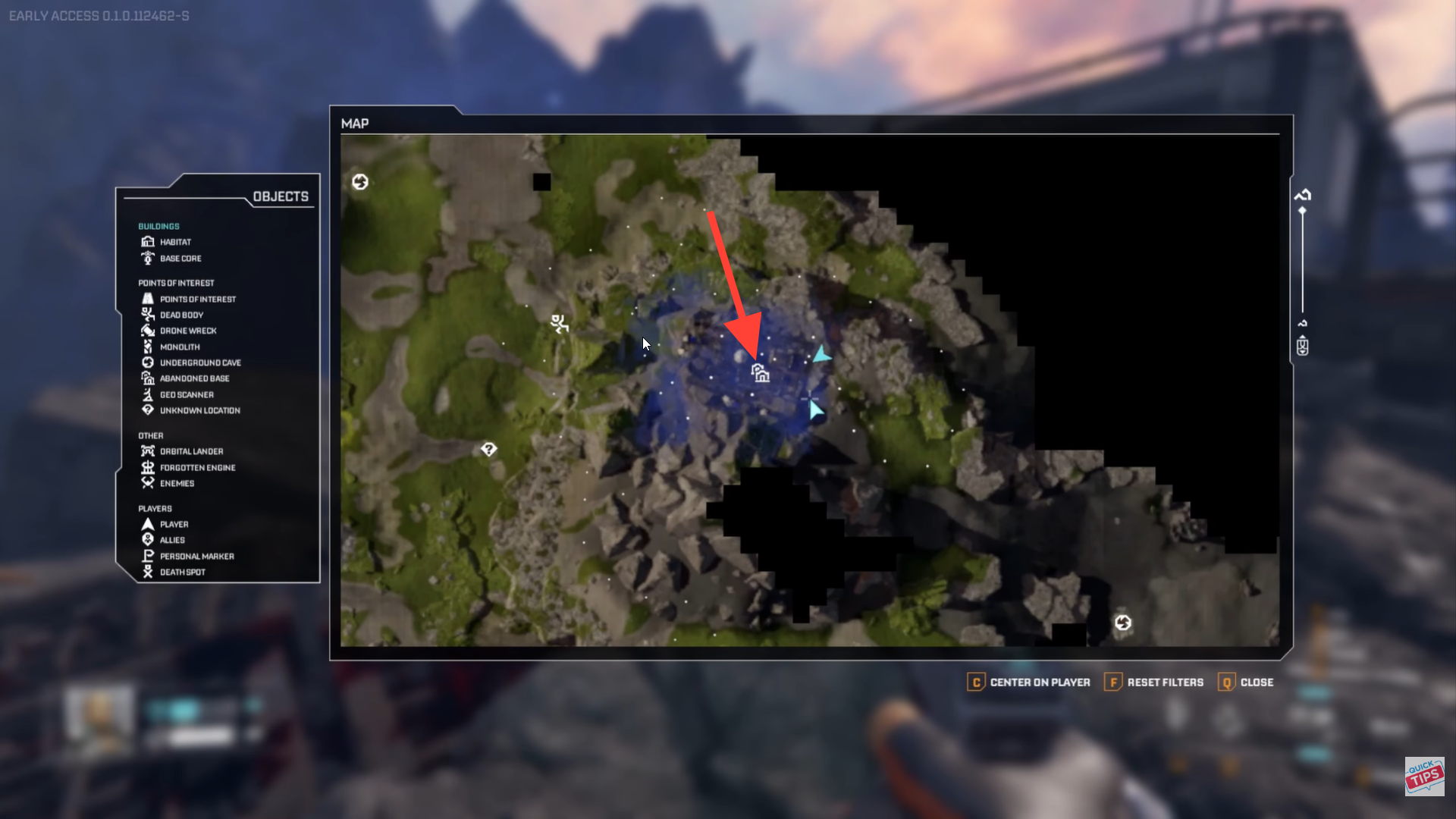
This location is not marked by default, so navigation relies on terrain landmarks and steady northward travel from your starting base.
Environmental hazards to expect at the outpost
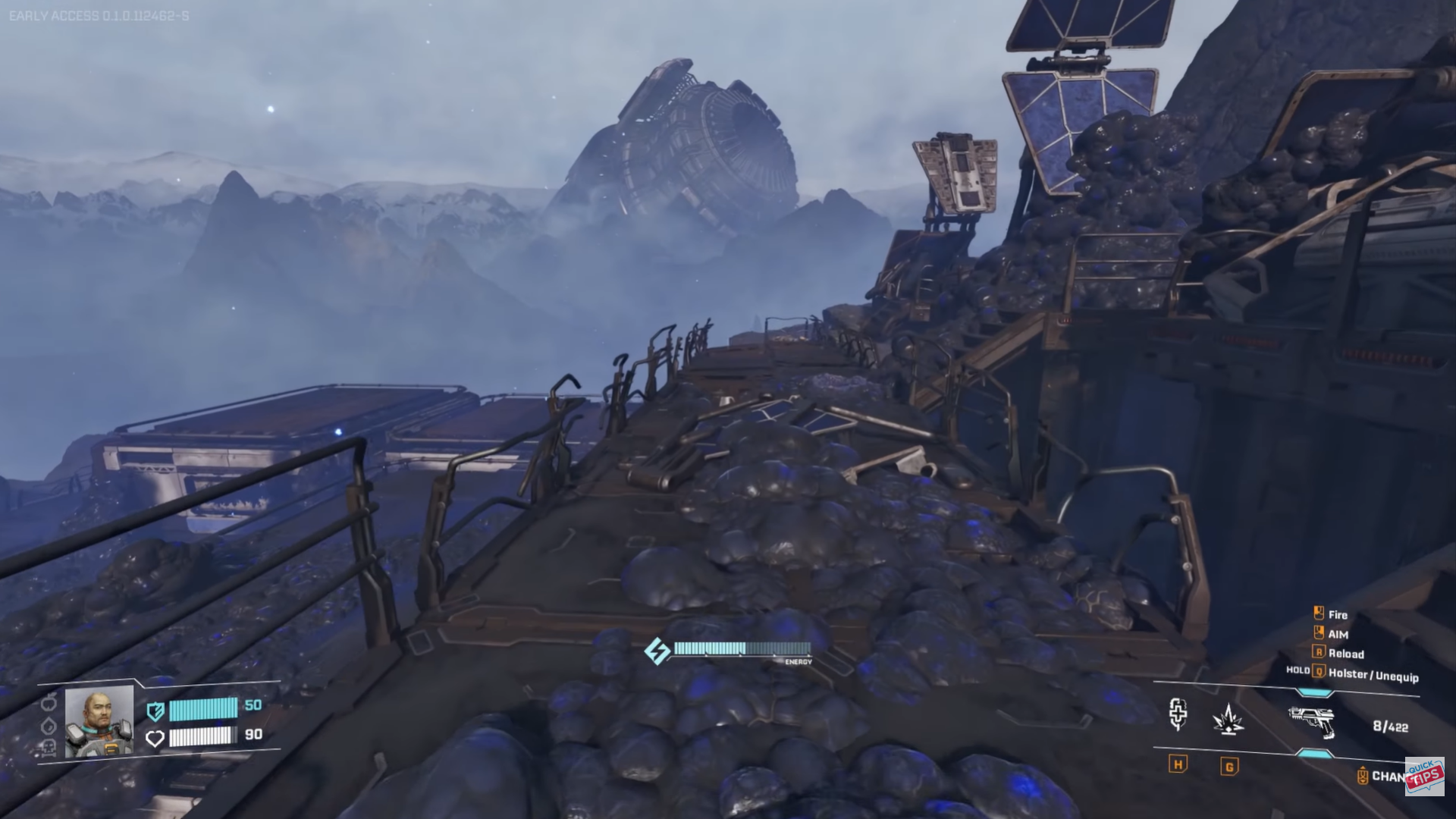
The Mythic Cry outpost is intentionally dangerous to reach and clear.
Key threats include:
- Blue spore clouds that trigger alien spawns
- Aggressive enemies guarding the area
- Vertical building layouts requiring rooftop access
Clearing spore zones first makes exploration safer and reduces repeated enemy pressure.
How to get the Synthetic Silicon blueprint
Step 1: Prepare before traveling north
Bring sufficient ammo, healing items, and a reliable weapon loadout. The outpost is combat-heavy.

Move far north from your base, using large Calcium plains and research structures as navigation cues.
Step 2: Secure the research outpost exterior
Clear all nearby alien spawns and spore clouds before attempting to enter buildings.
Step 4: Access the tallest structure
Most players reach the interior by climbing onto the roof and dropping down into internal rooms.

Step 5: Open the blue chest
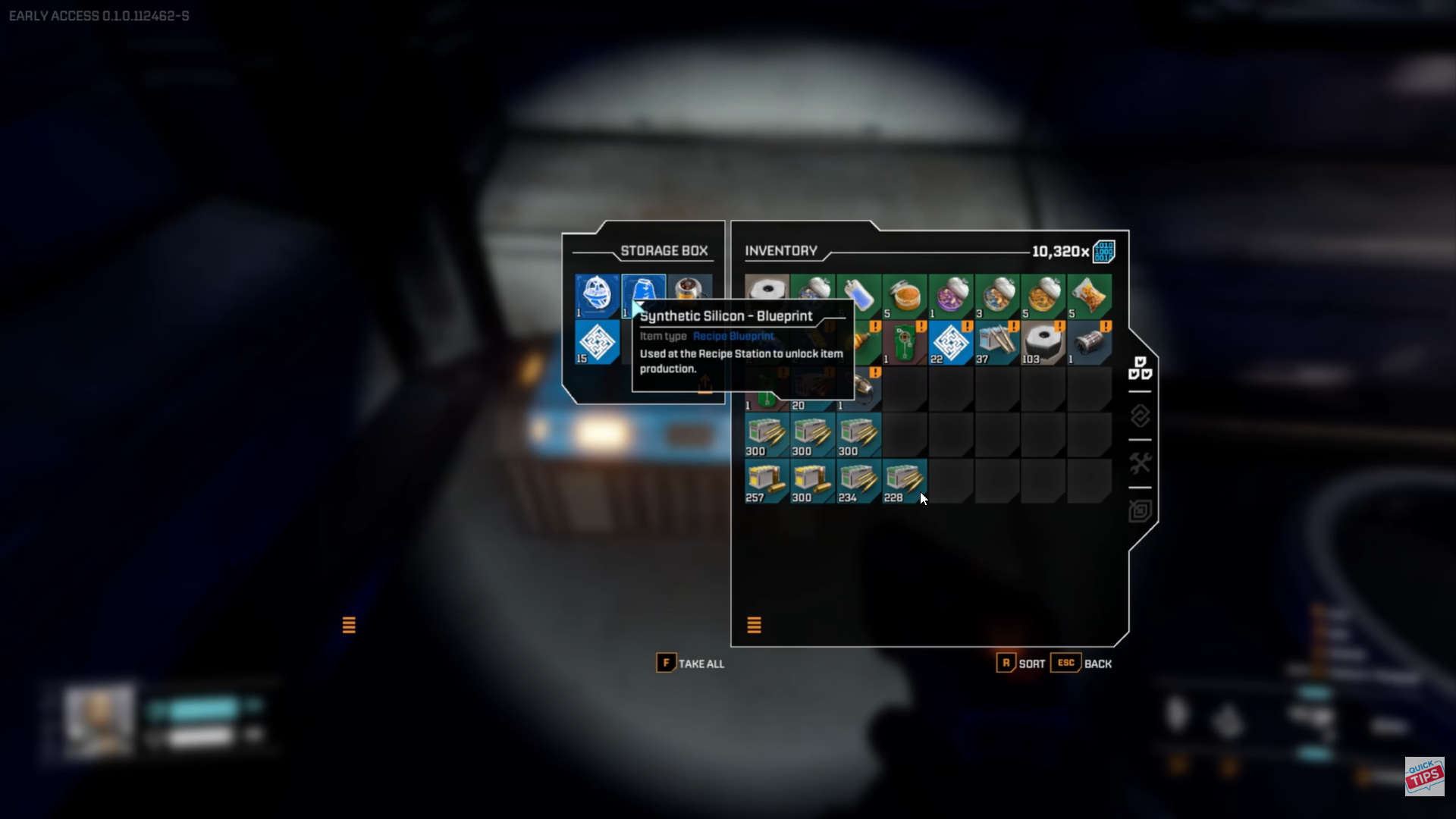
Inside the structure, locate and open the blue chest to unlock the Synthetic Silicon blueprint permanently.
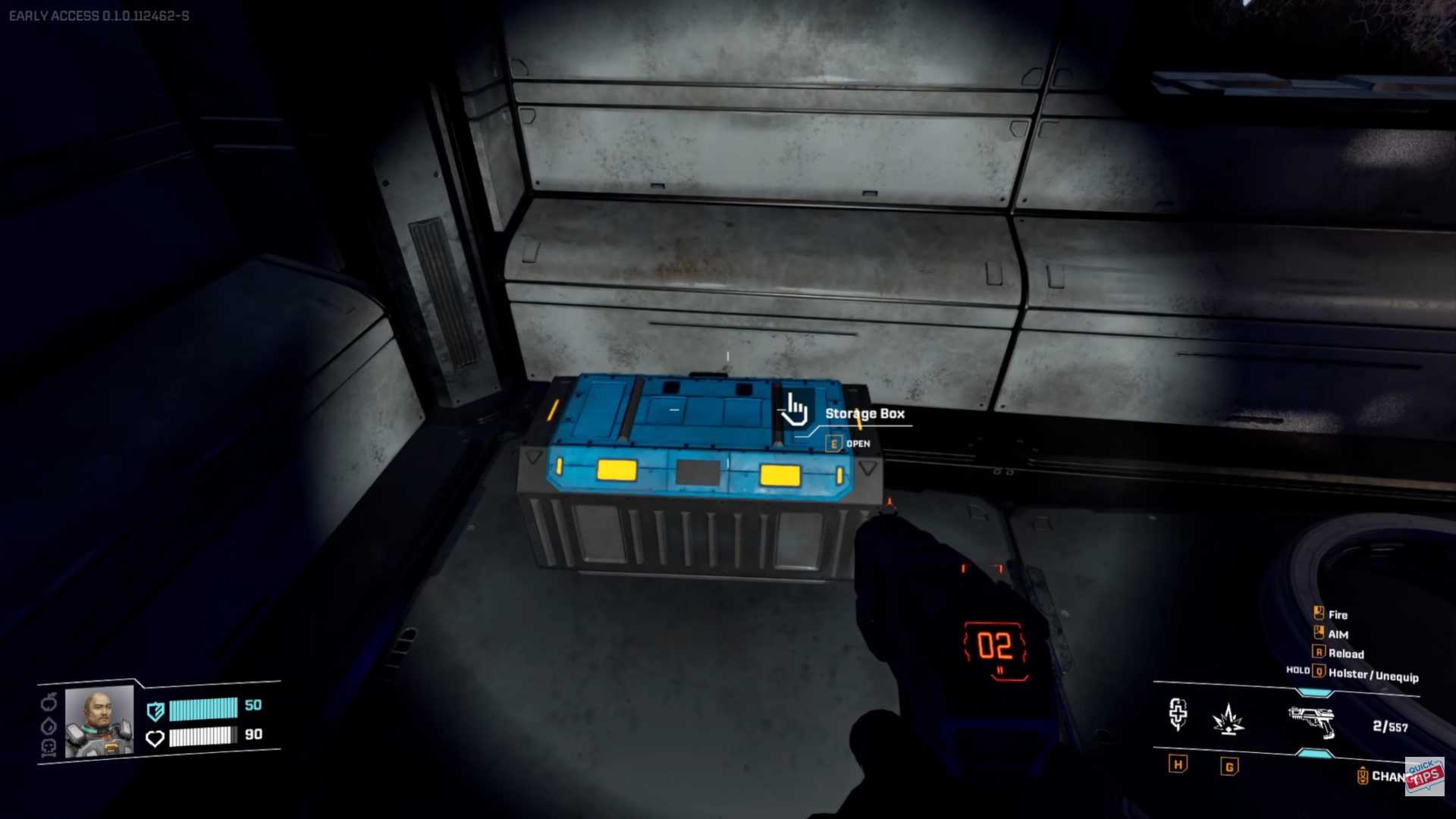
Once collected, the recipe becomes available at your Recipe Station.
Crafting Synthetic Silicon after unlocking it
After unlocking the blueprint:
- Synthetic Silicon becomes craftable at the Fabricator
- Required materials are standard refined planetary resources
- The recipe stays unlocked across saves
You can now integrate it into advanced crafting chains and automated production lines.
Tips to reach the blueprint faster
- Mark your travel path to avoid disorientation in northern terrain
- Clear spore clouds immediately to reduce enemy respawns
- Use rooftops for safer building entry
- Travel light but combat-ready to maintain mobility
Why Synthetic Silicon matters for progression
Synthetic Silicon gates several late-game recipes. Without it, factory upgrades slow down, and advanced automation becomes inaccessible. Unlocking it signals a shift from survival-focused gameplay to high-efficiency production and tech expansion.
If you’re aiming to scale into late-game automation, Synthetic Silicon is non-negotiable. Once the blueprint is secured, your factory options open up significantly, making future upgrades faster and more efficient.
Thanks for staying till the end! If the Synthetic Silicon guide for StarRupture made things easier or gave you useful insights, we’d love to hear your thoughts. Drop your feedback or questions in the comments—we’re always active and ready to assist with anything that still feels unclear.




