Discover how to score scarves in Focus Friend, the adorable app that turns focus time into cozy rewards for your knitting bean!
What to know
- Focus Friend is a productivity app where your bean knits socks or scarves during focus sessions.
- Scarves are a premium currency, unlocked by subscribing to the Pro version, available for $1.99/month, $14.99/year, or a one-time $29.99 lifetime subscription.
- Use scarves to buy exclusive decorations for your bean’s room.
- Deep Focus Mode and longer sessions can maximize your rewards.
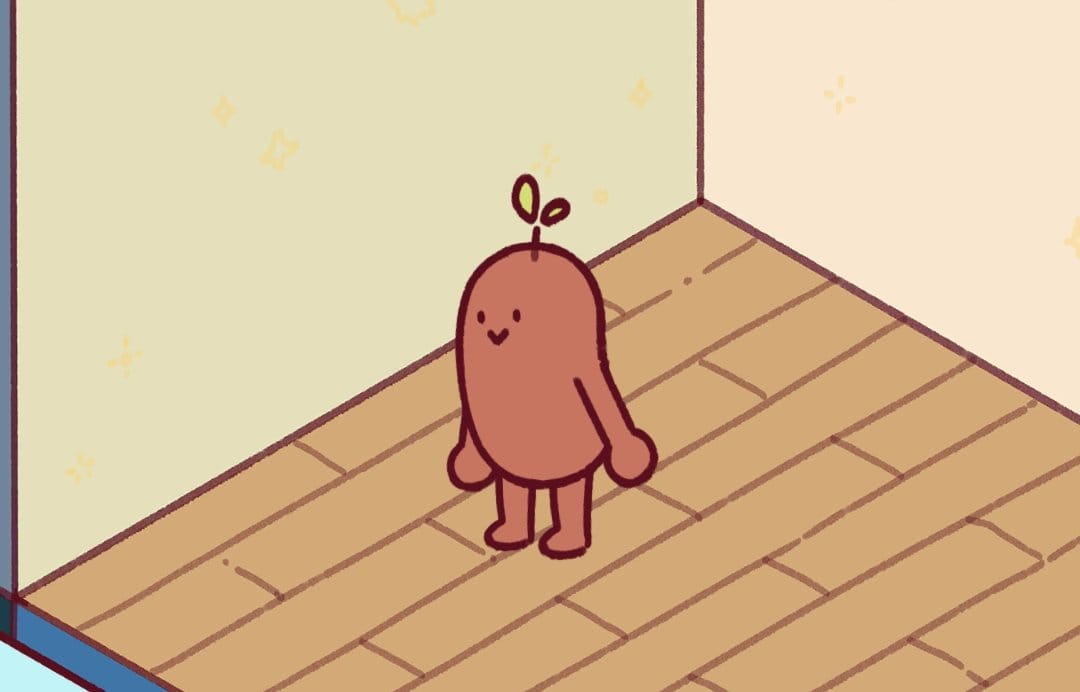
Ever wished staying focused could feel like a cozy game? Focus Friend, created by Hank Green, makes it happen with a cute bean that knits while you work. Your mission?
Stay off your phone to let your bean craft socks or even fancier scarves. These scarves are the golden ticket to premium decorations for your bean’s digital room, but they’re not as easy to get as socks. Let’s dive into how you can help your bean churn out those stylish scarves!
Why scarves are special in Focus Friend

In Focus Friend, socks are the standard reward you earn by completing focus sessions without touching your phone. Scarves, however, are the premium currency, worth more and unlocking exclusive room decorations like fancy posters or cozy furniture. Think of scarves as the VIP pass to making your bean’s space extra special. But unlike socks, which come free with every session, scarves require a little extra commitment.
Step 1: Go pro to unlock scarves


To get your bean knitting scarves, you’ll need to subscribe to the Pro version of Focus Friend. The free version lets your bean knit socks, but scarves are a premium feature.
The Pro upgrade, available for $1.99/month, $14.99/year, or a one-time $29.99 lifetime subscription, unlocks scarf-knitting mode. This also triples your sock output and lets you customize your bean with fun skins like a “Kitt-ney Bean” or a coffee bean.
Step 2: Set up your focus sessions
Once you’re a Pro member, your bean can start knitting scarves during focus sessions. Open Focus Friend, pick your bean, and set a timer for your task—maybe 25 minutes for a quick study session or an hour for deep work. The app uses a Pomodoro-style approach, encouraging you to focus for a set period (default is 25 minutes) followed by a 5-minute break.
The longer you stay focused without interrupting your bean, the more likely you are to earn scarves alongside socks. Pro tip: Longer sessions might yield better rewards, so experiment with 50-minute timers to see if your bean crafts more scarves!
Step 3: Activate deep focus mode for bigger rewards
To maximize your scarf-earning potential, turn on Deep Focus Mode. This feature integrates with your phone’s Screen Time settings (on iOS) or similar restrictions (on Android) to block distracting apps like TikTok or Instagram.
By locking out distractions, you ensure your bean keeps knitting without unraveling its work. If you try to sneak a peek at Reddit, your bean will give you a sad look, and you might lose progress toward those precious scarves.
On Android, you may need the Pro version to block specific apps like Chrome, as some users noted the free version’s blocklist is limited. Head to the app’s settings to toggle Deep Focus Mode and customize which apps to block.
Once your bean knits scarves, you can trade them for premium decorations to spruce up its room. Think cozy chairs, stylish bookshelves, or even seasonal items like Halloween-themed decor.
Unlike socks, which buy basic furniture, scarves unlock exclusive items that make your bean’s space feel like a Pinterest-worthy cozy nook.
Check the in-app store regularly, as users have suggested more decorations (like bookish or science-themed sets) might be added in future updates.
Tips to keep your bean knitting
Want to rack up scarves faster? Here are some user-tested tricks:
- Stick to Your Timer: Don’t interrupt your bean by exiting the app or using blocked apps. Every completed session boosts your scarf count.
- Use Background Music: Focus Friend’s funky music can keep you in the zone. Toggle “Play Music When App is Closed” in settings to stay motivated even if your screen locks.
- Experiment with Session Lengths: Some users find longer sessions (like 50 minutes) yield more scarves, though the exact mechanics aren’t public. Try different durations to see what works.
- Check for Updates: Users on Reddit mentioned wanting more rooms or items, so keep an eye on app updates for new scarf-earning opportunities.
Why scarves make focus friend fun
Scarves aren’t just a currency—they’re a reward for your discipline. The app’s charm lies in its ability to turn productivity into a game where you care about a little bean’s knitting dreams. As one user put it, “I love earning scarves and socks. It’s perfect all around!” The emotional tug of not wanting to make your bean sad keeps you focused, and those scarves make every session feel like a win.
If you’re struggling to stay off your phone, Focus Friend’s scarf-earning system might just be the cozy motivation you need. So, grab that Pro subscription, set your timer, and let your bean knit its way to a scarf-filled, beautifully decorated room!