

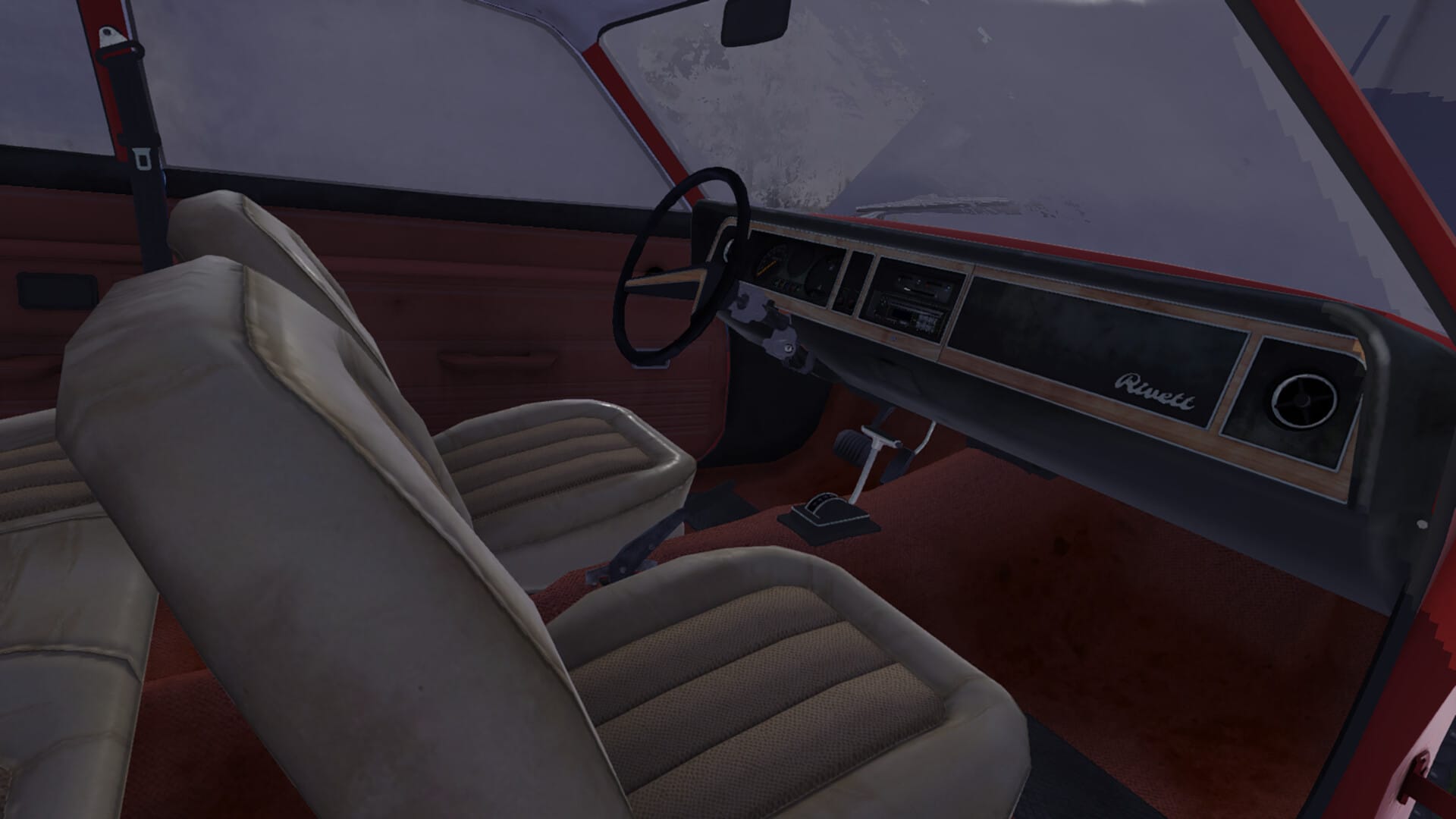
Fuel in My Winter Car is purchased at the PSK Peräportti gas station outside Prääjärvi. Players must prepay using a credit card, select the correct pump, and refuel properly using the gasoline nozzle within a limited time window.
What to know
- Fuel is only available at PSK Peräportti, outside Prääjärvi.
- You must prepay with a credit card before fueling.
- Only gasoline pumps work for cars like the Satsuma/Sorbett.
- You have roughly 2 minutes to refuel after payment.
Fuel is a critical survival and progression resource in My Winter Car. Unlike many driving games, refueling is deliberately procedural and unforgiving. Understanding the exact location, payment steps, and correct pump usage is essential to avoid wasted money or being stranded.
Gas Station location
The only functional gas station in the game is PSK Peräportti, located just outside Prääjärvi, directly in front of the highway exit near the construction site.

Players should park beside the first pump, as other pumps may not function reliably depending on the game state.
How to get fuel in My Winter Car
Follow the steps below to complete the fuel payment and refueling process correctly.
Step 1
Drive to the PSK Peräportti gas station and park next to the first fuel pump, as the other pumps may not be functional yet.

Step 2
Open your car’s fuel tank before attempting to refuel. Confirm that your vehicle uses gasoline, not diesel. Cars like the Sorbett cannot use the diesel pump.

Step 3
Walk to the payment machine, located at the end of the counter. Insert your credit card into the machine to start the transaction.

Step 4
Select how much money you want to spend on fuel. Enter your PIN code and confirm the payment.

Step 5
Remove your card when prompted and select Pump 1 or Pump 2, matching the side where your car is parked.

Step 6
Return to the pump; you now have about two minutes to use the fuel credit before it expires. Grab the gasoline nozzle, take it to your car, and position it over the fuel filler.

Step 7
Hold the left mouse button continuously to refuel. Releasing the button will stop fueling immediately.

Step 8
Once fueling is complete, return the nozzle to the pump to finish the process.

Refueling in My Winter Car is a deliberate, step-by-step process that requires proper preparation and attention to detail. By parking at the correct pump, prepaying at the station terminal, selecting the correct fuel type, and refueling within the allotted time, you can avoid wasted money and unnecessary setbacks. Mastering this process ensures your car stays operational and allows you to focus on progression, jobs, and survival without the risk of being stranded.
We hope this “How to Get Fuel in My Winter Car” guide offered all the clarity you were looking for and made your experience smoother. If you have any feedback, suggestions, or questions, drop them in the comments below. We actively read and respond, so feel free to reach out whenever you need extra help or guidance.




