

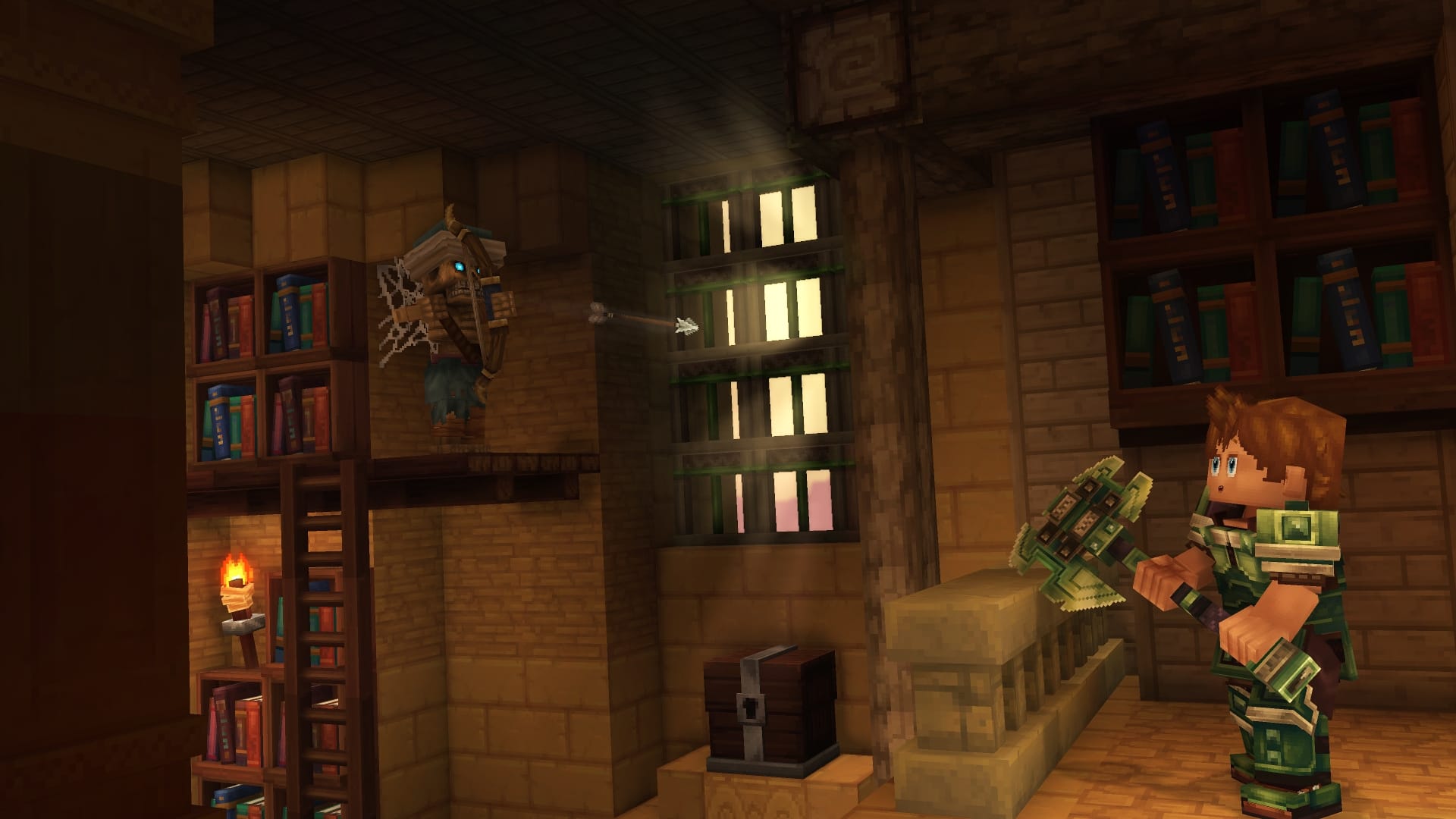
What to know
- Flying requires operator permissions
- You must switch to Creative mode first
- Flight controls are keyboard-based
- This method is intended for creative or admin use
Flying in Hytale isn’t unlocked through progression or items. Instead, it’s tied to admin commands and Creative mode. This makes it perfect for building, exploring, or testing—but not something you’ll use in standard survival gameplay. Here’s exactly how to enable and use flight.
How flying works in Hytale
Flying is automatically enabled once you’re in Creative mode. There’s no separate flight toggle or item—you simply activate it with movement controls. This system is mainly designed for builders, modders, and world editors.
How to fly in Hytale step by step
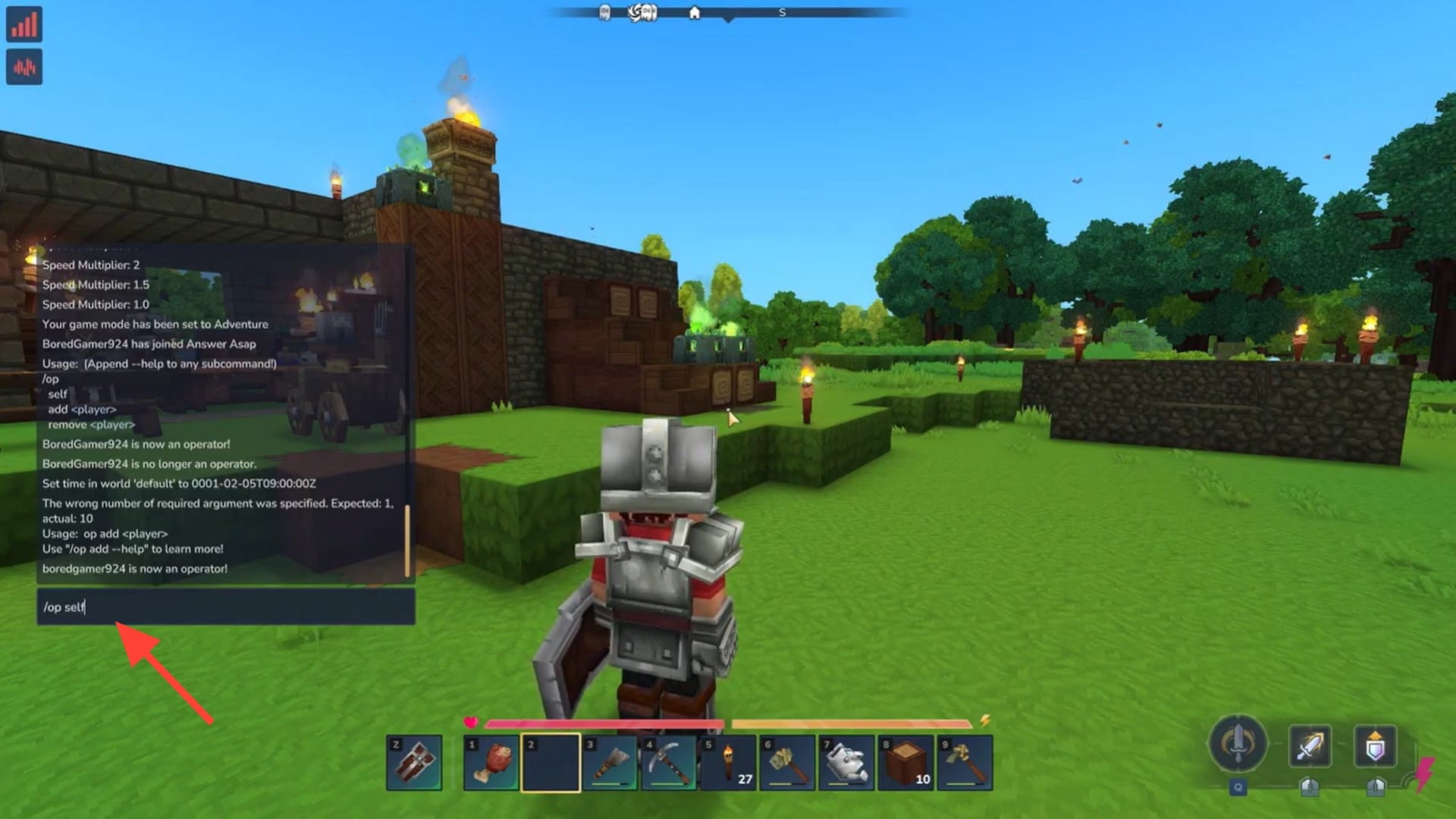
Press the chat key to open the command input while in-game.
Step 2: Give yourself operator permissions
Type the following command: /op self
This grants you operator access, which is required to change game modes.
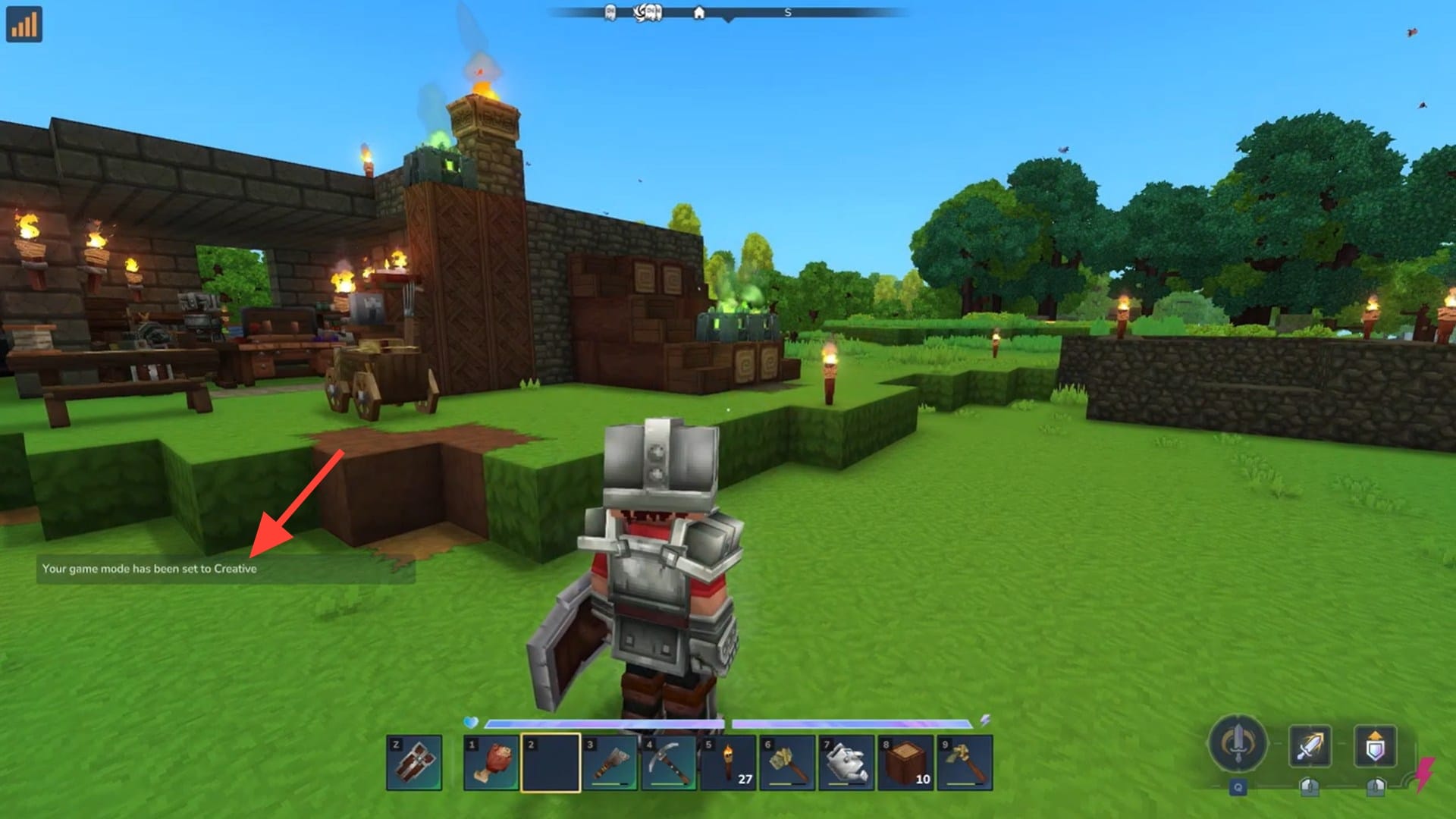
Step 3: Switch to Creative mode
Press O on your keyboard to open the game mode selector and set your mode to Creative.
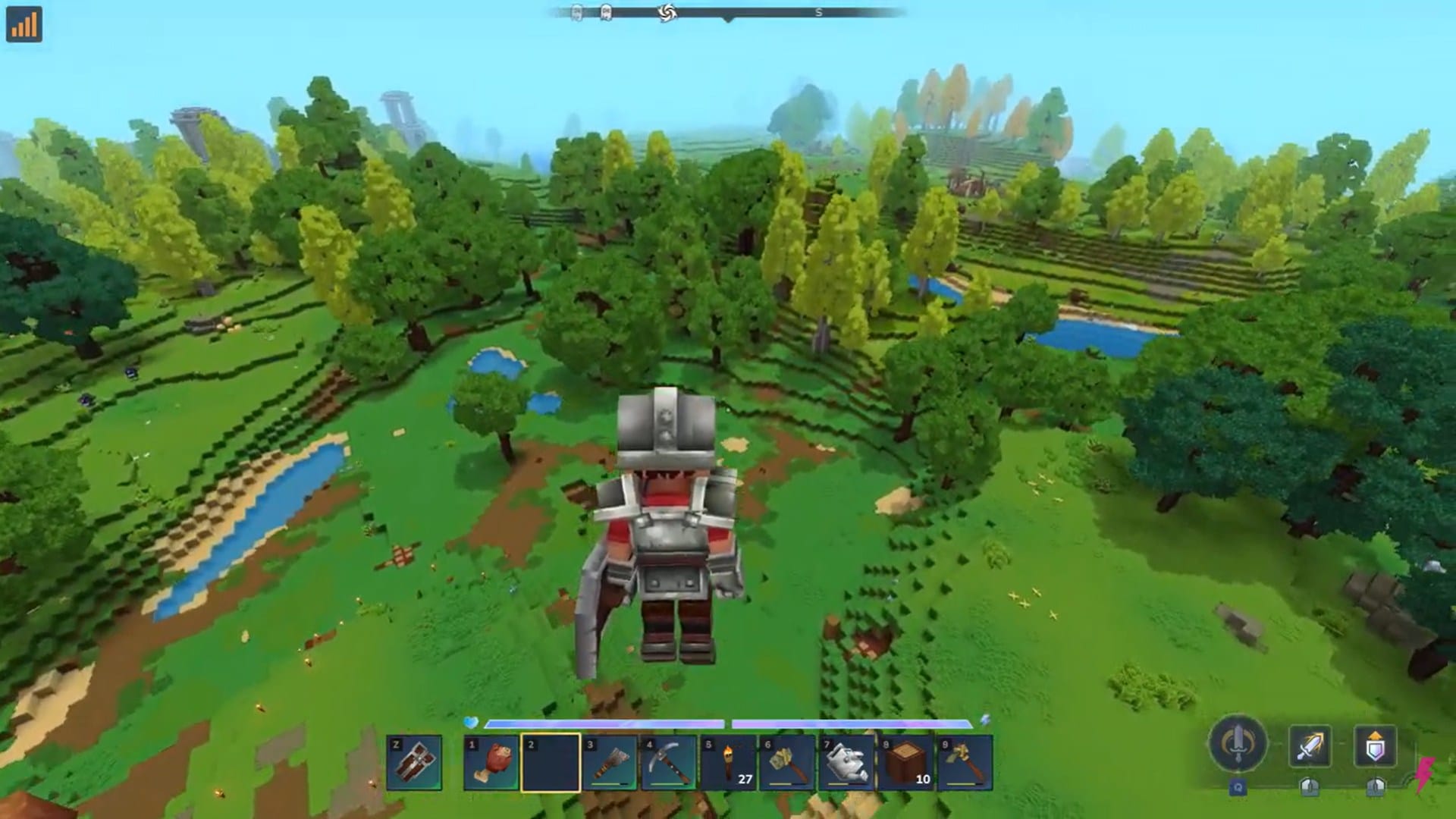
Step 4: Start flying
Double-tap the Spacebar to activate flight.
Step 5: Control your movement
- Hold Space to fly upward
- Hold Control to descend
- Use movement keys to fly in any direction
You can toggle flying on and off at any time by double-tapping Space again.
When flying is most useful in Hytale
Exploration
- Enables rapid scouting of biomes, caves, ruins, and points of interest
- Helps players locate rare terrain features without long travel times
- Useful for mapping out large areas before committing to a base location
- Reduces risk from hostile mobs while surveying dangerous zones
Debugging / Testing
- Commonly used by creators and modders to test terrain generation
- Helps verify structure placement, spawn logic, and world boundaries
- Allows quick access to hard-to-reach areas for troubleshooting
- Useful for checking lighting, hitboxes, and collision issues
Creative Projects
- Removes all movement restrictions, allowing total design freedom
- Supports cinematic camera movement for screenshots and videos
- Makes large-scale world-building projects far more efficient
- Ideal for custom maps, adventure worlds, and showcase builds
Limitations of flying in Hytale
Not usable in Survival mode
- Flying is disabled to preserve challenge and progression
- Players must rely on traversal tools, mounts, or terrain navigation
Requires admin or creative privileges
- Typically restricted to Creative mode or admin commands
- Not available to standard players on most multiplayer servers
Can trivialize gameplay
- Bypasses environmental hazards, enemies, and resource barriers
- Reduces the need for combat, gear upgrades, and exploration planning
Best suited for non-progression worlds
- Most appropriate for Creative, sandbox, or testing environments
- Not recommended for survival-focused or role-play experiences
Thanks for staying till the end! If this flying guide for Hytale made things easier or gave you useful insights, we’d love to hear your thoughts. Drop your feedback or questions in the comments—we’re always active and ready to assist with anything that still feels unclear.




