What to know
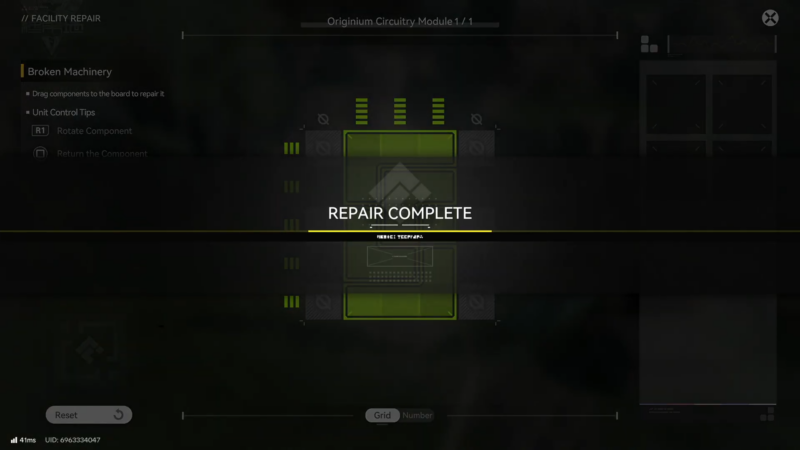
- The radio step is a dedicated quest objective inside “A Stray Silhouette,” and it opens a grid-style placement puzzle.
- The interface provides four separate pieces that must be placed correctly to complete the grid.
- The solution is purely positional: once the grid is completed, the radio is considered repaired and the quest continues.
- If the puzzle doesn’t complete, it’s almost always due to an unplaced piece, a mis-rotated/misaligned piece, or a version/UI difference.
In Arknights: Endfield, this objective is brief but can still stall progress if a single piece is slightly off or left unused. The key is to treat it like a “complete the picture” placement board: every piece matters, and the game usually only confirms completion when the final shape is perfect.
Where the radio puzzle appears in Arknights Endfield
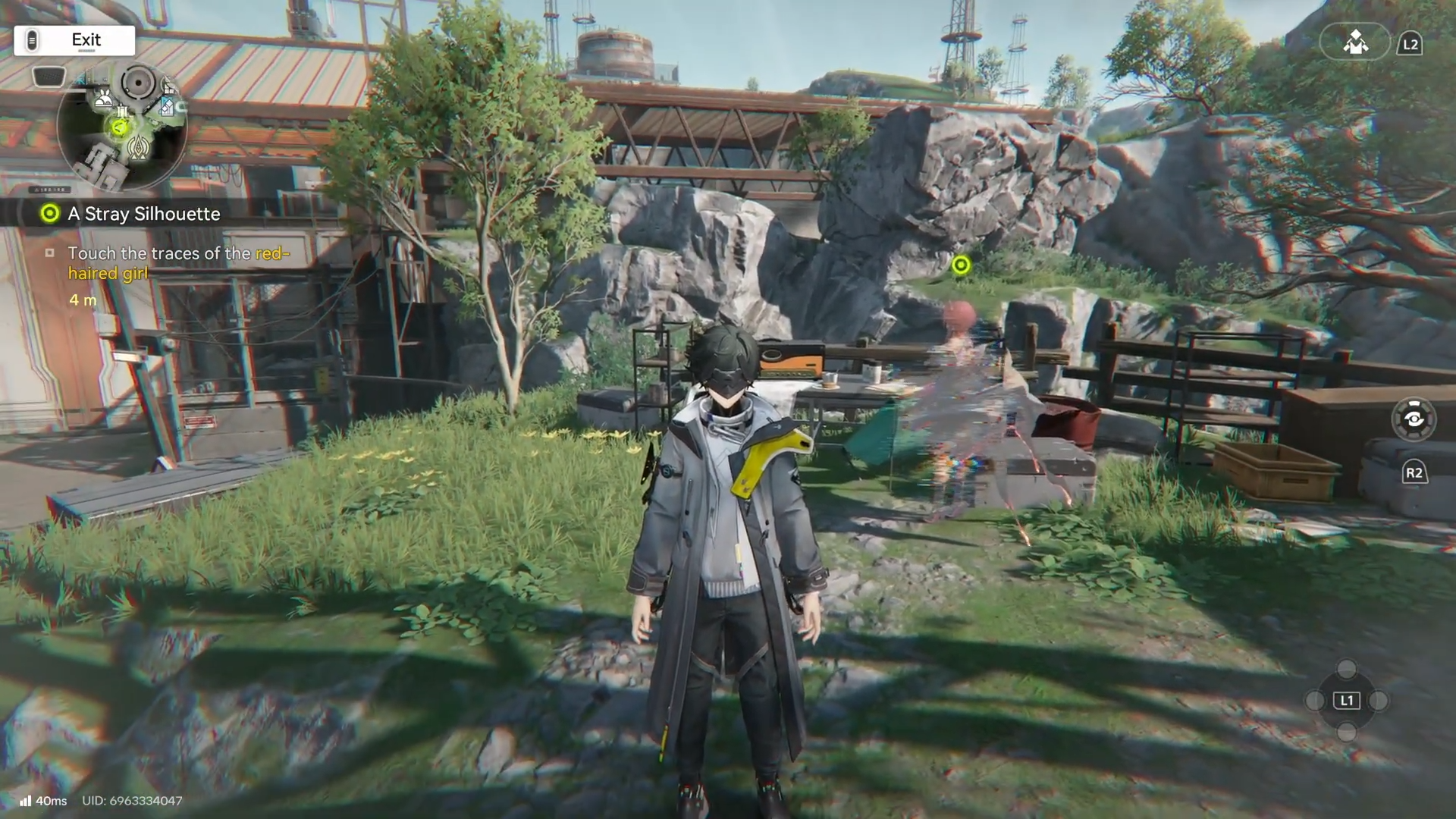
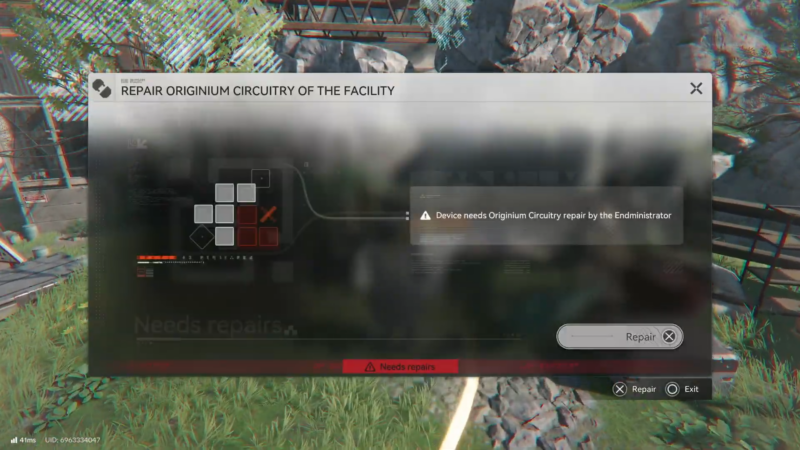
The radio repair happens during “A Stray Silhouette” when an objective explicitly instructs fixing/repairing the radio. Interacting with the radio triggers the puzzle interface rather than a combat encounter or dialogue-only step. After the grid is solved, the quest advances immediately into the next objective.
What the “fix the radio” puzzle is actually testing
This is a straightforward grid completion puzzle:
- Four pieces are provided.
- The grid has a correct final pattern.
- The task is to place all four pieces so the grid is fully completed (no missing sections and no incorrect overlaps).
In other words, it’s not a code-entry puzzle and it’s not a timed mechanic; it’s a clean “place the parts in the right spots” interaction.
How to fix the radio in Arknights Endfield
Step 1: Trigger the objective
Progress “A Stray Silhouette” until the objective explicitly tells to fix or repair the radio.
Step 2: Open the puzzle UI
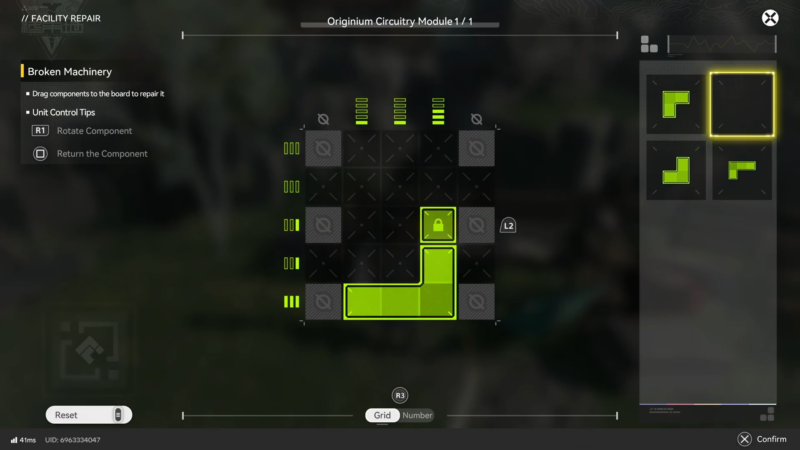
Interact with the radio to open the grid puzzle. Confirm all four pieces are visible/available before starting placements.
Step 3: Place pieces with a “lock the edges” approach
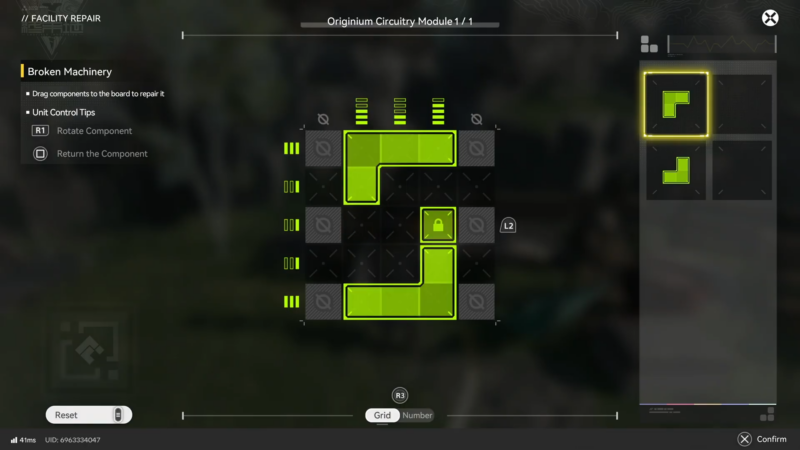
Start by placing pieces that clearly align with an edge/corner of the grid (if the grid shows boundaries). Pieces that “fit” typically look visually aligned and stop feeling offset compared to others.
Step 4: Fit the remaining pieces to complete the full pattern
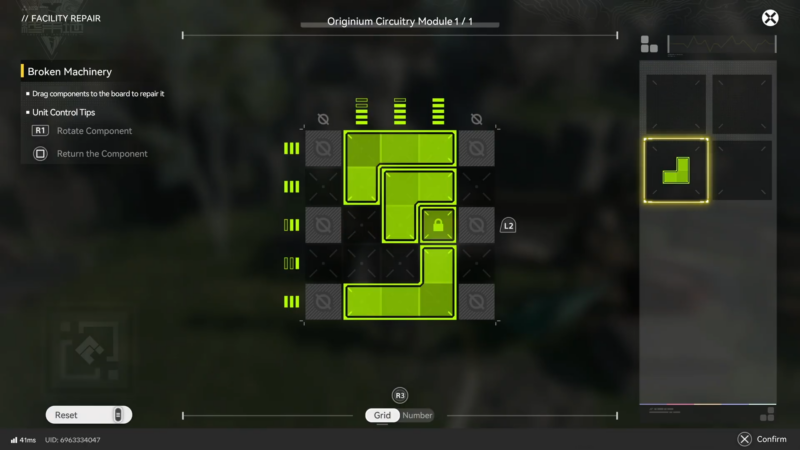
Place the remaining pieces to eliminate gaps.
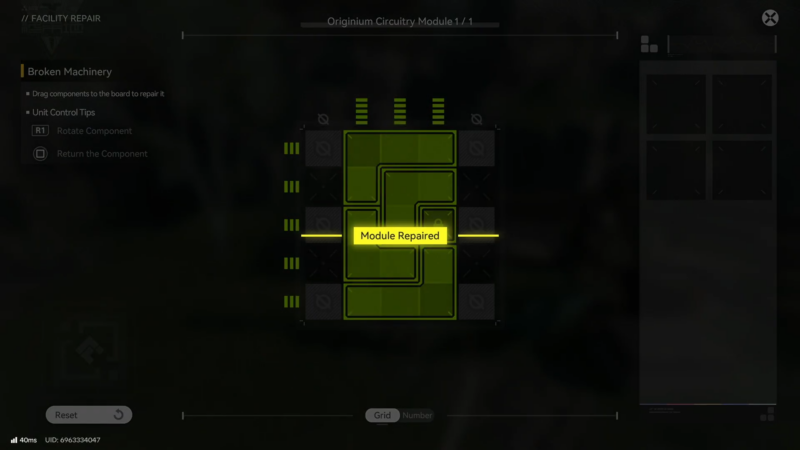
The grid should look fully complete when finished, and the objective should update shortly after the last correct placement.
Step 5: Exit and verify objective progress
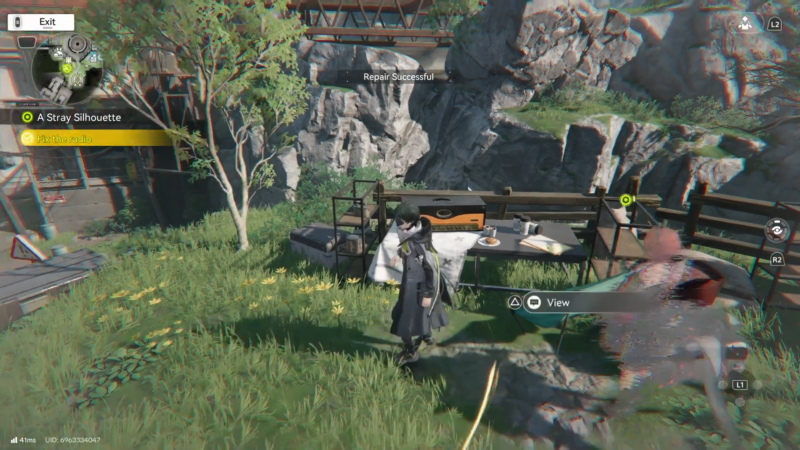
Close the interface and check the quest tracker. If it doesn’t update, re-open the radio and confirm every piece is placed and properly aligned.
Troubleshooting if it won’t complete
Common issues that keep this objective from being clear:
- A piece is placed but slightly misaligned (visually “close,” but not truly correct).
- One piece is still unused (some puzzles allow pieces to sit off to the side).
- The grid looks filled, but there’s a subtle gap or overlap preventing completion.
- Build/version differences: puzzle UI behavior can vary between test builds and later versions, so the “snap” behavior or piece handling may feel different.
Quick fixes to try
- Remove all pieces and re-place them in a clean sequence.
- Place one piece at a time and pause briefly to see if it “snaps” into a final position.
- If rotation is possible in the interface, double-check orientation before locking the last piece in.
Rewards and progression notes
This radio step is primarily a progression gate for the quest chain rather than a standalone reward showcase. Any rewards tied to the quest are typically displayed in the quest UI, while the radio repair itself functions as the completion condition to move forward.
| Objective step | What’s typically gained |
|---|---|
| Fix/repair the radio (grid puzzle) | Quest progression to the next objective (specific item/currency rewards depend on what the in-game quest panel shows). |
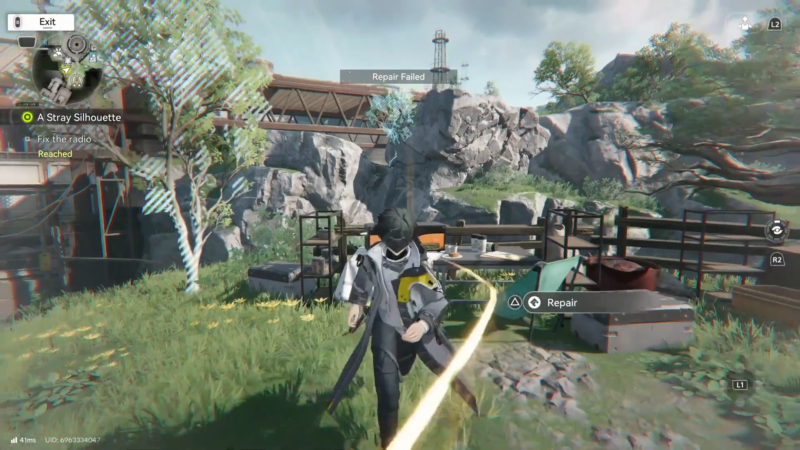
Clearing the radio objective smoothly
The radio repair in “A Stray Silhouette” is solved by placing all four pieces to fully complete the grid. If it doesn’t register, a full reset and careful re-placement usually resolves it.