

What to know
- Garden Horizons currently limits players to 300 planted crops at once, which can block further planting.
- The cap exists partly to prevent server lag and performance issues, especially for mobile players.
- Players often hoard seeds and avoid deleting plants, fearing future quests may require them.
- The best current workaround is optimizing your garden with high-value crops and removing low-impact plants.
Garden Horizons encourages players to expand their gardens and experiment with different crops, but many players eventually run into the frustrating 300 plant limit. Once your garden reaches that number, the game simply refuses to let you plant anything new. This can slow progression dramatically, especially if you have stacks of seeds waiting to be planted.
The good news is that while the limit cannot currently be removed entirely, there are several effective ways to manage and work around the cap without losing valuable progress.
| Feature | Details |
|---|---|
| Plant limit | 300 total planted crops |
| Affected activity | Planting new seeds |
| Main issue | Gardens become full, blocking progress |
| Why the limit exists | Server performance and lag prevention |
| Current workaround | Garden optimization and plant management |
| Future solution | Possible Reclaimer tool |
Why the 300 plant limit exists in the game
The plant cap is not simply a random restriction. It exists mainly because every planted crop is an active object that must be tracked by the server. When players create massive gardens with hundreds of plants growing simultaneously, it increases server load.
In multiplayer Roblox experiences like Garden Horizons, performance must remain stable for all players. If there were no restrictions, large gardens could cause lag, slow loading times, and crashes—especially for players on mobile devices or weaker hardware.
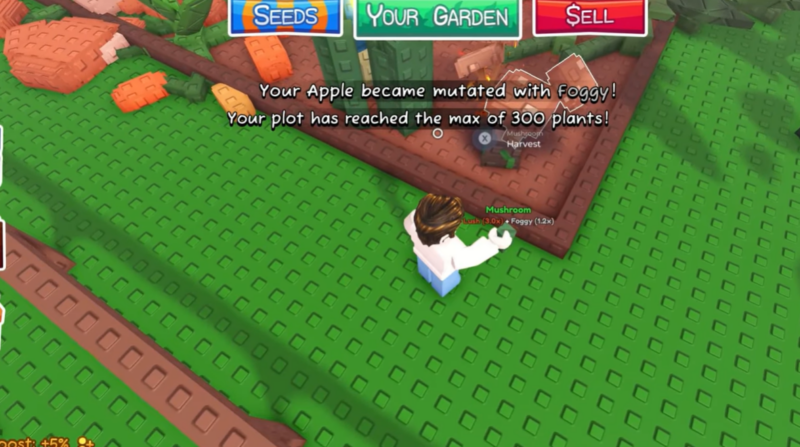
Because of this, the developers implemented a 300-plant ceiling to balance performance and gameplay. While this helps keep servers stable, it can become frustrating once your farm reaches a more advanced stage.
How the plant limit affects progression
The biggest issue players encounter is that reaching the plant cap effectively stops farming expansion. Once your garden hits 300 crops, planting a new seed becomes impossible until something else is removed.
This leads to several common problems.
Players often start hoarding seeds, waiting for space to become available. Instead of actively farming, they accumulate stacks of unused seeds in their inventory.
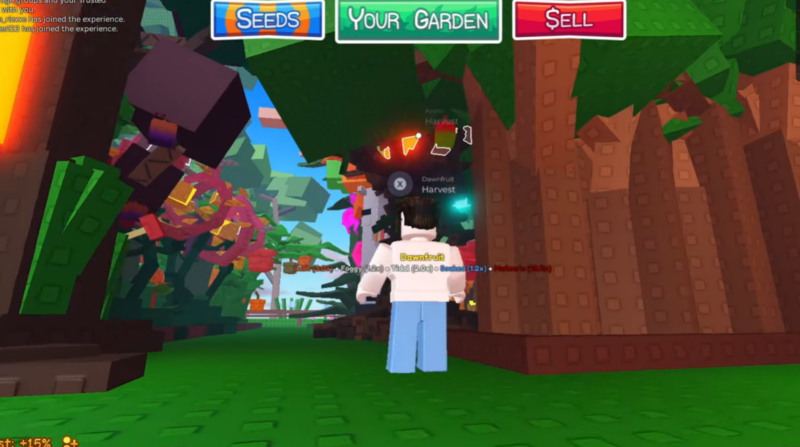
Another concern is fear of deleting crops. Some NPC quests or crafting tasks may require specific plants, including low-value crops that players normally ignore. Because of this uncertainty, many players hesitate to remove plants from their garden.
The result is a garden filled with crops that are rarely used, which keeps the plant count maxed out.
How to optimize your garden to stay under the plant cap
Step 1 – Identify low-value crops in your garden
Start by examining the crops currently planted in your garden. Many players keep large numbers of starter crops that were useful early in the game but become less valuable later.
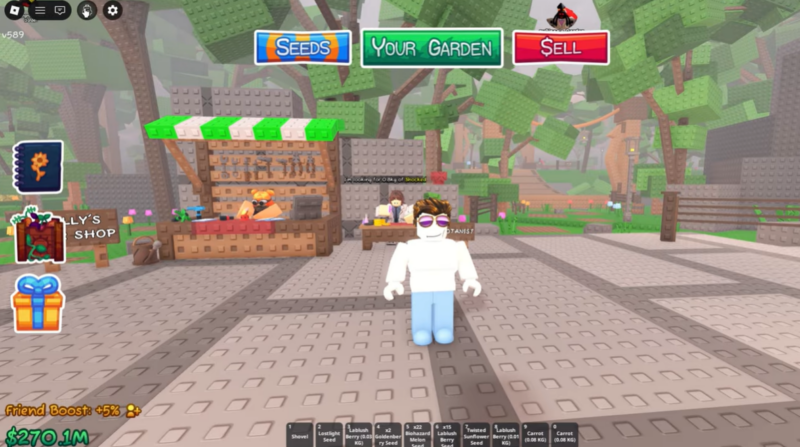
Low-value crops usually produce fewer resources, generate less profit, or have limited crafting use. These plants often take up valuable garden space without providing meaningful benefits.
Removing these crops frees up space for more efficient farming.
Step 2 – Focus on high-yield crops
The best way to manage the plant cap is to prioritize plants that produce the most useful resources.
High-yield crops are typically used for crafting, trading, or completing quests. By focusing your garden around these plants, you reduce wasted space while maintaining steady resource production.
A smaller number of powerful crops is often more valuable than hundreds of low-tier plants.
Step 3 – Maintain a small reserve of quick crops
Even though many low-value plants can be removed, it is still smart to keep a few basic crops available.
Certain NPC tasks occasionally request simple plants. Instead of filling your entire garden with them, keep a small number of fast-growing crops that are easy to replant when needed.
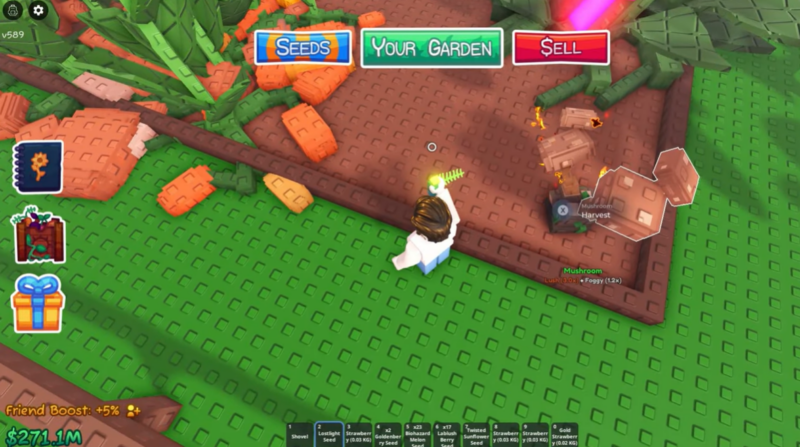
Common examples players usually keep include tomatoes, mushrooms, corn, and bell peppers because they are cheap and quick to grow.
Step 4 – Remove duplicate plants you rarely use
Another common issue is over-planting a single crop type. Many players plant dozens of the same crop and later realize they no longer need that many.
Reducing duplicates can instantly create room in your garden. If you already have enough resources stored, deleting a few extra plants will not impact your progress.
Step 5 – Replant strategically instead of hoarding seeds
Seed hoarding happens when players stop planting because their garden is full. However, keeping large seed stacks does not help if there is no space to use them.
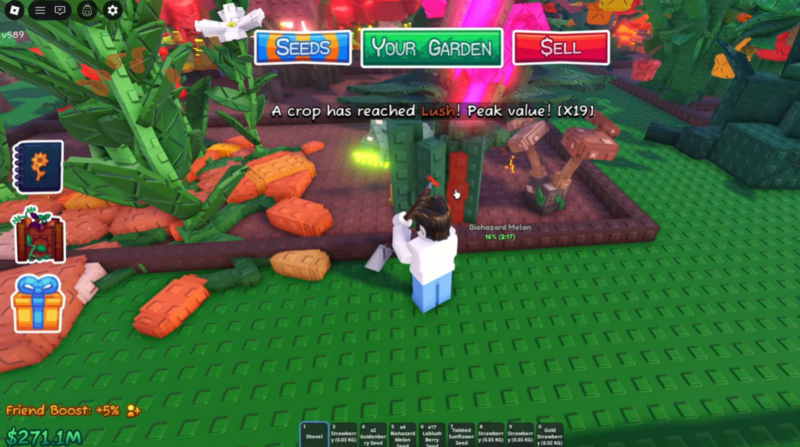
Instead, rotate crops regularly. Remove plants that are no longer useful and replace them with crops that support your current goals, whether that is crafting, selling, or completing quests.
This strategy keeps your garden active while preventing wasted space.
Why players hesitate to delete plants
A major reason the 300-plant cap causes frustration is uncertainty about future game content.
Some players worry that upcoming NPC quests may require specific crops, including plants that are currently considered low value. This fear makes them reluctant to delete anything.
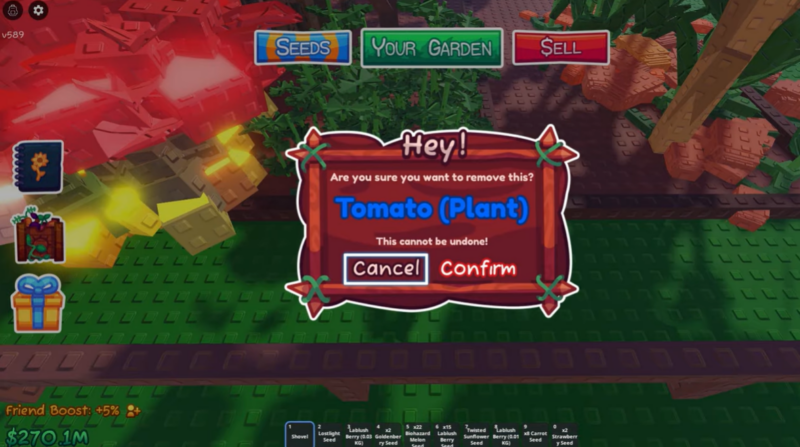
The concern is understandable because certain characters in Garden Horizons occasionally ask for unusual resources. If a plant is removed too early, players might need to grow it again later.
Because of this, many experienced players recommend keeping a small sample of each crop type while removing the excess.
The potential future solution: the Reclaimer tool
One of the most anticipated features in Garden Horizons is the rumored Reclaimer tool. If introduced, this item could dramatically improve garden management.
The idea behind the Reclaimer is simple. Instead of permanently deleting a plant, players would reclaim some of the resources or seeds used to grow it. This means you could clear space in your garden without feeling like you wasted progress.
If implemented, the Reclaimer would solve several current problems.
Players could remove unwanted plants without fear of losing materials. Garden space could be cleared instantly when new crops are needed. Large gardens could be reorganized much more easily.
While the tool has not been fully released yet, many players are waiting to see if it becomes available in future updates.




