

What to know
- This objective is a quick Node challenge commonly done for fast battle pass XP and materials.
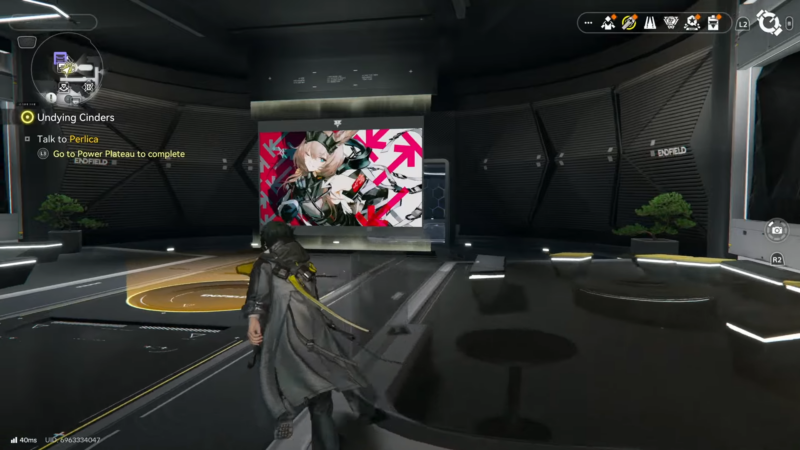
- The Reception Room is not central; it sits in the back corner of the Dijiang base area.
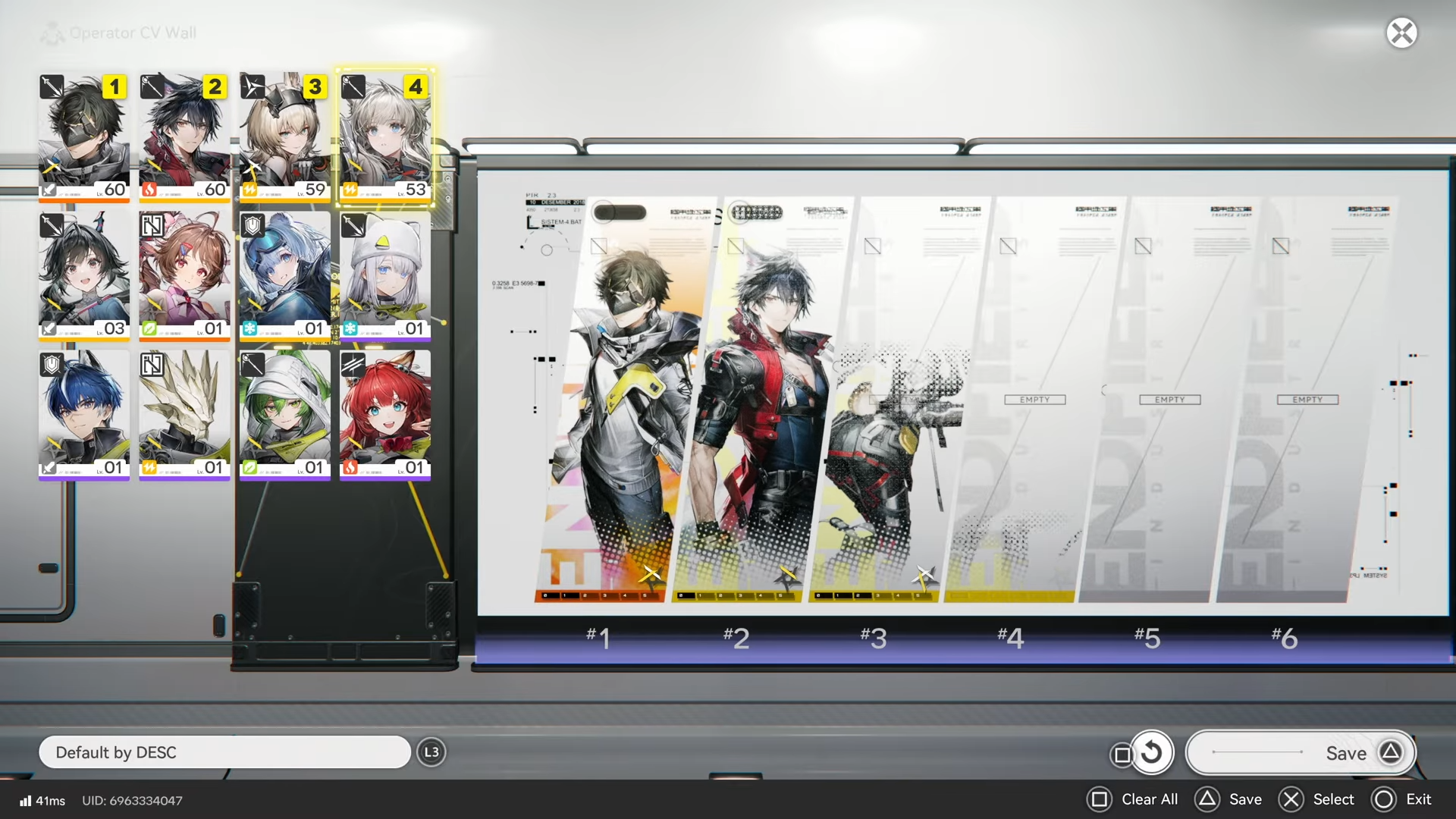
- The CV Wall edit point is inside the Reception Room on the right side after entering.
- Any single edit counts; once the wall is edited one time, the challenge completes immediately.
This guide focuses on the exact path and adds the context around why this mission exists (Node challenges) so it’s easier to repeat for other similar tasks. The actual completion is extremely fast once the Reception Room location is known in Arknights: Endfield.
Reception Room CV Wall: quick reference table
| Mission text | Location | Fastest route | Interaction needed | Time required (typical) |
|---|---|---|---|---|
| In Dijiang, edit the Reception Room Operator CV Wall 1 time | Dijiang (ship) → Base area (purple on map) → Reception Room (back corner) | Map → Fast travel to ship → Enter base → Go to back corner room | Edit the CV Wall once | A few seconds once in the room |
Why this Node challenge matters for progression
Node challenges are designed to be quick, low-effort objectives that stack up into meaningful battle pass progress, mainly through XP gains. Many of them take only a few seconds, and some can even autocomplete if a task was already completed before it appears on a new challenge “page.”
A helpful habit is to periodically scan the Node challenges list and claim completions right away. Unlocking a new page can also trigger additional rewards, so clearing quick tasks like this one is often worth doing immediately instead of postponing it.
How to reach the Dijiang base area quickly
The key is using the map’s fast travel function to get onto the ship quickly rather than manually running back.
How to identify the base on the map
On the Dijiang map, the base is highlighted as a purple area. This base is also described as a place where friends can visit, so if a “visitor” or social/base context is visible, it’s a good sign the correct hub area is being viewed.
How to edit the Reception Room Operator CV Wall (video-accurate steps)
Step 1
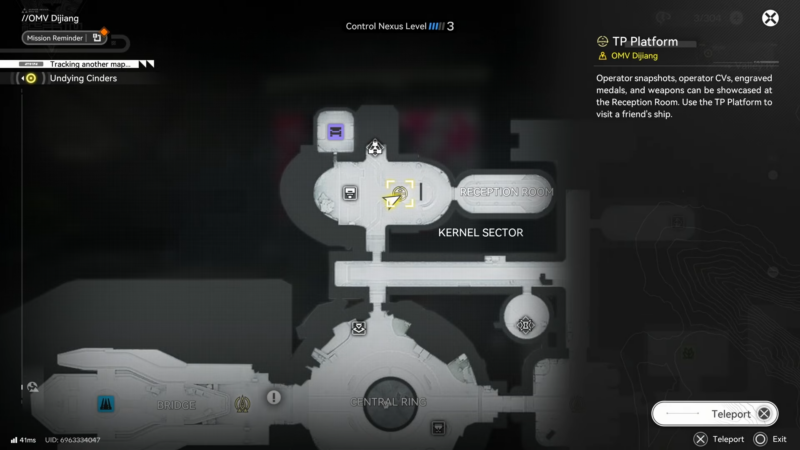
Open the map and fast travel into the ship (the video notes a “press Triangle” prompt on the map screen, which may vary depending on platform/controller settings).
Step 2
After arriving, head toward the purple-marked zone on the map, which indicates the base area.
Step 3
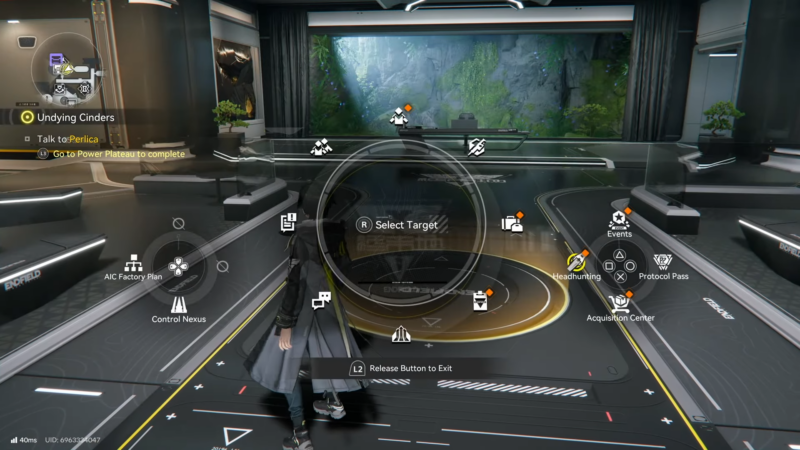
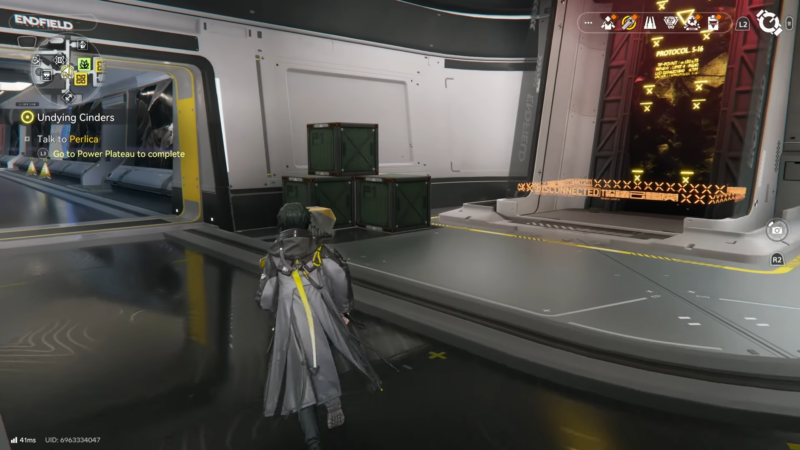
Navigate through the base to the Reception Room, located all the way back in the corner (this is the part that commonly wastes time because it’s easy to miss).
Step 4
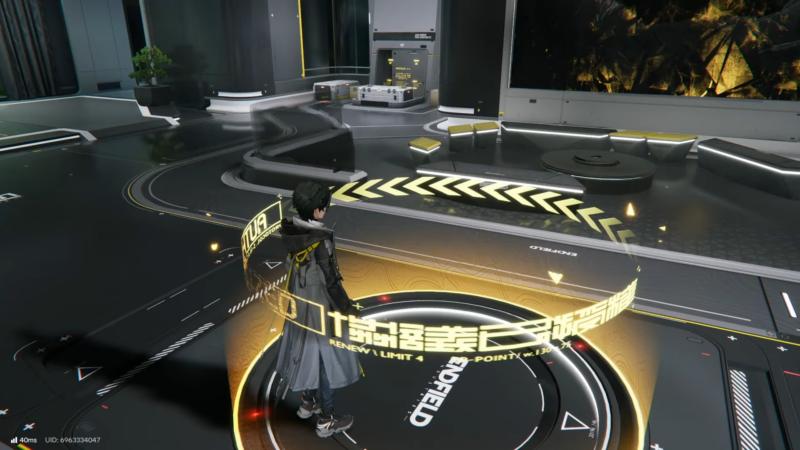
Enter the Reception Room and look to the right side; the CV Wall interaction/edit point is located there.
Step 5
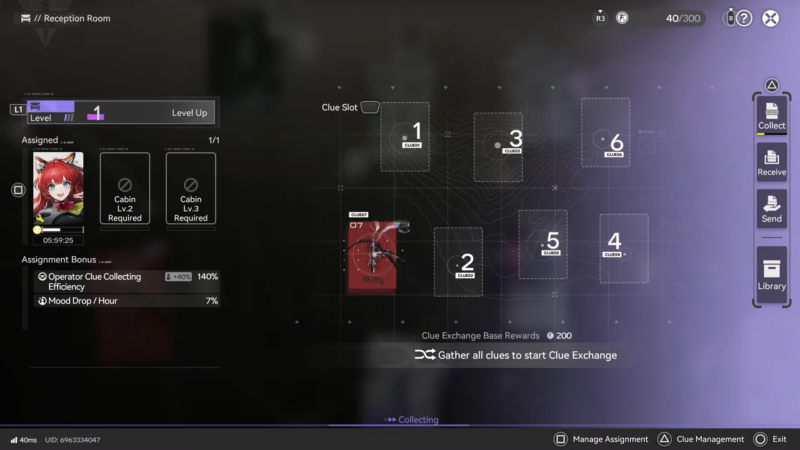
Edit the CV Wall one time (any single change is enough). The mission should complete immediately after the edit registers.
What the CV Wall is and what “edit” means here
The Operator CV Wall functions like a display panel for showing operators and their levels so visitors can see them when they come to the base. “Editing” in this context simply means interacting with the wall’s edit interface and making a change once; it does not require a specific operator, a specific layout, or repeated edits.
If the edit menu opens and a change is confirmed, the objective is considered done. After completion, it’s safe to exit the menu and move on—there’s no need to stay in the room or interact again.
Common problems and quick fixes
| Problem | Likely cause | Fix |
|---|---|---|
| Reception Room can’t be found | It’s tucked into the far back corner of the base | Use the map, then route straight to the back corner area instead of checking central rooms |
| Interacted with objects but mission didn’t complete | Interacted with accolades/other displays instead of the CV Wall edit point | Enter the Reception Room and use the right-side CV Wall prompt specifically |
| Mission appears “stuck” | The edit didn’t count because no change was applied | Make a small change (swap a displayed operator, adjust placement), then confirm once |
Rewards
Node challenges are positioned as a fast way to earn battle pass XP and pick up progression materials (building and level-up materials). The exact item names and quantities can vary by page and challenge set, but clearing quick nodes like this is meant to accelerate overall page completion.
Rewards table
| Reward category | What to expect |
|---|---|
| Battle pass / Node XP | Typically the main value; these quick nodes are highlighted as high-XP for the time spent |
| Progression materials | Often includes building materials and level-up materials depending on the active node/page |
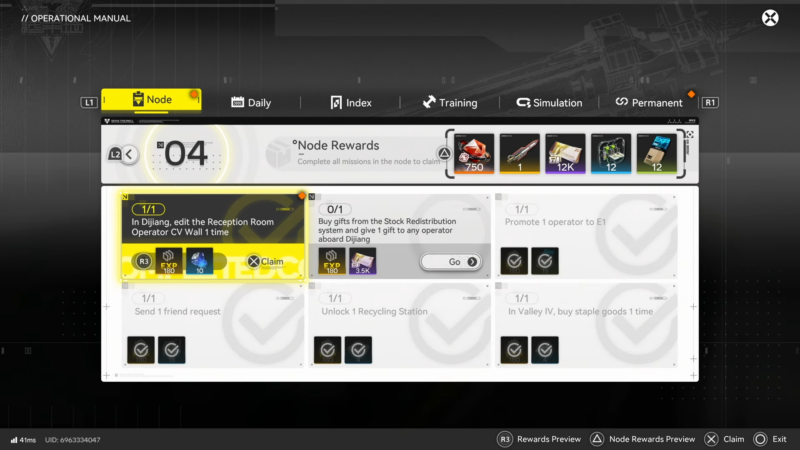
Fastest completion route
Fast travel to the Dijiang, enter the purple base area, go to the Reception Room in the back corner, and edit the Operator CV Wall once on the right side inside the room. With the location memorized, this Node challenge becomes a quick, repeatable way to push pages forward and keep rewards flowing.




