What to know
- The trial only progresses during the Hidden Bunker map modifier
- You must activate antennas before the bunker opens
- Downloads come from terminals inside the bunker
- Multiple downloads are needed to secure three stars
In ARC Raiders, Season 2 Week 4 introduces a trial that pushes you into one of the game’s riskier PvE objectives. “Download information inside the bunker” is tied entirely to the Hidden Bunker world event, meaning preparation and timing matter more than raw combat skill.
If you approach it methodically, you can clear the objective and secure three stars in a single run.
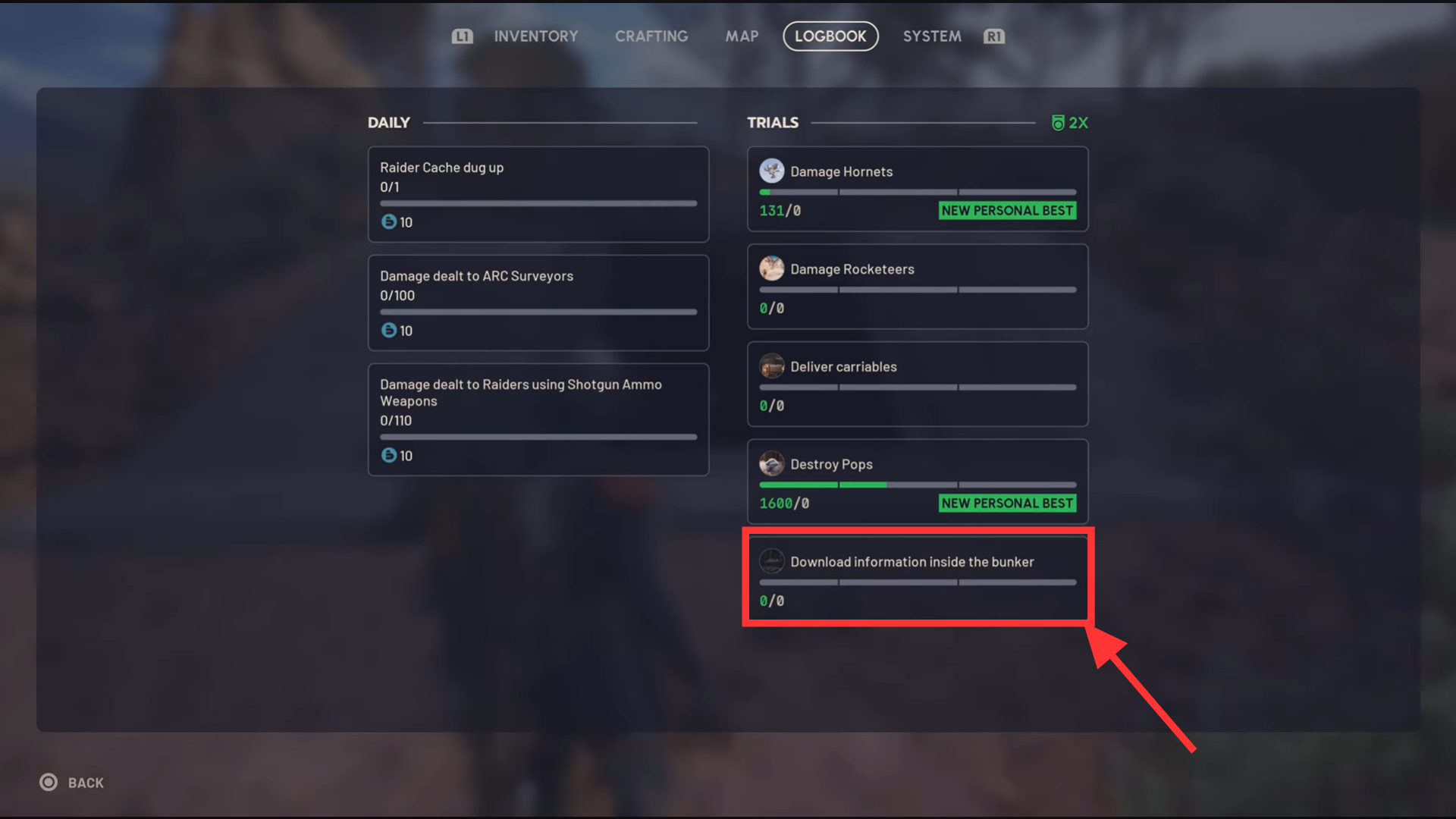
The Hidden Bunker is a conditional map modifier. If it does not appear when you deploy, the trial will not track progress at all. When active, the map spawns several antenna or scanner consoles that must be activated to unlock the bunker entrance.
 Aril Naysha Purty
How the Hidden Bunker works
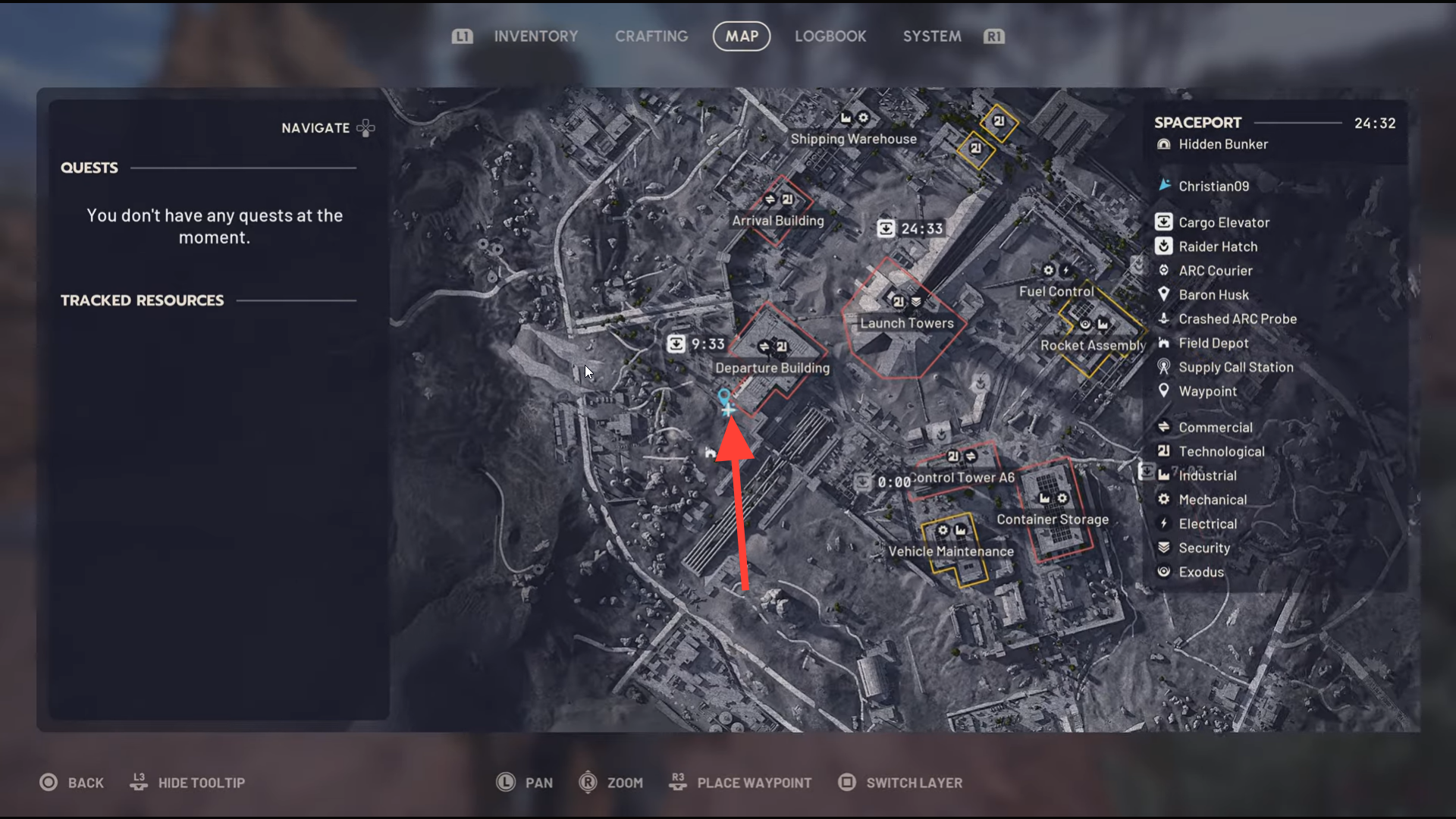
On Spaceport, the hidden bunker is near the Departure Building. It is usually accessed through a sealed underground structure that only opens after all antennas are active. The interior is compact, with limited cover and predictable enemy spawns, making it one of the more dangerous download locations if other players arrive mid-event.
How to complete the bunker download trial
Step 1: Load into a run with the Hidden Bunker modifier
Before committing gear, confirm the run includes the Hidden Bunker condition. If it is not listed, extract early and redeploy rather than wasting time.
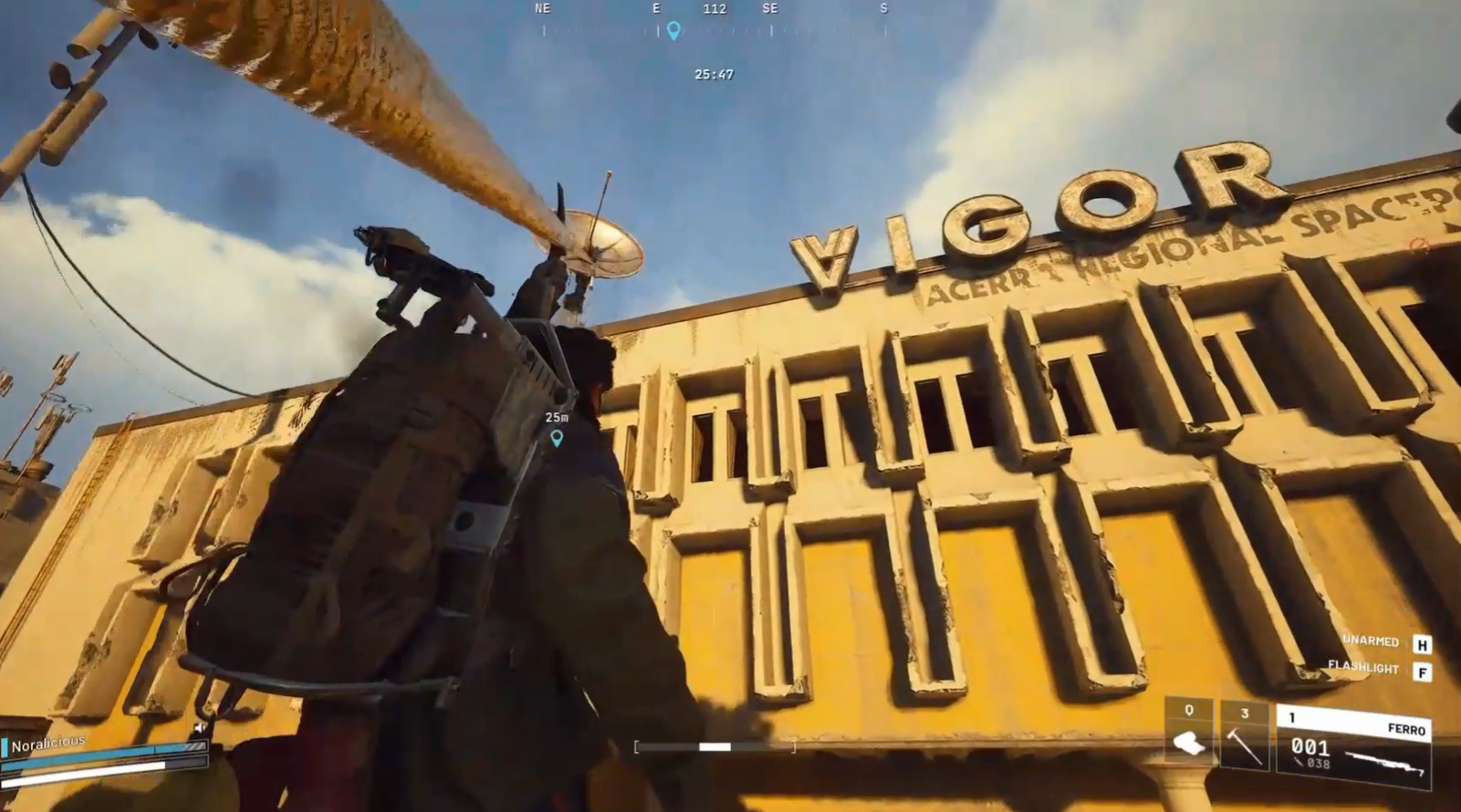
Step 2: Locate and activate all antenna consoles
Move between the marked antenna or satellite terminals across the map. Each one must be interacted with until its activation completes. Expect enemy patrols and occasional player interference while doing this.
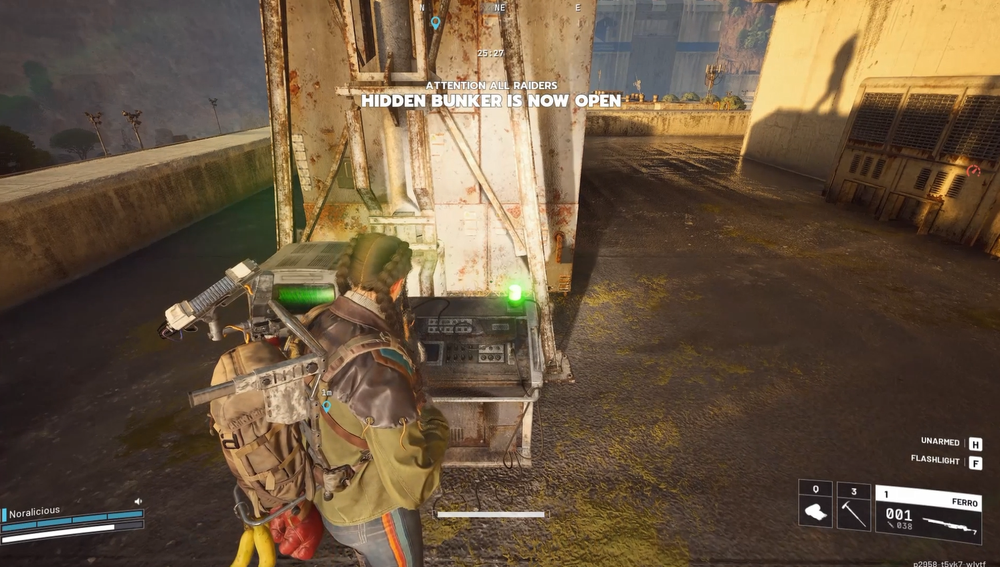
Step 3: Reach the newly unlocked bunker entrance
Once all antennas are active, the bunker door unlocks. On Spaceport, this is usually underground and clearly marked once accessible.
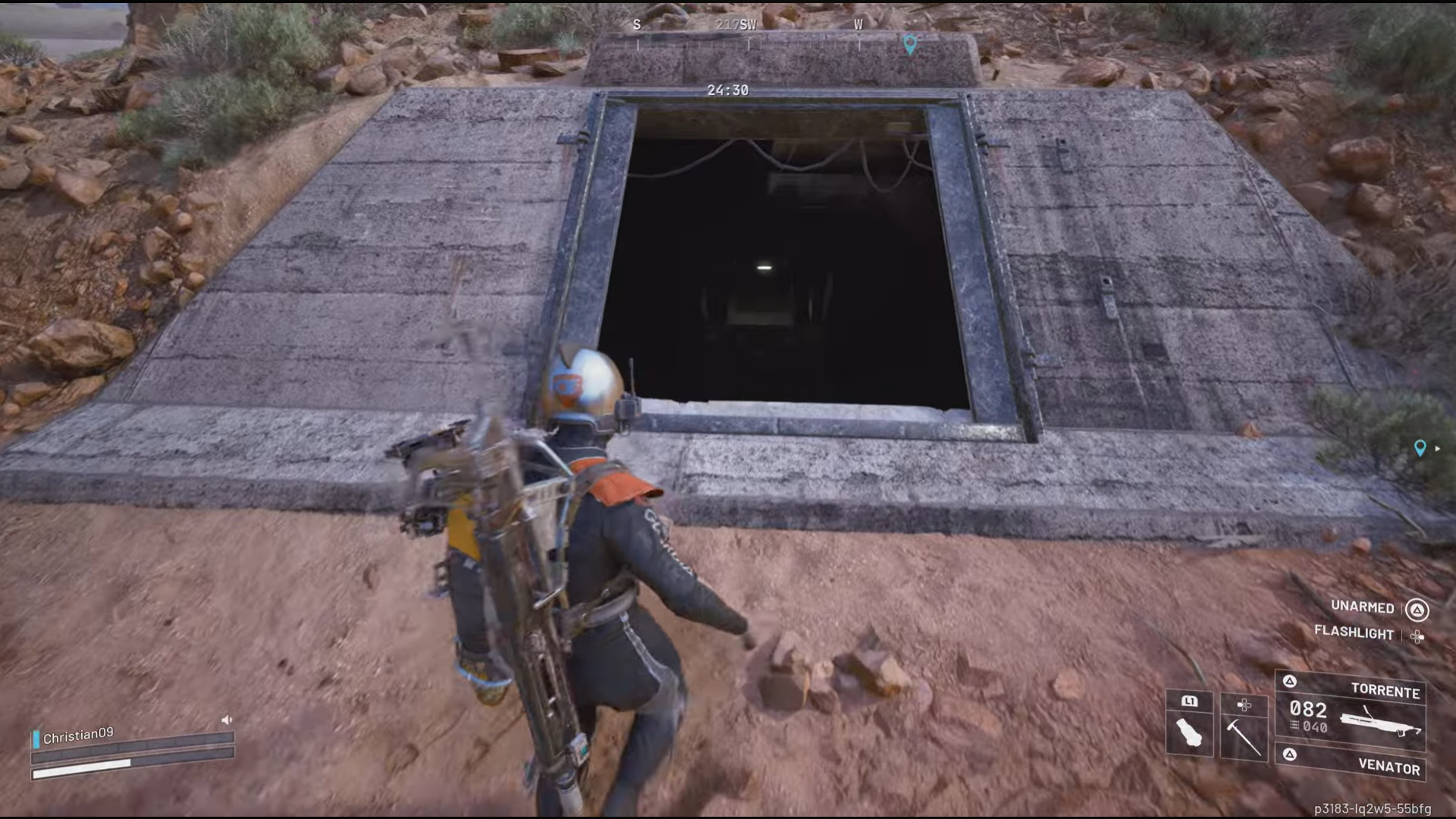
Step 4: Enter the bunker and find download terminals
Inside the bunker, you will find computer terminals positioned along corridors or rooms. Each terminal allows a data download interaction with a visible progress bar.
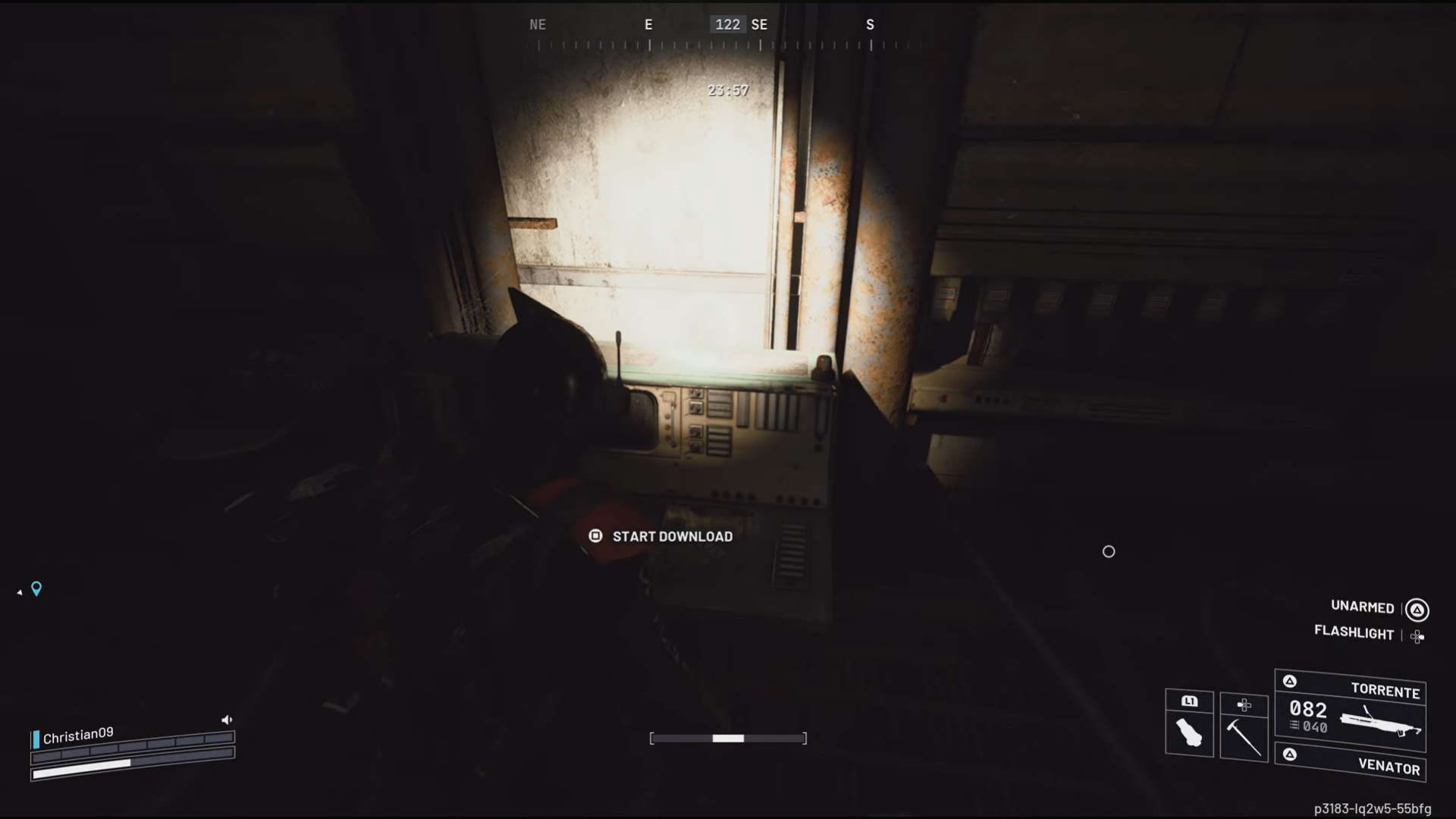
Step 5: Complete all required downloads for three stars
One download advances the trial, but full three-star completion typically requires interacting with multiple terminals. Move carefully between them and finish every available download before extracting.
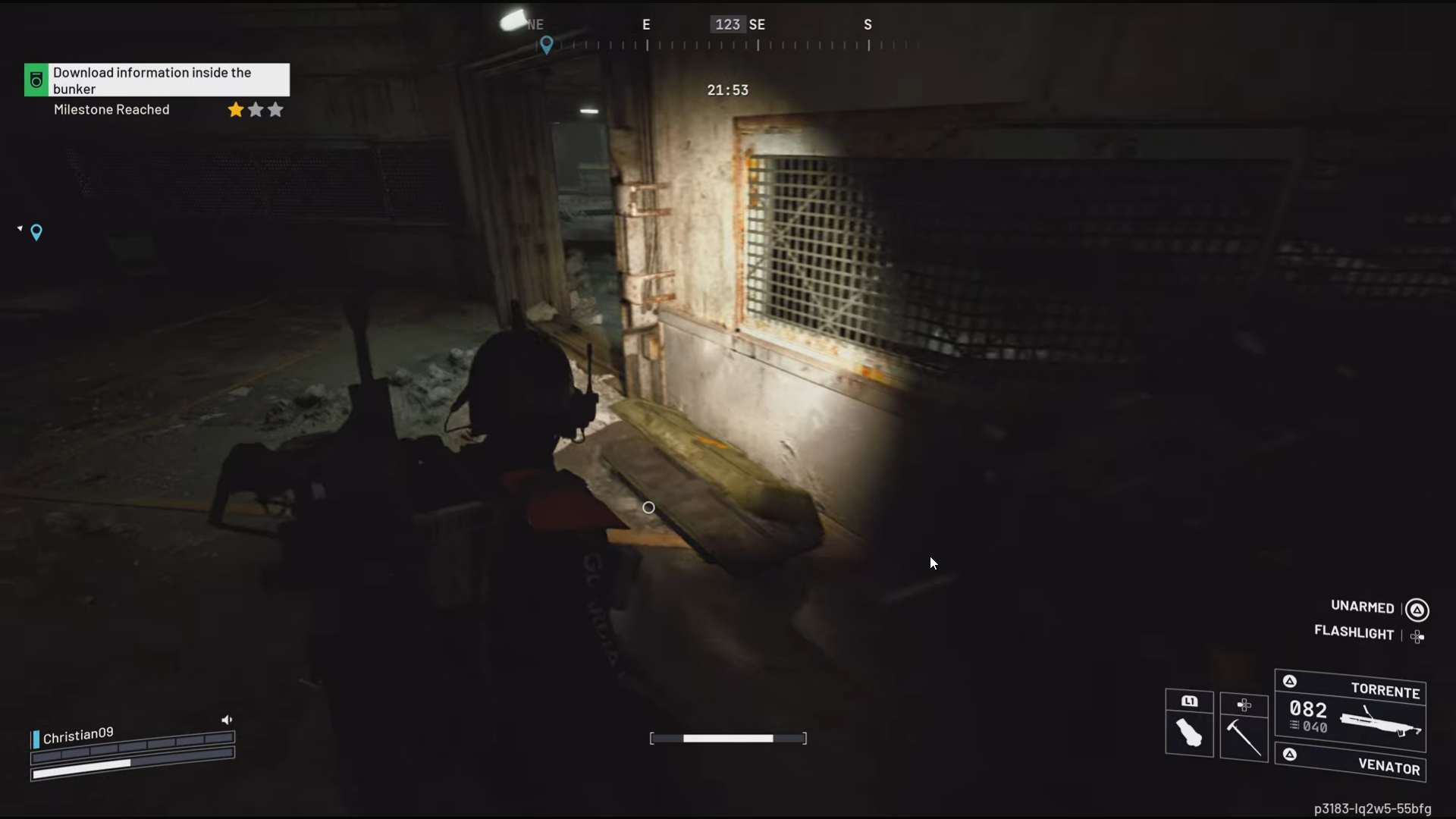
Rewards tied to the Week 4 trials
| Completion level | Reward type |
|---|---|
| 1 star | Weekly trial points |
| 2 stars | Increased seasonal progress |
| 3 stars | Maximum Week 4 trial score contribution |
Practical tips to finish faster and safer
- Enter with a squad to split antenna activations
- Clear nearby ARC mobs before starting a download
- Start downloads only when the area is quiet
- Combine this trial with other Week 4 objectives in the same run
We hope this Hidden Bunker data download guide for ARC Raiders Week 4 Trials was informative and helped you progress without confusion. If you’d like to share ideas, experiences, or any doubts, the comments section is open. We review comments regularly and respond to ensure you receive timely support whenever required.