

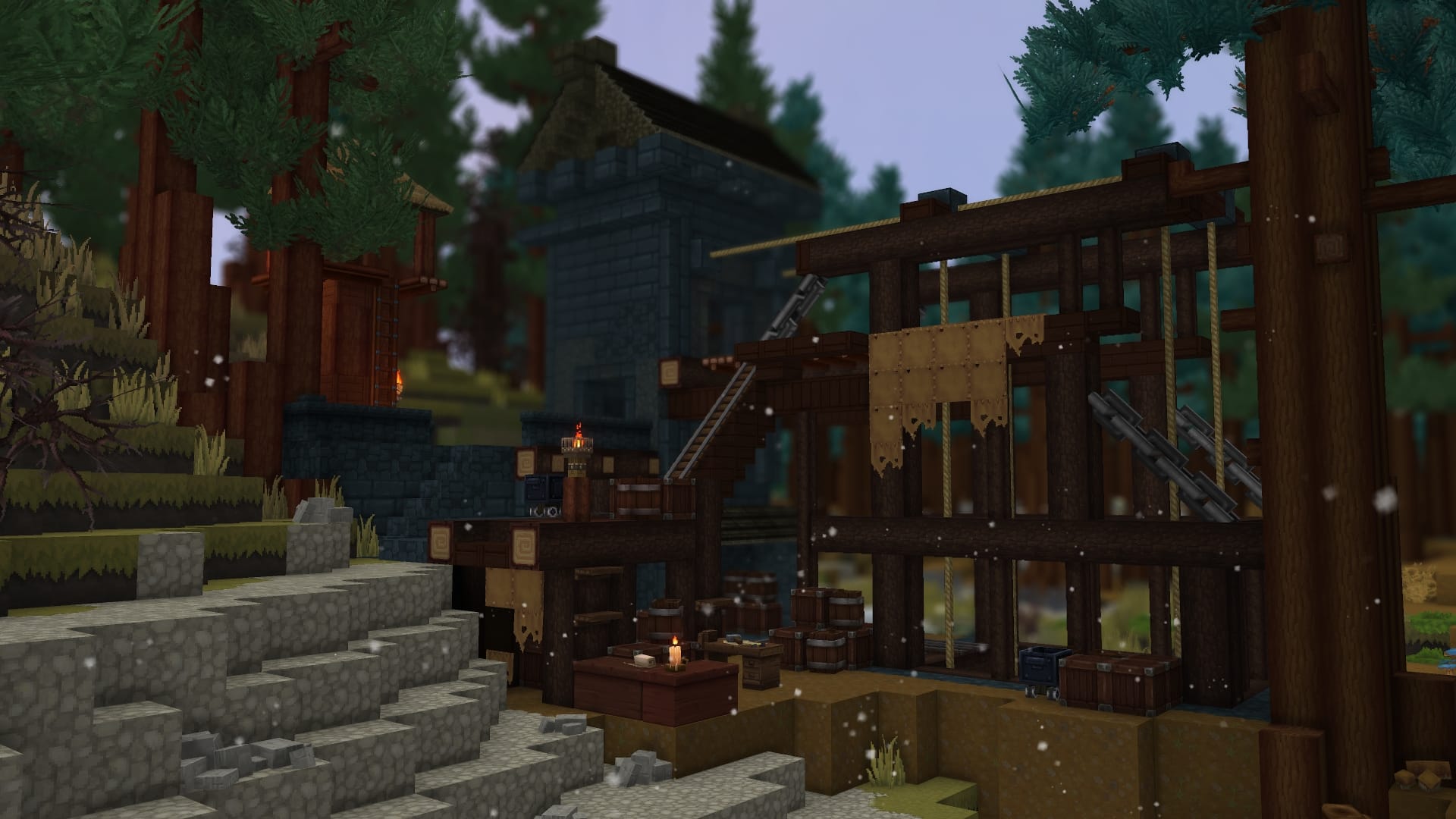
What to know
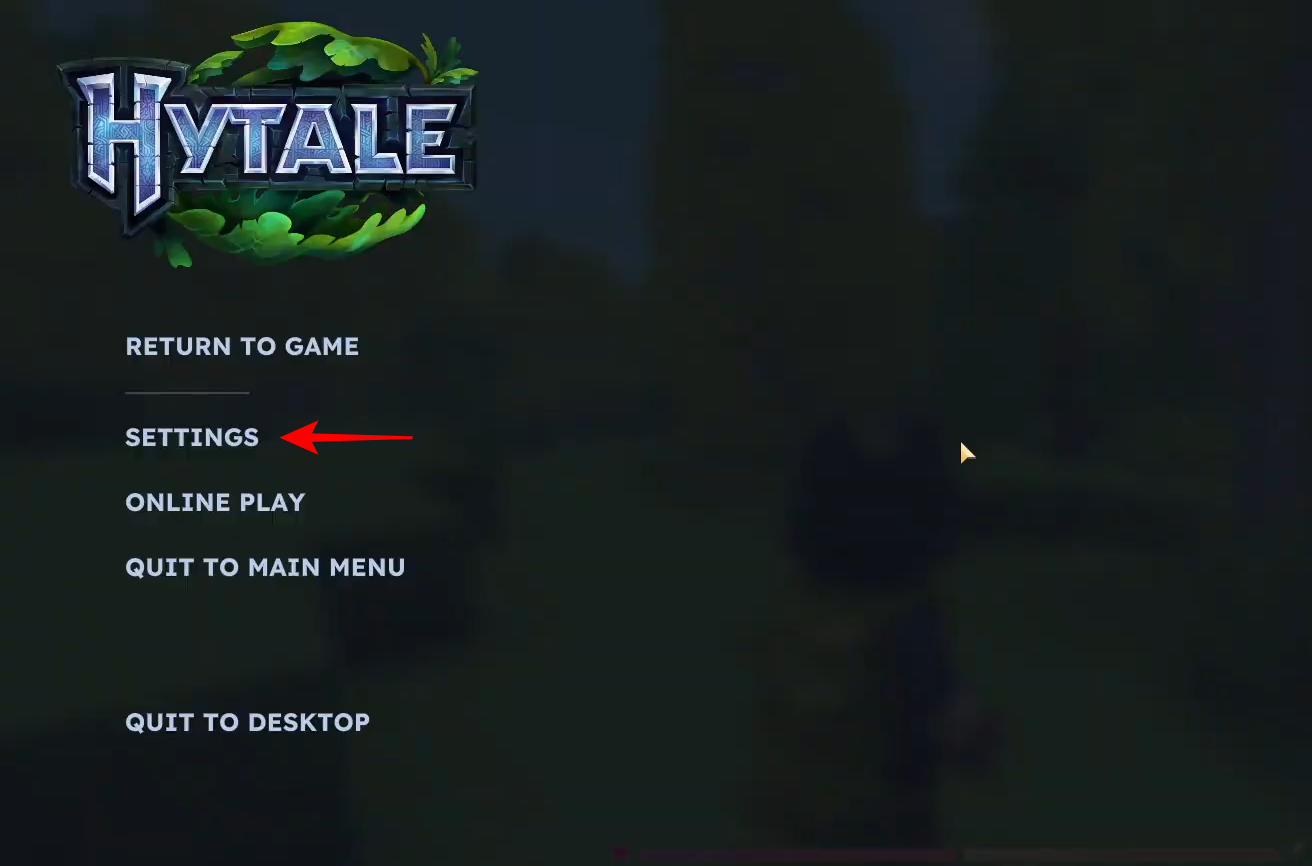
- While in-game, press the Escape key to bring up the main menu and select Settings.
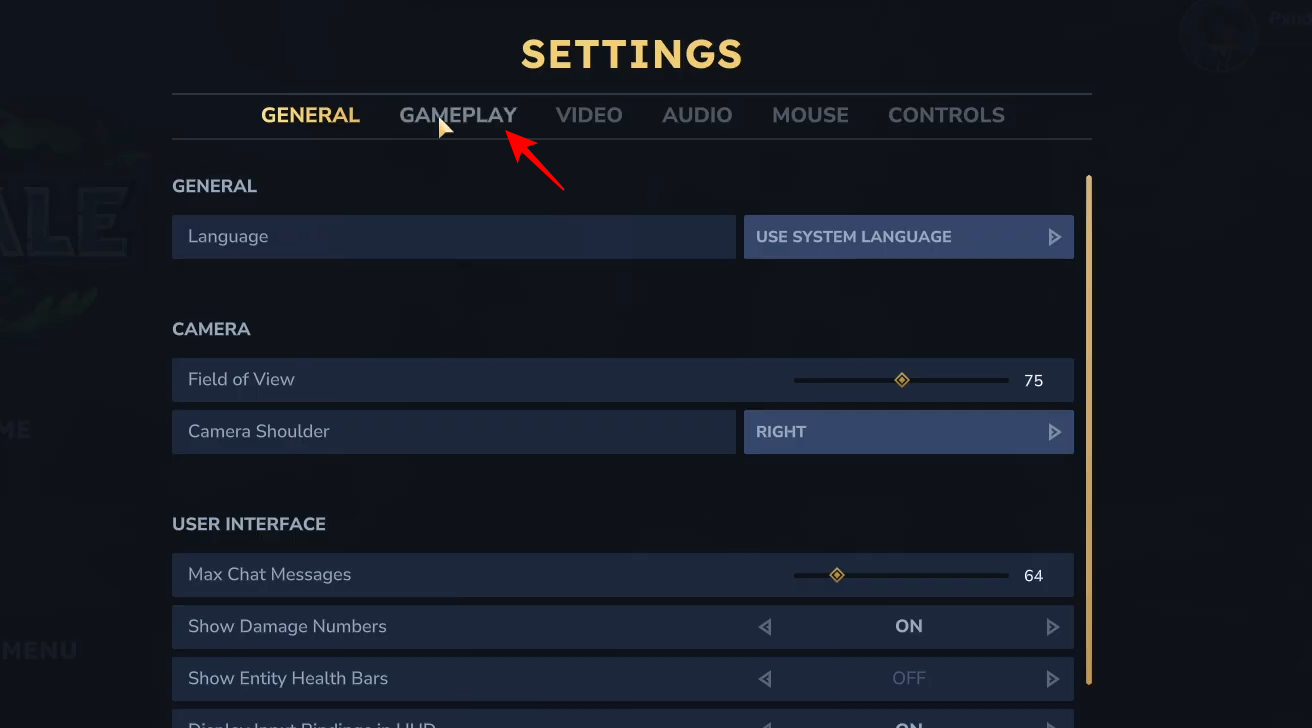
- Navigate to the Gameplay tab at the top of the settings window to find movement options.
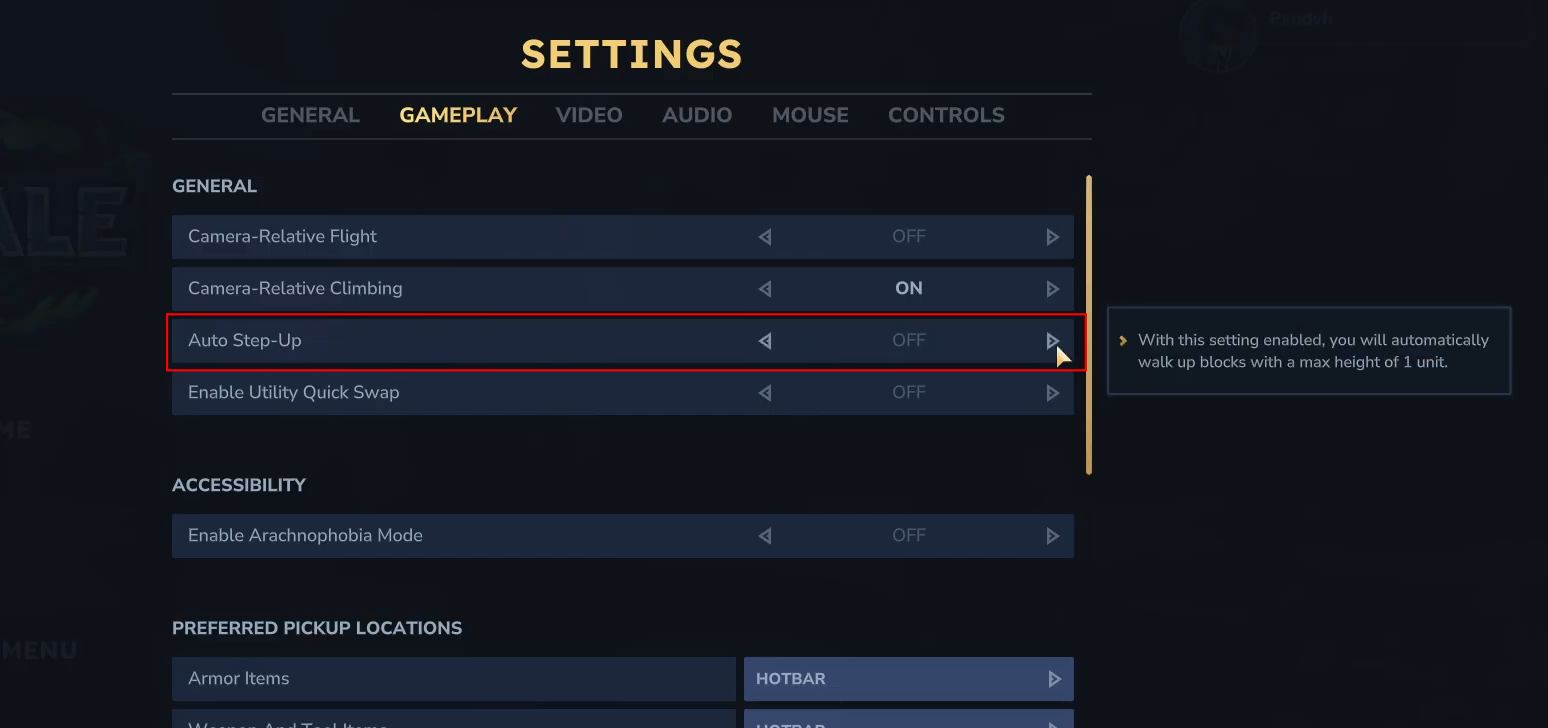
- Look for the “Auto Step-Up” toggle under the General section. When enabled, this allows you to automatically walk up blocks with a max height of 1 unit.
- Click the arrow to switch the setting to “Off” and then click Save Changes at the bottom right to apply the update.
Auto-jump, known in Hytale as “Auto Step-Up,” is a movement feature that automatically moves your character up single-block elevations without requiring a manual jump. While this can be convenient for traversing uneven terrain, many players prefer manual control over their character’s height to prevent accidental climbing during combat or precise building.
How To Disable Auto Jump in Hytale
To turn off the automatic jumping feature in Hytale, follow these steps:
Step 1
Press the Escape key on your keyboard to pause the game and open the Hytale menu.
Step 2
Click on the Settings option.
Step 3
From the top navigation bar in the settings window, select the Gameplay tab.
Step 4
Find the “Auto Step-Up” entry. You will see a description explaining that this setting allows you to automatically walk up blocks. Click the arrow to change the status to “Off”
Step 5
Once the toggle is set to off, click the Save Changes button at the bottom of the screen to confirm your choice.
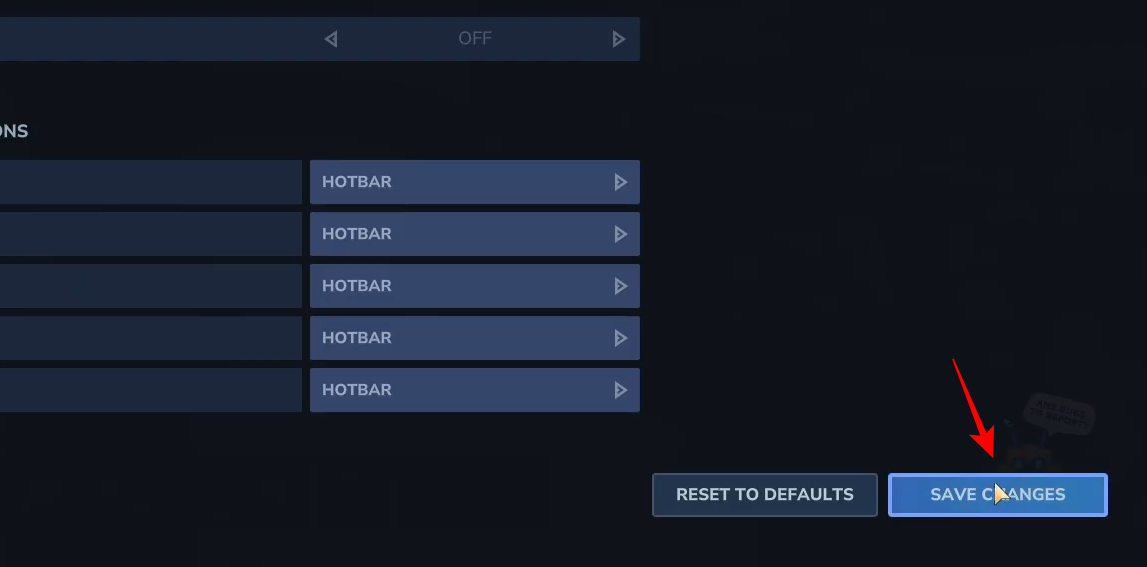
Your character will now only move up blocks when you manually press the jump key. By toggling the “Auto Step-Up” option to off in the Gameplay settings, you can gain full manual control over your character’s movement in Hytale.




