


What to know
- There is no trash bin or delete button in the base inventory; you can’t permanently delete items with a single click.
- The simplest way is to drop an item into the world and leave it there; it will despawn after about 5 minutes.
- You can salvage many crafted tools, weapons, and armor at a Salvager’s Workbench to get back some of their crafting materials.
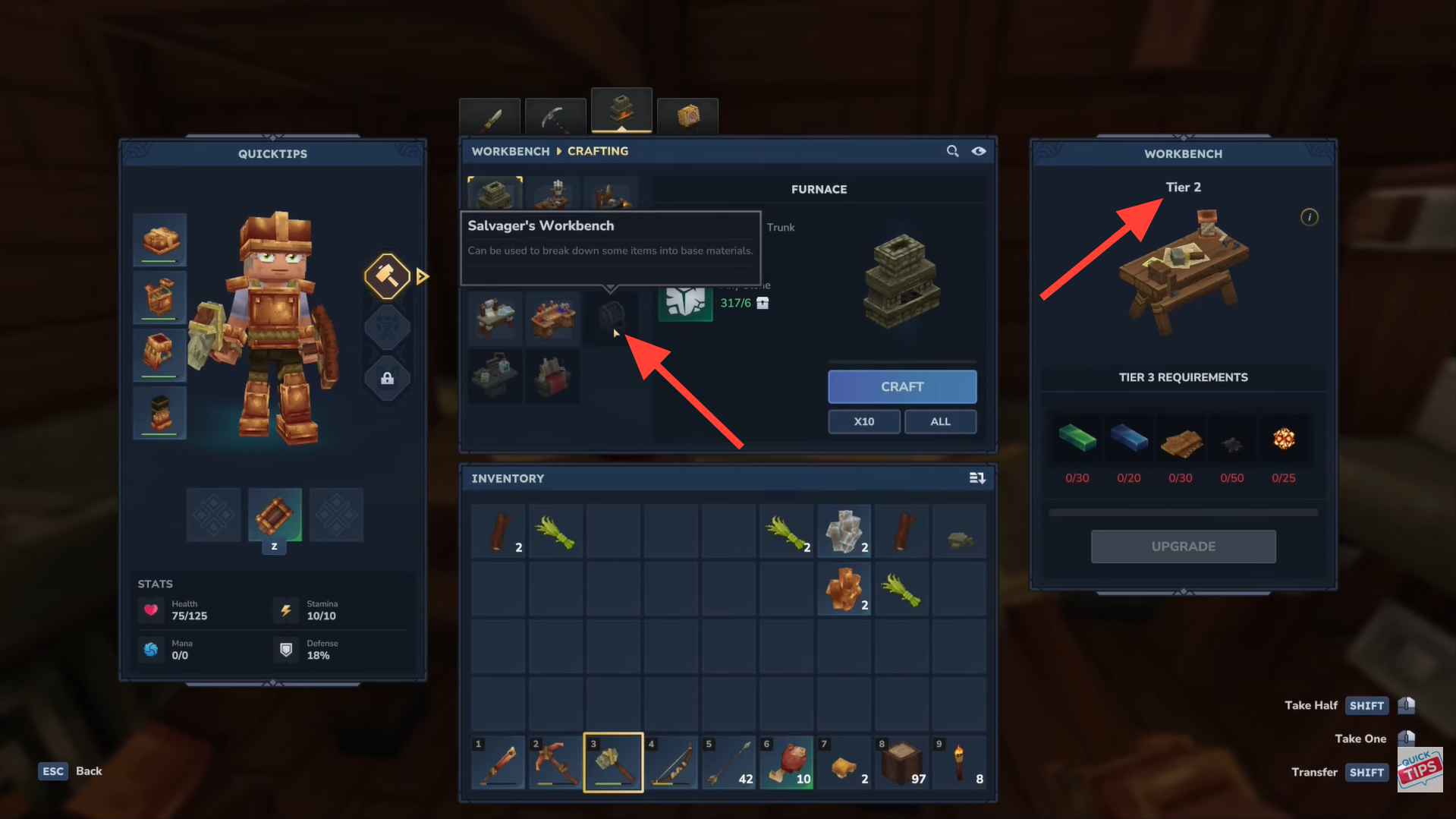
- Salvager’s Workbench requires Tier 2 in the Workbench crafting tab and specific materials to craft.
Getting rid of unwanted items in Hytale isn’t as simple as clicking a delete button, but once you know the system, it’s easy to manage your inventory. Whether you want to quickly discard junk or salvage old gear for useful materials, this guide explains the best ways to remove items efficiently and keep your inventory organized.
How to drop items to remove them
If you just want to get rid of an item quickly, the easiest way is to drop it into the world and let it despawn.
Step 1
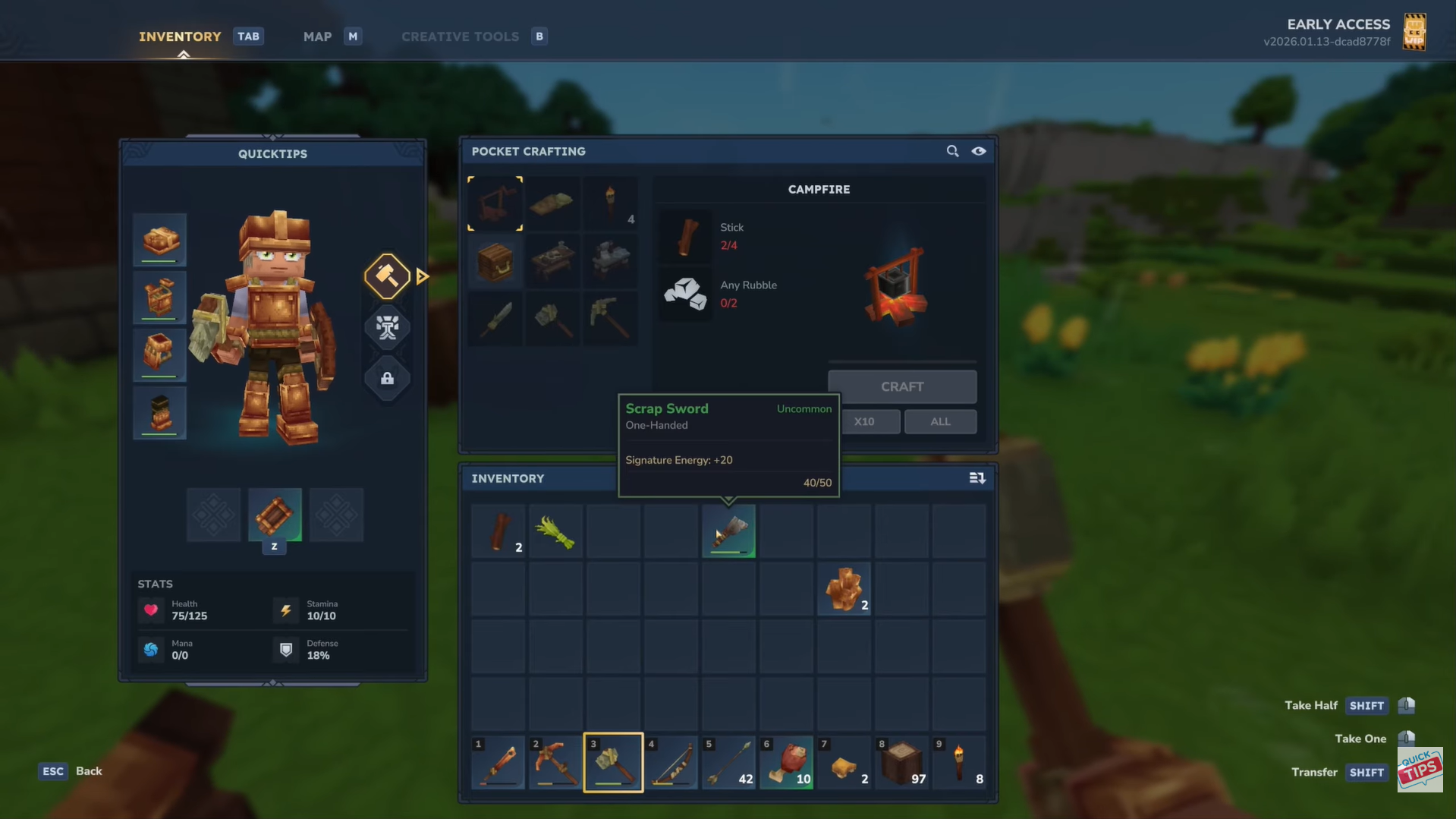
Open your inventory (usually by pressing Tab or the inventory key) and find the item you want to remove.
Step 2
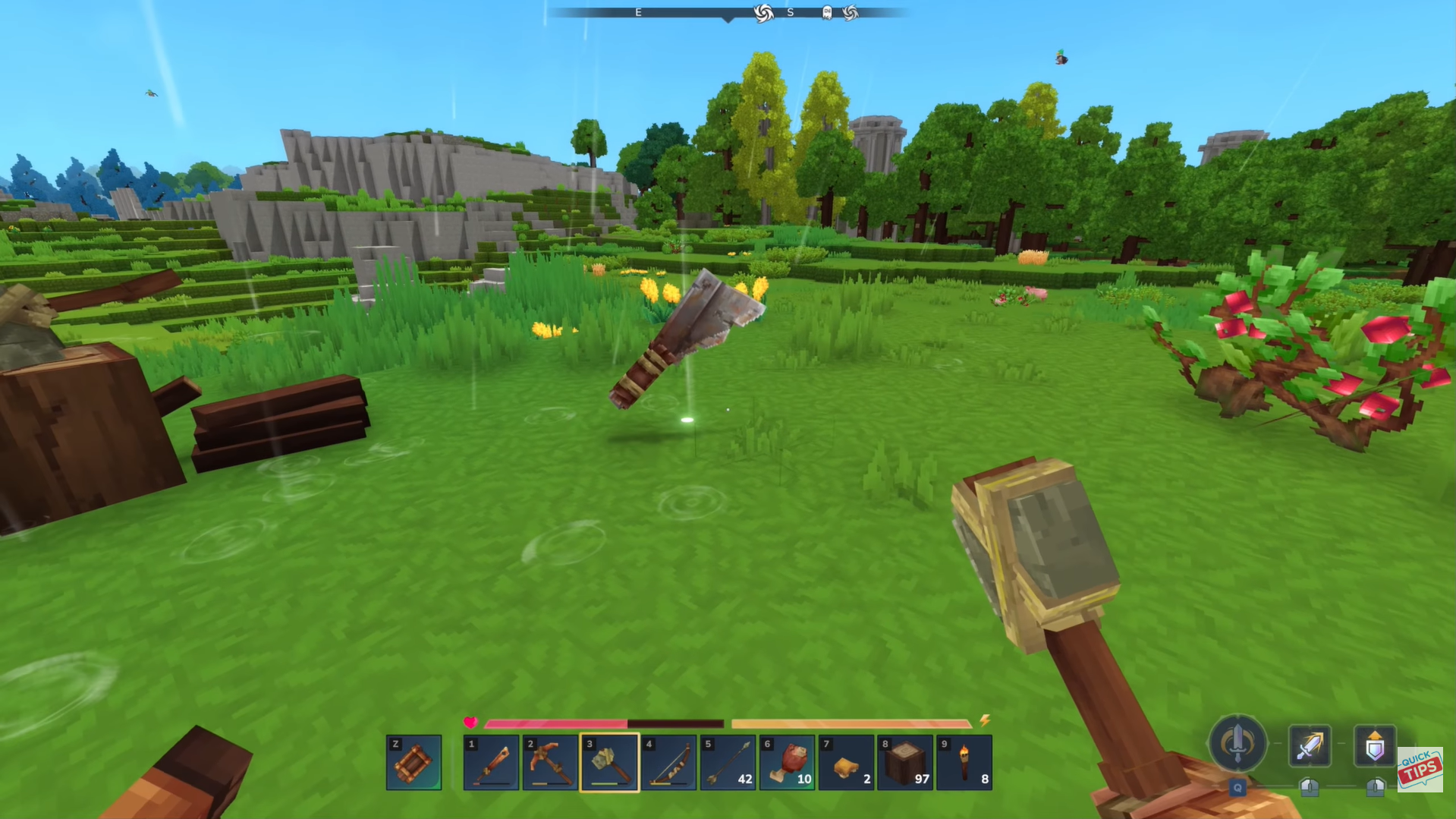
Click and drag the item out of your inventory into the world, or hover over it and press the drop key (often Q) to throw it on the ground.
Step 3
Walk away and don’t pick it up again. After roughly 5 minutes of real time, the dropped item will disappear from the world permanently.
How to salvage items with the Salvager’s Workbench
Instead of just dropping an item, you can break it down into its base materials using the Salvager’s Workbench, which is useful for tools, weapons, and armor.
Here’s how to do it:
Step 1: Unlock & craft the Salvager’s Workbench
Reach Tier 2 in the Workbench crafting tab, craft the Salvager’s Workbench using the required materials.
Step 2: Place and open the Salvager’s Workbench
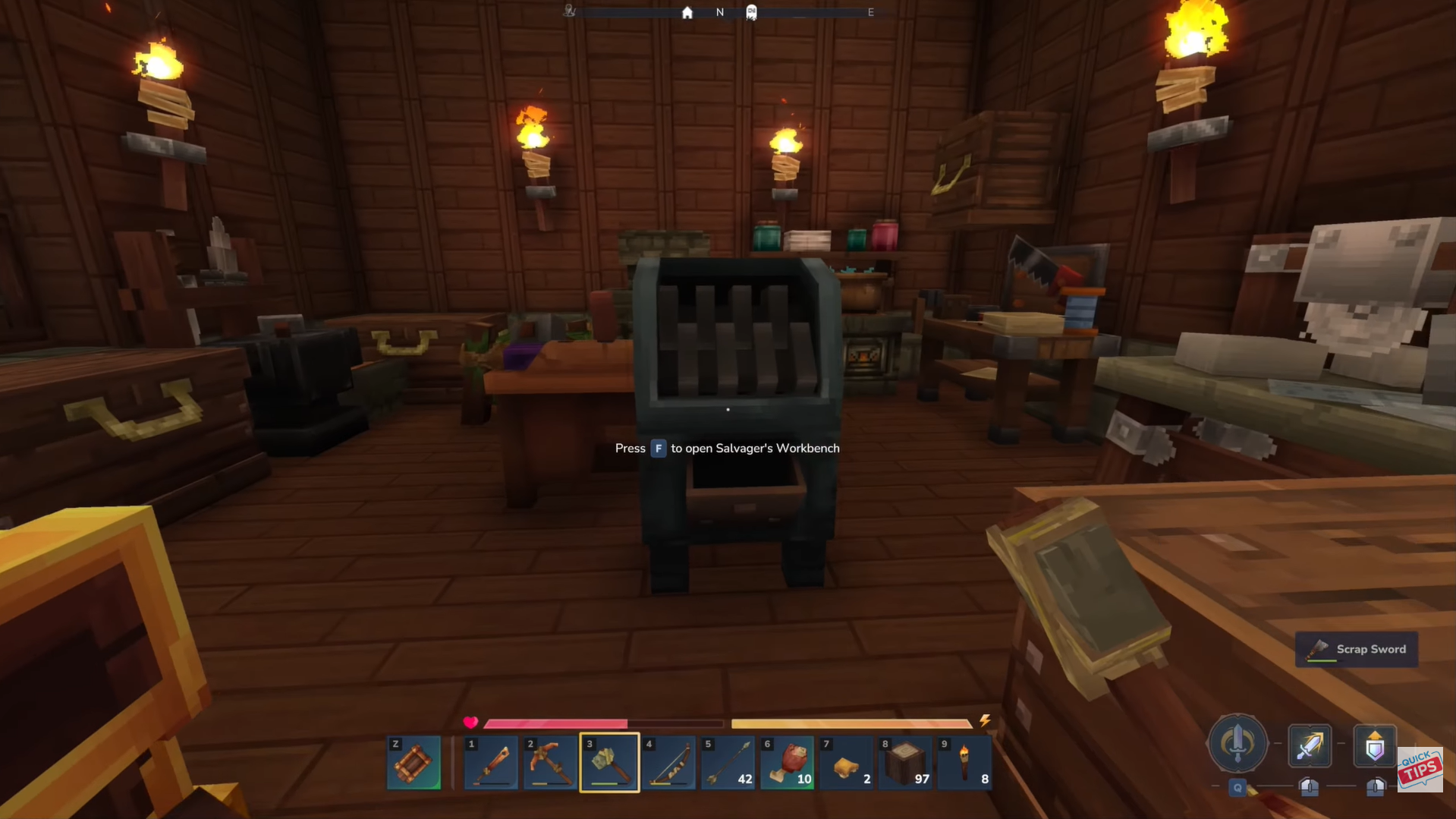
Set the Salvager’s Workbench down like any other crafting station and interact with it.
Step 3: Insert the item to salvage
Put the tool, weapon, or armor piece you want to break down into the workbench.
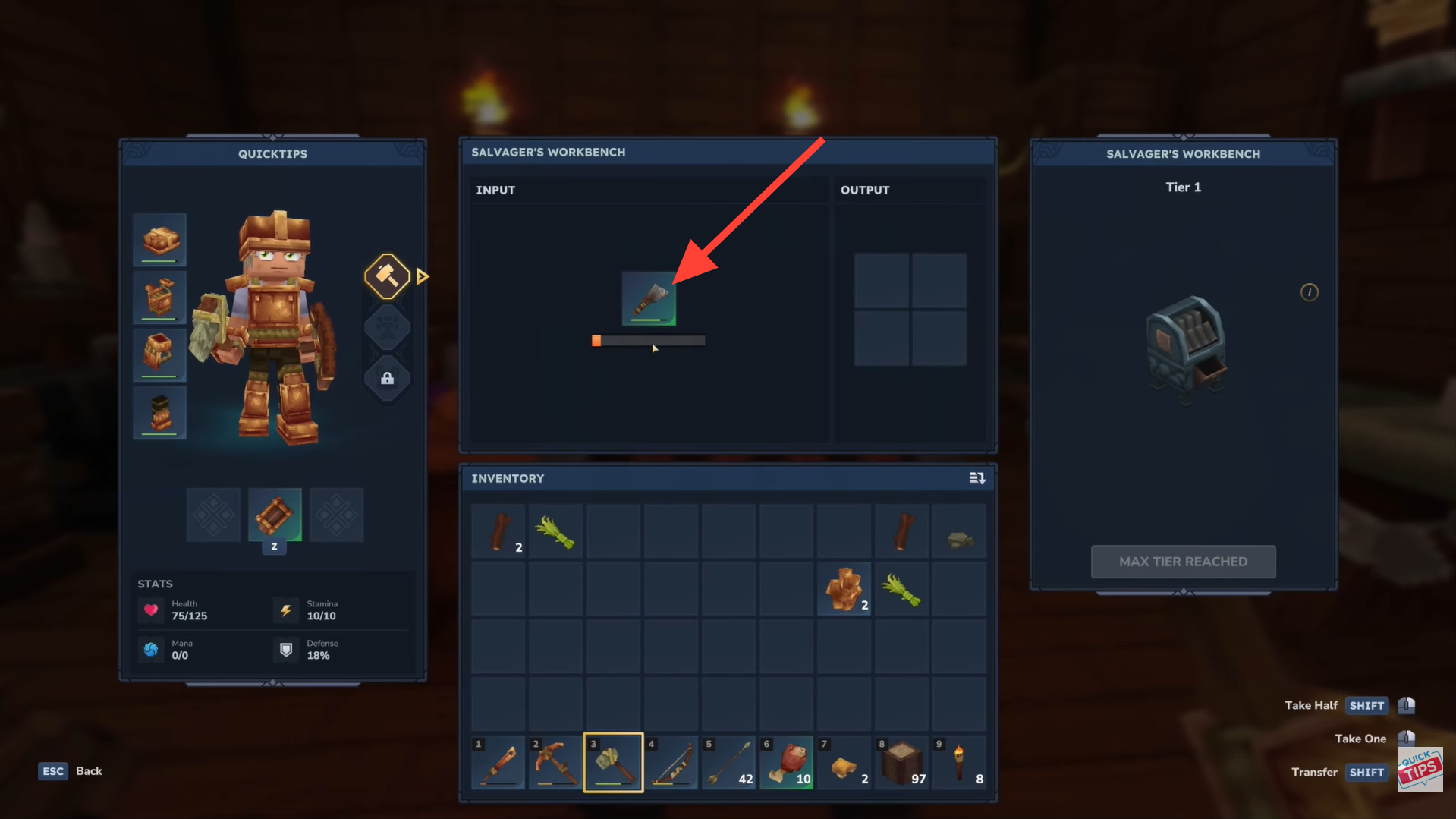
Step 4: Collect output materials
The item is salvaged into its base materials, letting you recover resources like iron or wood instead of discarding the item..
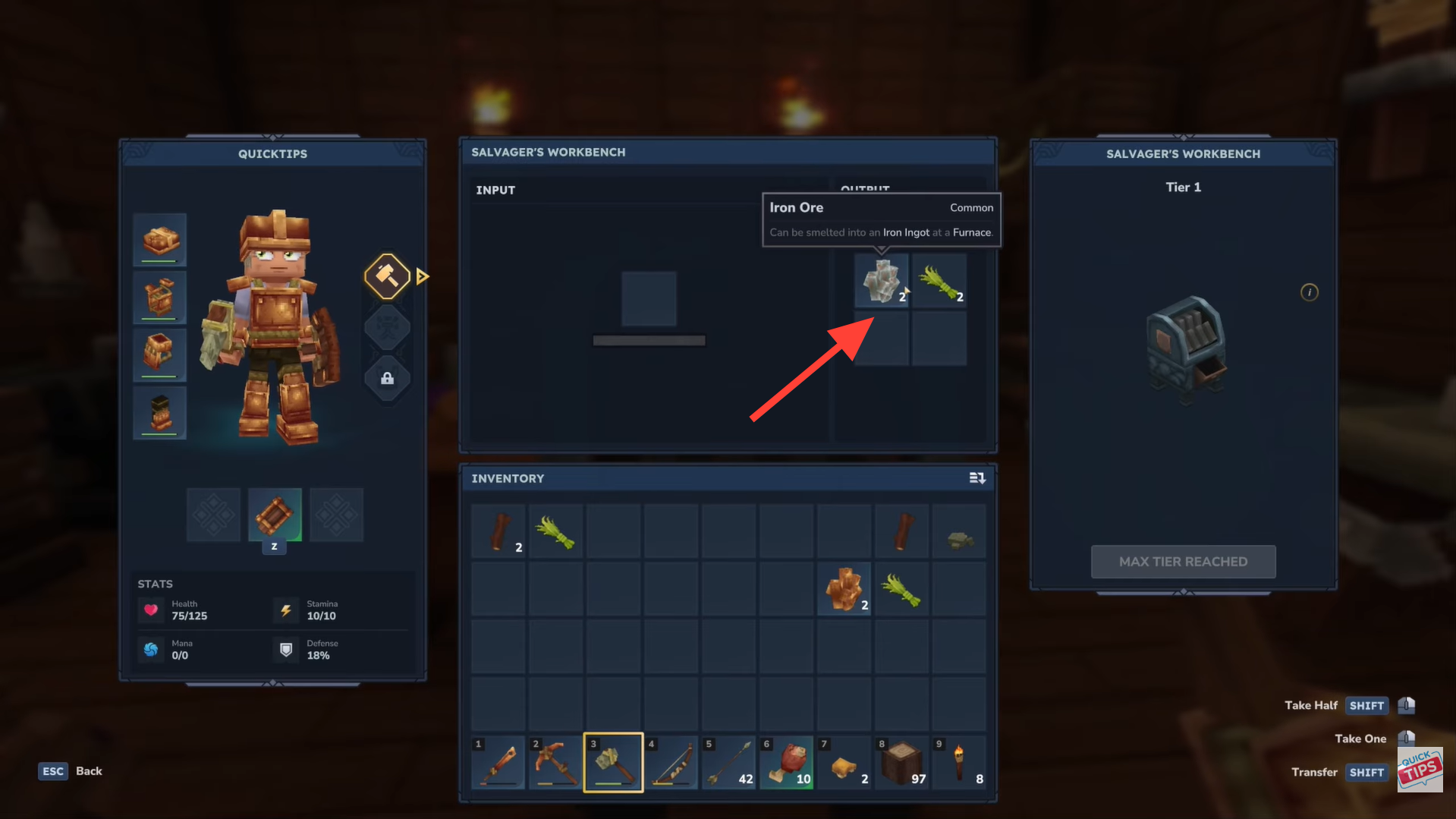
What you can and can’t salvage
- Works on: crafted tools, weapons, and armor (e.g., swords, pickaxes, helmets, chestplates).
- Does not work on: raw materials like ores, logs, or basic blocks; these can only be dropped to remove them.
When to use each method
- Use dropping for junk items, duplicates, or things you don’t care about getting back (like a broken tool).
- Use the Salvager’s Workbench when you want to recover some materials from a crafted item instead of losing it completely.
Managing unwanted items in Hytale
Hytale doesn’t include a delete or trash option, so managing items is part of smart gameplay. For quick cleanup, you can simply drop unwanted items and let them despawn after a few minutes. If the item has value, the Salvager’s Workbench is the better choice, allowing you to break down old tools, weapons, or armor and recover useful materials. Using both methods wisely keeps your inventory clean and your resources flowing.
Hope this answered your major questions. Drop your comments for feedback or support—we’re actively responding and always ready to help you further.




