

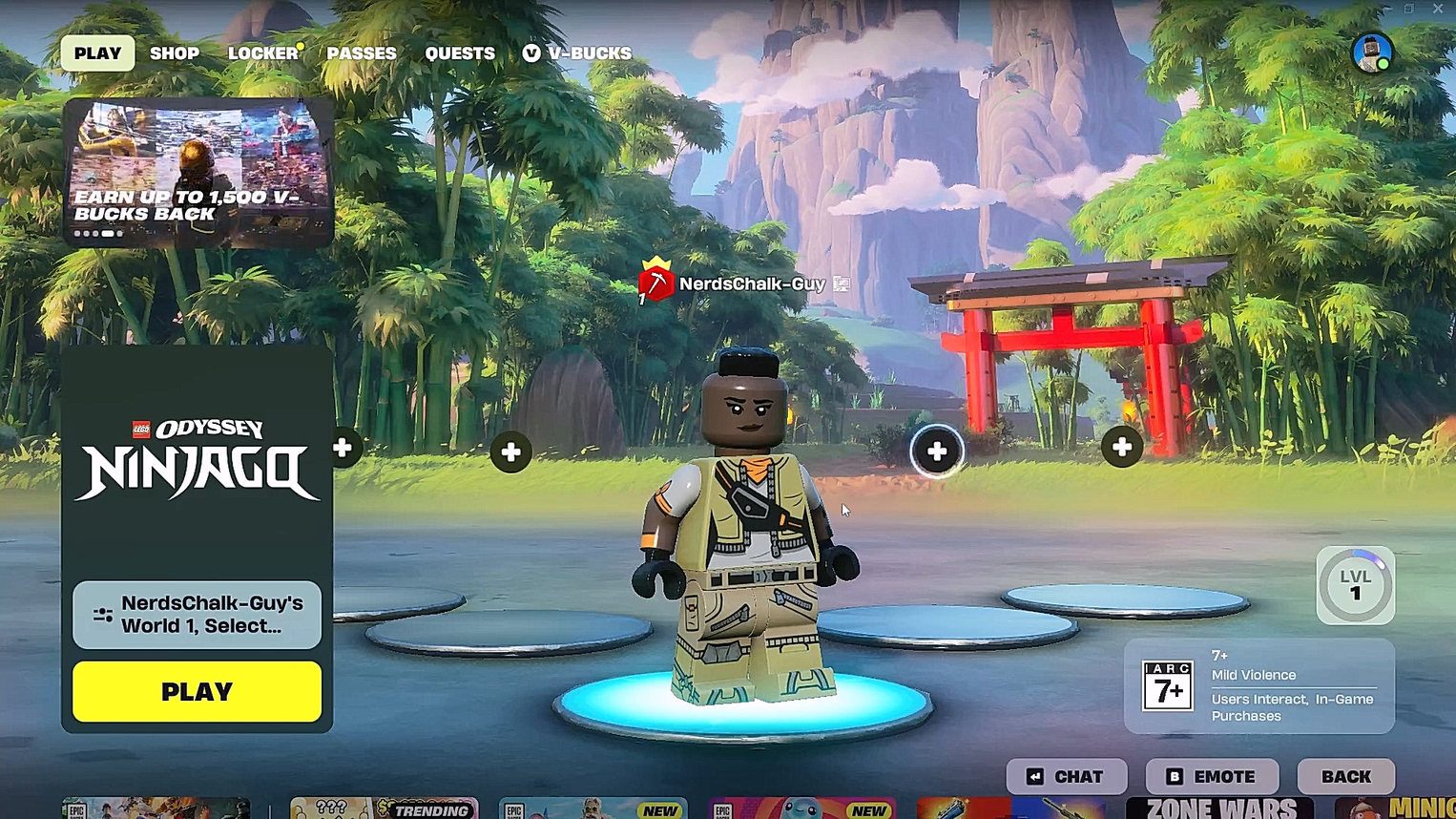
Follow this guide to successfully create a new world in Fortnite LEGO Ninjago.
Fortnite LEGO Ninjago is a video game series based on the popular LEGO series Ninjago. It is an action-adventure game where you play as different ninjas and fight enemies. You can play as Lloyd, Kai, Jay, Zane and more.
Worlds are an important part of the Ninjago gameplay. They are different dimensions where stories take place. Creating a new world is required to proceed in the game. This guide will provide you with all the steps for creating a world.
How to create a new world in Ninjago
You can check the steps below to easily create a new world in LEGO Ninjago:
Step 1: Start world creation
From the homescreen, choose the Select World option on the bottom left, and then click on the Create button. Select the New World Slot and press the Select button.
Screen recording by: NerdsChalk
Step 2: Give name, choose mode and cover image
Give your world a name, and select the game mode from Survival, Sandbox, Cozy, or Expert. Also, add a cover image for your world. Click Start, then click Okay on the next prompt. Your World will be created.

Thanks for staying till the end! If the Ninjago World guide made things easier for you to create a new world, we’d love to hear your thoughts. Drop your feedback or questions in the comments—we’re always active and ready to assist with anything that still feels unclear.




