

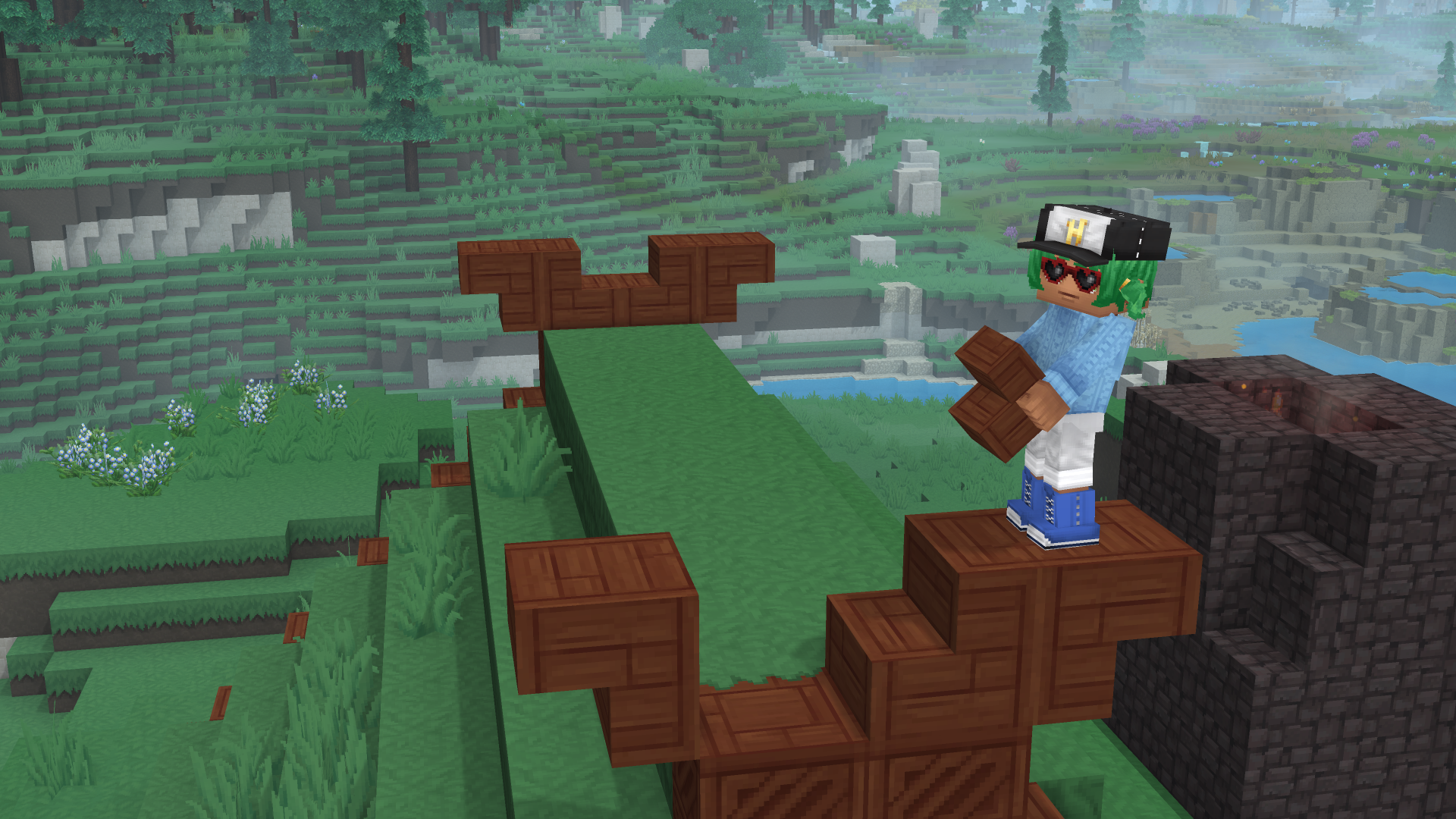
What to Know
- Bricks are a refined building material used for more sophisticated structures in Hytale.
- You must use a Builder’s Workbench to create them; they cannot be made in your inventory or a standard Workbench.
- The crafting process involves placing raw stone into the workbench to select from various brick styles.
In Hytale, bricks offer a clean and polished look for your builds compared to raw stone. To start producing them, you will need to set up a specific crafting station.
How to craft Bricks
Follow the steps below to start crafting Bricks:
1) Craft a Builder’s Workbench
Before you can make bricks, you must follow the standard workstation progression:
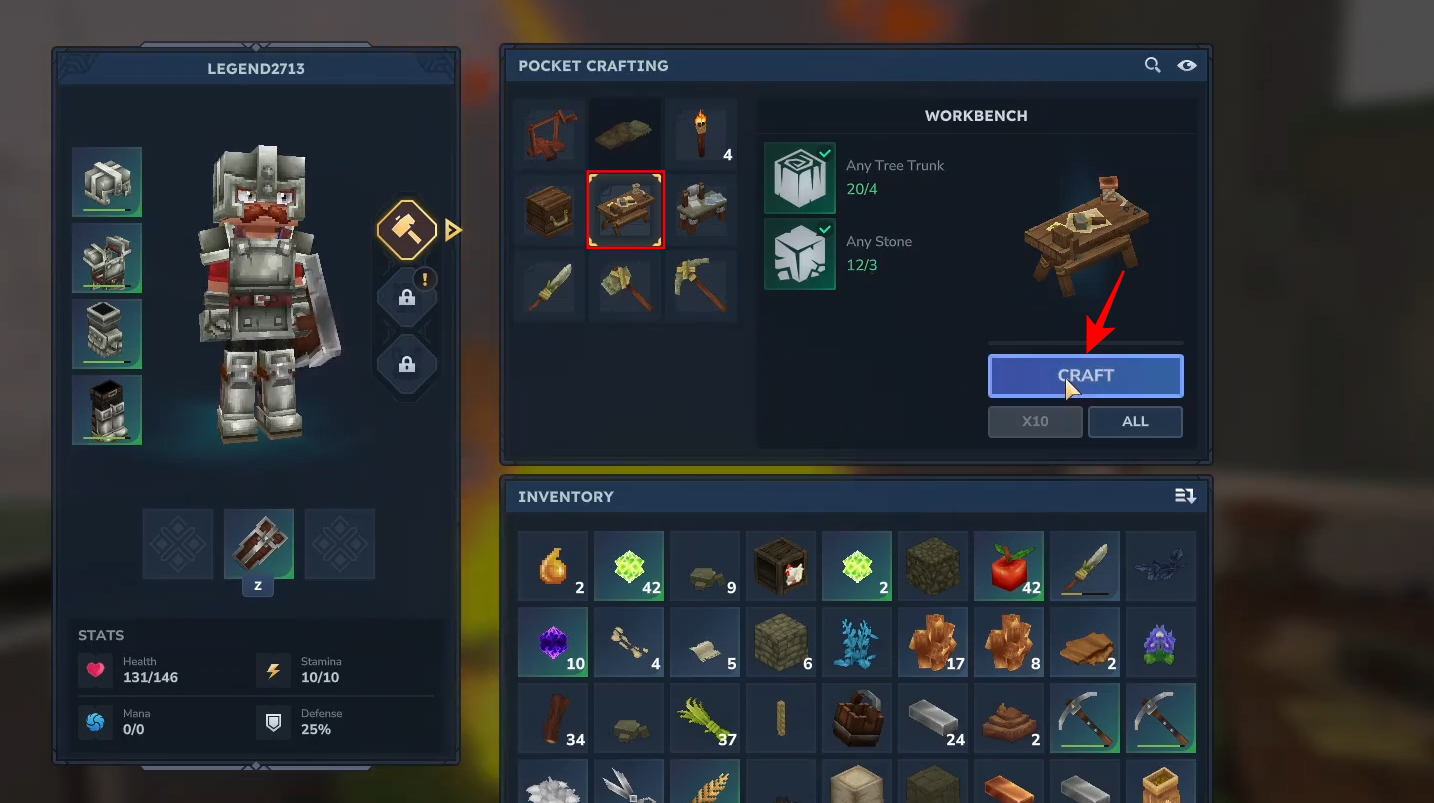
Step 1: Build a Standard Workbench
Press the Tab key to open your pocket crafting menu. Use 4 tree trunks and 3 stone pieces to craft the basic Workbench.
Step 2: Build a Builder’s Workbench
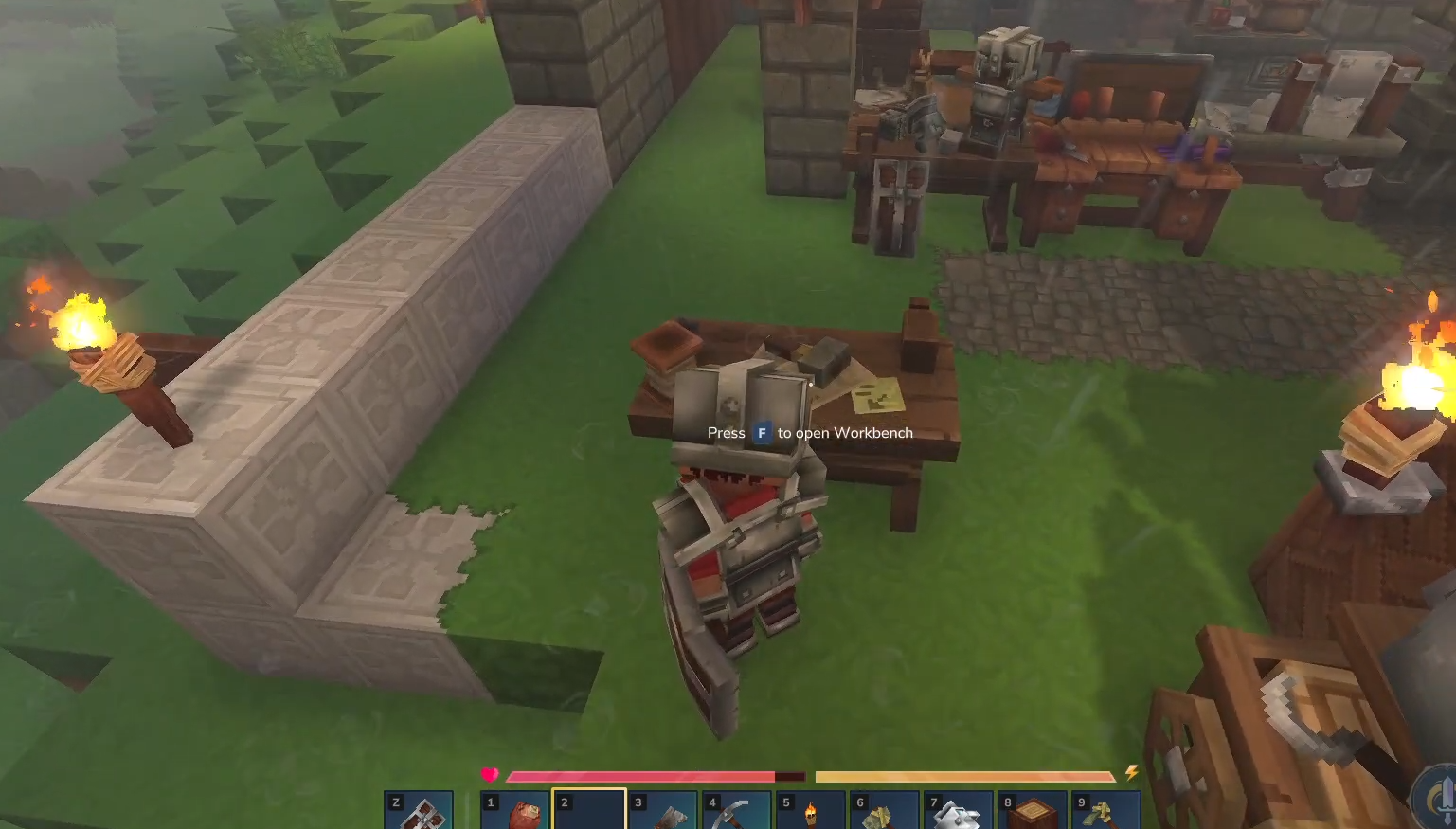
Place your standard Workbench and press F to open it.
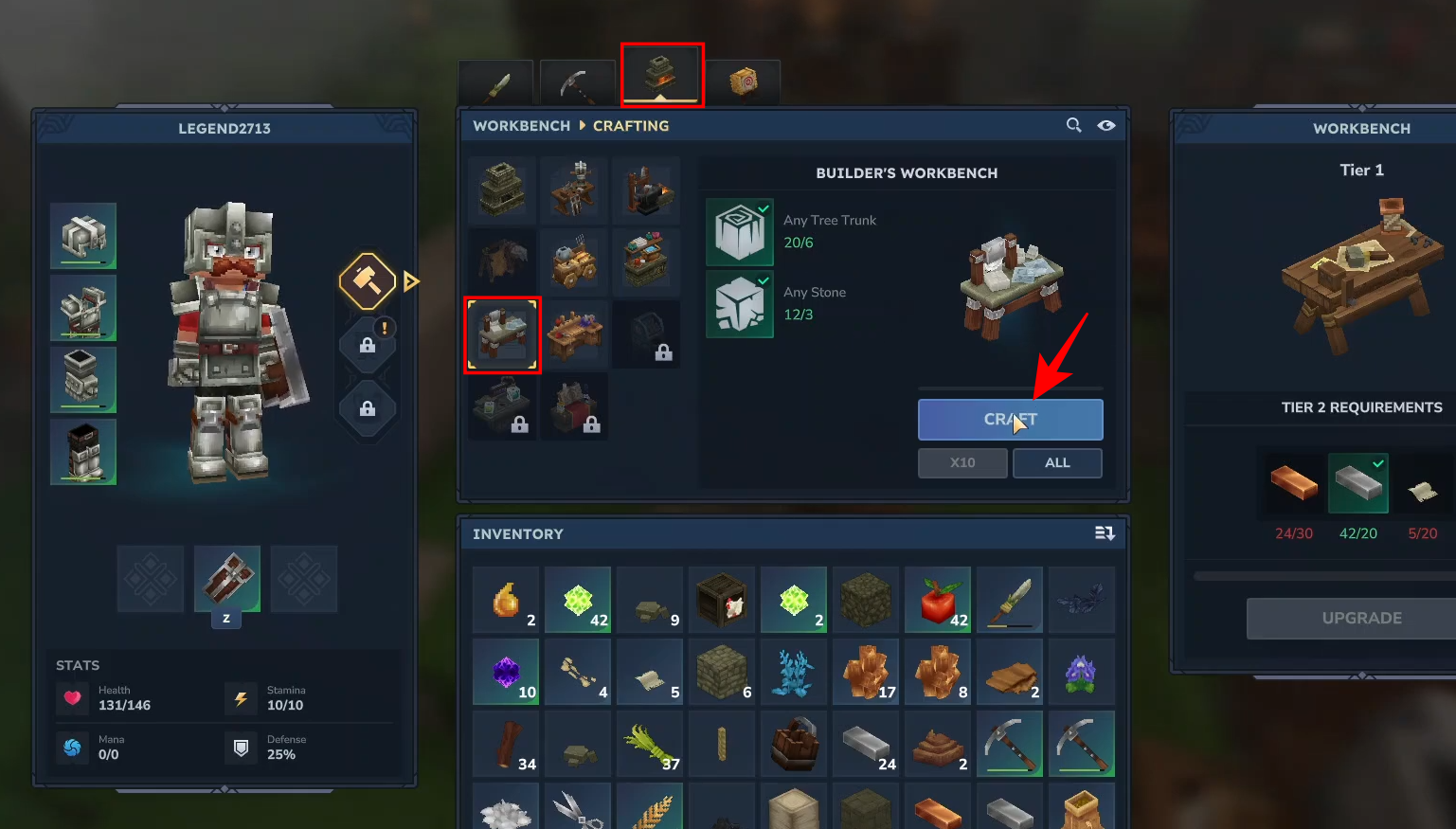
Select the Builder’s Workbench icon—requiring 6 tree trunks and 3 stone—and craft it.
2) Craft Bricks
To make bricks, you simply need to have raw stone in your inventory. Any type of stone you have mined will work.
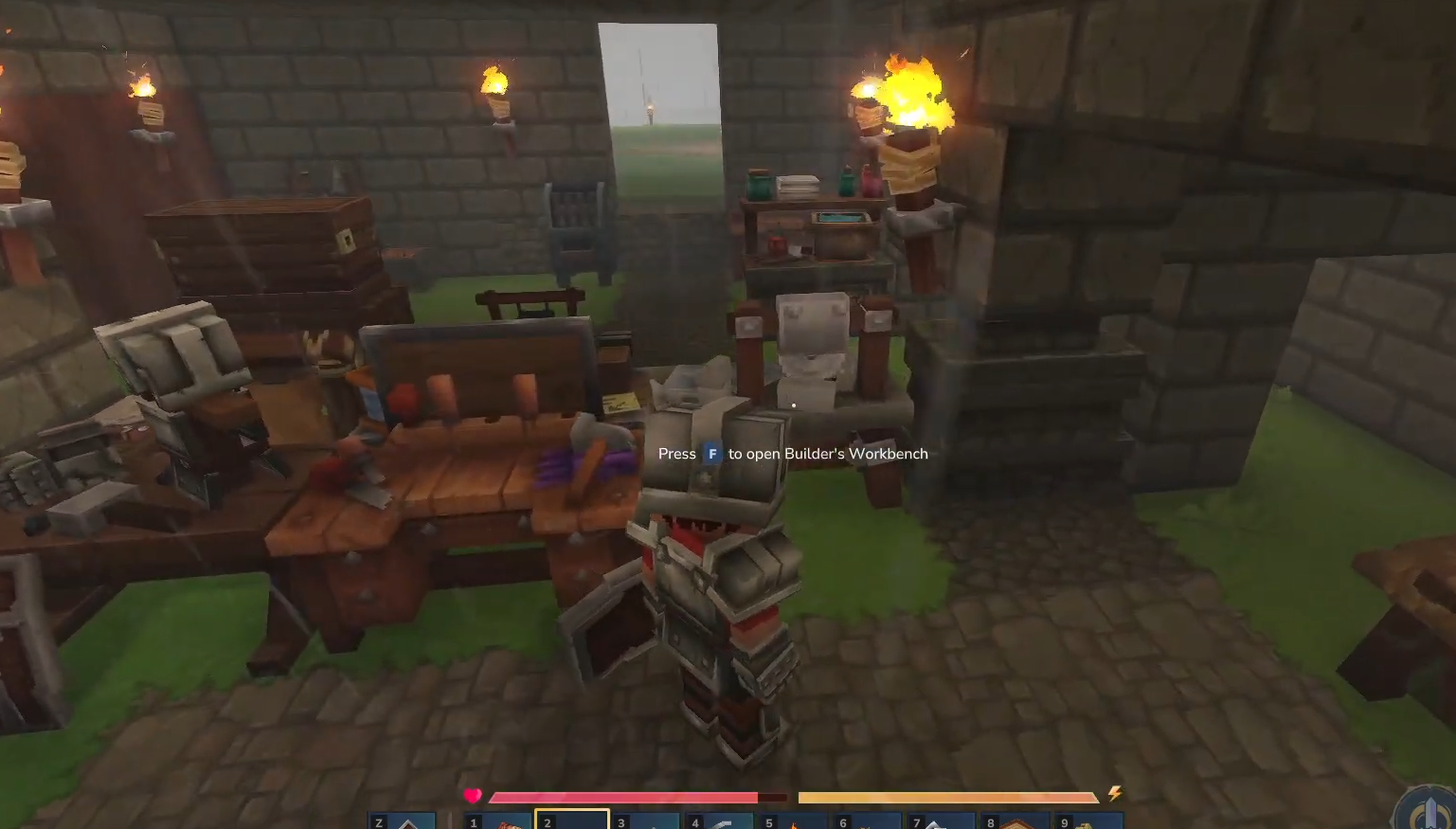
Once you have placed your Builder’s Workbench, press F to open the Builder’s Workbench menu.
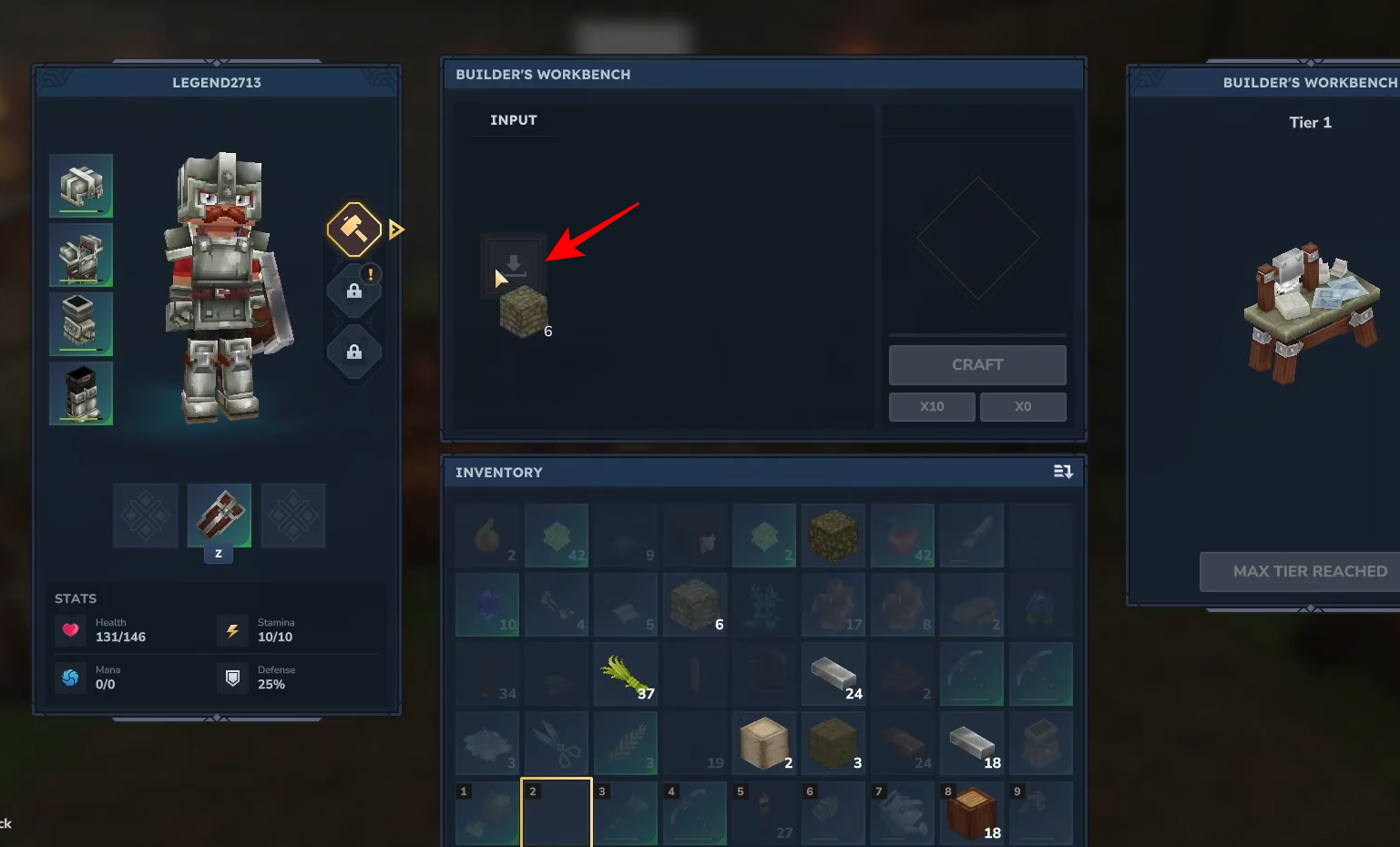
Place your raw stone blocks into the input slot.
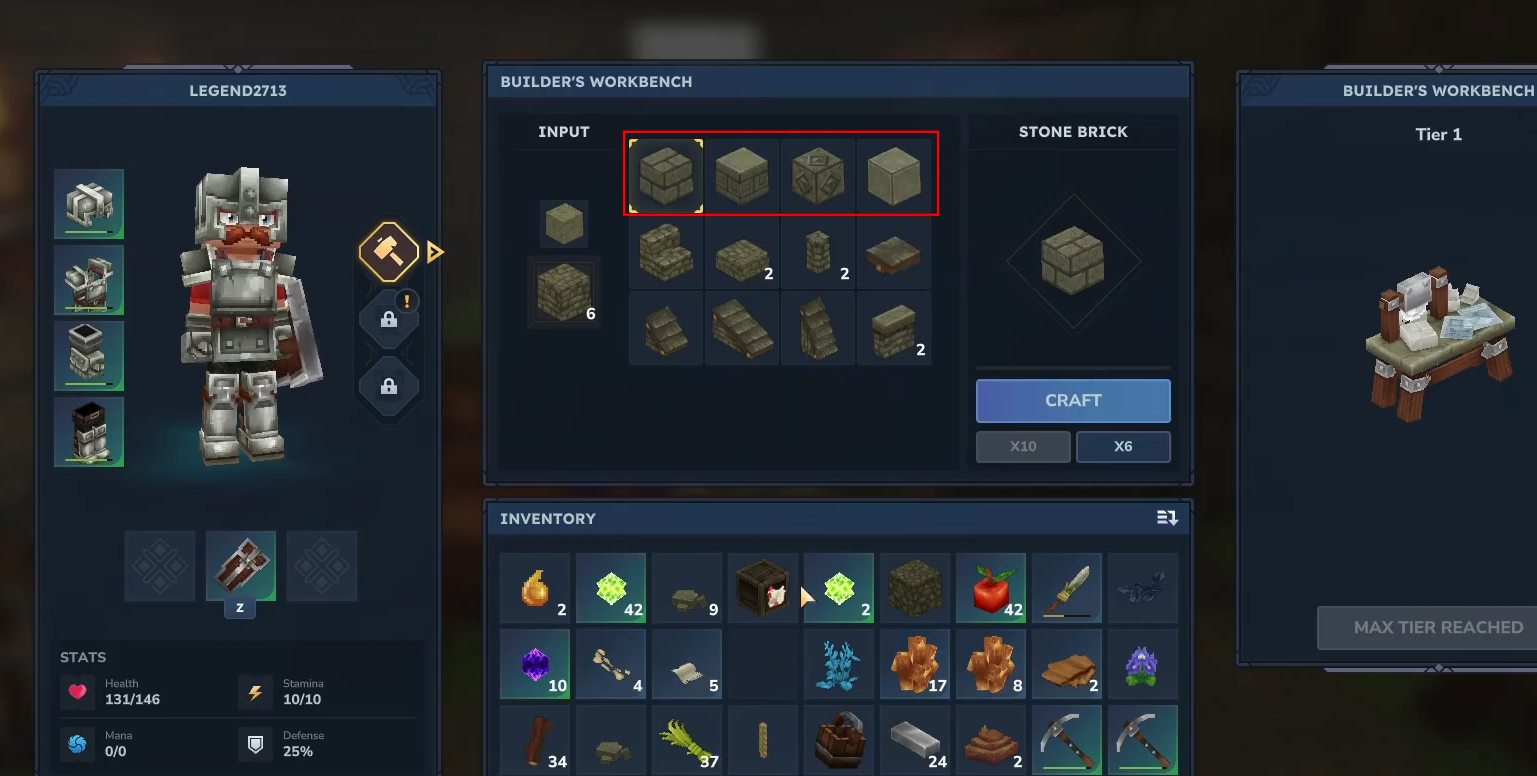
Various options like “Smooth Brick” will appear in the output menu. Choose the style you prefer.
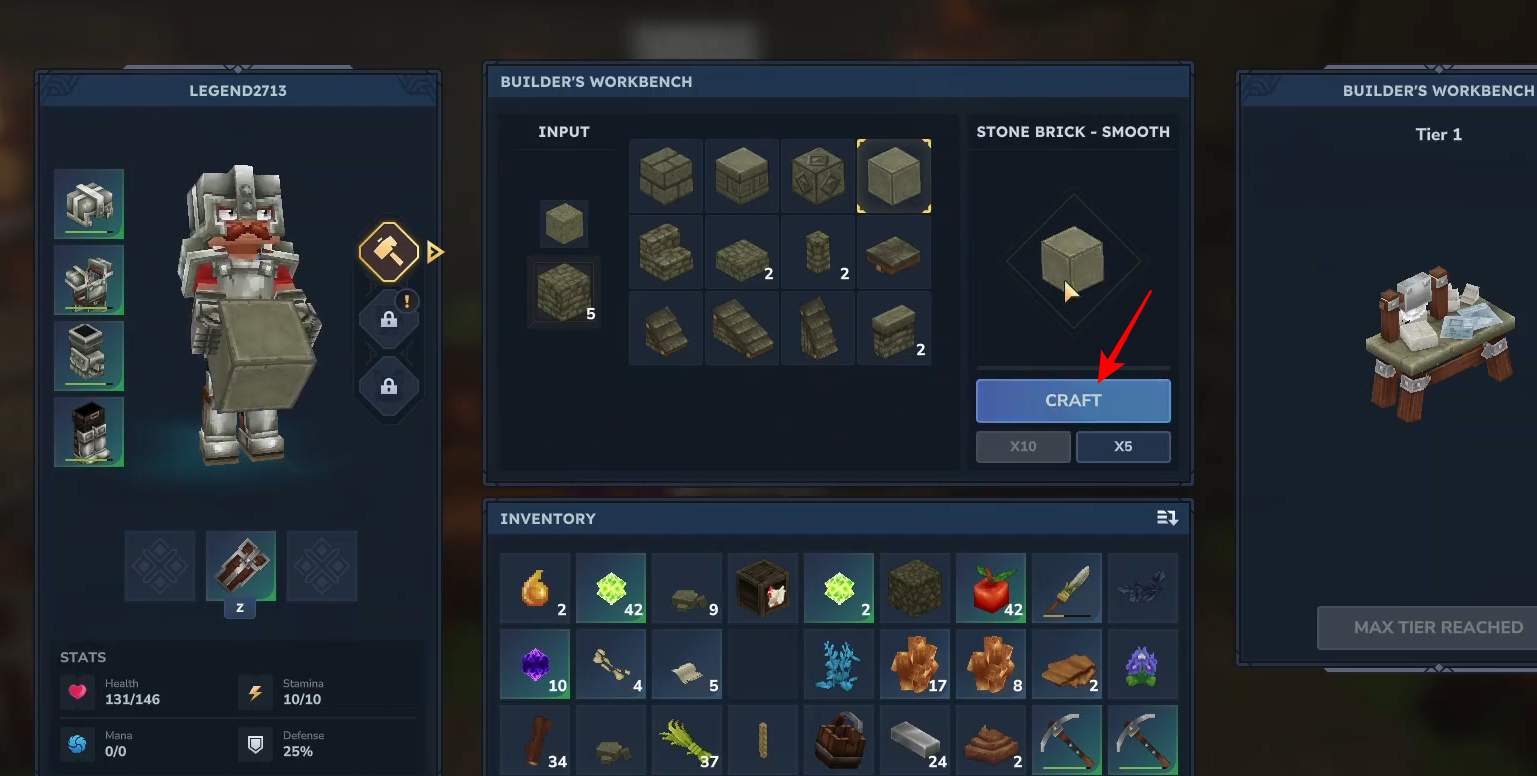
Click on craft to transform your raw stone into bricks.
Equip your new bricks from your inventory to start building your structures. Right-click to place it.
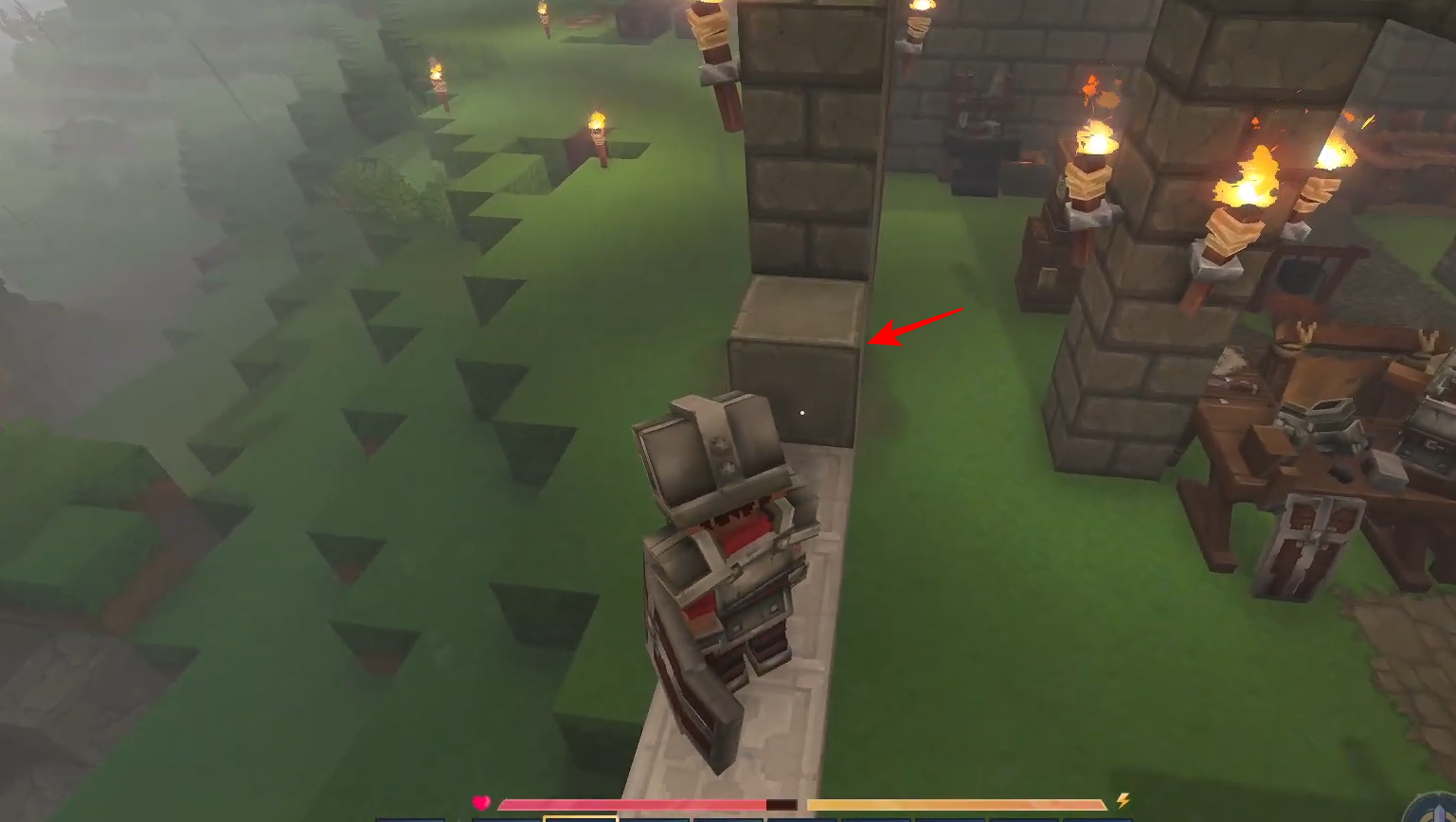
Crafting bricks in Hytale is an easy way to elevate your building projects. By utilizing the Builder’s Workbench, you can turn common stone into a variety of refined brick types to suit any architectural style.




