


- What to know
- Where to find the copy machine in the Pokémon Center
- How reference images allow items to be duplicated
- How to duplicate items in Pokémon Pokopia using the Copy Machine
- Tips to duplicate items faster
- Why the copy machine is one of the most useful systems in Pokopia
- Making the most of item duplication in Pokémon Pokopia
What to know
- The Copy Machine inside the Pokémon Center allows you to duplicate certain items.
- You must first take reference images of items using the in-game camera.
- Copies are created by spending Poké Metals as the crafting currency.
- Some special items, such as the Town Map, cannot be duplicated.
Item duplication in Pokémon Pokopia is done through a unique mechanic called the Copy Machine. Instead of traditional crafting, the system uses reference images you capture with the in-game camera. Once the machine recognizes the item from your images, you can recreate it by paying Poké Metals.
This feature is especially useful if you want extra materials, decorative items, or crafting resources without needing to explore repeatedly for the same object.
| Feature | Details |
|---|---|
| System name | Copy Machine |
| Location | Pokémon Center |
| Requirement | Pokémon Center must be fully built |
| Key mechanic | Reference images taken with camera |
| Currency used | Poké Metals |
| Supported items | Many craftable and collectible items |
| Unsupported items | Special items like the Town Map |
| Main benefit | Quickly duplicate useful resources |
Where to find the copy machine in the Pokémon Center
Before you can duplicate items, you must unlock access to the machine.
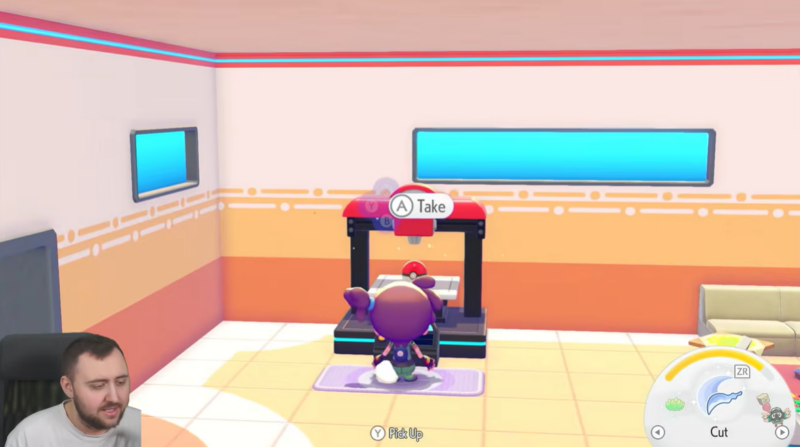
The Copy Machine is located inside the Pokémon Center, which is one of the main hub buildings in Pokémon Pokopia. Once the building is completed, you can walk inside and interact with various utilities.
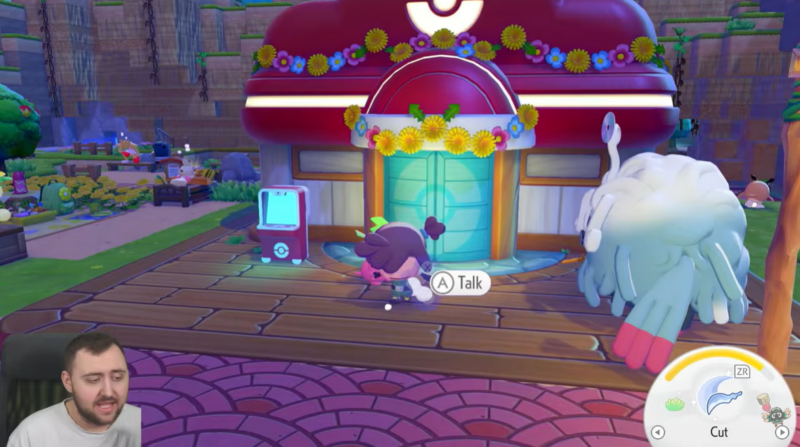
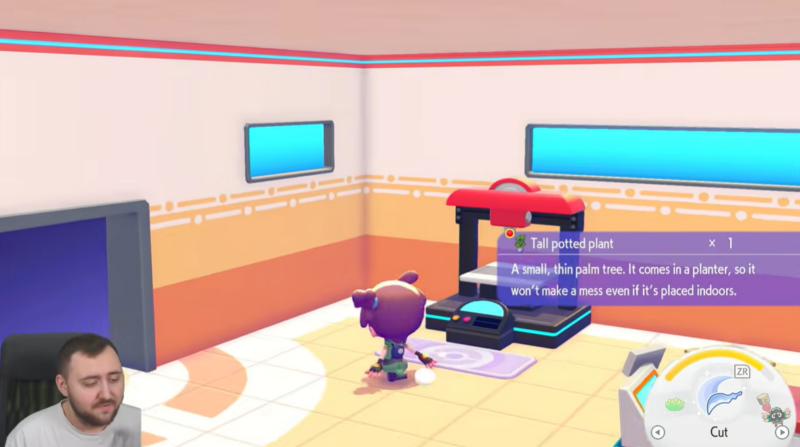
The Copy Machine sits on the left side of the interior, and interacting with it opens the duplication interface. However, you will not be able to copy anything unless you first provide reference images of the item you want.
How reference images allow items to be duplicated
The duplication system relies on the camera feature in Pokopia. The game scans images you take and registers items that appear in those photos.
When an item is photographed correctly, it becomes a reference blueprint that the Copy Machine can use to recreate that object.
This means the more items you photograph, the larger your list of duplicatable objects becomes.
How to duplicate items in Pokémon Pokopia using the Copy Machine
Follow these steps to copy any eligible item in Pokémon Pokopia.
Step 1
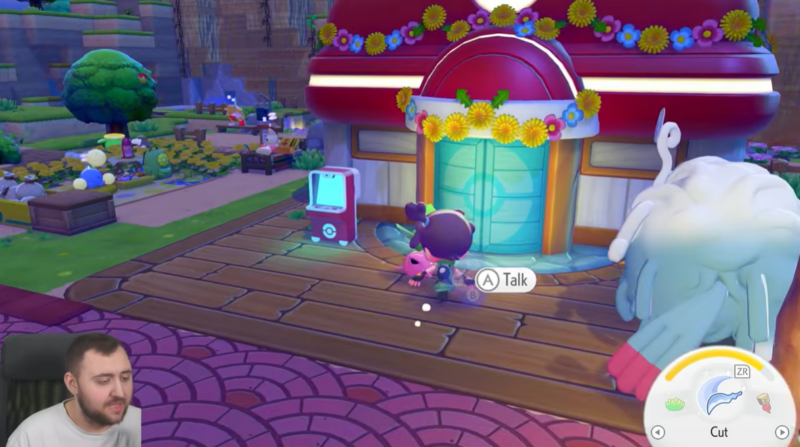
Build and unlock the Pokémon Center.
The Copy Machine only becomes available after the Pokémon Center construction is complete. If the building is still under construction, the duplication system will not appear.
Step 2
Enter the Pokémon Center and locate the Copy Machine.
Walk inside and go to the left side of the room. You will find the Copy Machine placed against the wall.
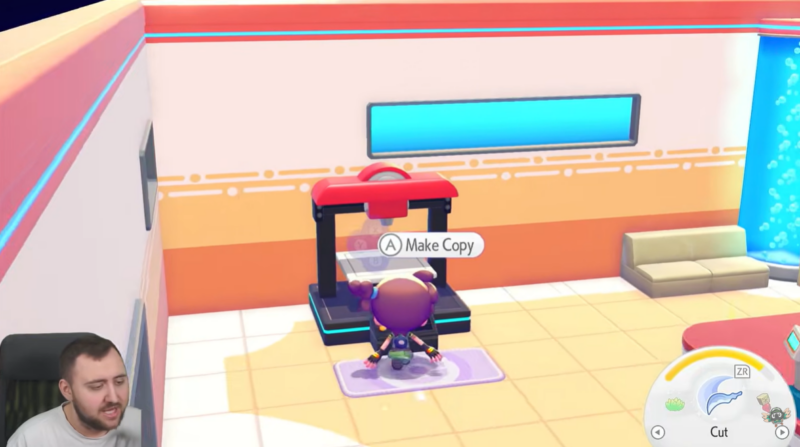
Interact with it to open the interface.
Step 3
Take reference images of the items you want to duplicate.
Open the in-game camera and point it toward the item you want to copy.
Press the Y button while using the camera to display the item names on screen. This is important because the game needs to recognize the object correctly.
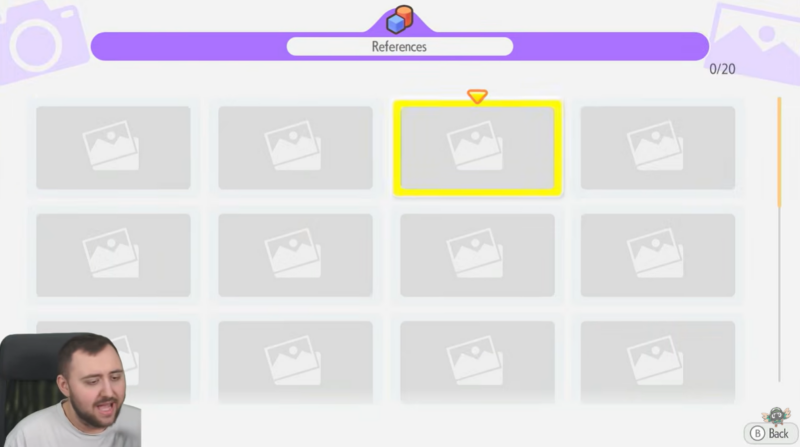
Once the item name appears clearly in the camera view, take the photo. This registers the item as a reference.
Step 4
Capture multiple items if needed.
You can take pictures of several different objects around your base or world. Each recognized item becomes a blueprint that the Copy Machine can recreate later.
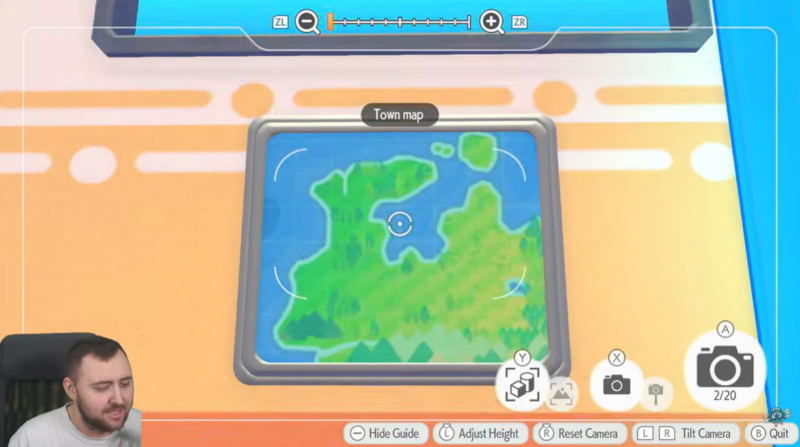
This is a good way to build a library of items you might want to duplicate in the future.
Step 5
Interact with the Copy Machine again.
Return to the Pokémon Center and use the machine.
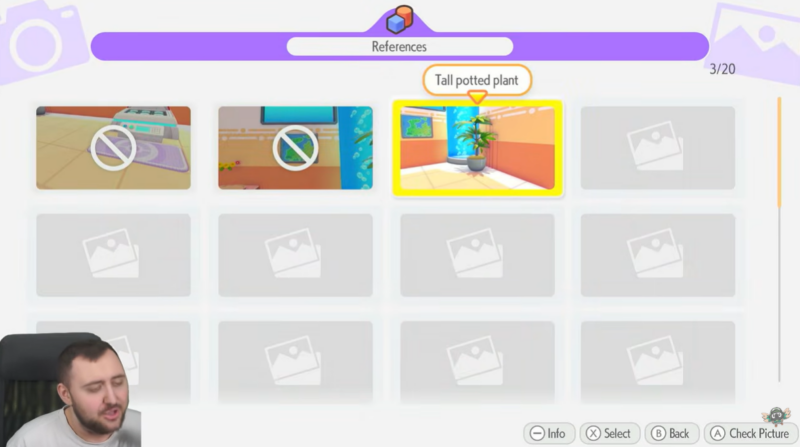
You should now see the items you photographed appear in the duplication menu.
Step 6
Spend Poké Metals to create copies.
Select the item you want and confirm the duplication.
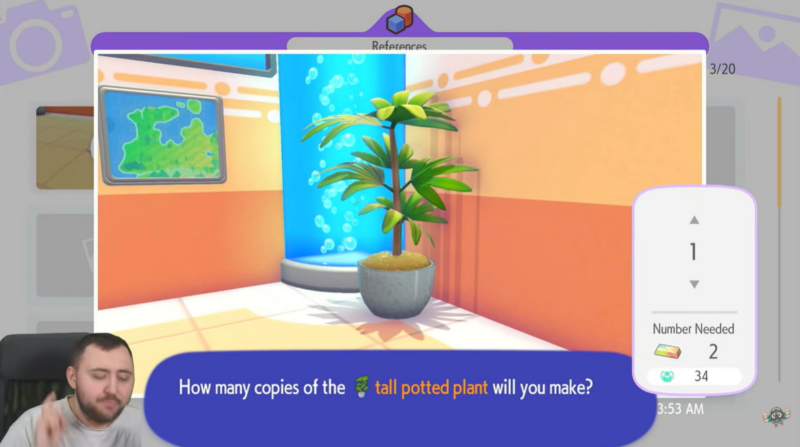
The Copy Machine will require Poké Metals, which act as the cost for producing a duplicate. Once the payment is made, the item will be created instantly.
How to get Poké Metals for duplication
Poké Metals are the main resource required for the Copy Machine.
You can obtain them in several ways:
| Method | Explanation |
|---|---|
| Exploration | Poké Metals can be found throughout the world while exploring |
| Dream Islands | Many Dream Islands contain Poké Metals as collectible resources |
| Treasure hunting | Some buried or hidden treasures contain Poké Metals |
Because duplication requires this currency, collecting Poké Metals regularly will ensure you can keep producing item copies.
Items that cannot be duplicated
Although the Copy Machine is powerful, it does have restrictions.
Certain key or special items cannot be copied. For example, the Town Map is specifically blocked from duplication.
Items that are typically restricted include:
| Item type | Reason |
|---|---|
| Key progression items | Prevents sequence breaking |
| Special quest items | Maintains story balance |
| Unique tools | Designed to remain one-of-a-kind |
If an item does not appear in the Copy Machine menu after photographing it, it likely falls into one of these categories.
Tips to duplicate items faster
If you want to maximize the duplication system, a few strategies can help.
Photograph items early
As soon as you discover a new object or resource, take a reference image. This builds your duplication library quickly.
Use the item name display
Always press Y while using the camera. If the item name does not appear, the photo may not register properly.
Farm Poké Metals regularly
Duplication depends entirely on Poké Metals, so explore Dream Islands often to keep your supply high.
Photograph decorative items
Many decorative or construction items can be duplicated, which helps when expanding your town layout.
Why the copy machine is one of the most useful systems in Pokopia
The Copy Machine dramatically reduces grinding in Pokémon Pokopia. Instead of searching the world repeatedly for materials, you can recreate them once they are registered through a reference image.
For builders and collectors, this system makes it much easier to expand habitats, decorate areas, and craft structures without constantly farming resources.
Making the most of item duplication in Pokémon Pokopia
The Copy Machine provides one of the fastest ways to multiply useful resources in Pokémon Pokopia. By photographing items with the camera and spending Poké Metals, you can instantly generate duplicates and streamline your building or crafting projects.
Once you start building a collection of reference images, the system becomes an incredibly powerful tool for progressing through the game.




