

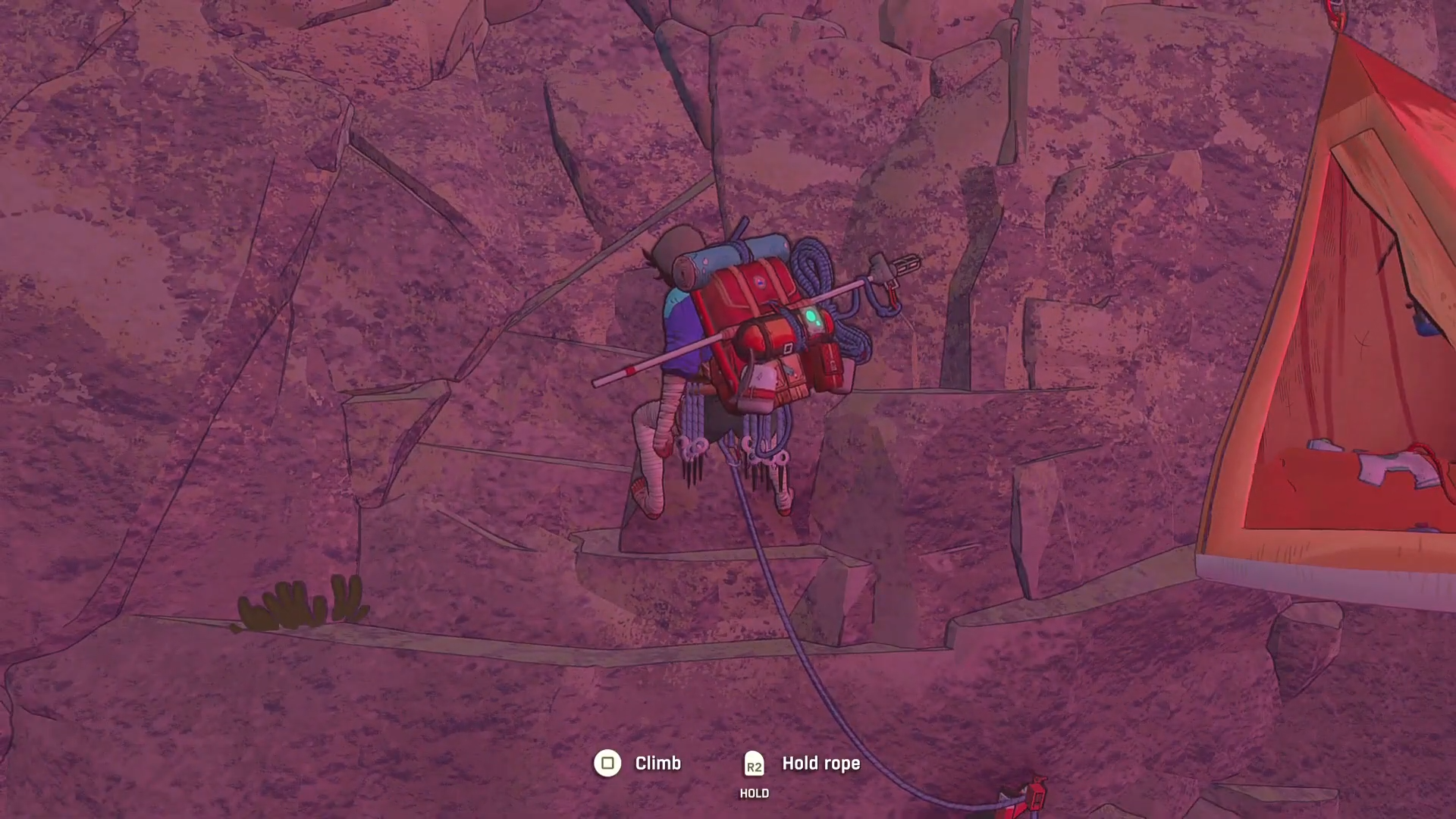
What to know
- Cairn automatically selects limbs for most grabs, based on balance and reach.
- Manual limb selection exists and can be triggered at any time during a climb.
- Overusing manual control can backfire, increasing fatigue or destabilizing your stance.
- The feature is best used for precision, not constant micromanagement.
In Cairn, climbing is built around natural movement rather than strict input commands. Most of the time, the game’s AI decides which hand or foot your character should use when grabbing holds, aiming to maintain balance, stamina, and forward momentum. However, Cairn also gives you the option to override this system and manually choose a specific limb, allowing for finer control in tricky situations.
Understanding when—and when not—to use this feature is key to climbing efficiently and safely.
How limb selection works by default
By design, Cairn’s climbing system prioritizes fluidity. When you approach a hold, the AI evaluates your character’s posture, center of gravity, and available reach, then assigns the limb that makes the most sense. This usually results in stable movement with minimal stamina drain.
For most climbs, letting the AI handle limb choice is the optimal approach. It reduces cognitive load, keeps movement smooth, and prevents accidental overextension. Manual selection exists as a backup tool, not a replacement for the core system.
How to manually choose a hand or foot in Cairn
Manual limb selection is straightforward, but it requires deliberate input. While climbing, you can open the limb selection interface and explicitly tell the game which hand or foot you want to use for the next grab.
Step 1: Open the limb selection menu
Press R1 on the PS5 controller to bring up the limb selection overlay. This pauses the automatic decision-making just long enough for you to intervene.
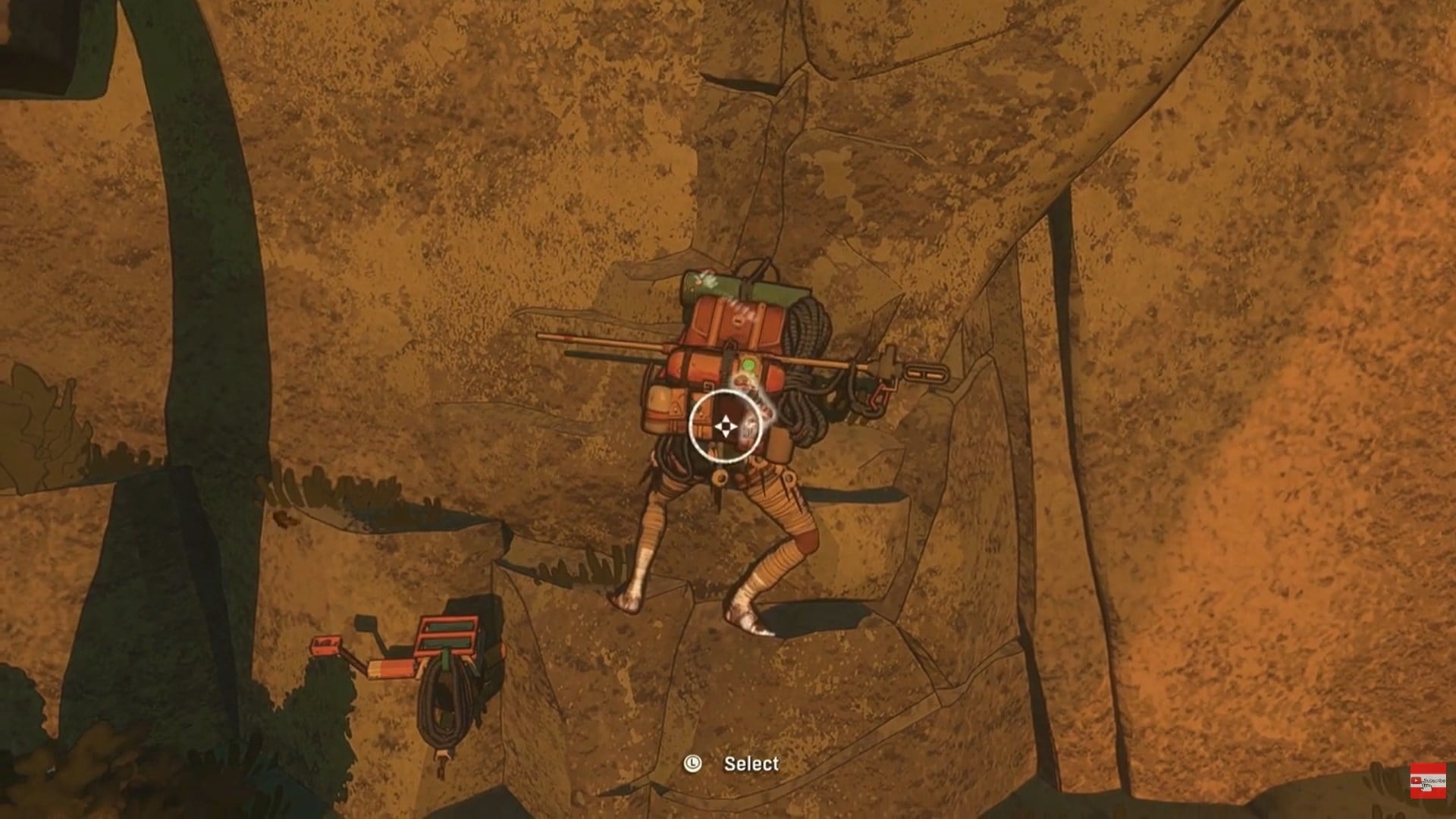
Step 2: Select the desired limb
Use the left stick to point toward the limb you want:
- Upper left selects the left hand
- Right selects the right hand
- Bottom right selects the right foot
Once selected, your character will attempt the grab using that specific limb, even if the AI would normally choose differently.

Step 3: Commit and observe the result
After choosing, the game resumes normal climbing flow. Pay close attention to your character’s balance and stamina, as manual selections can sometimes place extra strain on the body.
When manual limb selection actually helps
Manual control shines in edge-case scenarios. Narrow ledges, awkward overhangs, or situations where one limb is already heavily fatigued are prime examples. For instance, forcing a grab with a fresher hand can prevent a slip, or using a foot instead of a hand can stabilize your body before a risky reach.
That said, these moments are relatively rare. Cairn’s climbing routes are designed around the AI’s strengths, so manual selection should be treated as a corrective tool, not a default playstyle.
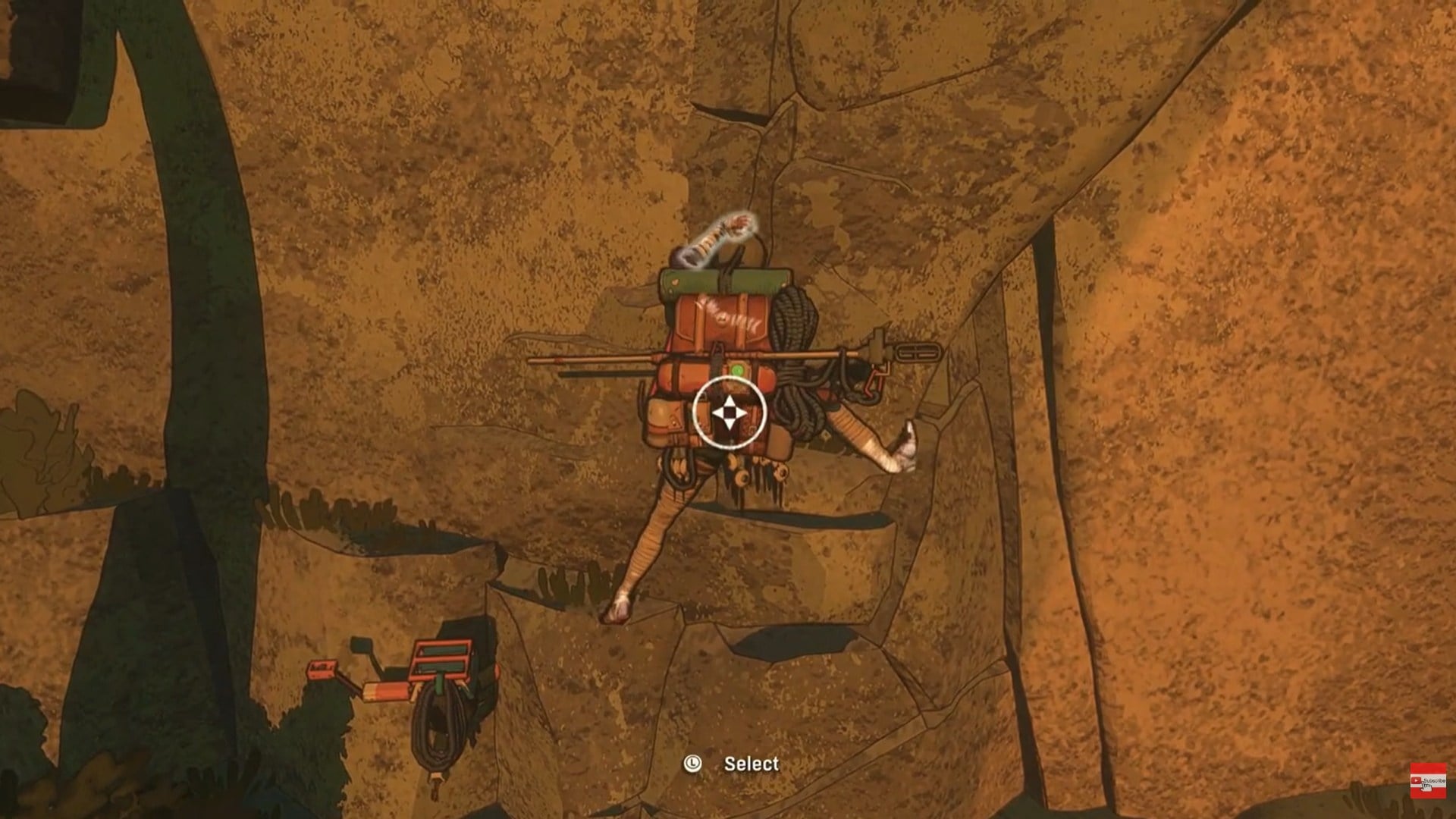
Risks of overusing manual control
The game itself subtly discourages constant micromanagement. Repeatedly overriding limb choice can lead to inefficient movement, faster stamina loss, and awkward positioning. The video guidance explicitly recommends not relying on this feature too often, as the AI usually makes better decisions in the moment.
In essence, forcing control where it isn’t needed can create problems rather than solve them.
Manual vs automatic limb selection at a glance
| Aspect | Automatic selection | Manual selection |
|---|---|---|
| Speed | Fast and seamless | Slightly slower |
| Stamina efficiency | High | Situational |
| Best use case | General climbing | Precision and recovery |
| Risk level | Low | Moderate if overused |
Developing better climbing instincts
Manual limb selection in Cairn is a powerful but deliberately limited mechanic. Trust the AI for most climbs, and step in only when precision or safety demands it. By resisting the urge to micromanage and learning when to intervene, you’ll climb more efficiently, conserve stamina, and avoid unnecessary mistakes on the mountain.
As you spend more time in Cairn, you’ll start to recognize when the AI might struggle—such as during sudden transitions or extreme angles. These are the moments where manual limb selection feels intuitive rather than forced. Over time, you’ll rely on it less often, using it only when it genuinely adds value.
This balance between trust and intervention is central to Cairn’s design philosophy.



