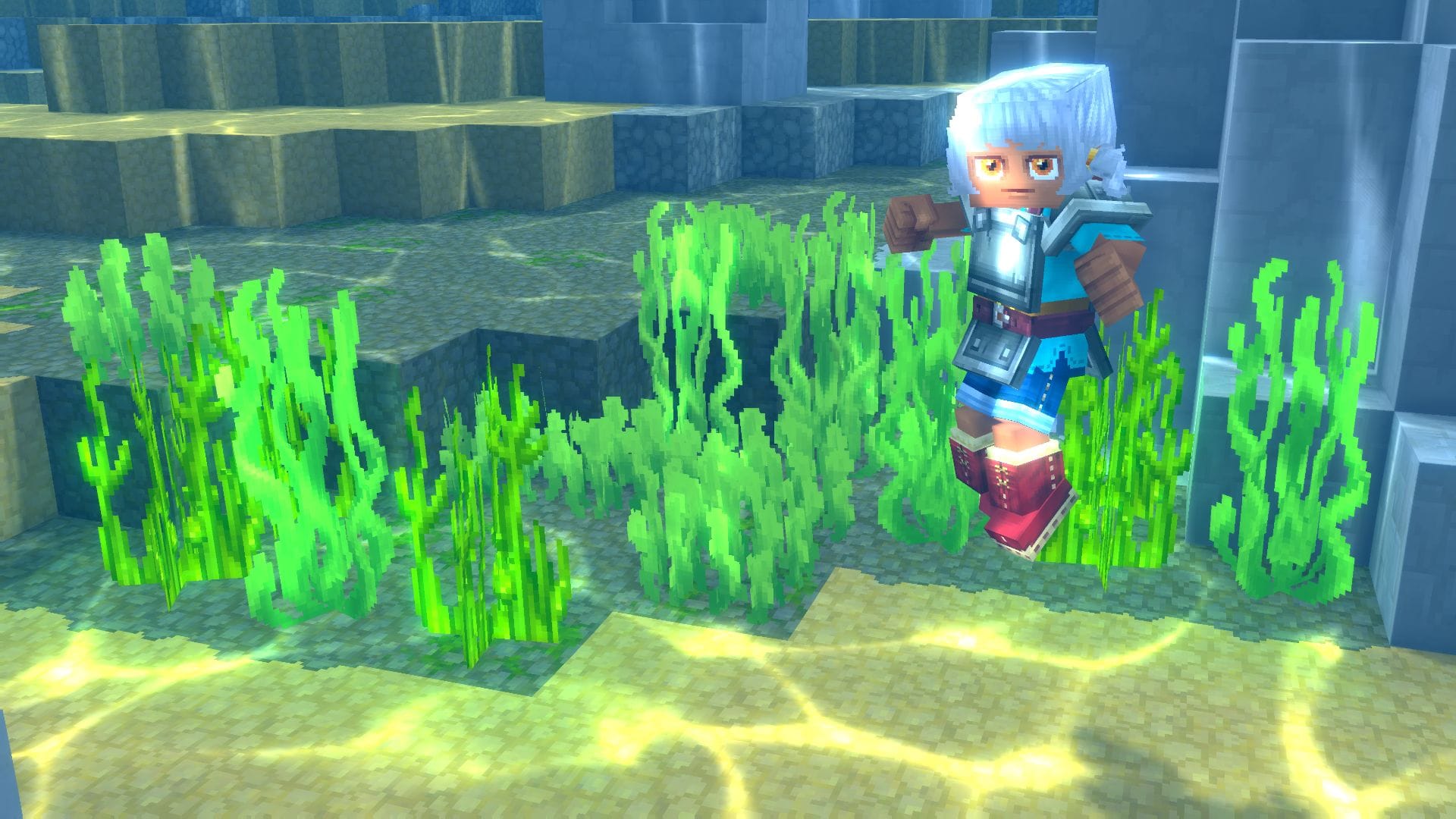
Creating a unique look is a huge part of the Hytale experience. Beyond just skin color, you can customize almost every aspect of your character’s appearance. Here is how to fully change your avatar:
How to change your avatar
Step 1
To begin customizing, navigate to the main menu and select My Avatar.
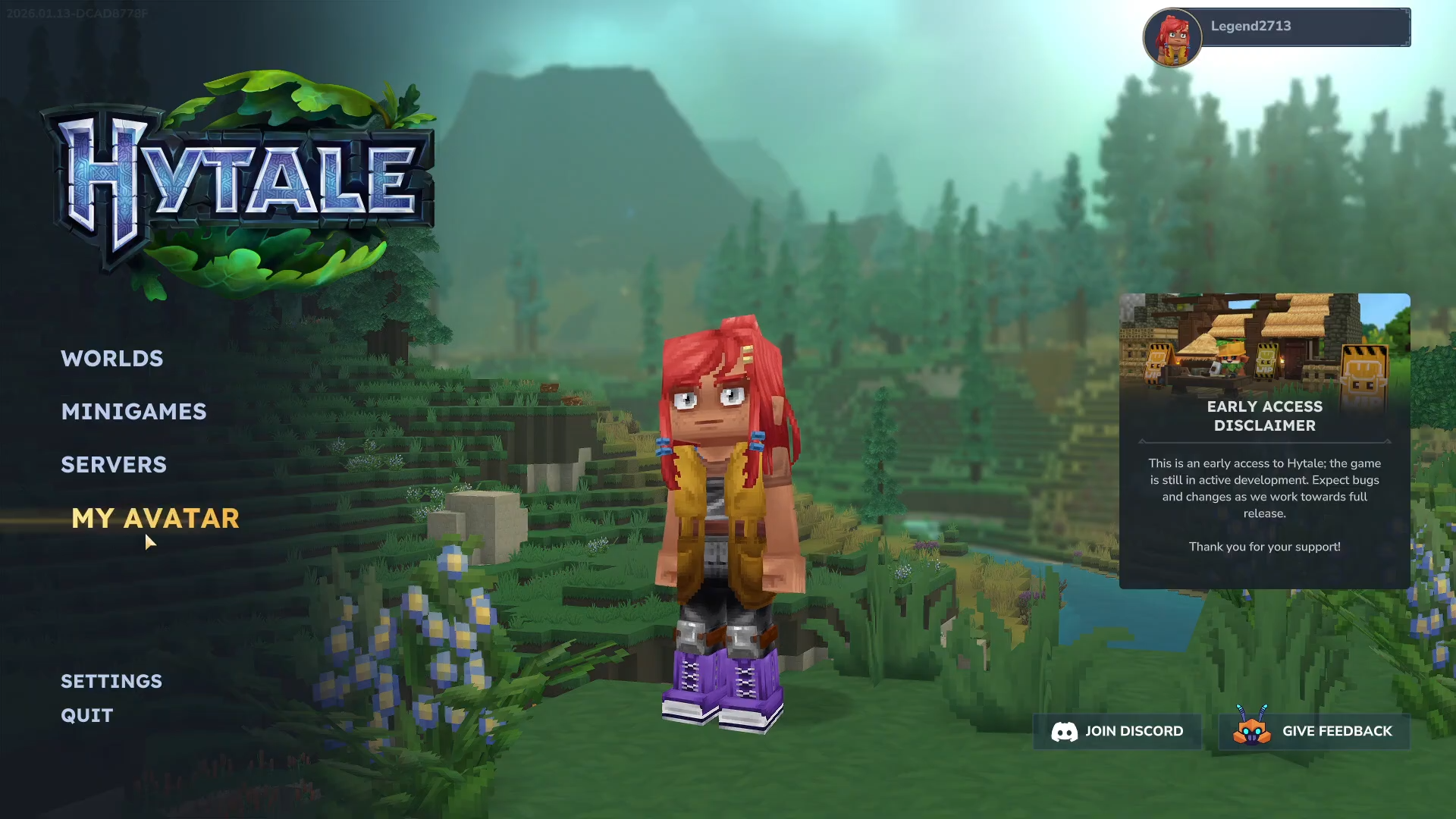
This opens the full customization suite where you can modify the following:
Customization Options
Hairstyle: Choose from a variety of hair types to fit your style.
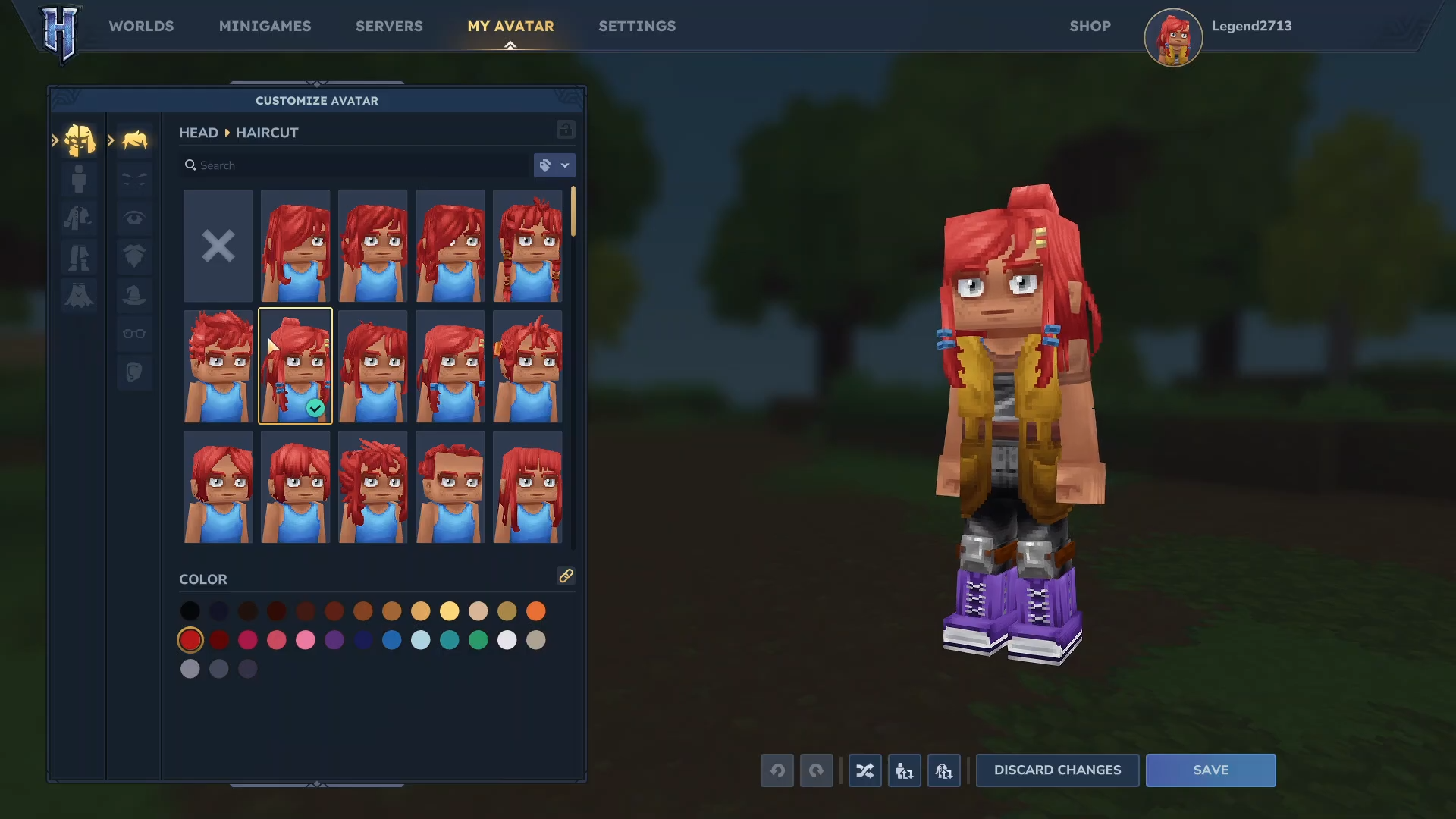
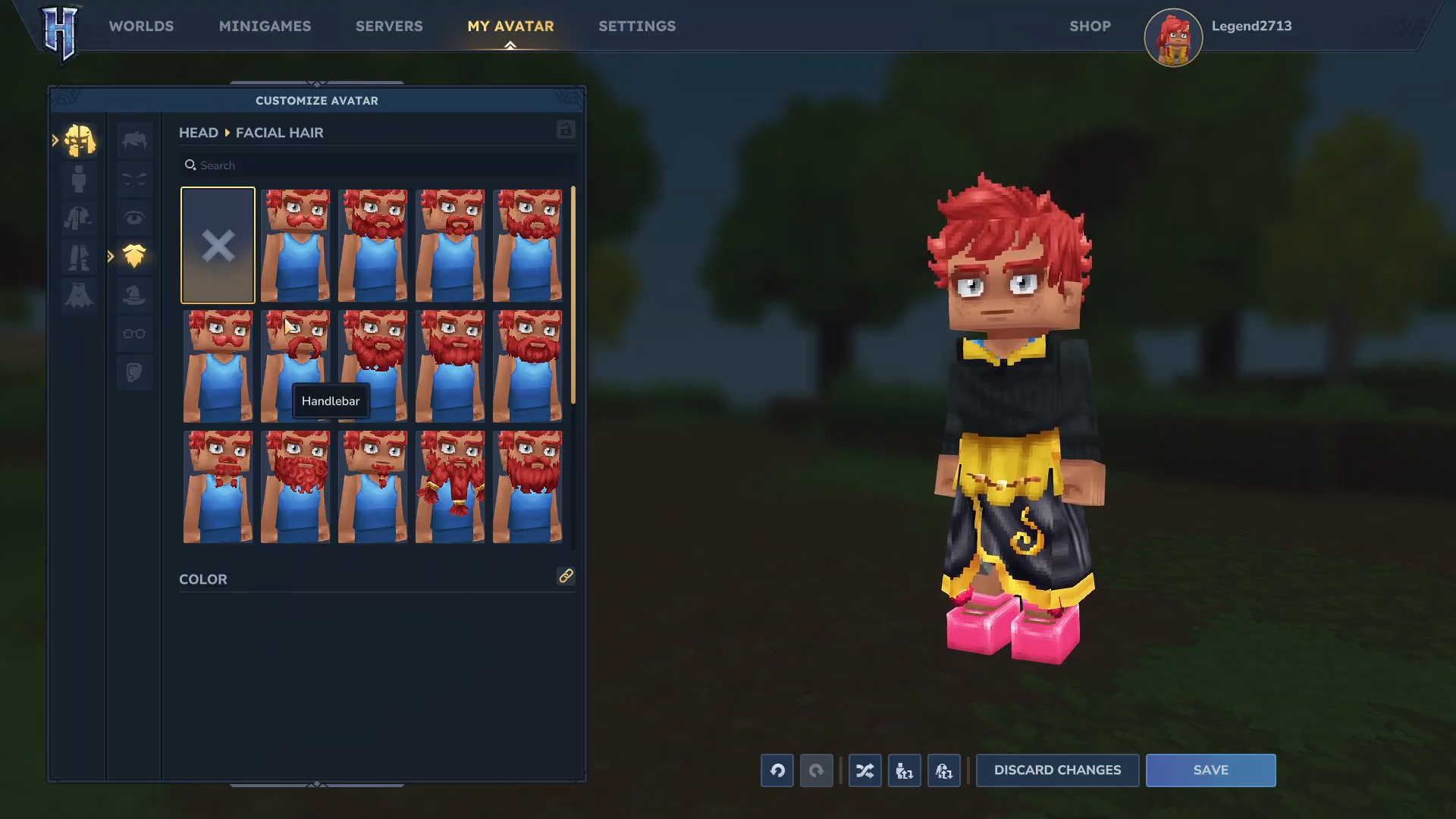
Face and Facial Hair: You can select different facial features and even add a mustache or beard to your character.
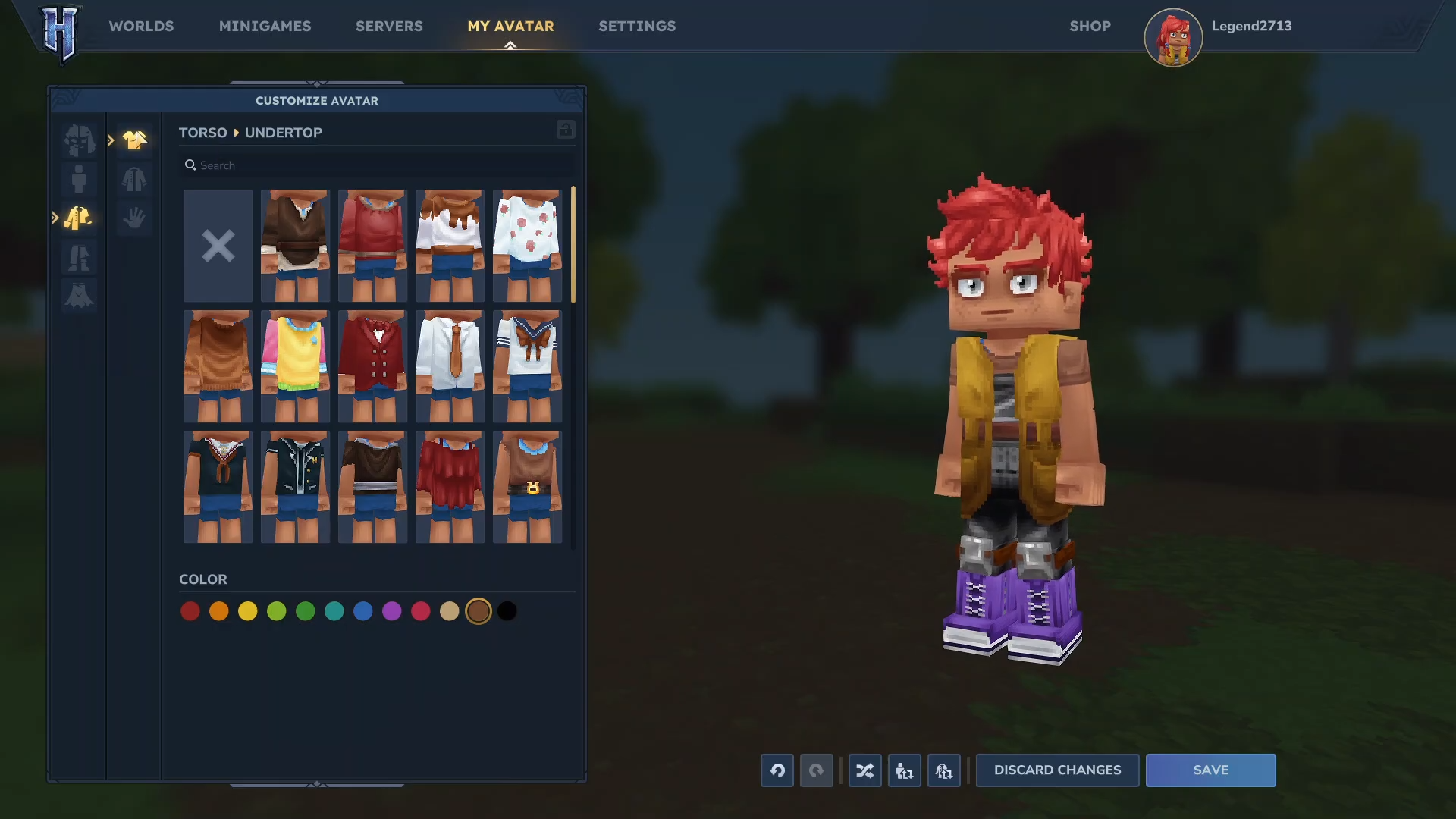
Clothing: You can customize your torso, over-top, and pants independently. Options range from simple boxers to full suits.
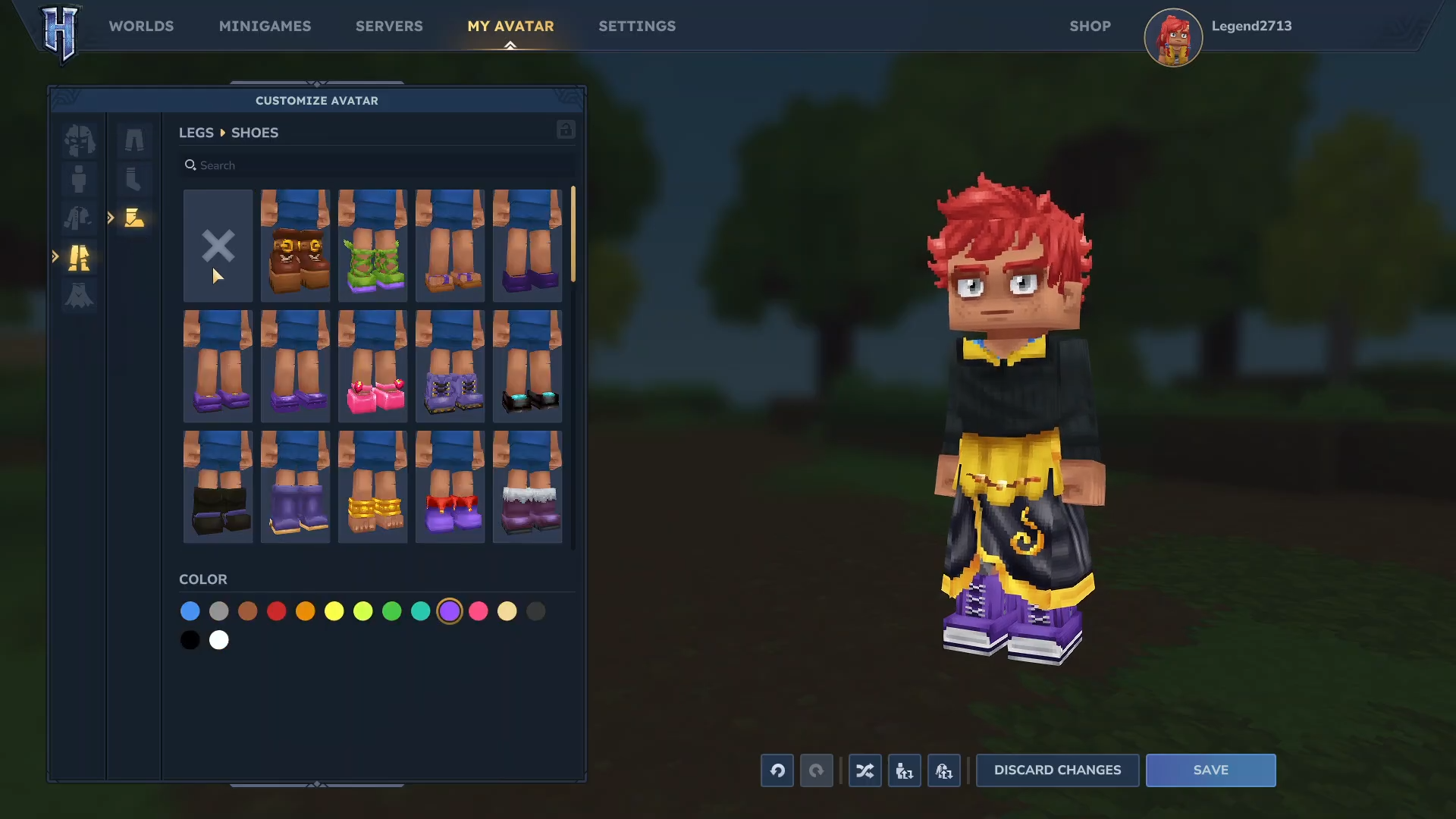
Footwear: Pick out a pair of shoes, like the stylish pink ones shown in the guide, to complete your outfit.
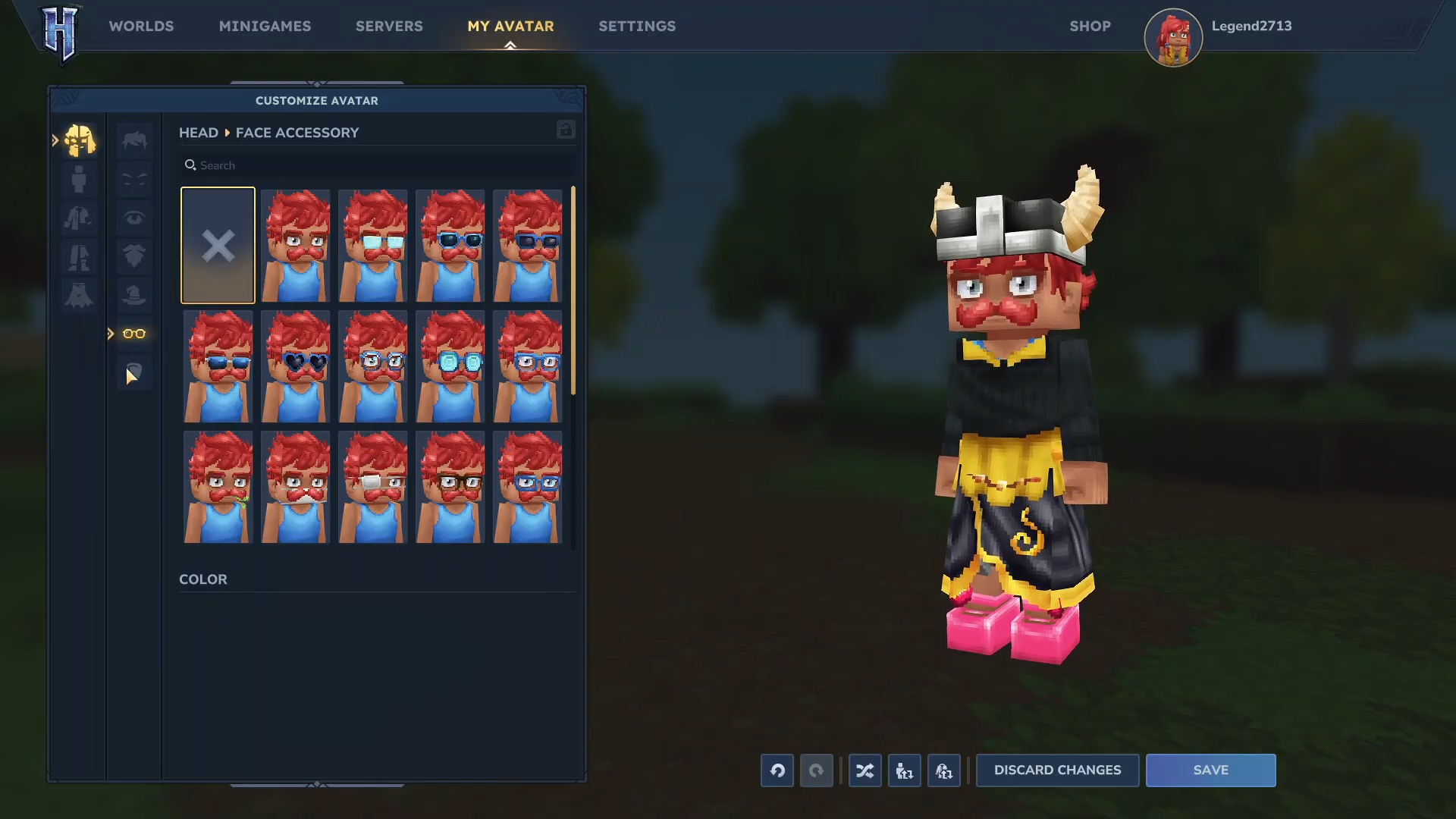
Accessories: You can add items like helmets or capes, though some items like capes may require specific purchase plans.
Review your character in the preview window and click Save to finalize the changes. Now your new avatar is ready for your next adventure in Hytale!