

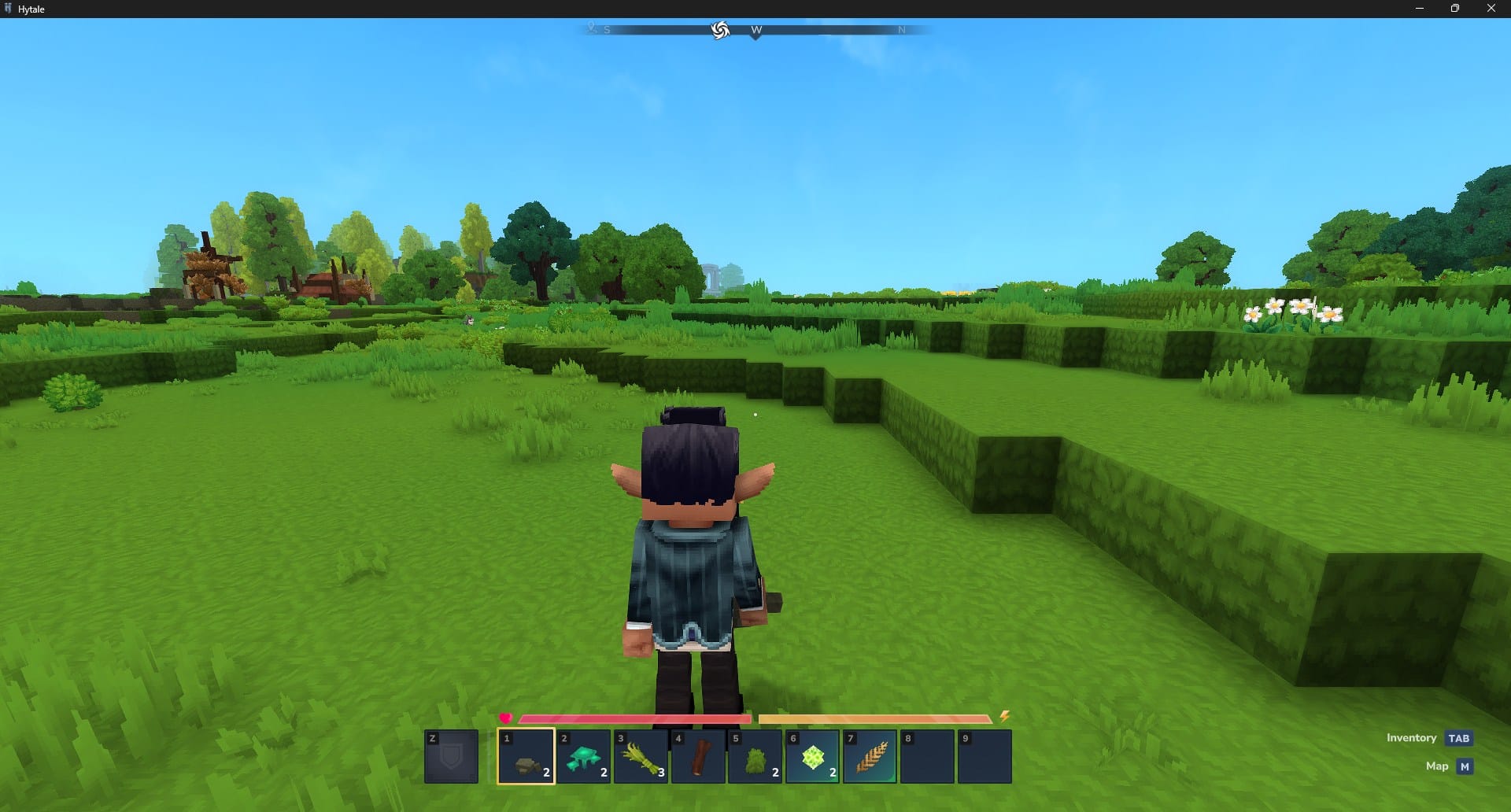
What to know
- Access the settings menu from the main game screen.
- Navigate to the controls tab to find movement settings.
- Locate the sprint behavior option to adjust how you run.
- Choose between hold and toggle modes based on your preference.
- Click save changes to ensure your new settings are applied.
Hytale provides players with various ways to customize their movement, and managing how you sprint is a key part of that experience. Whether you want to maintain a steady run with a single tap or prefer manual control, the game allows you to adjust these settings easily.
How to change sprint mode
Step 1
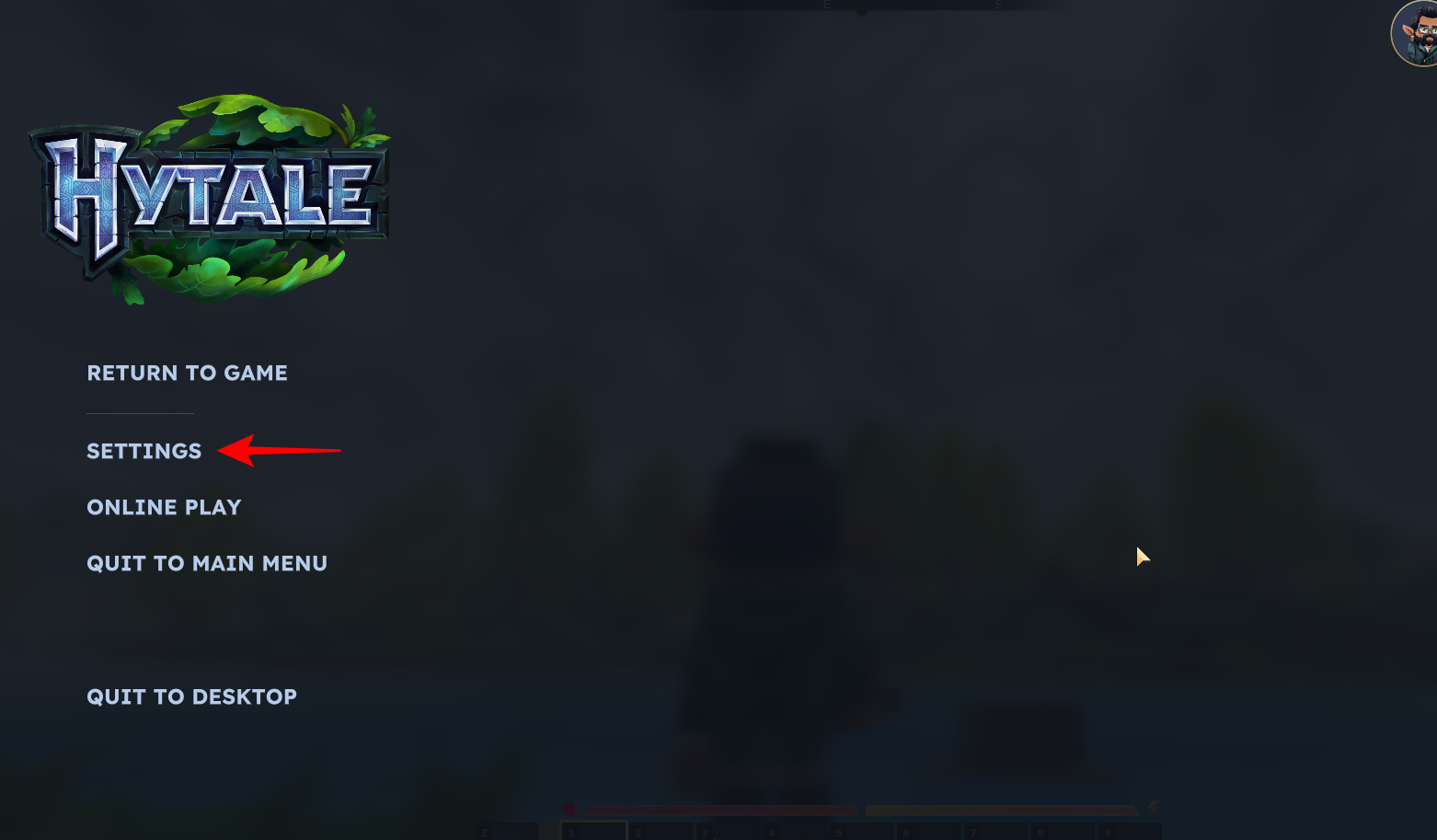
To get started, you will need to open the settings menu by pressing the Esc key to bring up the primary menu options and select settings.
Step 2
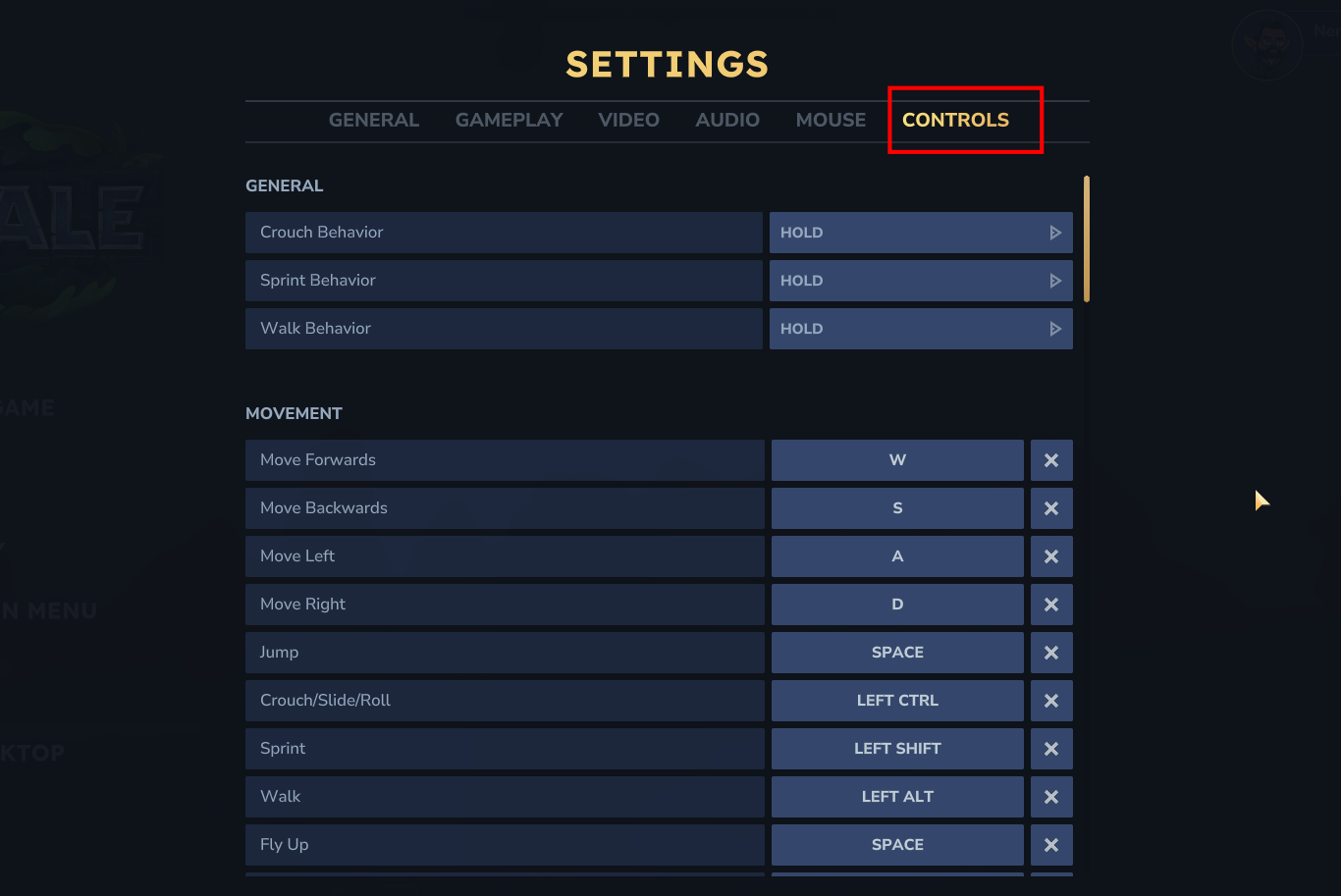
Click on the Controls tab. This section houses all the keybinds and behavioral settings for how your character interacts with the world, including movement and combat actions.
Step 3
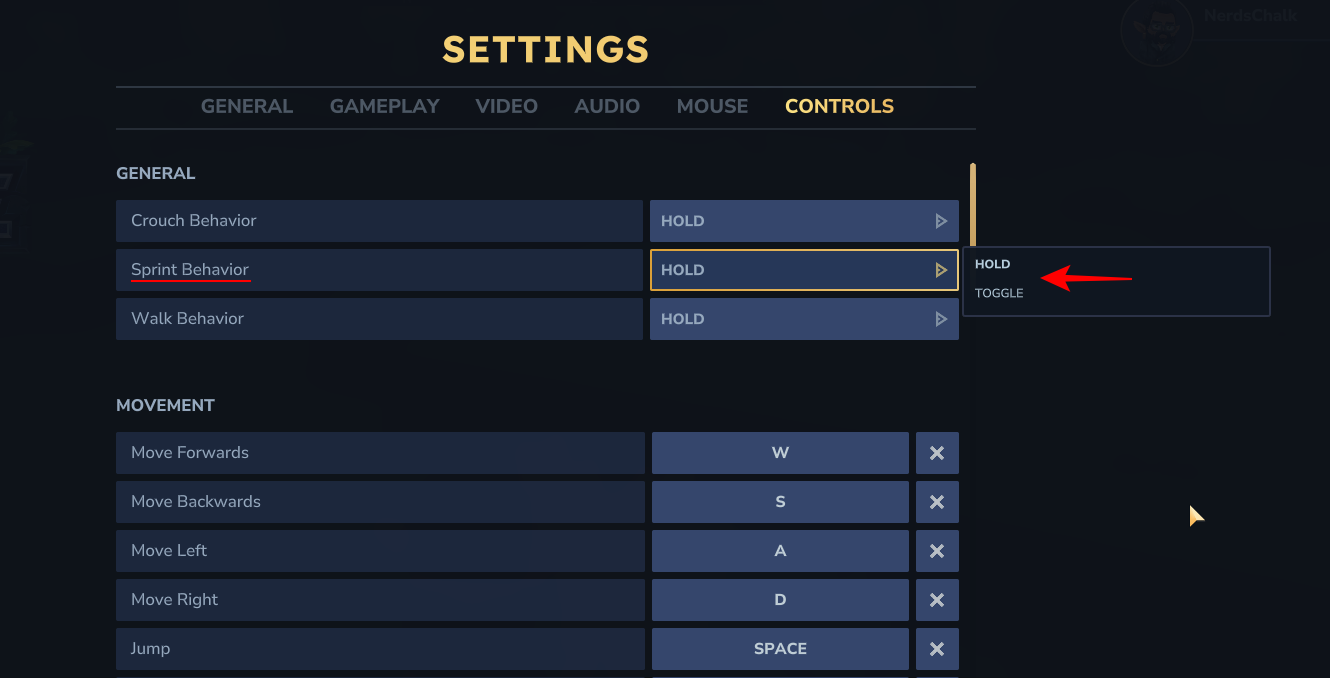
Under the general category within the controls tab, find the sprint behavior setting. You can select from two primary options:
- Hold: You must keep the sprint key pressed down the entire time you wish to run.
- Toggle: You press the sprint key once to start running and press it again to stop.
Step 4
After selecting the mode that feels most comfortable for your playstyle, make sure to hit the save changes button at the bottom of the screen.
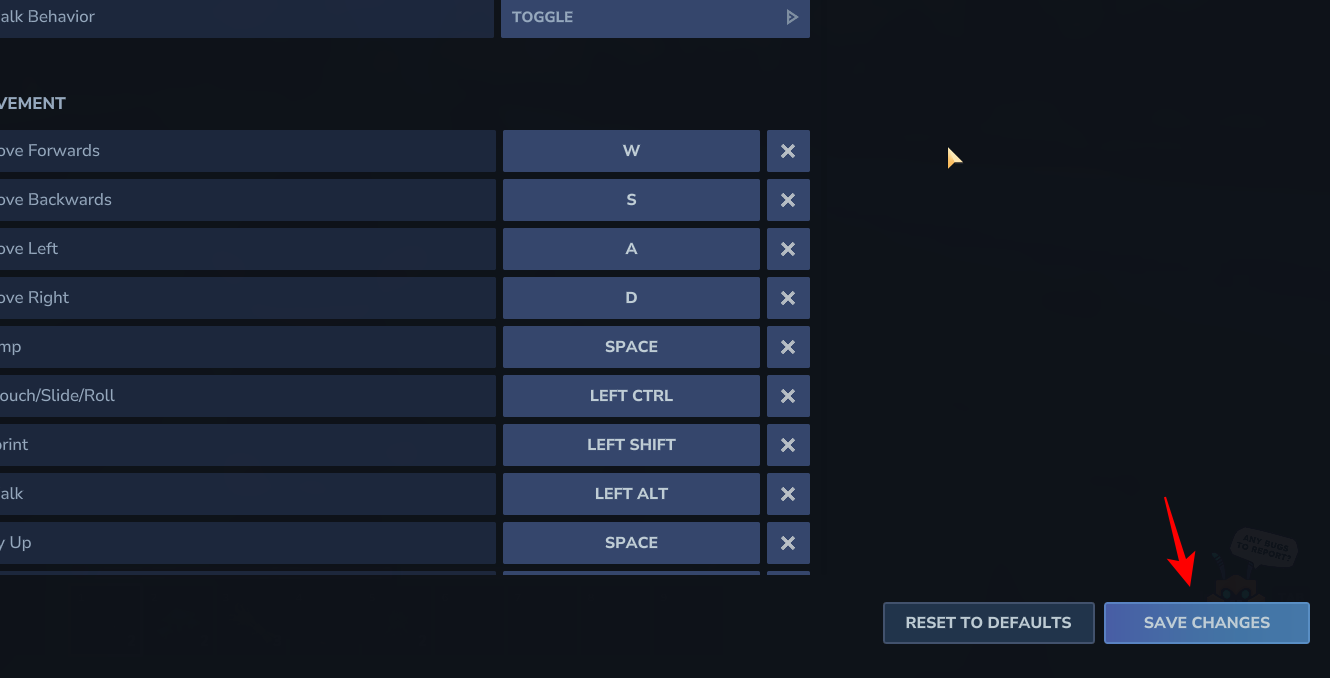
This ensures that your preferences are locked in for your next adventure.
Adjusting your sprint mode is a simple way to make traveling through the vast world of Hytale more comfortable. By choosing the behavior that fits your needs, you can focus more on exploration and less on managing your keyboard inputs.




