

What to know
- Open the settings menu and navigate to the mouse tab.
- Find the up/down speed and left/right speed settings.
- Adjust the sensitivity to your liking by moving the sliders.
- Remember to save your changes before exiting the menu.
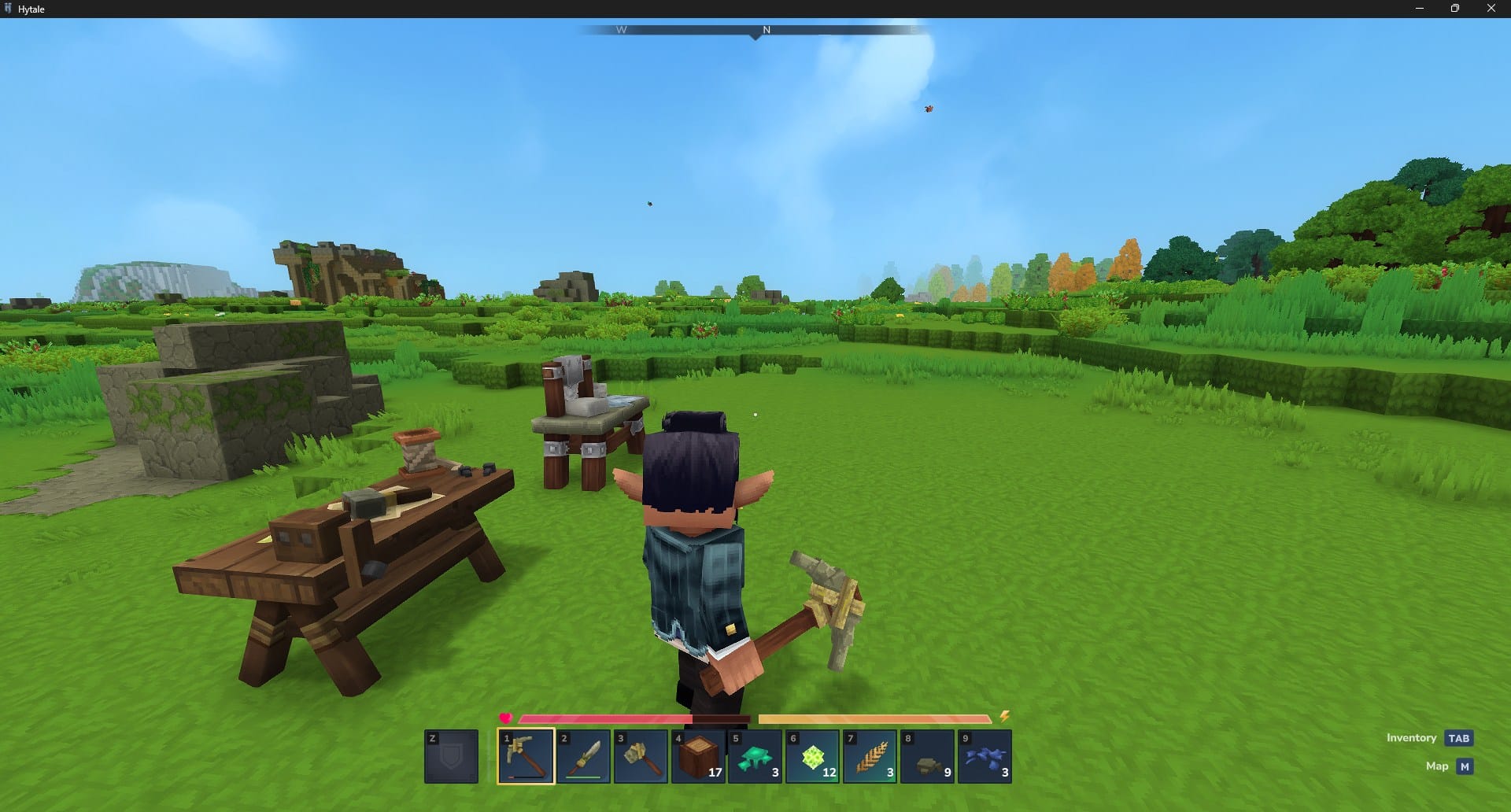
Hytale is an upcoming sandbox RPG that promises a wealth of customization options, including the ability to change your mouse sensitivity. This can be a useful feature for players who prefer a different feel when moving their cursor around the screen.
How to Change Mouse Sensitivity
Step 1
Open the settings menu in Hytale by pressing the Escape key and selecting “Settings” from the menu.

Step 2
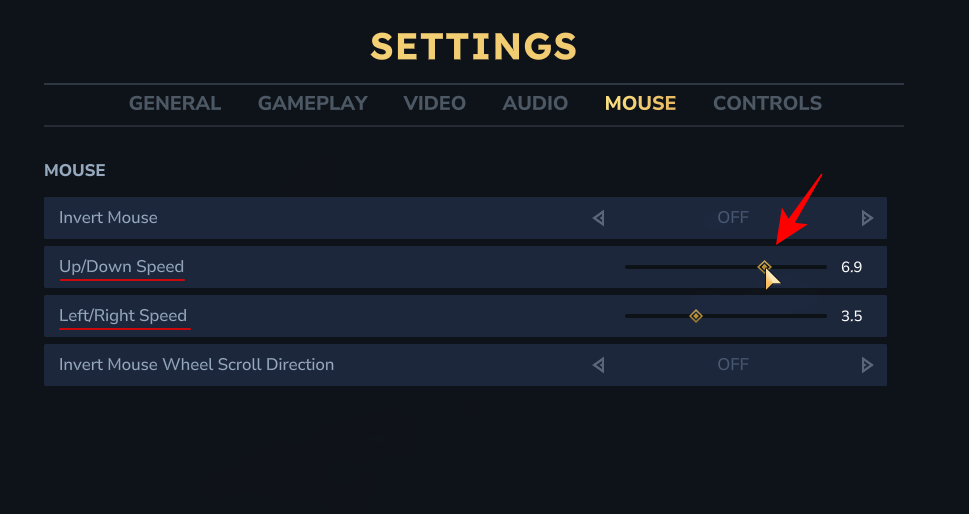
Once you’re in the settings menu, navigate to the “Mouse” tab. This section contains various settings related to your mouse, including sensitivity and button mapping.
Step 3
In the mouse settings, you’ll find the “Up/Down Speed” and “Left/Right Speed” options. Simply move the sliders to adjust the sensitivity to your liking. The default setting is 3.5, but you can change it from 0 to 10.
Step 4
After you’ve adjusted the mouse sensitivity, be sure to click on the “Save Changes” button to apply the new setting. Your mouse cursor will now move at the new sensitivity in Hytale.

Changing your mouse sensitivity is a simple yet effective way to personalize your Hytale experience. By following these easy steps, you can tailor your controls to your liking and enjoy a more comfortable gaming experience.




