

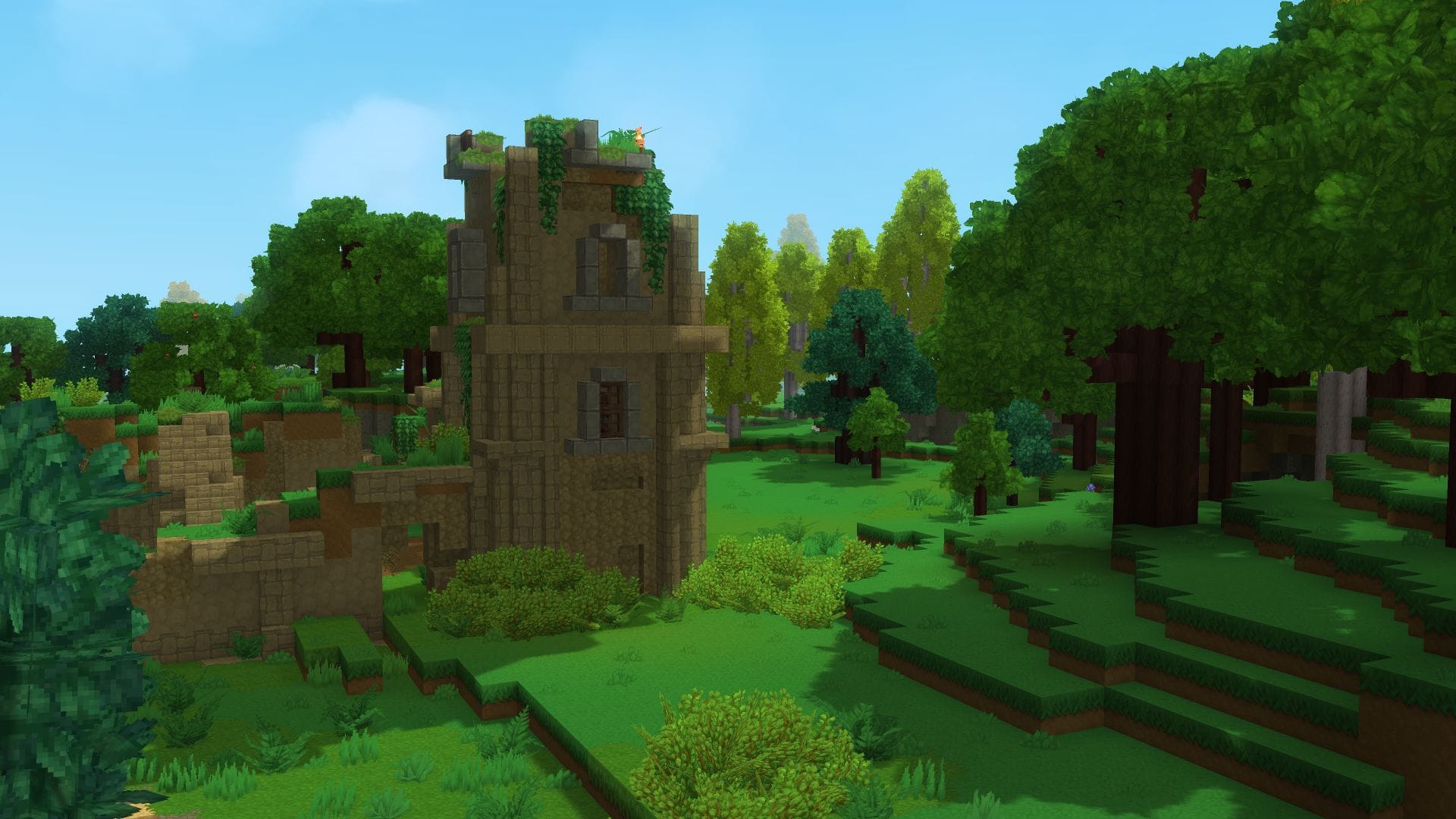
What to know
- Field of View (FOV) controls how much of the world you see on screen
- Lower FOV feels zoomed-in and focused, higher FOV shows more surroundings
- The setting is available at any time from the in-game menu
- Changes apply instantly, so you can fine-tune it in real time
In Hytale, Field of View is a purely visual setting, but it can significantly affect how the game feels. Whether you prefer a cinematic, focused look or maximum peripheral awareness while exploring and fighting, tweaking FOV lets you tailor the camera to your playstyle.
Note that, according to Hytale Update 1, the field of view while sprinting is now limited to 160° to prevent hyper-drive effect.
Quick overview of Field of View settings
| Setting | Effect |
|---|---|
| Low FOV | Zoomed-in view, fewer objects visible |
| Default FOV | Balanced view for general play |
| High FOV | Wider view, more surroundings visible |
| Best use case | Exploration, combat comfort, motion preference |
How to change Field of View in Hytale
Depending on your playstyle, you may want to fiddle with the Field of View settings in Hytale to see more or less of the world. Here’s how to go about changing it:
Step 1
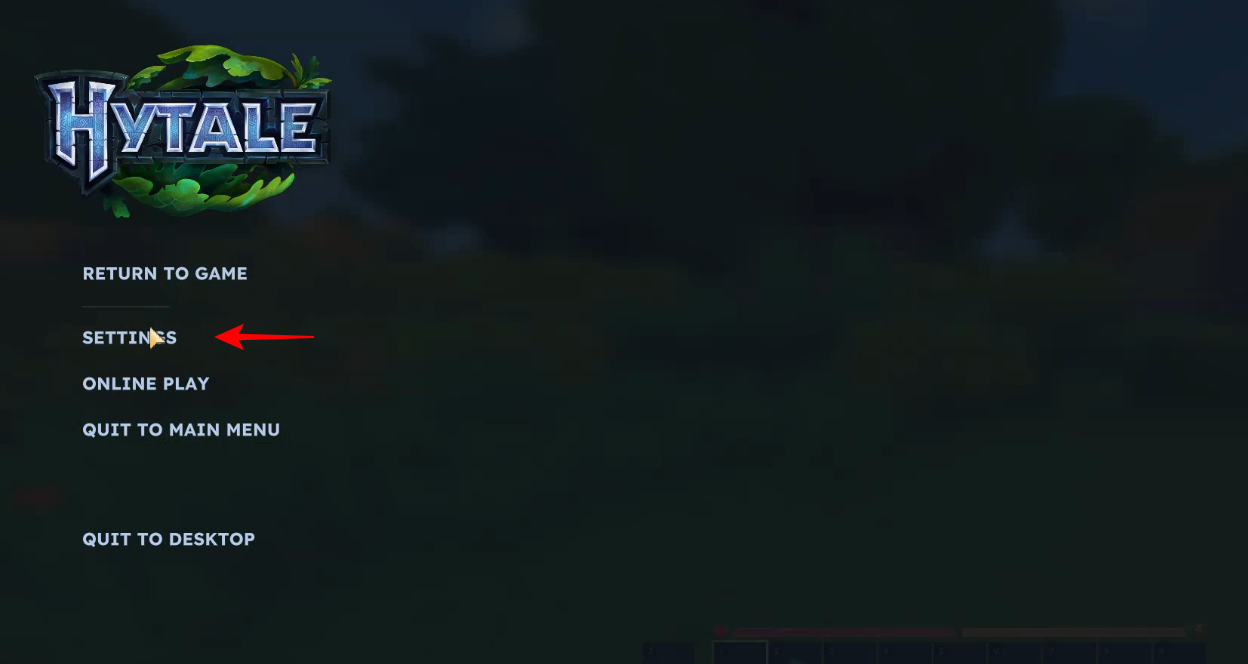
While playing in a world, press the Esc key to get to the main menu.
Step 2
Select Settings.
Step 3
Under General, find the ‘Camera’ section. The first option here is Field of View. You can move the slider to change the Field of View.
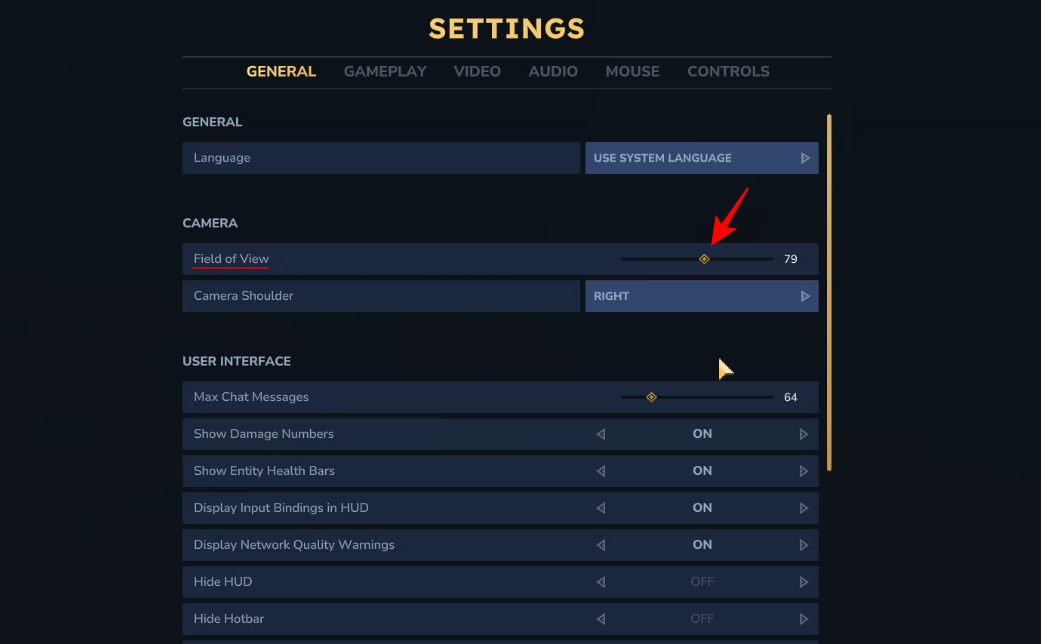
Bring it down if you want to see fewer things in the environment.
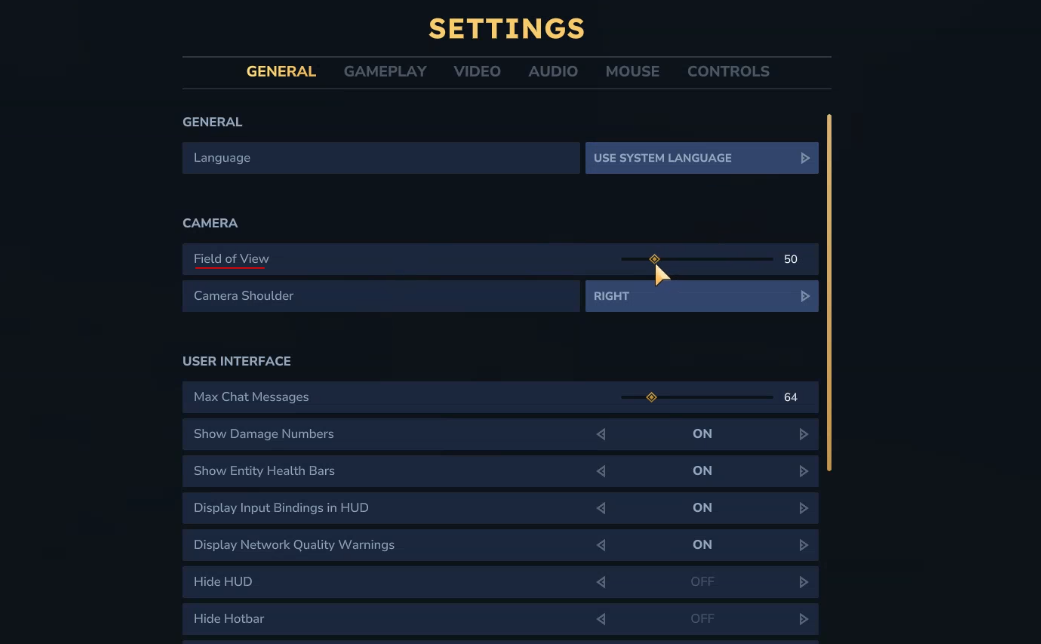
This will give you a tunnel vision of sorts.
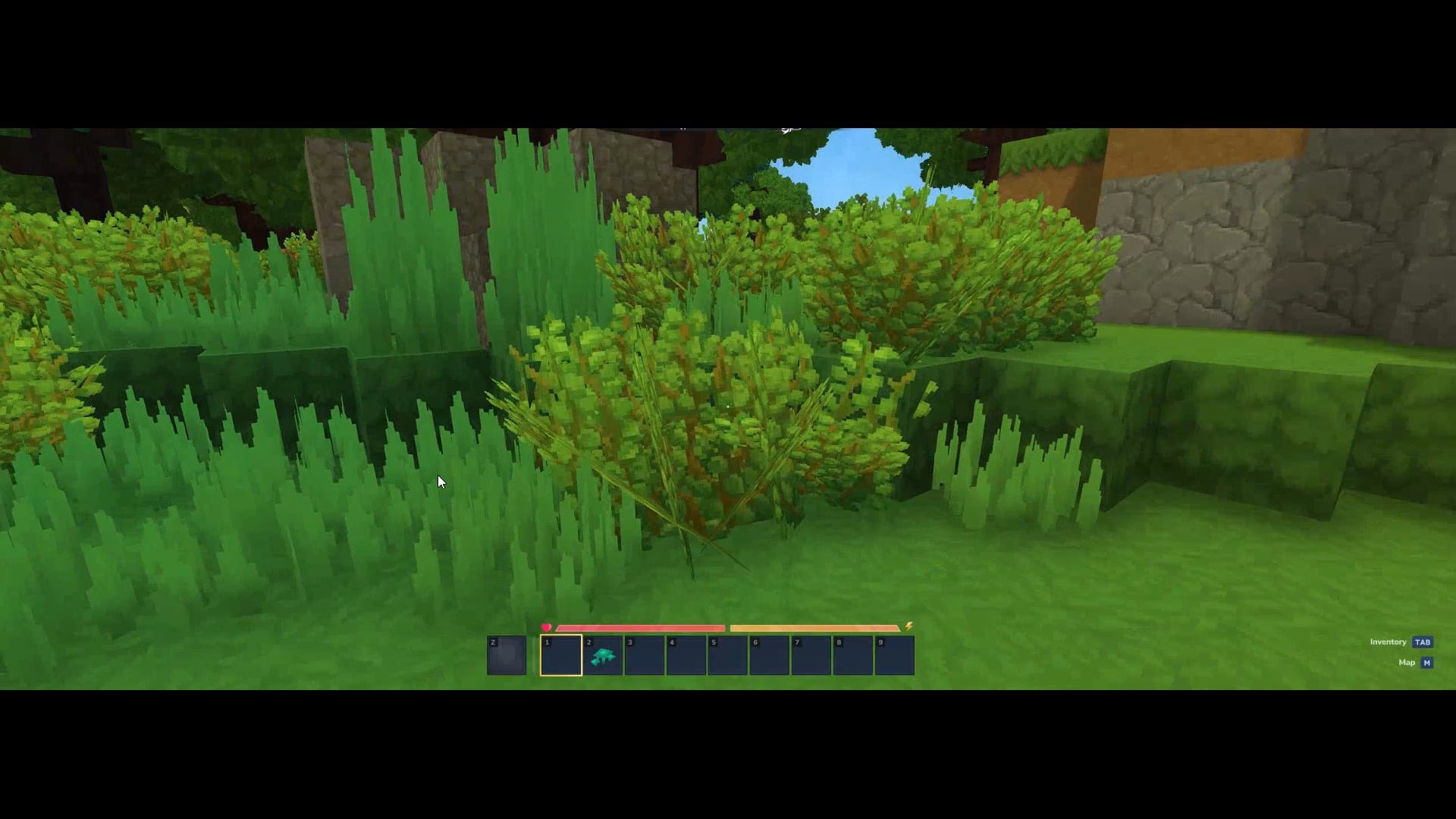
Alternatively, bring Field of View up.
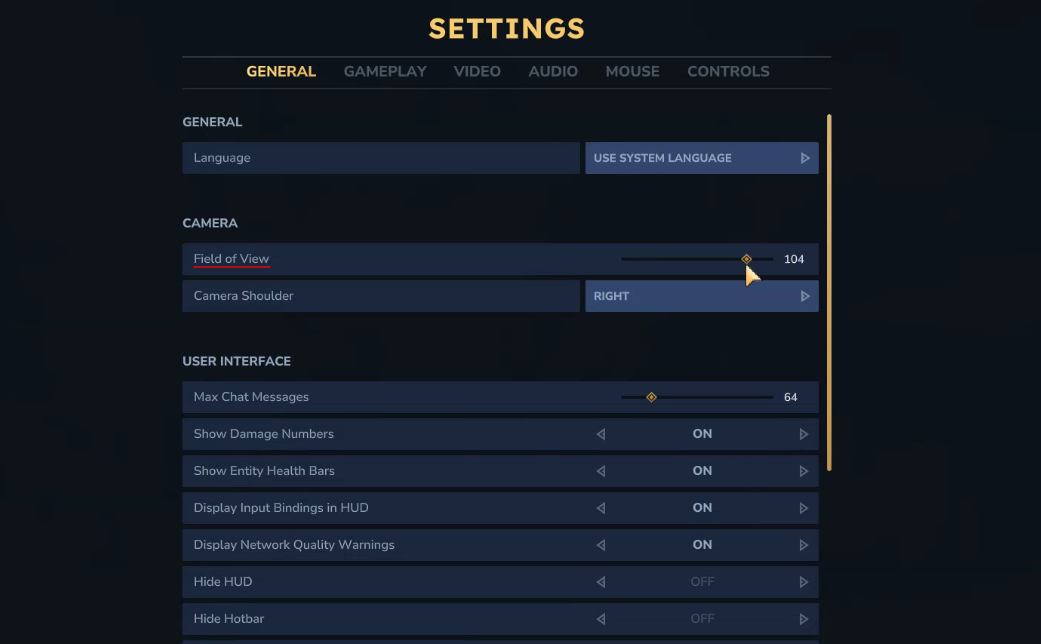
This will let you see more things in the environment.
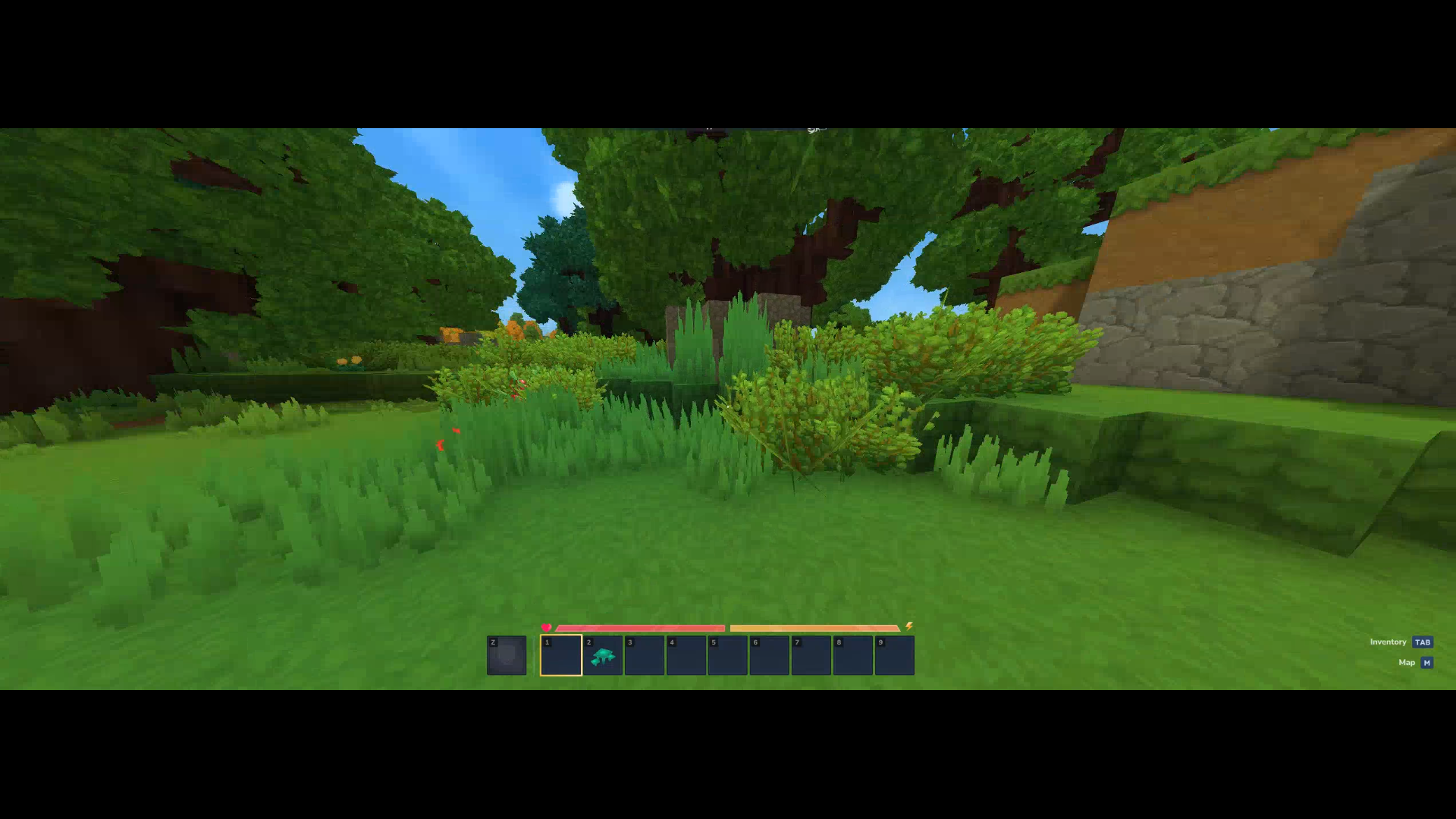
And that’s it! Move the slider and experiment with the Field of View settings to get the best view for your playstyle. Until next time!
Choosing the right FOV for your playstyle
A lower FOV can feel more immersive and controlled, especially if you enjoy slower exploration or cinematic visuals. A higher FOV is often preferred for fast-paced combat and exploration, as it improves situational awareness and helps you spot threats or points of interest more easily.
If you’re unsure, start near the default setting and make small adjustments while moving around, fighting, or exploring caves to see what feels most comfortable.




