

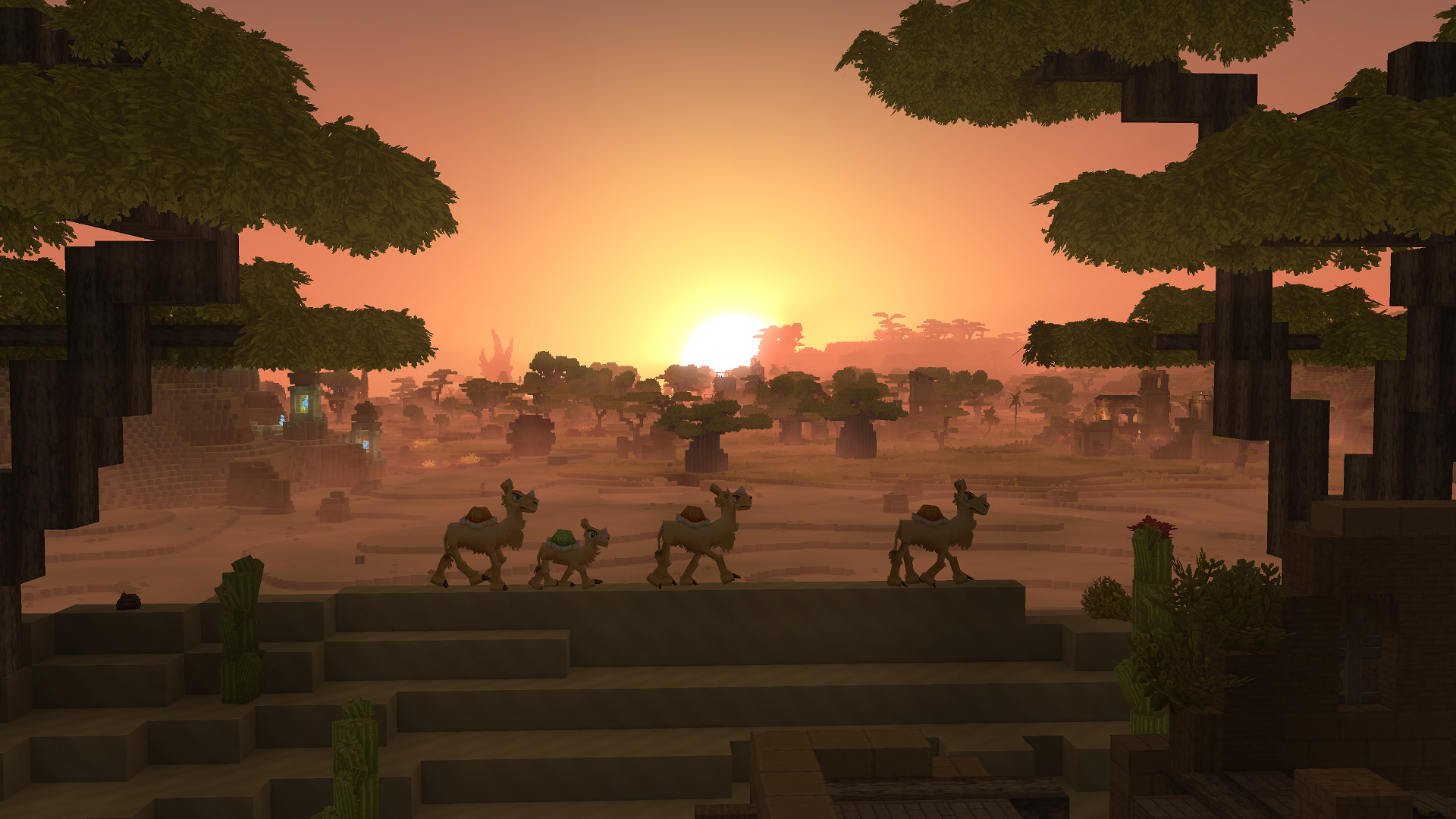
Hytale lets you easily change the day/night cycle of your worlds so that the cycle moves faster or slower than it does currently. The option to do so is found in your World’s settings. Here’s how to go about changing it.
Step 1
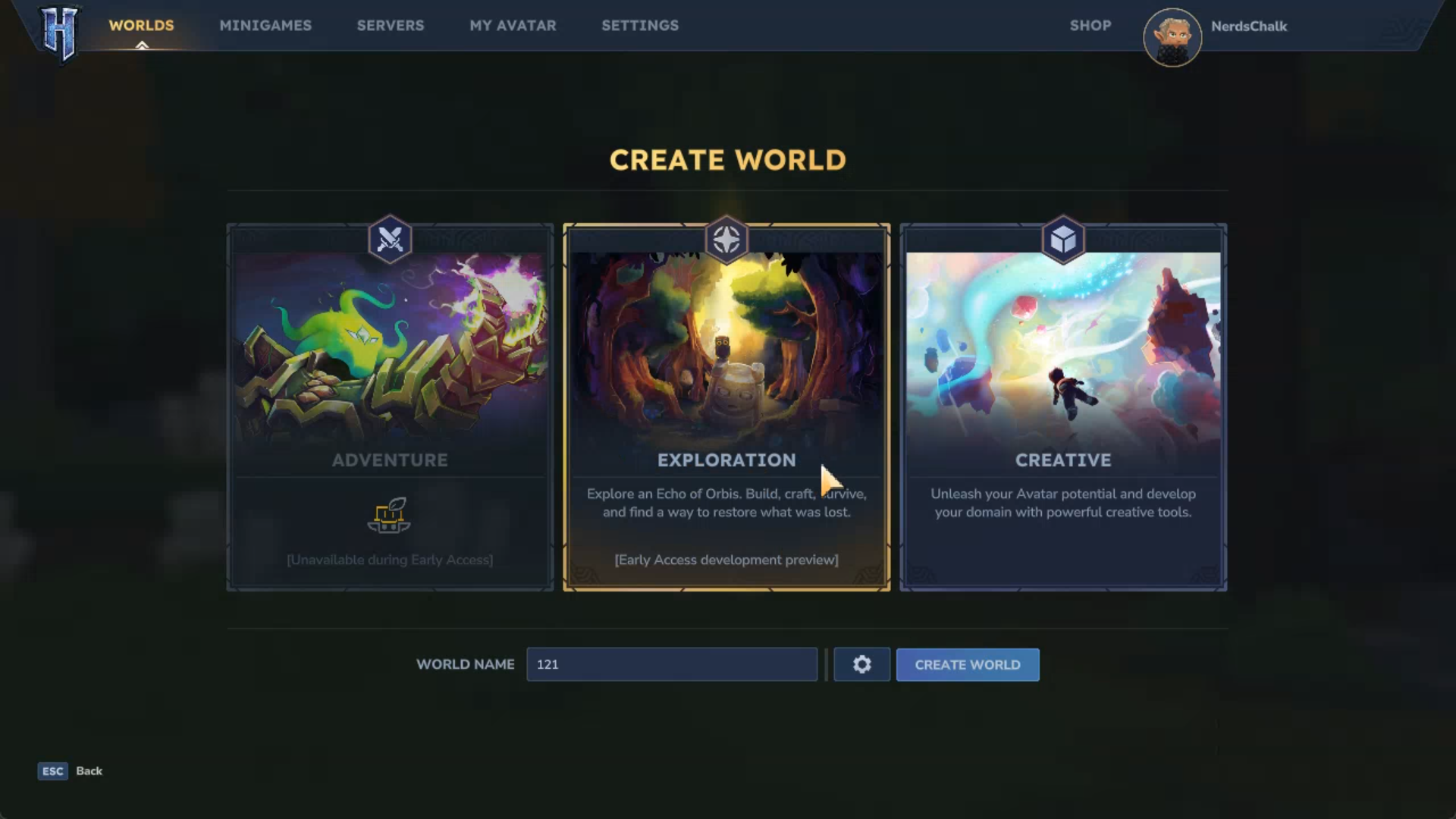
Start a new World or go to the Worlds tab to select a saved one.
Step 2
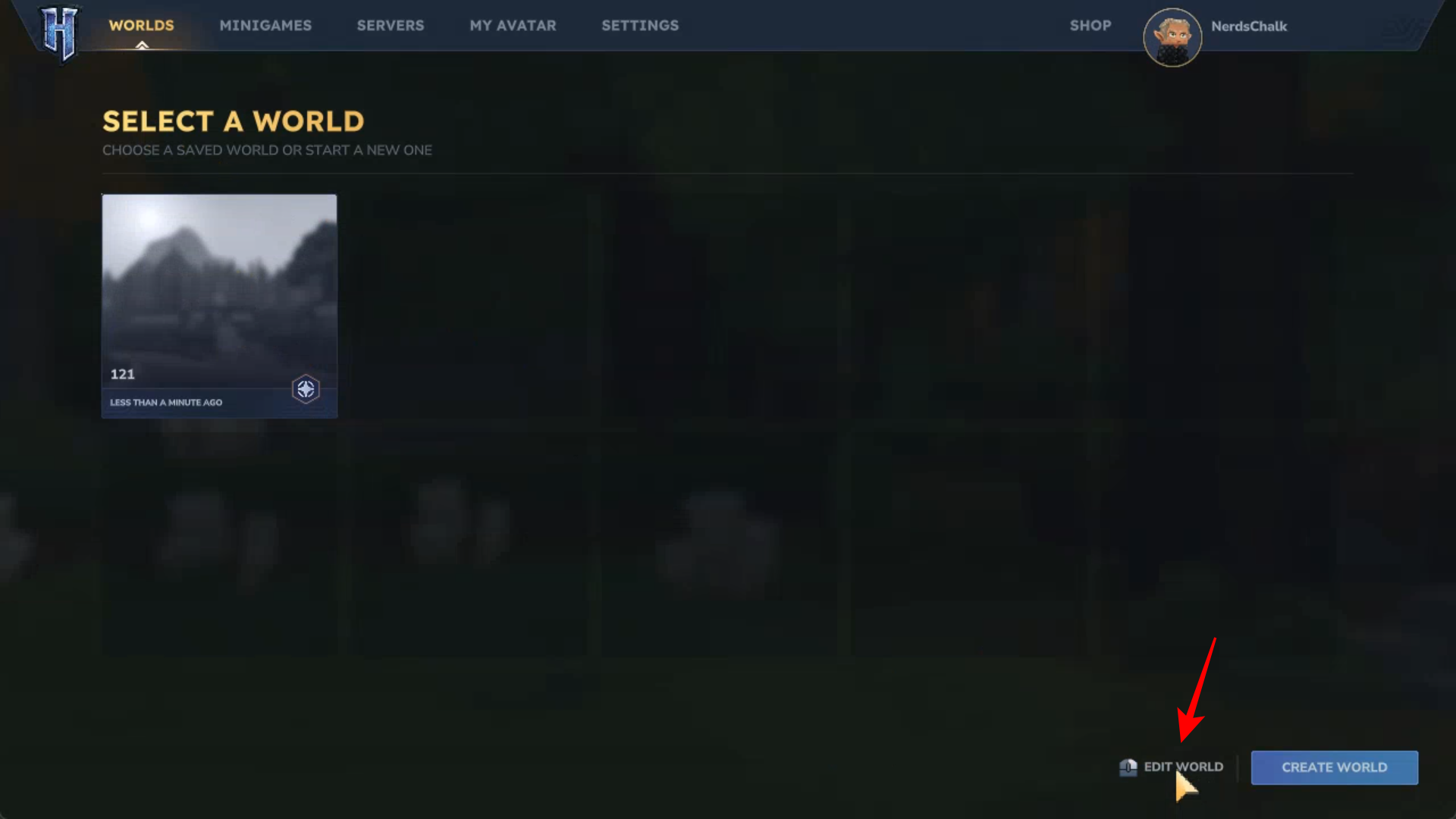
Right click on a saved world. Or click on the Edit World option in the bottom right corner.
Step 3
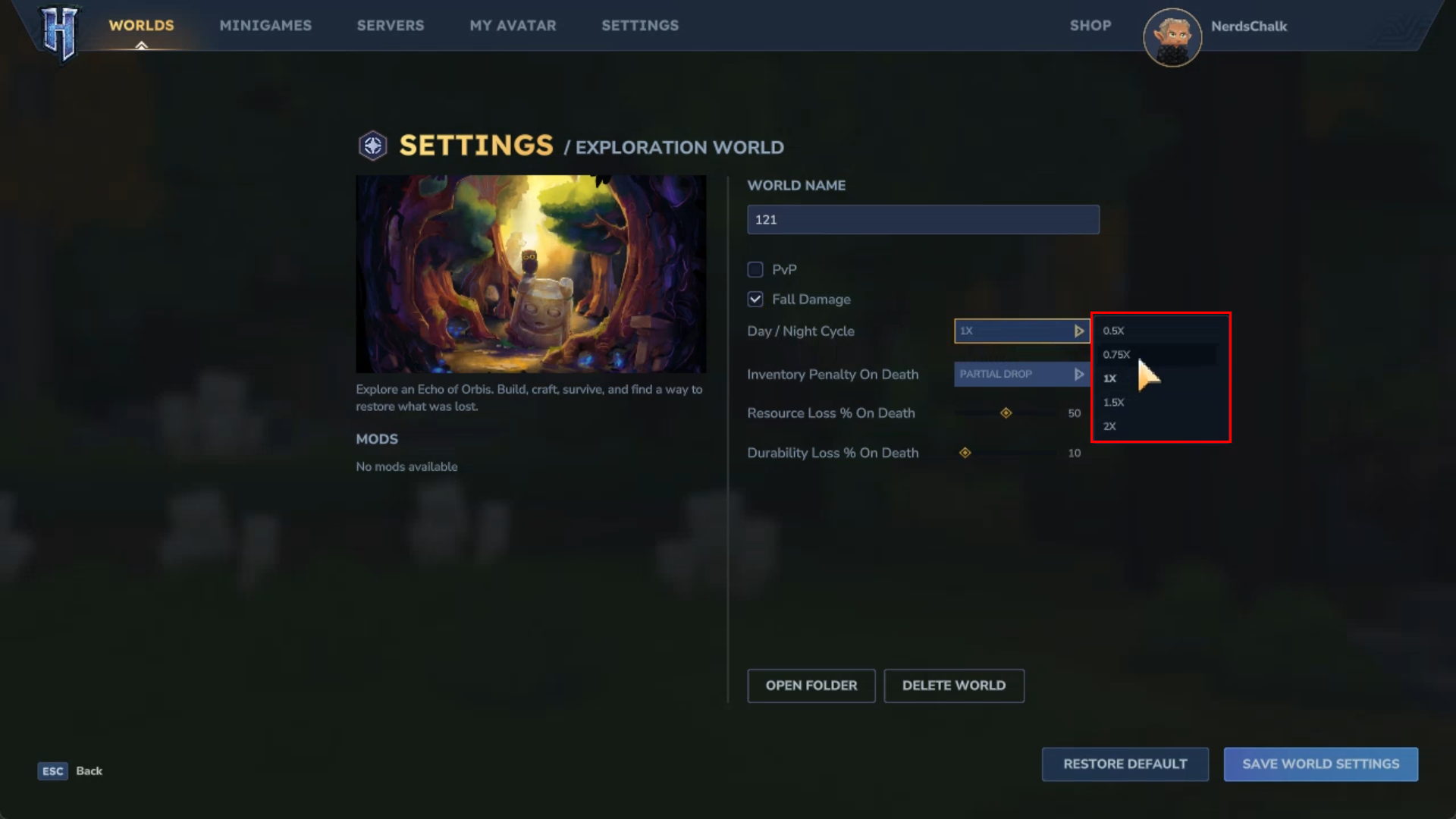
In the Settings menu, find the Day/Night Cycle option. Click on it to expand the available options.
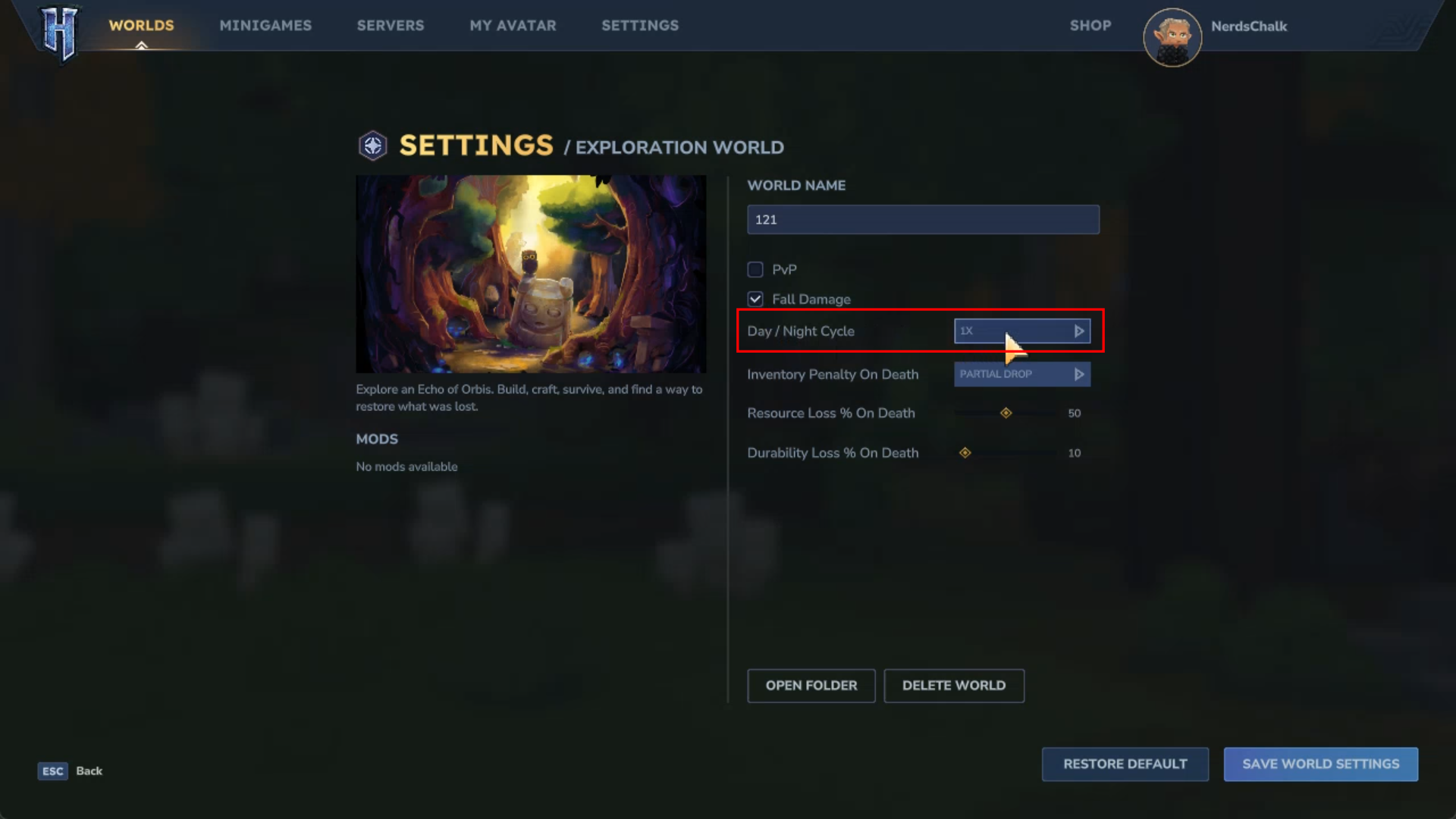
You’ll get the following options for the speed of the day/night cycle:
- o.5x
- o.75x
- 1x (Default)
- 1.5x
- 2x
Step 4
Once selected, click on Save World Settings.
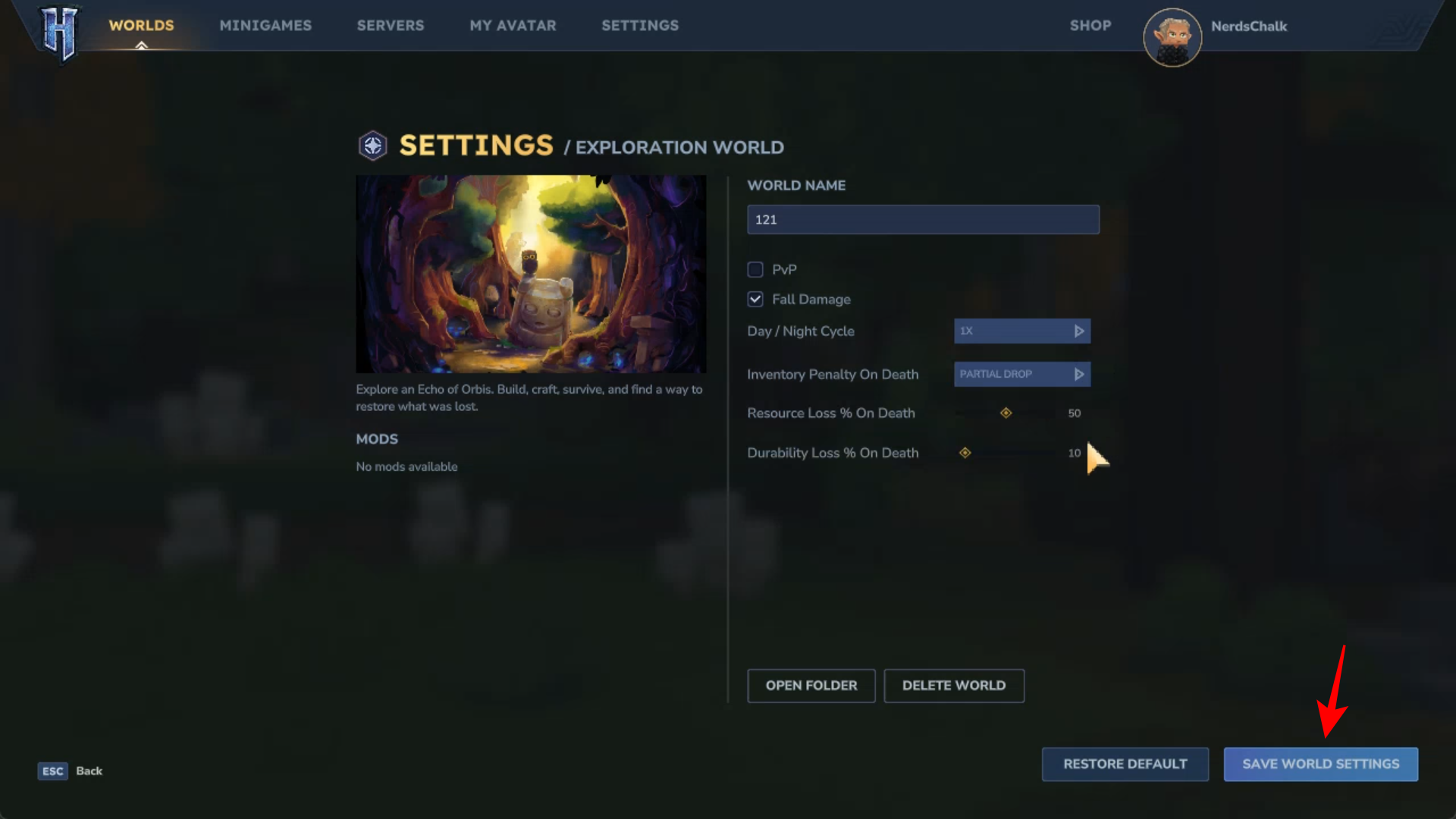
And that’s it! You have now changed the speed of the day/night cycle of your world in Hytale.



