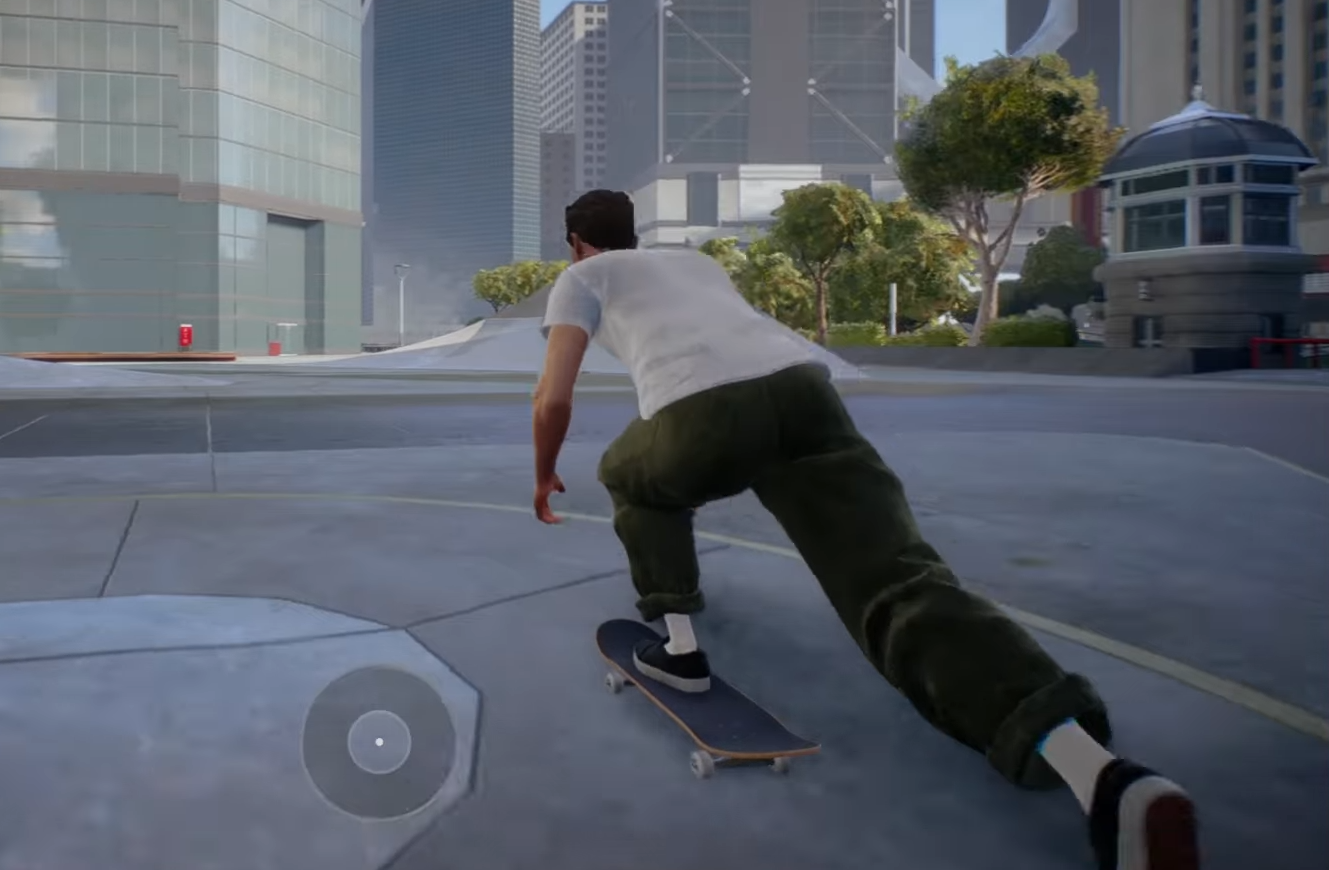
A clear view can make all the difference when skating through San Vansterdam.
What to know
- Camera angle settings are found under Gameplay in the Hub menu.
- Options differ for on-board and off-board perspectives.
- Adjustable elements include Field of View (FOV), framing, offset, pitch, and follow strength.
- Presets like high and low angles offer quick ways to change the default perspective.
Skate 4 offers players the flexibility to adjust camera angles and settings to optimize their skateboarding experience. Whether the default angle feels too low or the view feels off, these settings allow customization for better visibility and smoother gameplay.
How to change camera angle in Skate 4
Here’s a step-by-step breakdown of how to adjust your camera angle.
Step 1
Open the Hub menu by pressing ESC (on PC) or the menu button on your controller.

Step 2
Go to Settings.

Step 3
Select Gameplay.

Step 4
Scroll to the Camera section. This is where you’ll see options for both on-board and off-board views.

Step 5
Choose your camera framing. Select between “High” and “Low” angles:
- High angle = wider perspective, more awareness of surroundings.
- Low angle = closer to the board, classic Skate look.

Step 6
Fine-tune the advanced options to suit your needs:

- Field of View (FOV): Wider FOV shows more of the world, while narrow keeps focus closer.
- Camera Framing: Adjusts how centered your skater appears.
- Offset and Pitch: Move the camera position and tilt for comfort.
- Follow Strength: Controls how smoothly the camera tracks your movement.
Step 7
Test the settings by skating around. Try flips, grinds, and off-board runs to see how the view adapts.

Step 8
Return to the menu if necessary and tweak until the view feels natural.
Recommended camera settings
The table below shows some commonly used starting points:
| Setting | Recommended Value | Notes |
|---|---|---|
| On-board Horizontal Follow Strength | 5 (default) | Smooth horizontal camera tracking |
| On-board Vertical Follow Strength | 5 (default) | Smooth vertical camera tracking |
| On-board Field of View (FOV) | +75 to +80 | Wider view without distortion |
| Camera Framing | High | Higher camera angle for clarity |
| Maintain Camera Distance | Off | Camera distance fixed for stability |
| On-board Camera Offset | Around 4 | Adjust camera horizontal position |
| Off-board Horizontal Sensitivity | 30 | Controls off-board camera movement |
| Off-board Vertical Sensitivity | 30 | Controls off-board camera movement |
| Off-board Field of View | Around +85 | Widen off-board view |
Turning off “Maintain Camera Distance” on the on-board camera lets you adjust the FOV without the camera moving closer or farther from the skater. This setup balances visibility and camera smoothness, helping to land tricks more reliably.
How to toggle camera views quickly
Alternately, you can switch camera perspectives during gameplay by pressing both joysticks/buttons simultaneously on the controller. This quick toggle can switch between high and low angles, helpful for adapting on the fly without entering menus
Changing the camera angle can improve both immersion and performance, making skating smoother and more enjoyable. A higher FOV and elevated camera framing allow better peripheral vision, letting you see rails, obstacles, and landing spots clearly to land trick combos successfully. Smooth follow strengths prevent jittery camera movements, ensuring focus on control and precision during complex tricks. Experiment with key settings outlined here to find the right balance for your style and gameplay preferences.