
What to know
- GitHub now supports Claude by Anthropic and OpenAI’s Codex as coding agents in public preview for Copilot Pro+ and Copilot Enterprise users.
- Developers can invoke these agents inside GitHub.com, GitHub Mobile, and Visual Studio Code, with Copilot CLI support coming later.
- This is part of GitHub’s Agent HQ initiative to let you run multiple AI agents seamlessly within your workflow.
- The goal is to reduce tool switching and let you compare different AI agent answers on issues or pull requests from a unified interface.
GitHub has expanded its AI capabilities by adding Claude (from Anthropic) and OpenAI’s Codex as coding agents that you can now use directly inside the GitHub platform and supported clients. These agents are available in public preview for developers who subscribe to the Copilot Pro+ or Copilot Enterprise plans.
With this change, you can start AI agent sessions and assign tasks to Claude or Codex from places like issues, pull requests, the dedicated Agents tab in repositories, GitHub Mobile, and Visual Studio Code. These sessions are designed to work smoothly across devices and interfaces so you don’t need to juggle separate tools.
This release builds on GitHub’s Agent HQ vision — a central hub where developers can choose from multiple AI agents (including GitHub Copilot, Claude, or Codex) and run them on tasks within your development workflow. The idea is to reduce friction and let you compare how different AI assistants handle coding work without leaving your environment.
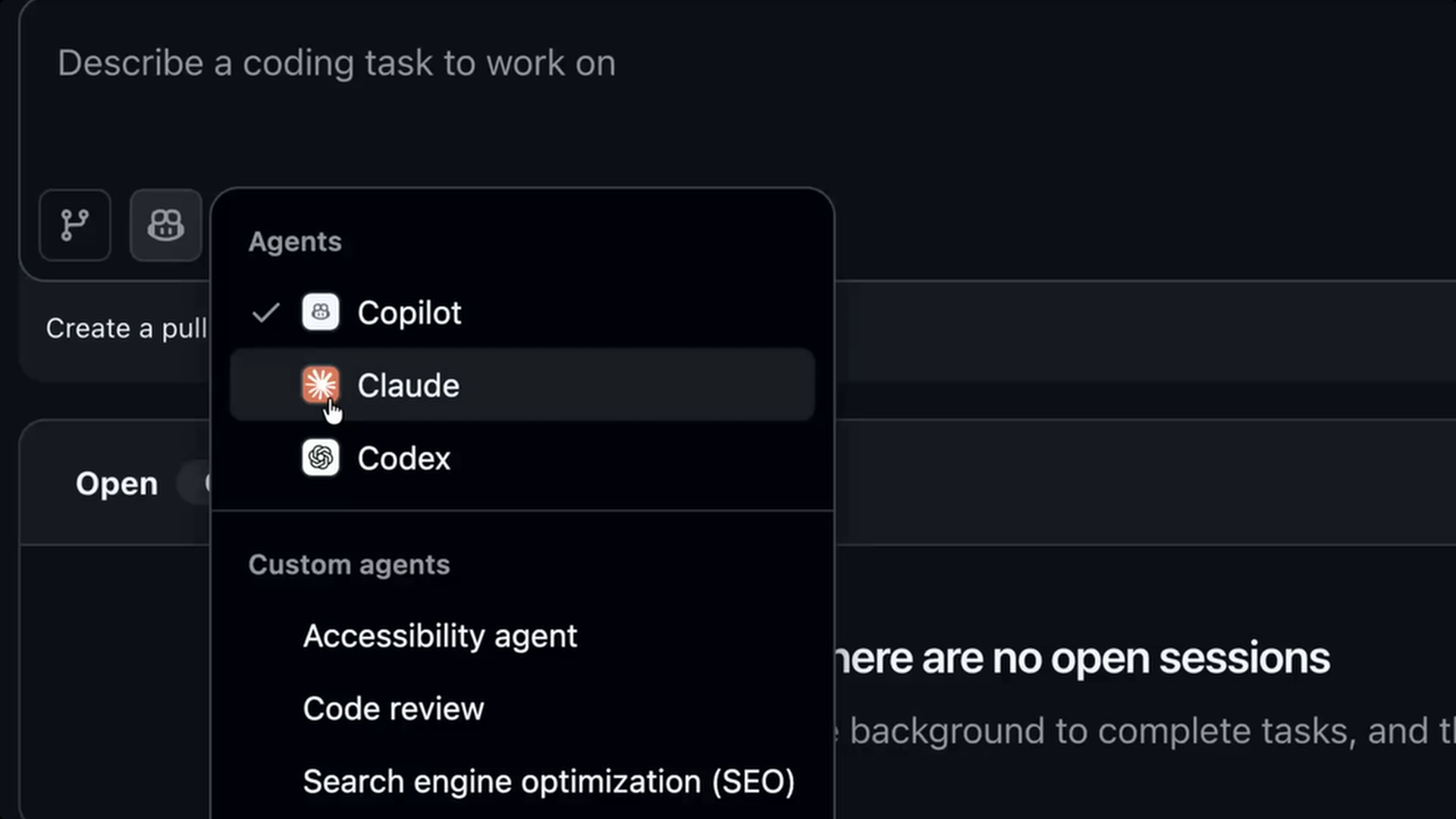
At launch, Claude and Codex are in public preview status, meaning they’re available for testing and feedback but may still be refined before general rollout. The support reflects GitHub’s broader strategy to integrate multiple partner AI models and give developers flexible, native AI tooling that lives alongside your code.
How to access Claude and Codex previews on GitHub
To use either agent, you start from the same entry points but explicitly choose which model you want to run. In repositories that support Agent HQ, you can open the Agents panel and select Claude or Codex before starting a session. Once selected, all prompts in that session are handled by the chosen agent until you switch or end it.
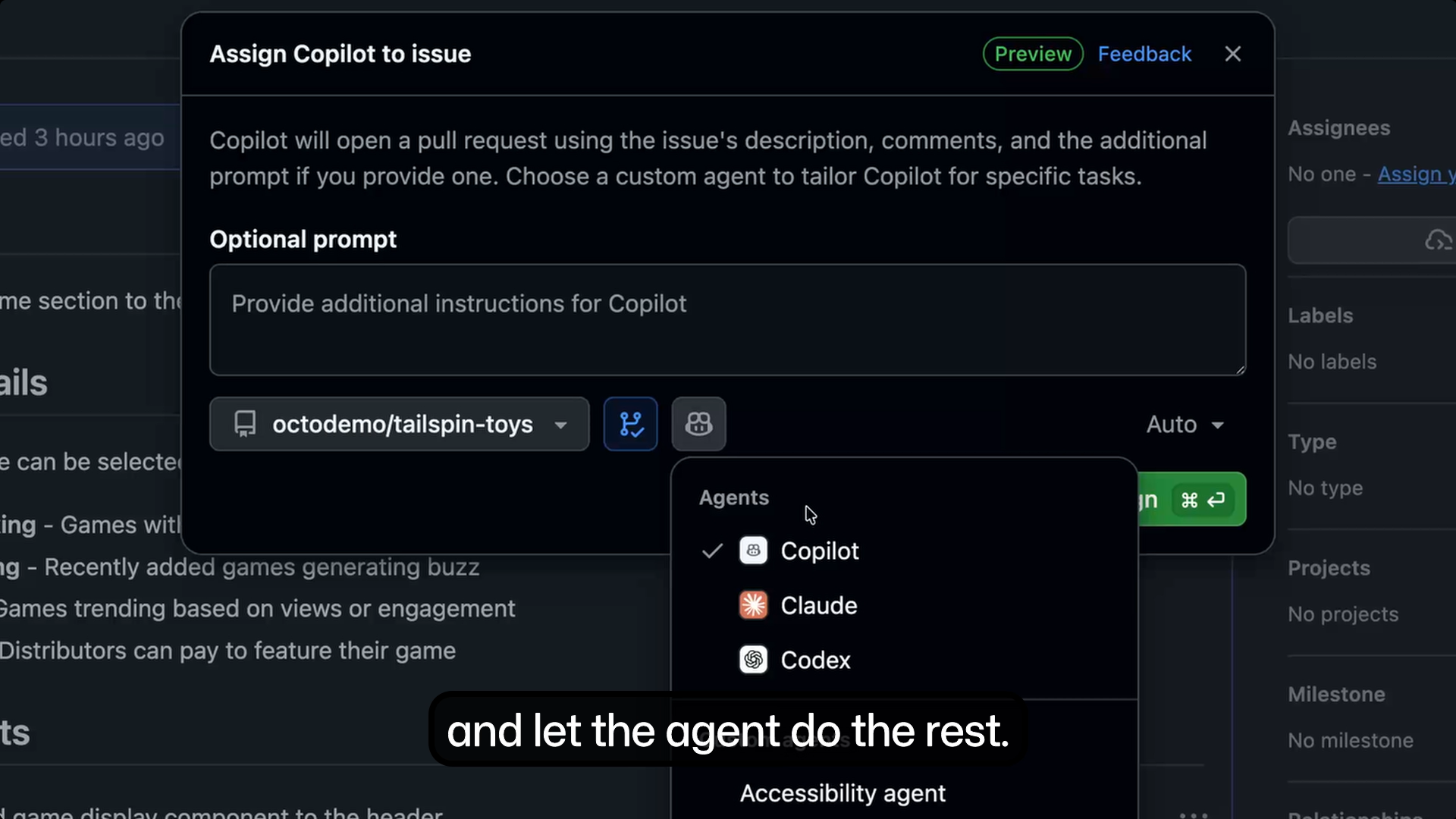
On GitHub.com, you can access both agents from issues and pull requests by clicking the agent selector and choosing Claude or Codex. In Visual Studio Code, the same selector appears within Copilot-enabled views, allowing you to pick the agent before assigning tasks or asking questions. GitHub Mobile also supports agent selection, making it possible to review or continue agent-run tasks on the go.
Claude and Codex are enabled independently, so you can switch between them on a per-task basis rather than committing to a single model. This design reflects GitHub’s intent to make AI assistance modular and adaptable to different development needs as the preview evolves.