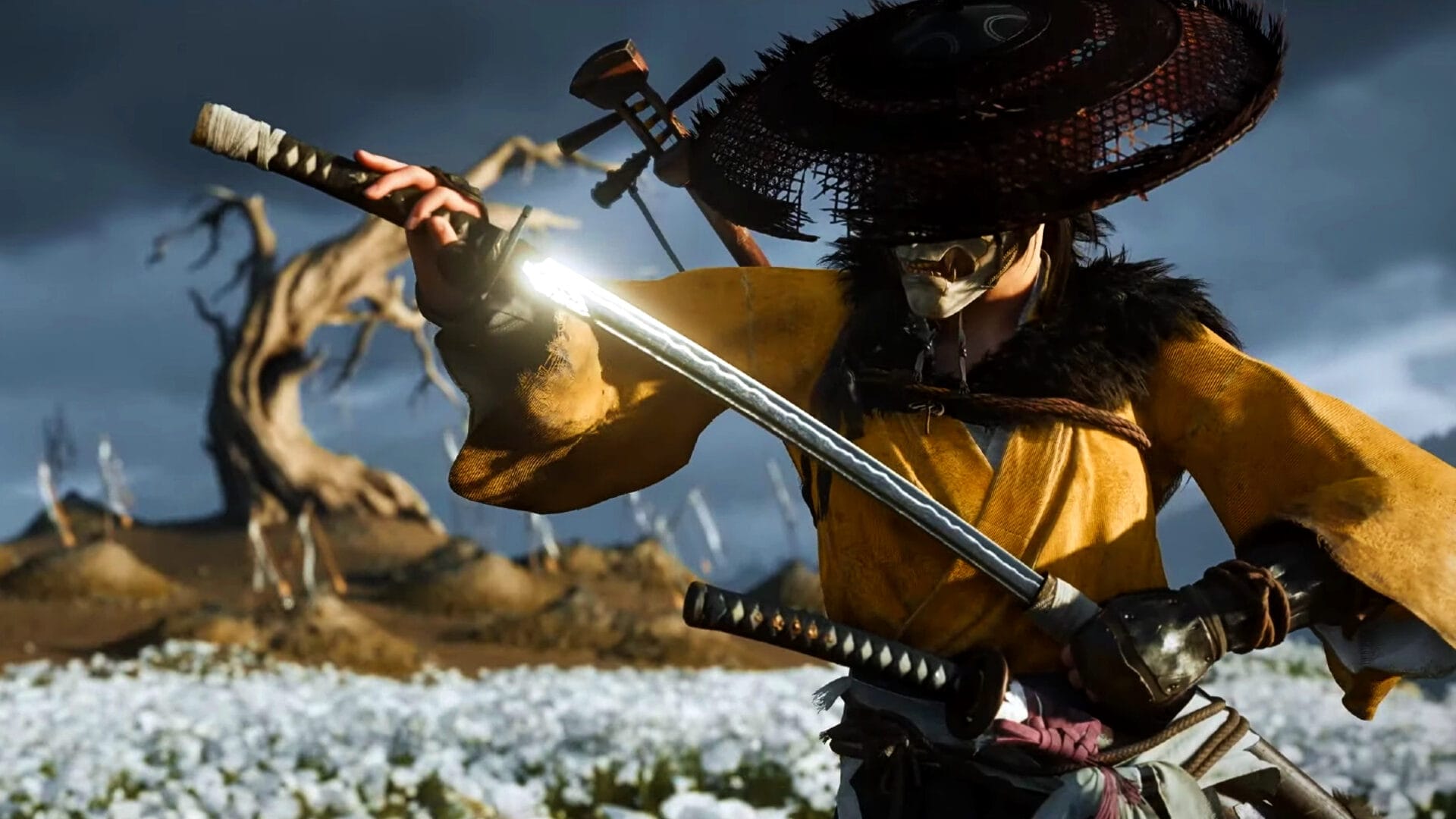
Quickly revert weapon stances in Ghost of Yotei by adjusting a specific accessibility setting within the game’s menu.
Switching between weapons quickly and efficiently can make a significant difference in battles throughout Ghost of Yotei. Many prefer holding a button for stance and weapon transitions rather than toggling to minimize accidental changes and improve responsiveness.
How to change weapon stances and switch weapons
Switching between weapon types is essential for matching your enemy’s defenses with the right offensive tool. This uses the R2 trigger in combination with one of the controller’s face buttons, each mapped by default as follows:
| Weapon | Button (Hold R2 +) |
|---|---|
| Katana | Square |
| Dual Katana | X |
| Kusarigama | Circle |
| Yari | Triangle |
| Odachi | L2 |
To switch:
- Hold R2, then press the corresponding button for the weapon you want to use.
- Release both buttons for immediate transition.
How to turn off toggle stances and weapons
Changing this setting takes only a few steps:
Step 1
Access the settings menu by pressing the options button (≡) or the Touch Pad on PlayStation 5.
Step 2
Use L1 or R1 to navigate to the “Settings” tab, then choose “Accessibility”.
Step 3
Locate “Simplified Button Holds” and toggle it off to disable toggle mode for stances and weapon switching.
Step 4
Exit the settings; stance and weapon selection will now require holding the appropriate button combination for switching rather than toggling.
Gamepad control schemes and limitations
Ghost of Yotei supports four preset control schemes – Default, Left-Handed, Melee Alternate, and Melee Alternate (Left Handed) – but individual input remapping isn’t available. It’s important to understand which buttons are assigned to each action within your chosen scheme. Weapon switching always uses a combination of R2 or an assigned shoulder button plus a face button, depending on scheme.