
What to know
-
You don’t “loot” Originium Powder directly early on; you produce it as an output item in your base/factory.
-
The Shredding Unit is the machine that converts Originium Ore into Originium Powder.
-
The Shredding Unit must be placed and powered, or it won’t run.
-
The quest often only completes after you use the claim button so the powder actually moves into your Backpack.
If you’re stuck on “Produce Originium Powder with the Shredding Unit and place it in the Backpack,” the powder is usually sitting in the machine output and hasn’t been claimed to inventory yet.
Common reasons it doesn’t work (and fixes)
| Problem | What it looks like | Fix |
|---|---|---|
| No power | Unit looks idle / won’t start | Place or reposition an Electric Pylon so the unit is powered. |
| Wrong machine | You used the Refining Unit instead | Use the Shredding Unit specifically for powder production. |
| Didn’t claim output | Powder shows in the unit panel but quest won’t update | Use “Claim All” so it goes into your Backpack. |
| No ore input | No production starts | Mine more Originium Ore and load it into the unit. |
Where you unlock it in progression
Originium Powder production is introduced during the early main mission flow (often during/after “Rally and Unite”), where you build up basic factory tools: Refining Unit → Origocrusts → Shredding Unit → Originium Powder.
How to get Originium Powder using the Shredding Unit
Step 1
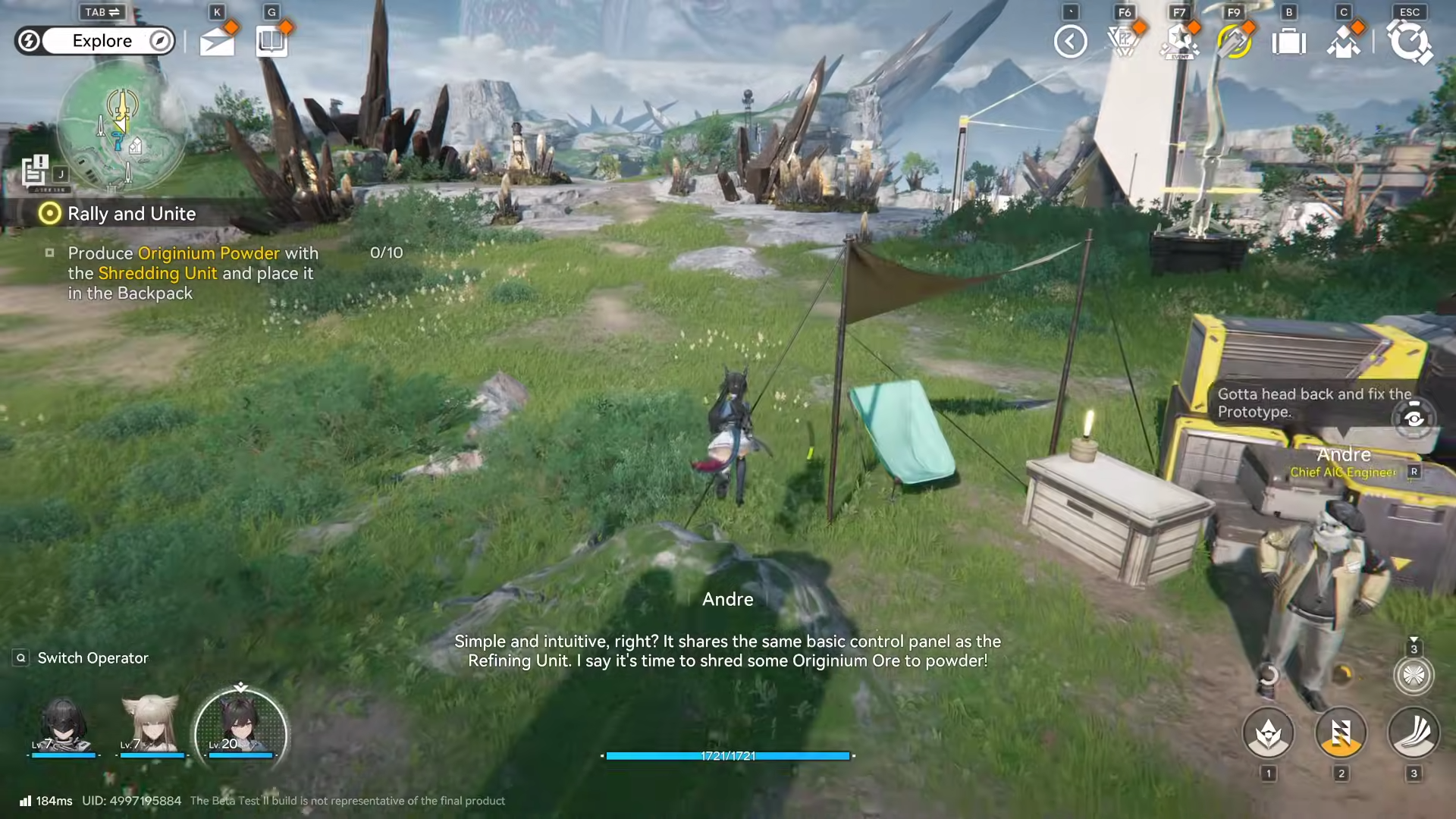
Progress the main story until you’re told to build or use the Shredding Unit (this is when the game expects you to start producing powders).
Step 2
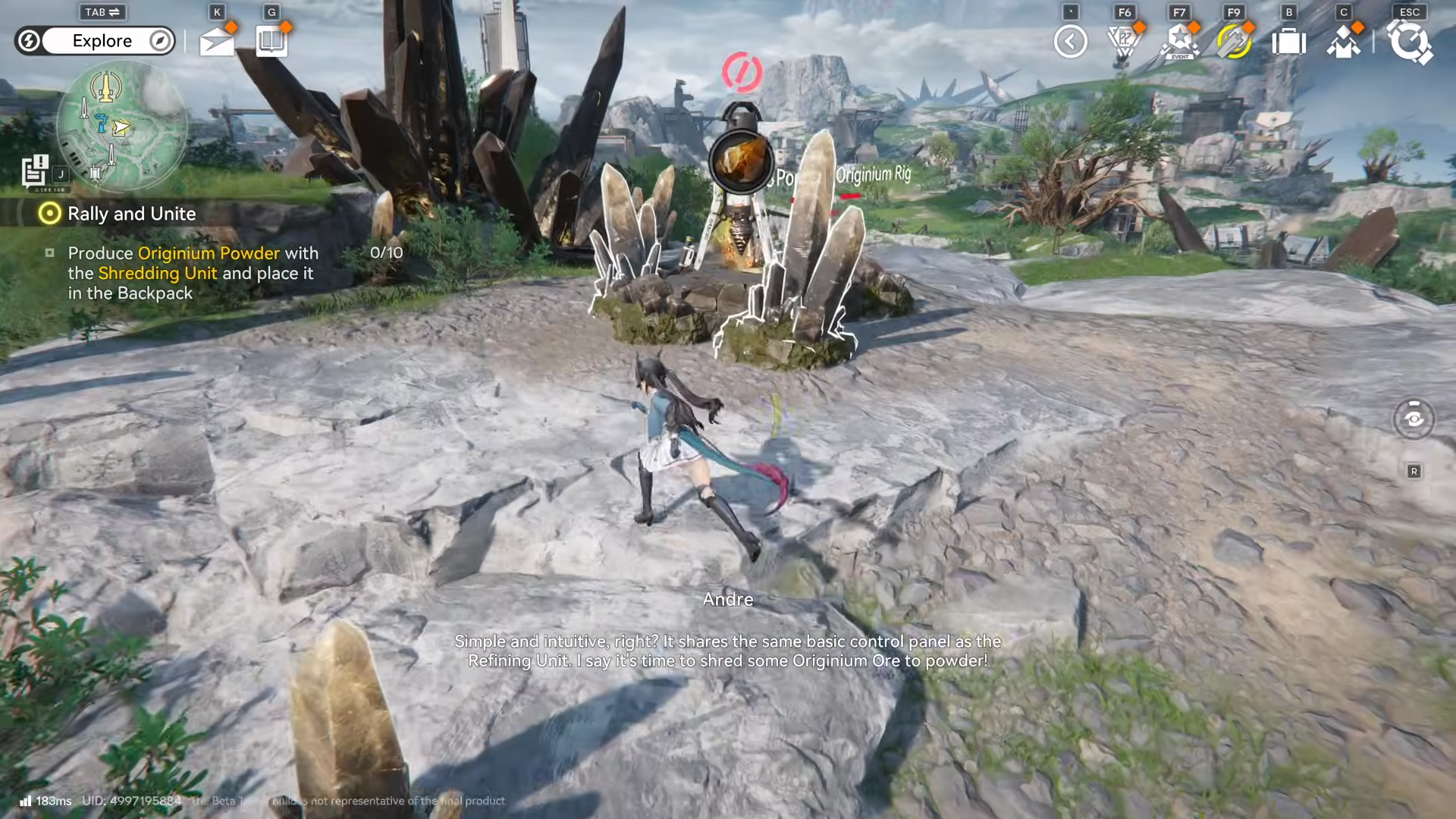
Get Originium Ore.
-
If you’re short, go to nearby Originium mining spots and mine a few pieces.
Step 3

Go to your base area (Core AIC Area / factory zone) and place the Shredding Unit if you haven’t already.
Step 4
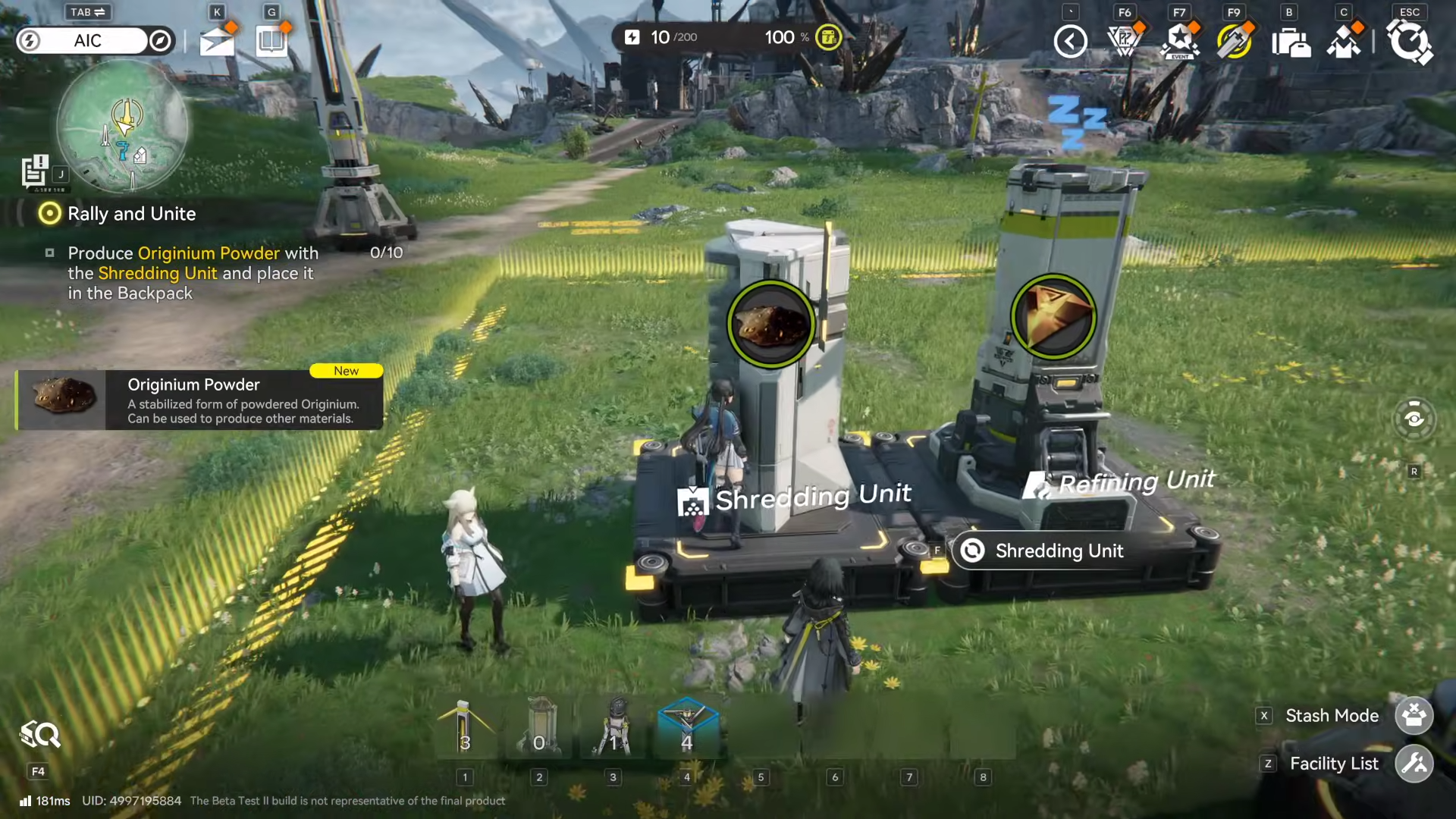
Power the Shredding Unit.
-
Place an Electric Pylon (or whatever your current power solution is) close enough that the unit shows as powered/active.
Step 5
Open the Shredding Unit control panel and load Originium Ore into the input.
Step 6
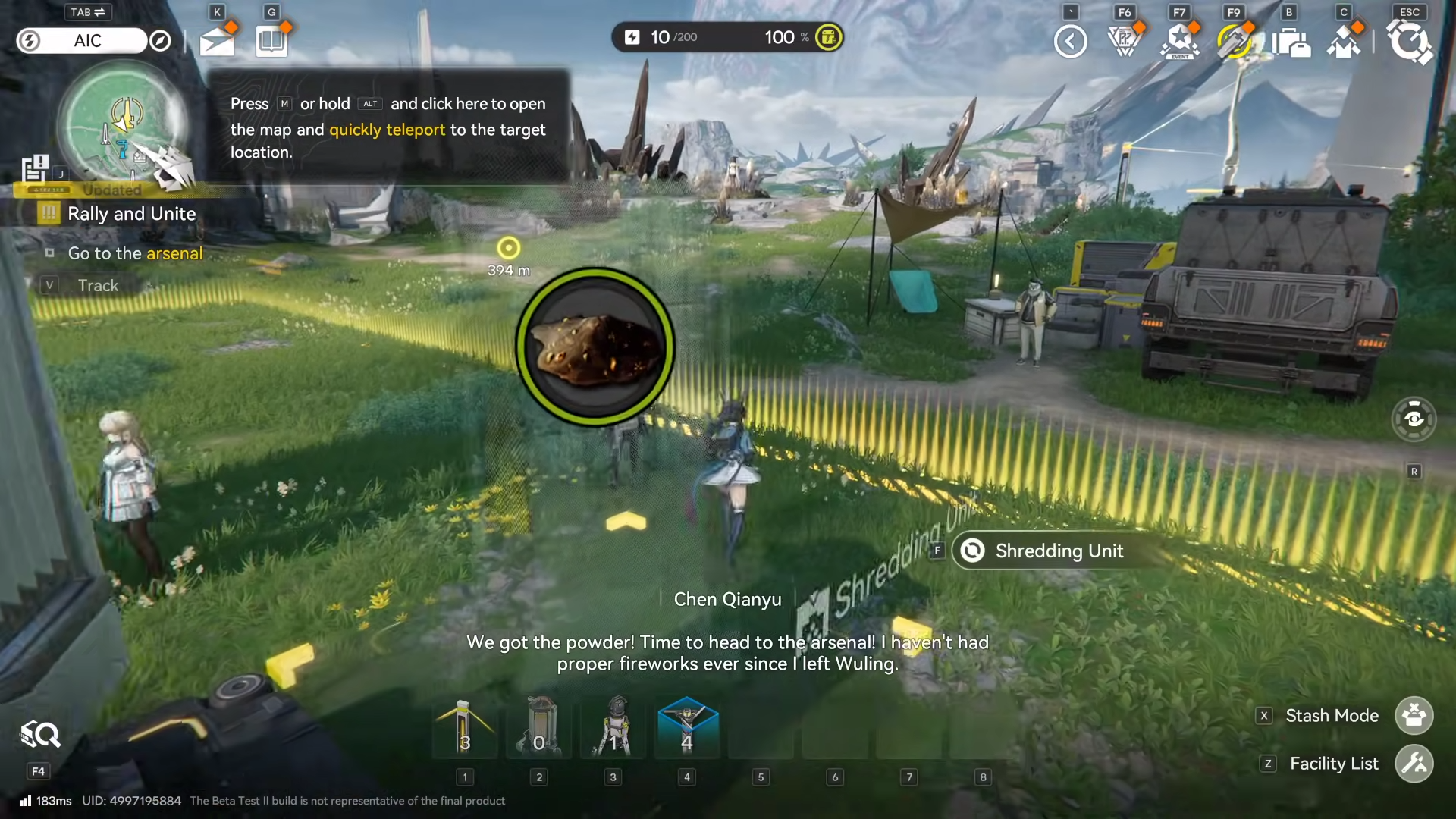
Start production and wait for Originium Powder to appear as the output.
Step 7
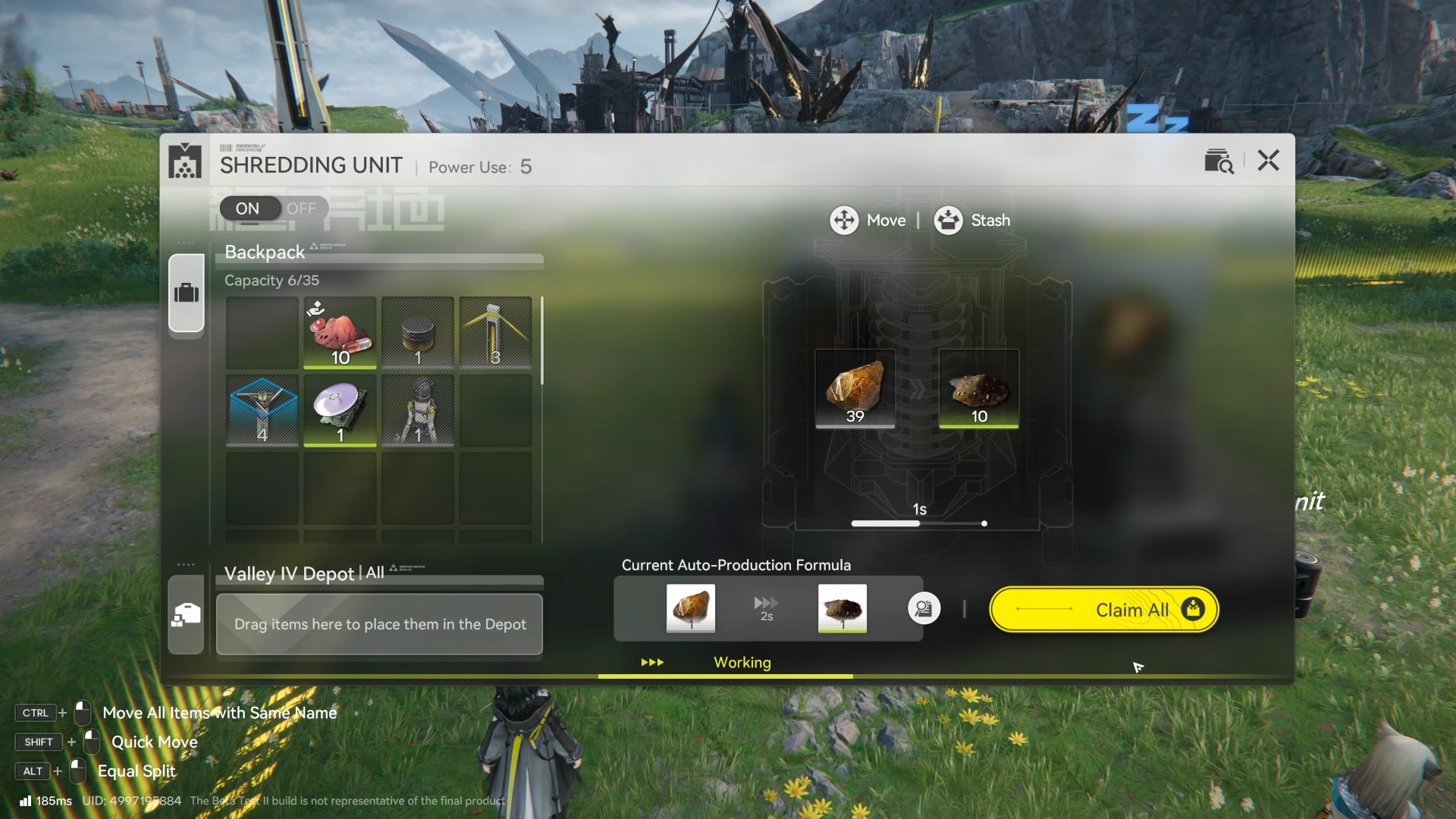
Press “Claim All” (or the equivalent claim button) to move the Originium Powder into your Backpack.
-
This is the critical step for the quest text “place it in the Backpack.”
Step 8

If it still doesn’t complete, close the panel, reopen it, and verify the powder count is now in your Backpack inventory (not only in the unit output).
How to use Originium Powder right after you get it
Early on, you’ll typically be asked to take the Originium Powder to an arsenal-related NPC/area so it can be used for an explosive or a quest-required craft, then you use that explosive to clear a blocked entrance.
Getting Originium Powder
To get Originium Powder reliably, follow the simple chain: mine Originium Ore → place and power the Shredding Unit → shred the ore → claim the powder into your Backpack.